- Age rating4+
- CategoryProductivity
- DeveloperAndreas Link
- LanguagesGerman+ 7 more
- Size5.7 MB
Links to the official App Store page
Download.org hosts no file of OdaViewer. The button opens its official App Store page, published by Andreas Link. Listing last checked on Nov 22, 2026.
Screenshots

About
The companion for Oda on the Mac.
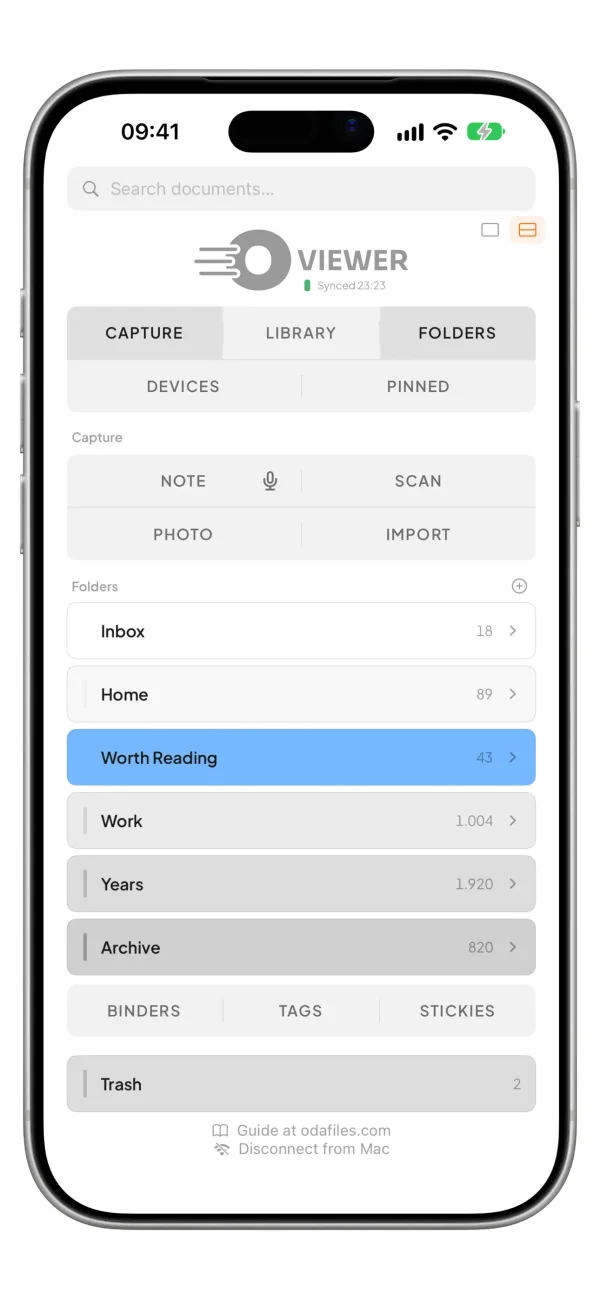
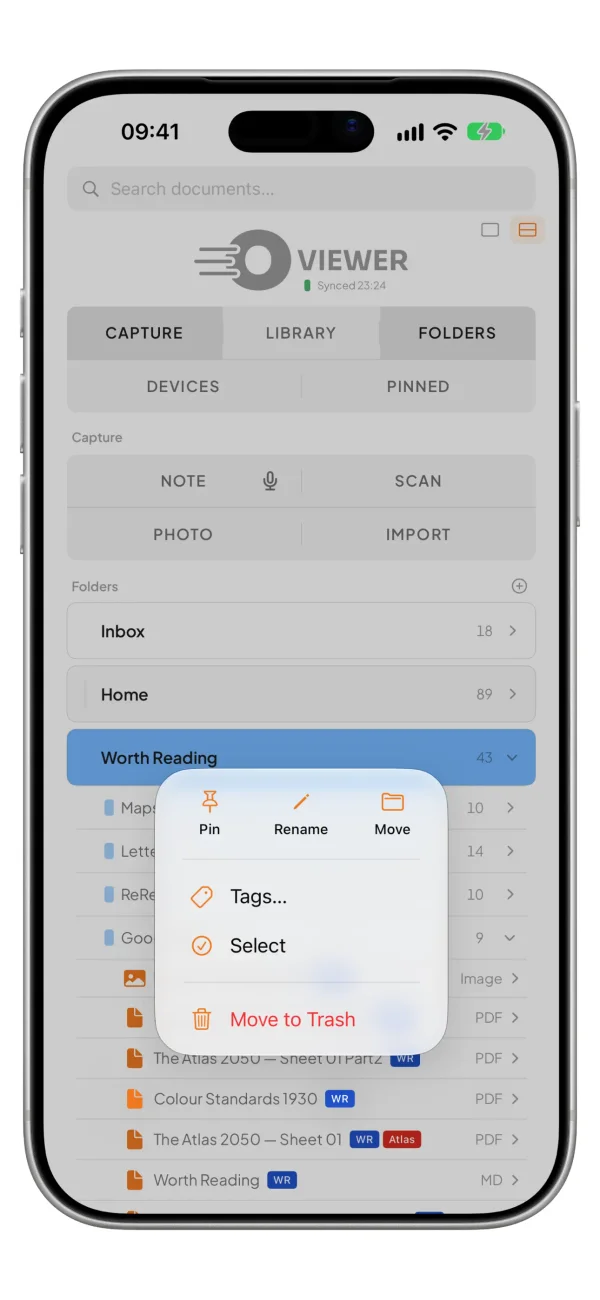
OdaViewer brings your Oda archive to iPhone and iPad. Browse your folders, search across everything, and preview your documents — the same structure you keep on your Mac.
And now it writes back. Notes aren't read-only anymore: write them, edit them, tick things off, in the same editor you have on the Mac. Same format bar, same headings, same checklists. Tap into a note to write, swipe the keyboard down to read it as a clean page. Dictation works inside lists — dictate an item, say return, dictate the next one. It's the same note on both machines.
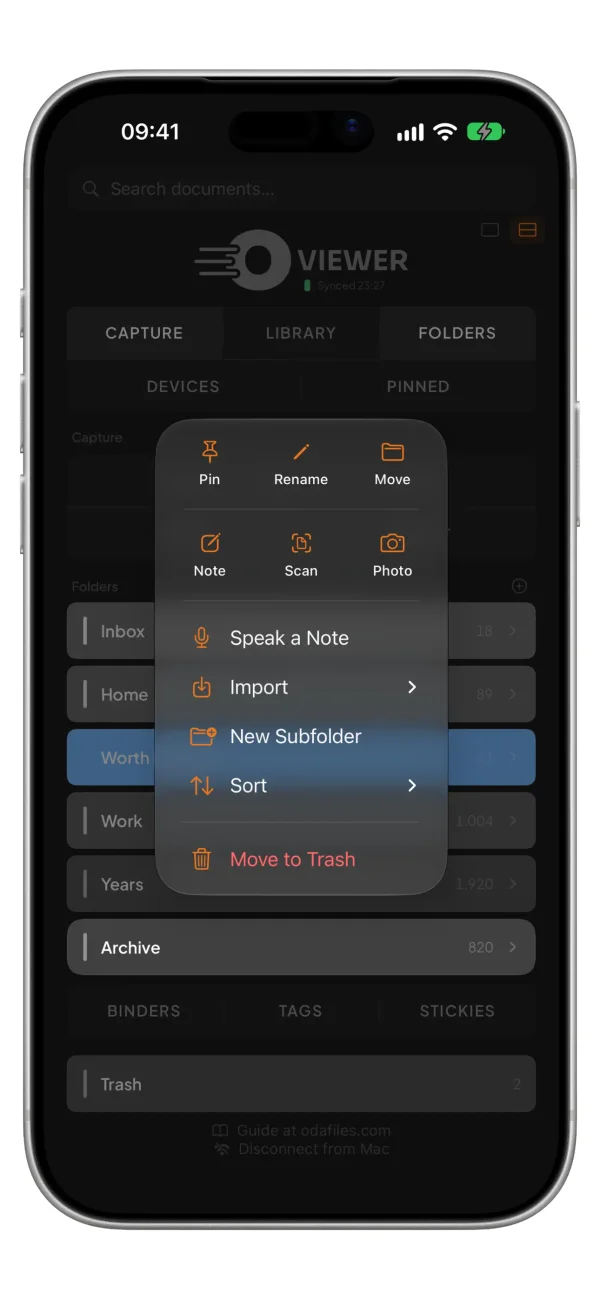
It also captures. Scan a document, pick a photo, grab a file, write a note, or share a PDF straight from another app. OdaViewer holds it until your phone and Mac meet on your local network, then sends it over — where it's waiting on your Mac for you to file. What you capture stays visible under Captured until it's filed. A capture you can't lose.
Everything syncs over your local Wi-Fi with Bonjour. No cloud, no account — your documents stay between your own devices.
— Write and edit notes, on the device
— Browse, search, and preview your whole archive
— Capture: Scan, Note, Photos, Files, and share from other apps
— Library, Tags, Stickies, and Binders, matching your Mac
— Local sync over Bonjour — no cloud involved
Requires Oda for Mac. Sync needs both devices on the same local network.
What’s new
Version 1.10.2 · Nov 15, 2026
Mail opens right in OdaViewer. Subject, sender and date at the top, the message below, with its pictures and links. Long replies read as paragraphs again, quotes stay quotes. Attachments open with a tap, and photos sent along appear under the text. Nothing is loaded from the internet: tracking pixels stay blocked, and a link opens in Safari only when you tap it.
App privacy
What Andreas Link declares on the App Store about how this app handles data.
-
Data not collected
The developer does not collect any data from this app.
Privacy practices may vary, for example with the features you use or your age.
Information
- Seller
- Andreas Link
- Category
- Productivity
- Version
- 1.10.2
- Updated
- Nov 15, 2026
- Released
- Apr 17, 2026
- Size
- 5.7 MB
- Requires
- iOS 26.2 or later
- Age rating
- 4+
- Languages
- German, English, French, Italian, Japanese, Dutch, Portuguese, Spanish
- Copyright
- © 2026 Oda
You might also like
-
 Scn3R – Scan to Paperless-ngxOCR scanner, Nextcloud & NAS
-
 ArchivistAI powered document archive
-
 Papr – Dokumente & BelegeProductivity
-
 Paperworks: DokumentenscannerProductivity
-
 SecureDoc: Document ScannerOffline PDF scan & ID expiry
-
 AlistiaProductivity
-
 TaskLens - AI Productivity HubAI Tasks, Habits, AI Reminders
-
 Vocapa - Capture & Share NotesPush-to-Record Quick Memos
-
 Metriso: Vacation CountdownDays Until Event & Widgets
-
 ZimeZumiVisual Notes & Knowledge