
OdiMeet - audio AI notes
Private AI recorder & notes
Designed for iPhone
In-app purchases
- Age rating4+
- CategoryProductivity
- DeveloperJiayan Lin
- LanguagesTraditional Chinese+ 1 more
- Size29.0 MB
Links to the official App Store page
Download.org hosts no file of OdiMeet - audio AI notes. The button opens its official App Store page, published by Jiayan Lin. Listing last checked on Nov 11, 2026.
Screenshots
About
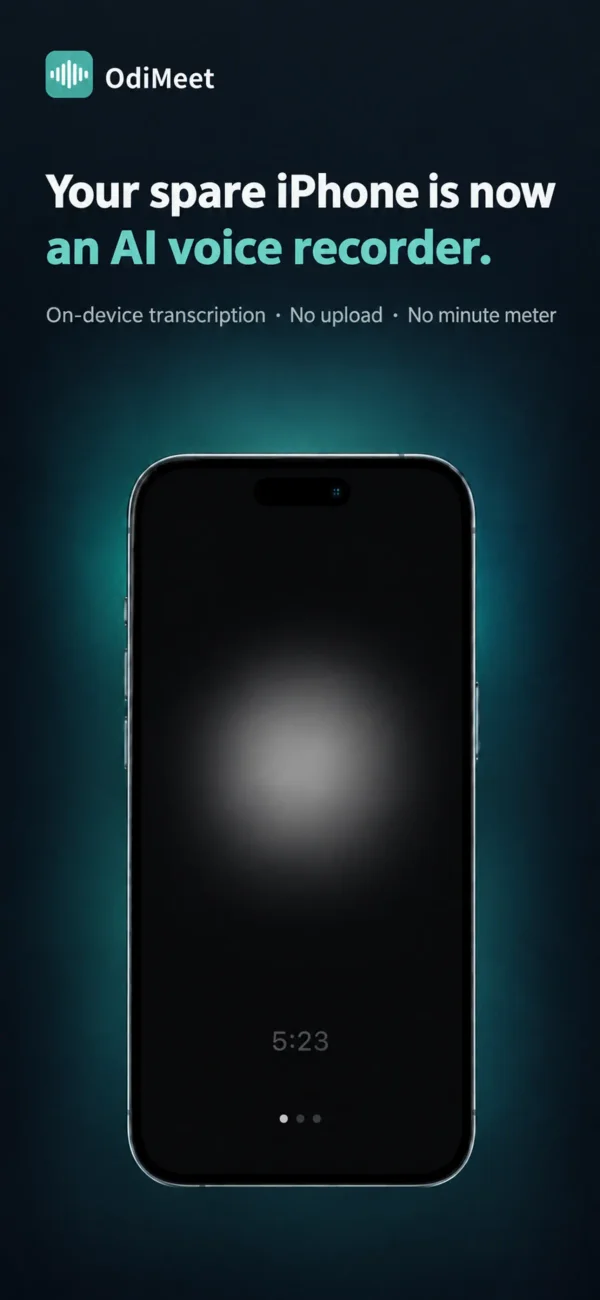
Your spare iPhone is now an AI voice recorder — and your audio never leaves it.
OdiMeet records meetings on any iPhone, or imports files from the voice recorder you already own, and turns them into a transcript, live notes and a final summary. Transcription runs entirely on the phone. Summaries and Ask AI use your own Gemini or OpenAI API key. There is no account, no server and no per-minute meter.
RECORDER MODE
• Turn a spare iPhone into the meeting recorder: 48 kHz WAV, keeps recording with the screen locked, resumes after calls.
• Stealth mode: black screen at minimum brightness with a faint breathing light. Tap to see the timer and controls.
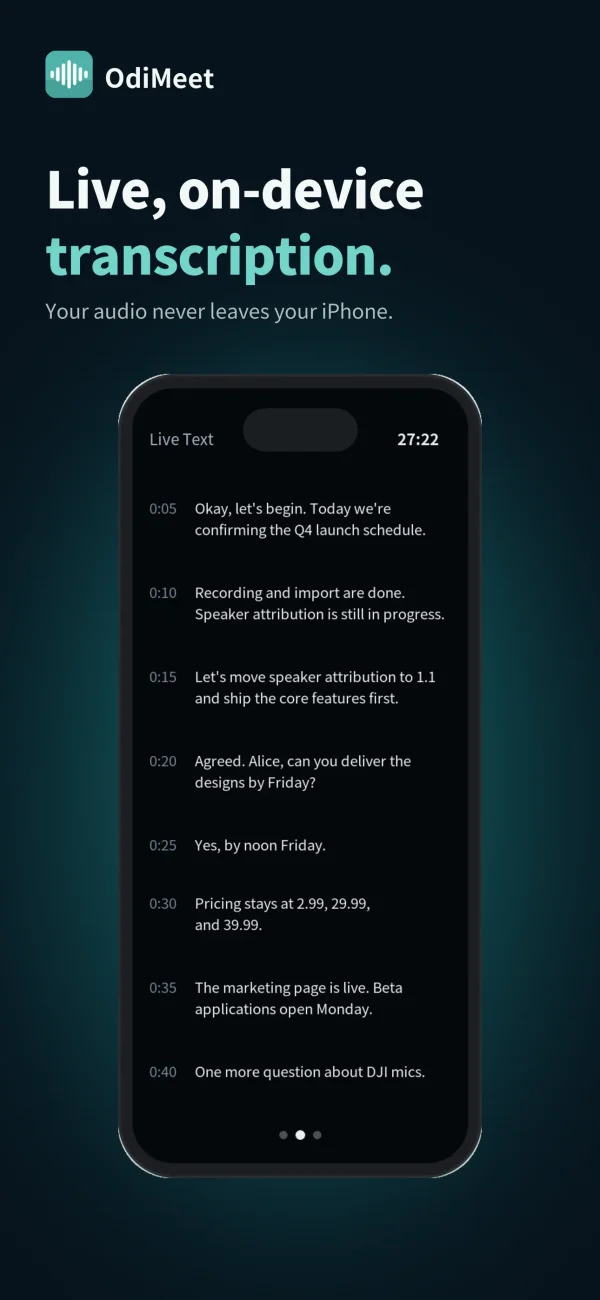
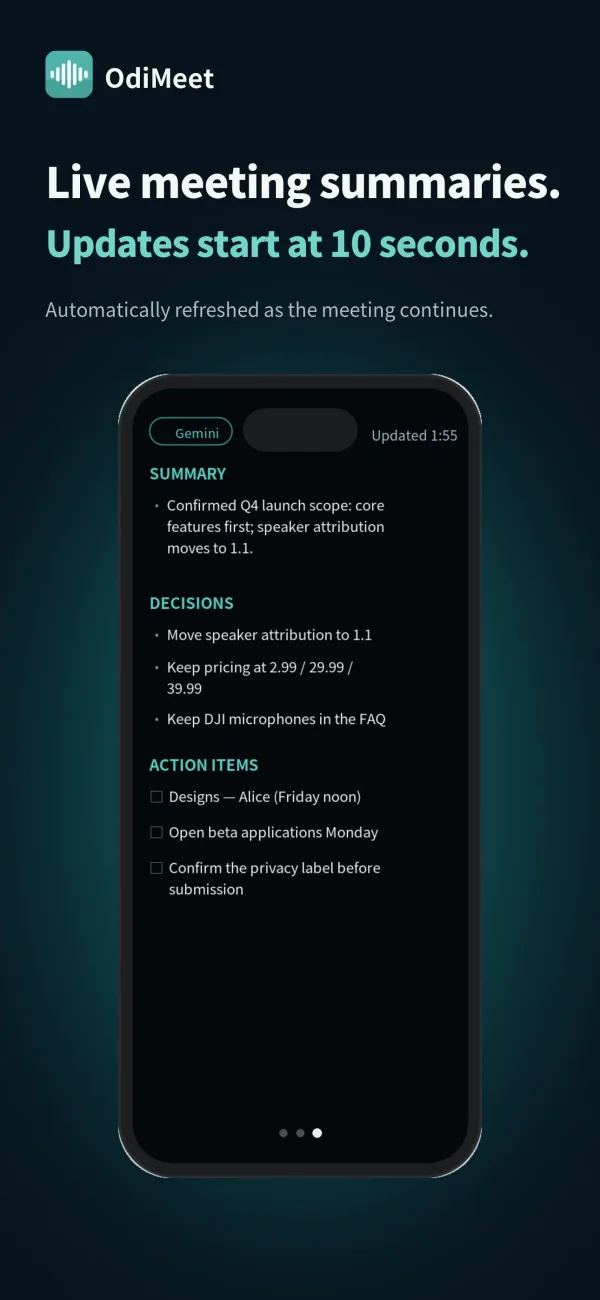
• Live text mode (the default): watch the transcript appear as people speak; swipe for full-screen text and the live summary.
WHO SAID WHAT — MEASURED, NOT GUESSED
• Two iPhones: one in front of each speaker, paired over Wi-Fi and Bluetooth, recording in sync. Whichever phone is louder is the person talking — 12–17 dB of separation in our tests — and the transcript is labelled automatically.
• One iPhone + a wireless lavalier set (DJI Mic Mini and RØDE Wireless Micro tested and certified): each transmitter becomes one speaker's track. Plug the receiver into the iPhone; the only setting is Stereo / Split in the maker's app.
• Rename speakers in the merged transcript.
IMPORT FROM ANY RECORDER
• Sony, Olympus, Tascam, Zoom, wireless-mic transmitters, Voice Memos, files exported from any app.
• Plug the recorder into USB-C and pick the file in Files, or share a file to OdiMeet.
ON-DEVICE TRANSCRIPTION
• Apple's on-device speech engine (iOS 26) — instant, no download, great for English and many languages.
• SenseVoice (optional download) — the most accurate engine for Mandarin, Cantonese, Japanese and Korean, and fast even on CPU.
• Auto-detect the language or choose it. Word-level timestamps.
SUMMARIES WITH YOUR OWN KEY (optional)
• Add your Gemini or OpenAI API key once. While recording, running notes update every 30 seconds and the summary is rewritten every 5 minutes from the raw transcript.
• After the full transcript is ready, a final summary of record is generated. Optionally fact-check it with Google Search (Gemini).
• Ask AI: ask questions about the meeting right below its final summary — answers come from the transcript and summary, with times. Ask for changes to the summary, review the suggestion, and apply it in one tap; undo any time.
• Transcript text goes directly from your phone to Google or OpenAI with your key, only after you allow it. Audio never leaves the phone.
YOURS TO KEEP
• Copy any tab in one tap. Export TXT, Markdown, SRT, VTT or JSON.
• Recordings are plain WAV files visible in the Files app. No lock-in.
PRIVACY BY ARCHITECTURE
• No account. No OdiMeet servers. App Store privacy label: Data Not Collected.
• Audio and transcripts stay on the device. The only network access is the optional model downloads and the summary text you send with your own key.
• Pairing two iPhones uses the local network only (Wi-Fi / Bluetooth via Multipeer) — no internet, no server.
Requires iOS 26. Recording laws vary by jurisdiction — please obtain any consent required where you record.
PLANS
90-day free trial, then Monthly (US$2.99), Yearly (US$29.99) or a one-time Lifetime purchase (US$39.99). Every plan includes all features; subscriptions renew automatically unless cancelled at least 24 hours before the end of the period, and can be managed in Settings › Apple ID › Subscriptions. Prices in USD; local pricing may vary.
Terms of Use (EULA): https://www.apple.com/legal/internet-services/itunes/dev/stdeula/
Privacy Policy: https://odimeet.app/privacy/
What’s new
Version 1.2.0 · Oct 27, 2026
• New: Ask AI. Ask questions about a meeting right below its final summary; answers come from the transcript and summary. Ask for changes to the summary, review the suggestion, apply it in one tap, and undo any time.
• Summaries now work with OpenAI as well as Gemini, using your own key.
• Recording now starts in Live text mode by default, so you see the transcript as people speak.
• 90-day free trial (was 7 days).
• Your library is always yours: after the trial, recordings, transcripts and summaries stay open, copyable and exportable. A plan is only needed to record, import or transcribe.
• Fixed a crash when transcribing long meetings with SenseVoice, and cut memory use for long recordings.
• Single-phone speaker estimation has been removed while we rebuild it. For labelled speakers, use two iPhones or a wireless mic set.
App privacy
What Jiayan Lin declares on the App Store about how this app handles data.
-
Data not collected
The developer does not collect any data from this app.
Privacy practices may vary, for example with the features you use or your age.
Information
- Seller
- Jiayan Lin
- Category
- Productivity
- Version
- 1.2.0
- Updated
- Oct 27, 2026
- Released
- Oct 1, 2026
- Size
- 29.0 MB
- Requires
- iOS 26.0 or later
- Age rating
- 4+
- In-app purchases
- Yes
- Languages
- Traditional Chinese, English
- Copyright
- © 2026 OdiMeet
You might also like
-
 OysterunAI for everyone, even my mom.
-
 Source Browser for ResearchSave screenshots with the URL
-
 PeluProductivity
-
 ScriptileJavaScript Widgets & Shortcuts
-
 Jo一個T9Productivity
-
 Shinkansen Web TranslatorFast web & subtitle translator
-
 Easy2SayTwo people, two languages
-
 AI Note Taker: Voice Notes AI#1 AI Note Taker - Voice Notes
-
 EchosyPrivate AI meeting transcriber
-
 Bookmarks: Manage & Read LaterFolders, tags & iCloud sync