- Age rating4+
- CategoryProductivity
- DeveloperXinlei Cai
- LanguagesEnglish+ 11 more
- Size2.1 MB
Links to the official App Store page
Download.org hosts no file of OffiDocument. The button opens its official App Store page, published by Xinlei Cai. Listing last checked on Nov 17, 2026.
Screenshots

About
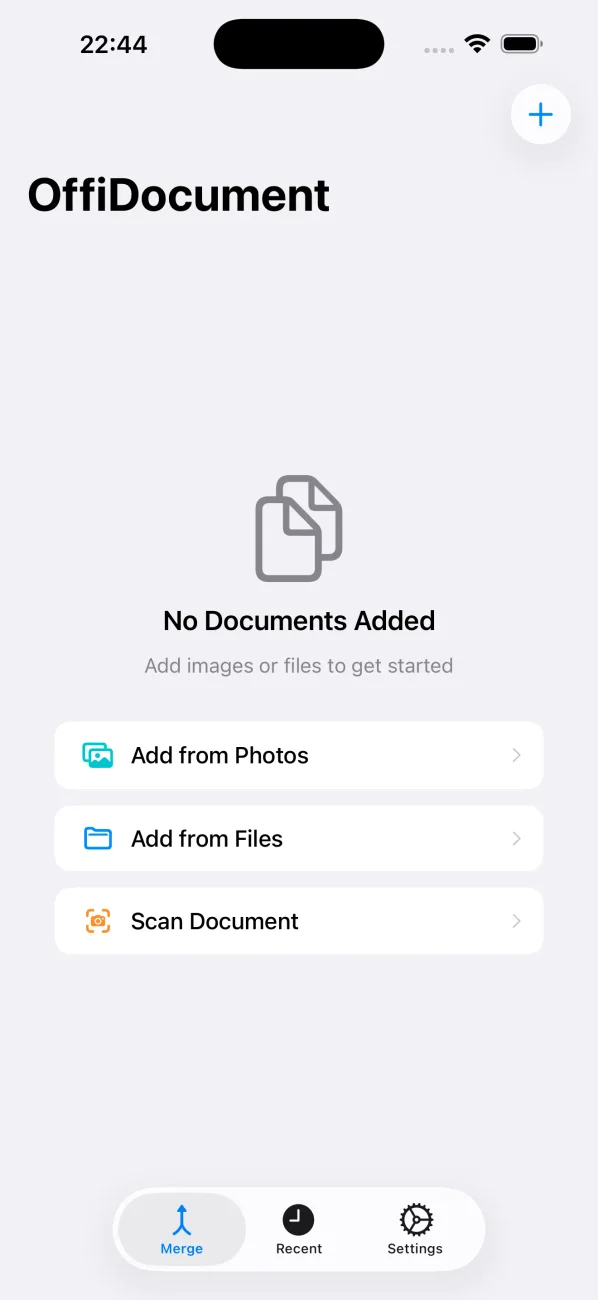
Merge PDFs and images into a single document — entirely on your device. No uploads. No subscriptions. No limits on the number of files.
WHAT IT DOES
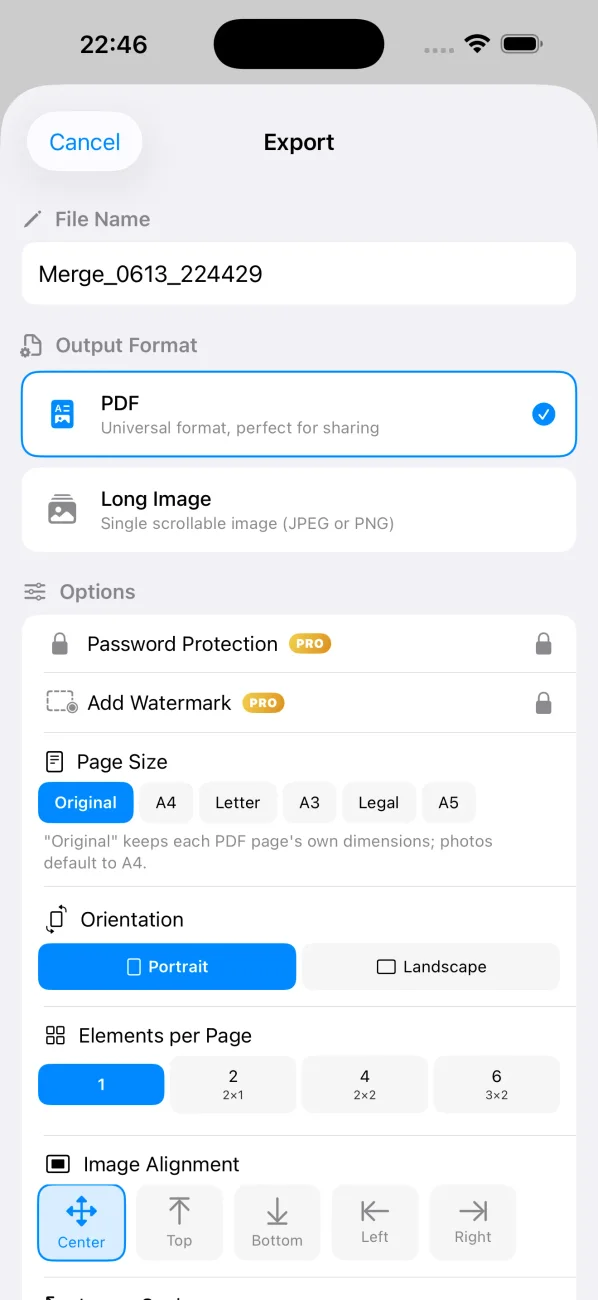
Add any combination of PDFs, photos, and scanned documents, then export them as a merged PDF or a scrollable long image. Reorder pages, rotate items, set per-page layout, add watermarks, and compress the output — all before saving.
YOUR PRIVACY IS GUARANTEED
• All processing — merging, watermarking, compressing, and scanning — runs entirely on your iPhone using Apple's on-device frameworks.
• No account required. No internet connection required.
• Your documents never leave your device.
CORE FEATURES
• Merge PDFs and images — combine any mix of PDFs and photos into one file
• Long Image — stack all pages into a single scrollable JPEG or PNG
• Live Image merge — combine several live photos into one live photo
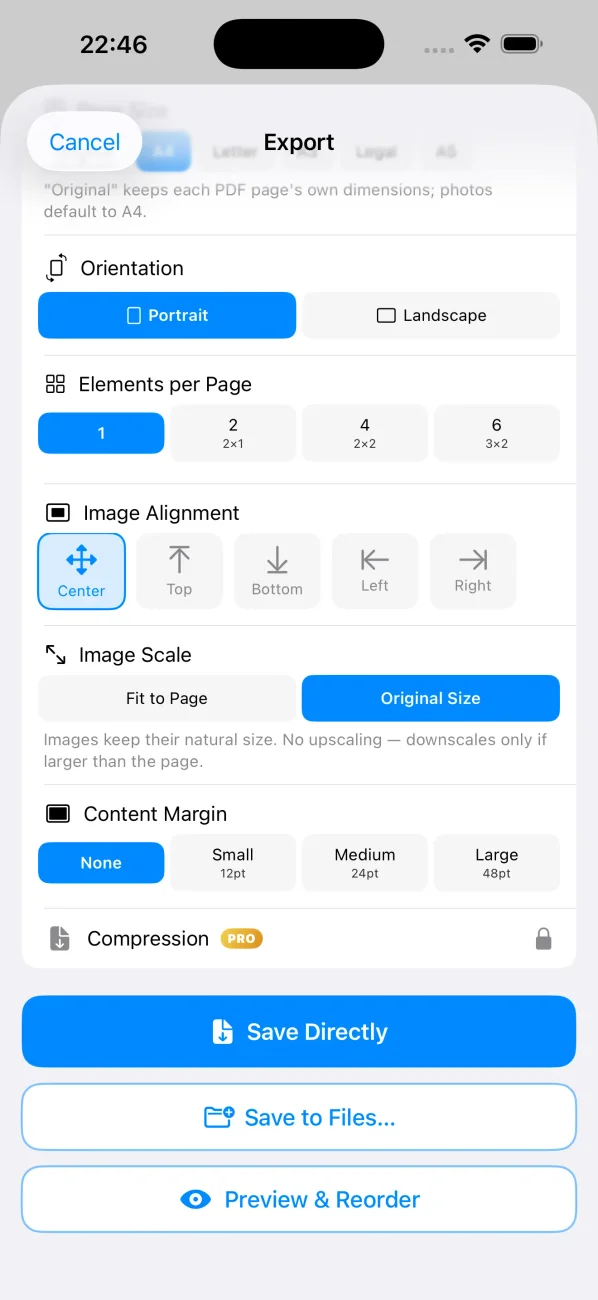
• Preview & Reorder — drag to reorder pages, tap to rotate, swipe to delete before saving
• Page Layout — choose page size (A4, Letter, Original), orientation (Portrait/Landscape), and grid layout (1×1 up to 2×3 per page)
• Content Margin — set inner padding (None / Small / Medium / Large)
• Image Alignment — align content within each page (Center, Left, Right, Top, Bottom)
• Save to Files — choose any folder on your device or iCloud Drive
• Save to Photos — export long images directly to your Photo Library
• Recent Documents — quick access to previously saved files with share and open buttons
• Document Scanner — scan paper documents with your camera (PRO)
PREMIUM FEATURES (one-time purchase, no subscription)
• Document Scanner — turn any paper page into a PDF using your iPhone camera
• PDF Compression — reduce file size with four compression levels (Low / Medium / High / Max); shows estimated output size before saving
• Password Protection — encrypt your merged PDF with a custom password
• Add Watermark — overlay custom text with adjustable font, size, colour, opacity, and position (Diagonal / Center / Top / Bottom)
• Image Output Width — choose the long image resolution (540 px / 720 px / 1080 px / 1440 px)
• Lossless PNG Export — save long images as full-quality PNG instead of JPEG
• Image and live photo grid merge layouts
LANGUAGES
English · 简体中文 · 繁體中文 · 日本語 · 한국어 · Français · Deutsch · Español · Italiano · Português · Русский · العربية
Requires iPhone or iPad with iOS 17 or later.
All processing is performed on-device. Internet access is never required.
What’s new
Version 1.01 · Jul 5, 2026
Added support for Live Photo merging and image grid merge layouts.
Added clear cache option in settings.
App privacy
What Xinlei Cai declares on the App Store about how this app handles data.
-
Data not collected
The developer does not collect any data from this app.
Privacy practices may vary, for example with the features you use or your age.
Information
- Seller
- Xinlei Cai
- Category
- Productivity
- Version
- 1.01
- Updated
- Jul 5, 2026
- Released
- Jun 17, 2026
- Size
- 2.1 MB
- Requires
- iOS 17.0 or later
- Age rating
- 4+
- In-app purchases
- Yes
- Languages
- English, Arabic, French, German, Italian, Japanese, Korean, Portuguese, Russian, Simplified Chinese, Spanish, Traditional Chinese
- Copyright
- © 2026 OffiDocument
You might also like
-
 DocuMerge — JPG to PDFScan, merge & share PDFs fast
-
 Print to PDFPhotos, Files & Docs to PDF
-
 bookingkitProductivity
-
 Merge JPG to PDF : StitchPDFPhotos & Documents Converter
-
 FavPicks:bookmarks saverManage Favorites & Reminders !
-
 PDF Unlock: Offline PDF ToolsEdit, Scan, Lock & Convert PDF
-
 Photo to PDF Converter - iPDF!convert to pdf, pdf maker
-
 Eisenhower Matrix AI PrioritAISmart task list prioritization
-
 Trolls world Wallpaper - liveCheck New wallpapers
-
 All Document Reader ProOpen PDF, Word, Excel, ZIP,RAR