Offline Translator: Live Voice
Conversation, captions & text
Designed for iPhone, iPad
Free
- Age rating4+
- CategoryUtilities
- DeveloperSIC Company Limited
- LanguagesEnglish+ 15 more
- Size7.0 MB
Links to the official App Store page
Download.org hosts no file of Offline Translator: Live Voice. The button opens its official App Store page, published by SIC Company Limited. Listing last checked on Nov 14, 2026.
Screenshots
About
No internet needed — just talk, and be understood. A privacy-first, fully on-device offline translator and interpreter.
Voice translation, conversation, real-time captions and text translation — speech and text are recognized, translated and read aloud entirely on your device. Nothing is sent to the cloud, so it works on a plane, abroad, or with no signal.
Great for personal use such as travel and study, and for business too: store counters, reception desks, and customer service. One device for multilingual interpreting and inbound customer support.
* Each language's translation and voice models download once. After that, everything works offline.
■ Why Offline Translator
- No connection required: works even in airplane mode or with no signal.
- Privacy-first: no account, no cloud. Your speech and text are never sent to a server for translation.
- Real-time: as you speak, your words are translated and captioned into the other language.
- Multilingual: many languages, starting with English and Japanese.
■ Four translation modes
【Conversation — two-way voice, face to face】
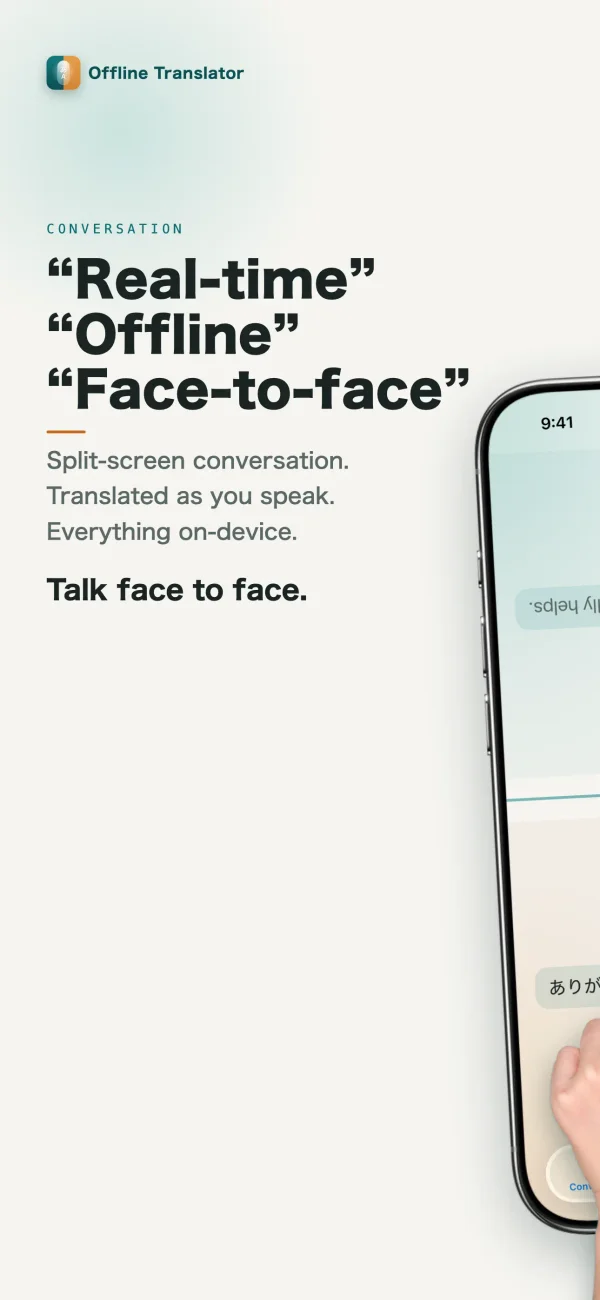
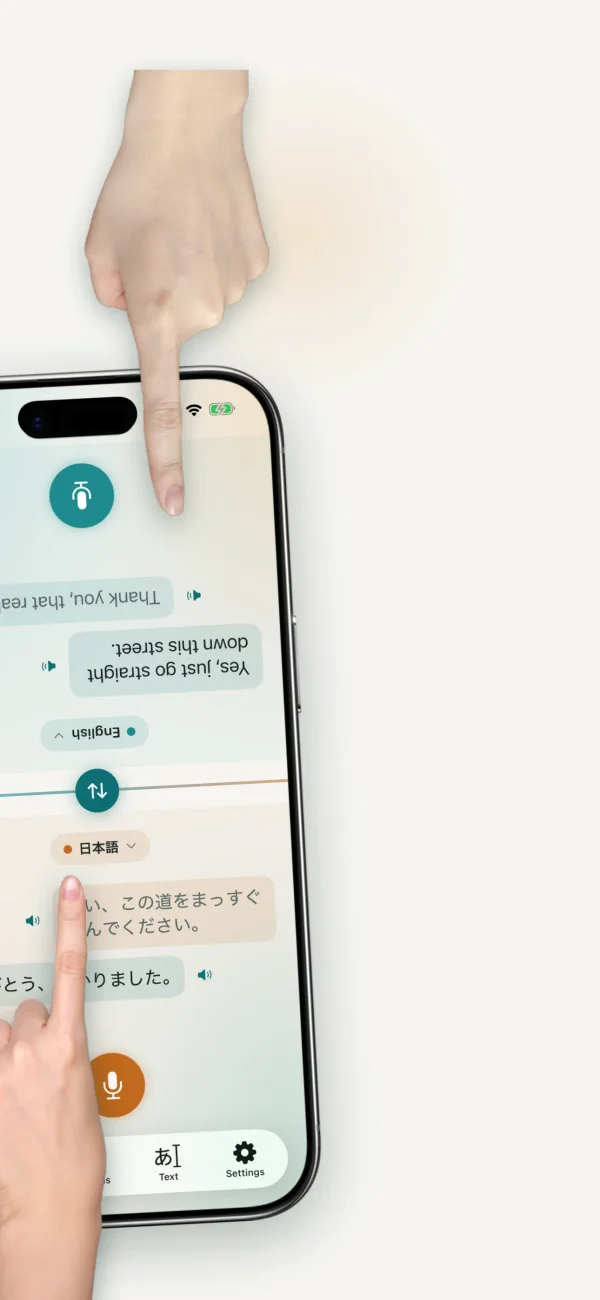
The screen splits in two so people across a table can talk naturally — you speak and it translates into their language, they speak and it translates back, in real time, with optional read-aloud. Ideal for travel or serving international customers.
【Live captions】
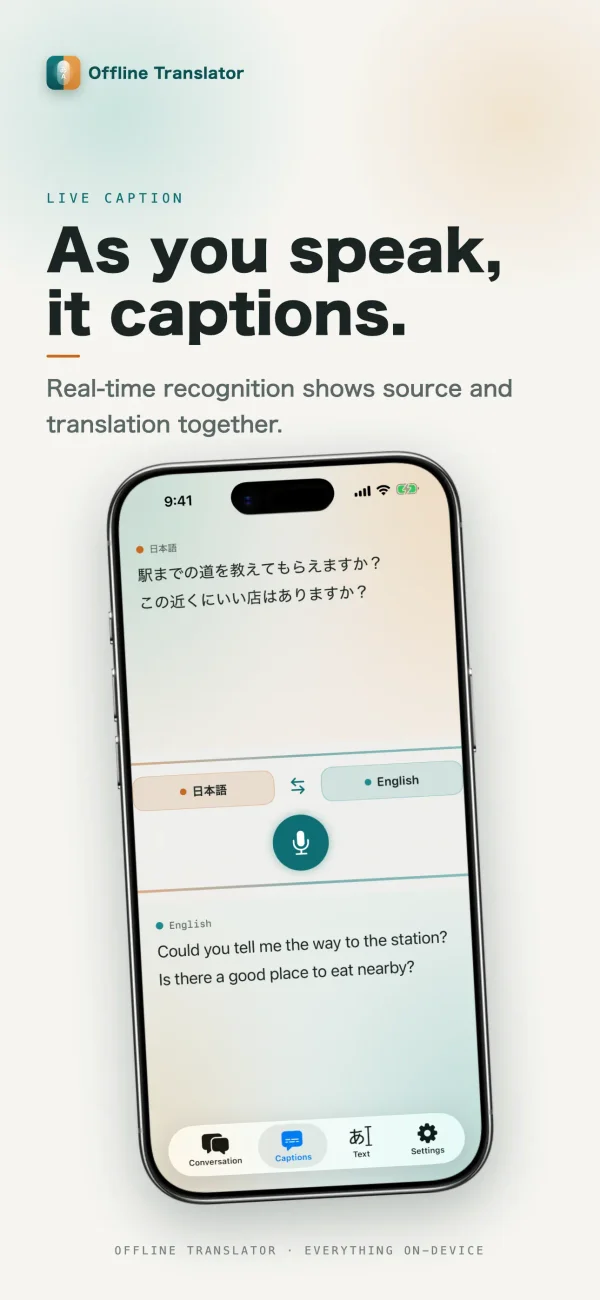
Recognizes speech on the spot and shows the source and translation together — great for meetings, seminars, or checking what you heard.
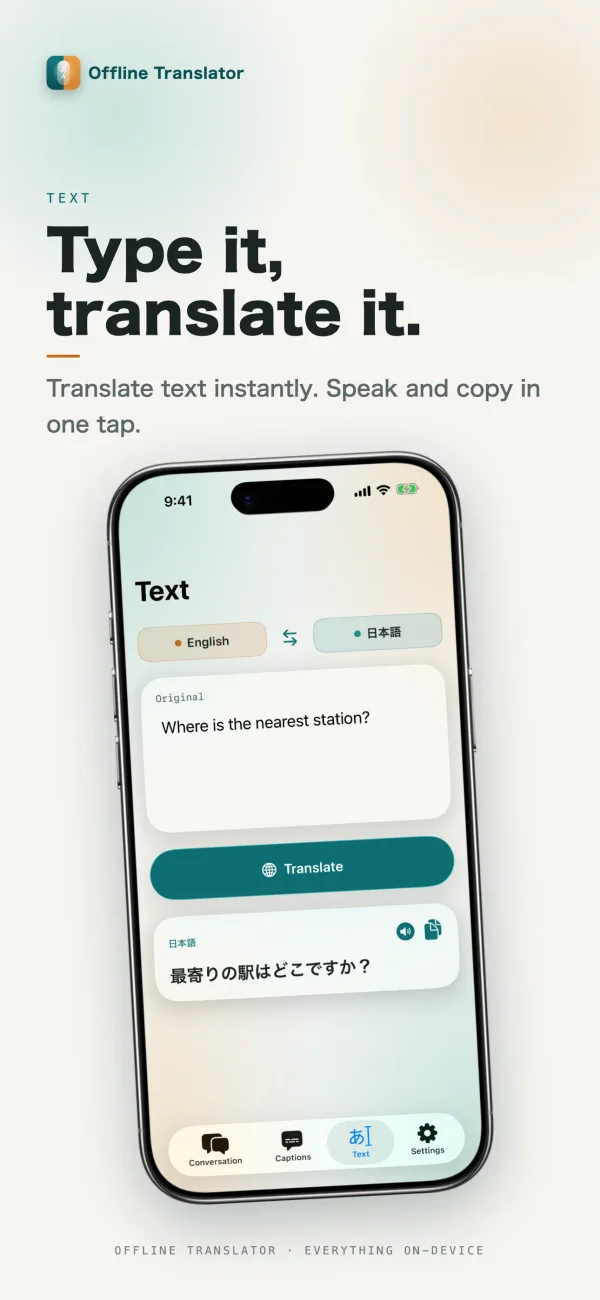
【Text translation】
Translate typed or pasted text. Tap once to read the result aloud or copy it — for emails, signs, menus and drafts.
【Read aloud】
Reads translations in a natural voice at an adjustable speed — to check pronunciation or let the other person hear it.
■ Where it shines
- Stores, reception & customer service (commercial use OK): checkout counters, hotel front desks, restaurants, clinics and government windows — for international customers and inbound visitors.
- Travel & business trips: airports, hotels, restaurants, taxis, shopping.
- Learning: English conversation, listening and pronunciation practice.
- Privacy-sensitive moments: translate confidential text without sending it out.
■ Supported languages
English, Japanese, Chinese (Simplified / Traditional), Korean, Spanish, French, German, Italian, Portuguese, Russian, Thai, Vietnamese, Indonesian, Arabic, and Hindi.
* Which languages and voices are available depends on your device and OS on-device support. Each language's model downloads once.
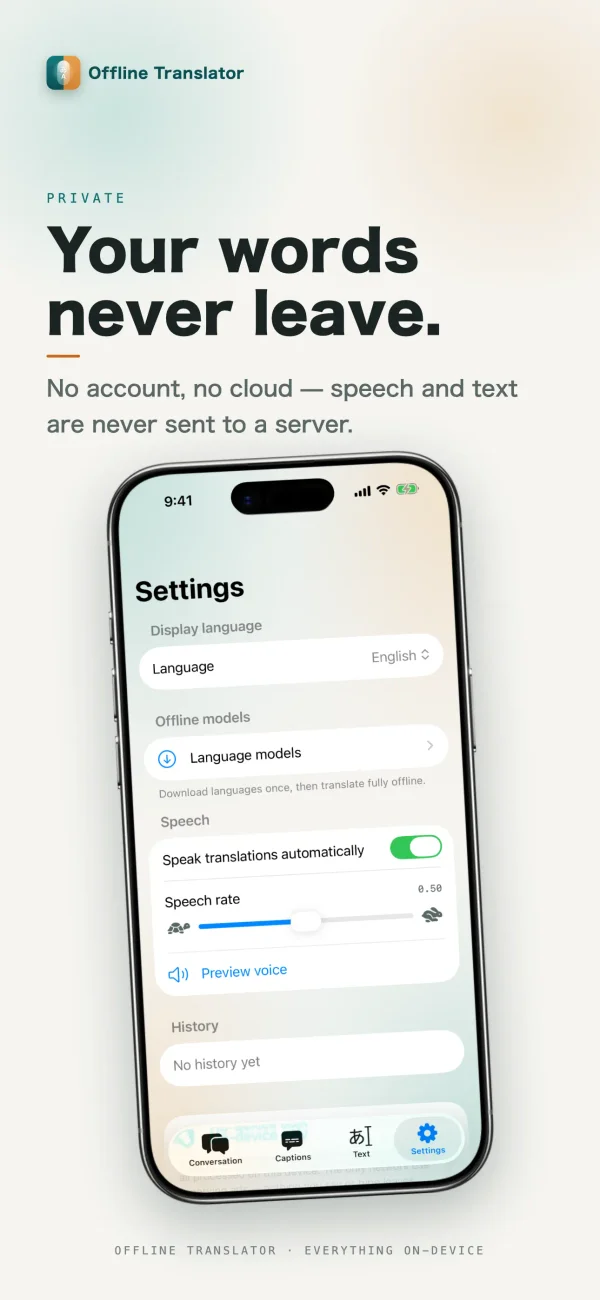
■ Privacy
Speech recognition, translation and read-aloud all run on the device — your audio and text are never sent to a server, no account is required, and nothing is stored in the cloud. Networking is used only to serve ads.
■ Main features
- Face-to-face conversation translation (two-way, real-time voice)
- Live captions (source and translation together)
- Text translation (type or paste → translate)
- Read translations aloud (adjustable speed, optional auto read-aloud)
- One-tap copy of translations
- Translation history
- Multilingual; store language models on the device for offline use
- Fully on-device (no account, no cloud)
■ FAQ
Q. Does it really work offline?
A. Yes. Once you download a language's models, you can translate, recognize speech, and read aloud with no connection.
Q. Is my speech or text sent anywhere?
A. No. Everything runs on the device; your audio and text are never sent to a server for translation. Networking is used only for ads.
Q. Can I use it for business, at a store or reception?
A. Yes — it's suitable for commercial use such as store counters, reception desks, customer service, and inbound support.
Q. Is there a cost?
A. It's free to use (ads are shown).
Translation that needs no connection and respects your privacy — from travel and study to store counters and reception desks. Offline, real-time voice translation, conversation, captions and text in one app. Cross the language barrier on your device today.
What’s new
Version 1.1 · Jun 25, 2026
Fixed an app crash issue.
App privacy
What SIC Company Limited declares on the App Store about how this app handles data.
-
Data used to track you
May be used to track you across apps and websites owned by other companies.
- Location
- Identifiers
- Usage data
- Diagnostics
-
Data linked to you
May be collected and linked to your identity.
- Location
- Identifiers
- Usage data
- Diagnostics
-
Data not linked to you
May be collected but is not linked to your identity.
- Diagnostics
Privacy practices may vary, for example with the features you use or your age.
Information
- Seller
- SIC Company Limited
- Category
- Utilities
- Version
- 1.1
- Updated
- Jun 25, 2026
- Released
- Jun 18, 2026
- Size
- 7.0 MB
- Requires
- iOS 26.0 or later
- Age rating
- 4+
- Price
- Free
- Languages
- English, Arabic, French, German, Hindi, Indonesian, Italian, Japanese, Korean, Portuguese, Russian, Simplified Chinese + 4 more
- Copyright
- © SIC Co., Ltd.
You might also like
-
 LiveCap: Caption & TranslateLive captions & translation
-
 LasPlayer - Local AI SubtitlesOffline Video Translator
-
 CanadaUnitsUtilities
-
 Safe TranslatorLocal realtime translation
-
 Interlo: Offline TranslatorTranslate voice, text & photos
-
 KeeKom: Translate KeyboardTranslate as you type
-
 Simply AskYour private visual assistant
-
 Time Date ToolsCalculate dates & time zones
-
 Photo & Video Cleaner - CullrPhoto & Video Cleaner
-
 Transly: Offline TranslatorOffline text-voice translator