- Age rating4+
- CategoryPhoto & Video
- DeveloperCHANDRA SEKHAR KASARABADA
- LanguagesEnglish
- Size2.4 MB
Links to the official App Store page
Download.org hosts no file of OffloadPro. The button opens its official App Store page, published by CHANDRA SEKHAR KASARABADA. Listing last checked on Nov 12, 2026.
Screenshots
About
OffloadPro frees your iPhone storage by backing up photos and videos to USB-C external drives — or wirelessly to your Mac over Wi-Fi.
Plug in any USB-C flash drive or SSD, and OffloadPro automatically backs up your media. No cloud subscriptions. No monthly fees. Your files stay on hardware you own.
HOW TO GET STARTED:
1. Plug a USB-C drive into your iPhone 15 or later
2. Open OffloadPro — the drive is detected automatically
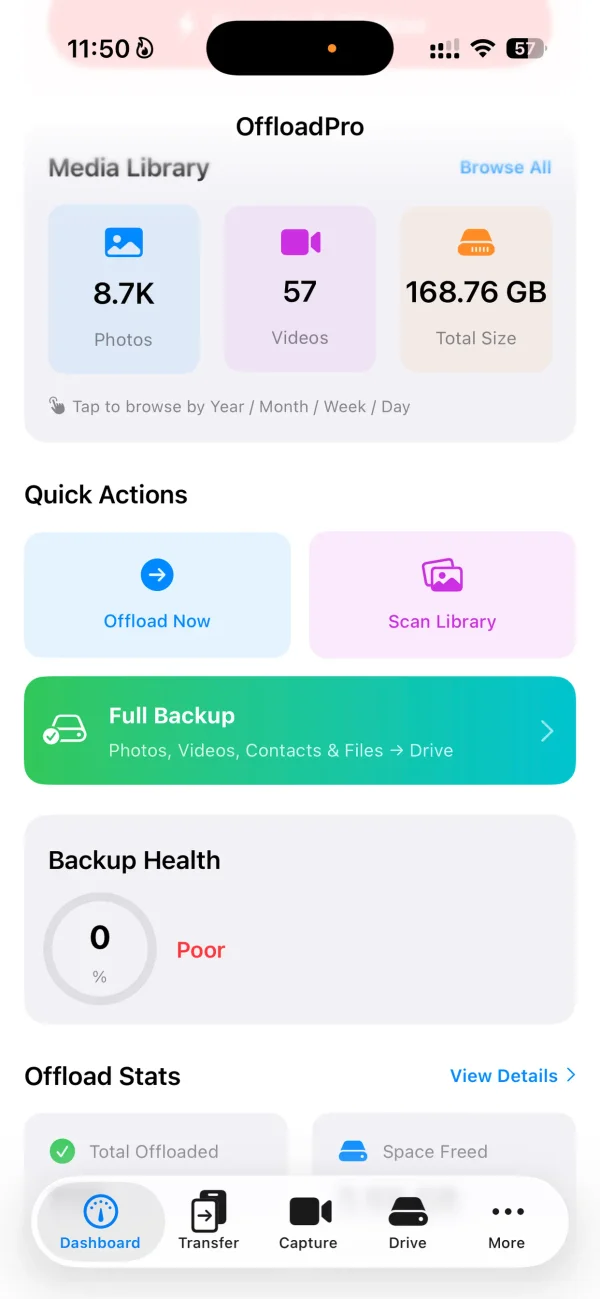
3. Tap "Offload Now" on the Dashboard to back up your photos and videos
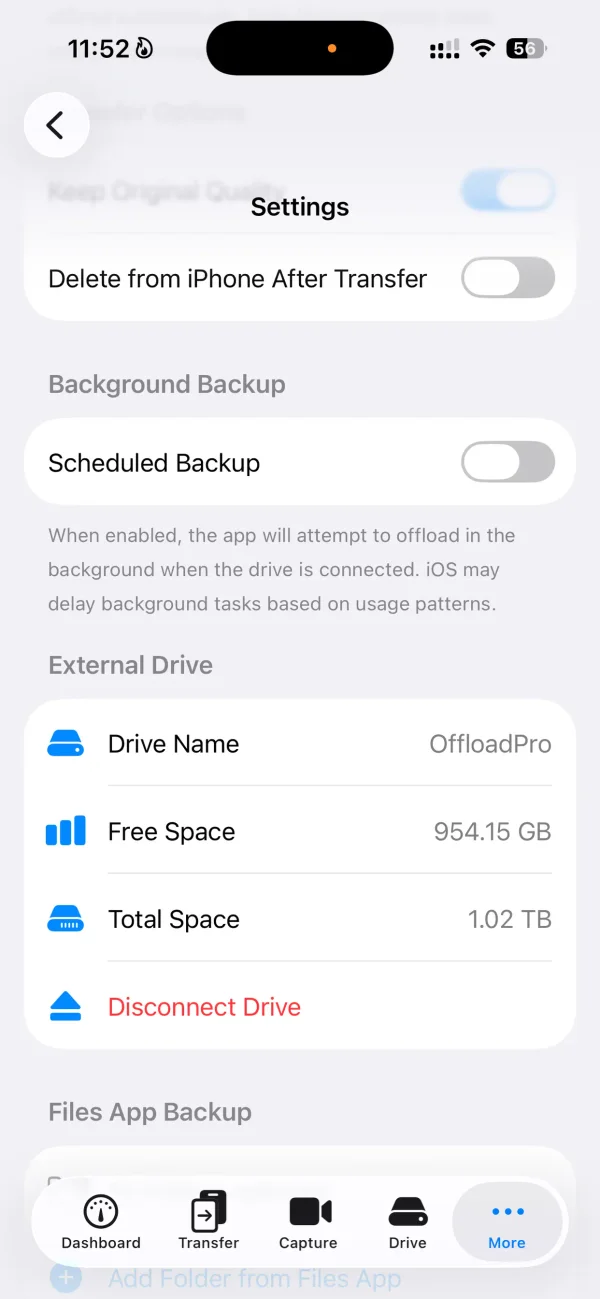
4. To free space, enable "Delete After Transfer" in Settings
HOW TO TRANSFER TO MAC:
1. Install the free OffloadPro companion app on your Mac
2. Make sure both devices are on the same Wi-Fi network
3. Open OffloadPro on iPhone — your Mac appears automatically
4. Pair once with a secure 6-digit PIN
5. Tap "Send to Mac" to transfer wirelessly — no cables needed
KEY FEATURES:
Smart Offload — Automatically transfer photos and videos to your USB-C drive. Keeps originals or deletes after transfer to free space.
Mac Transfer — Discover your Mac on Wi-Fi, pair with a PIN, and send media wirelessly. No iCloud or cables needed.
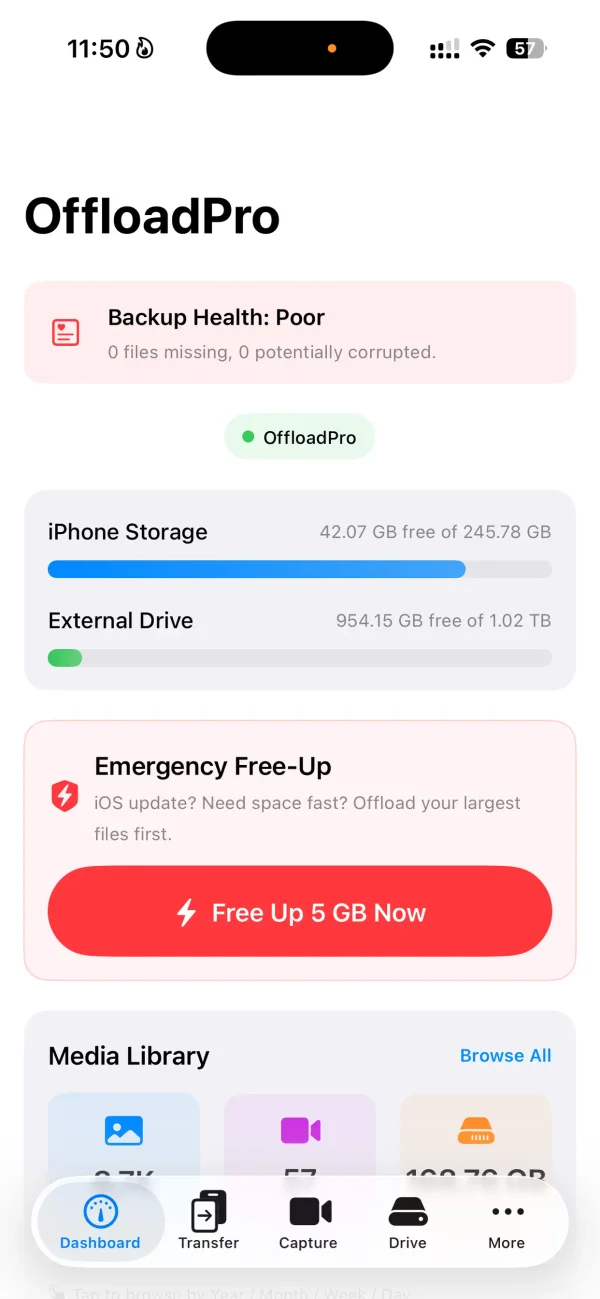
Emergency Free-Up — iPhone full before an iOS update? Panic Mode offloads your largest files first and reclaims space instantly.
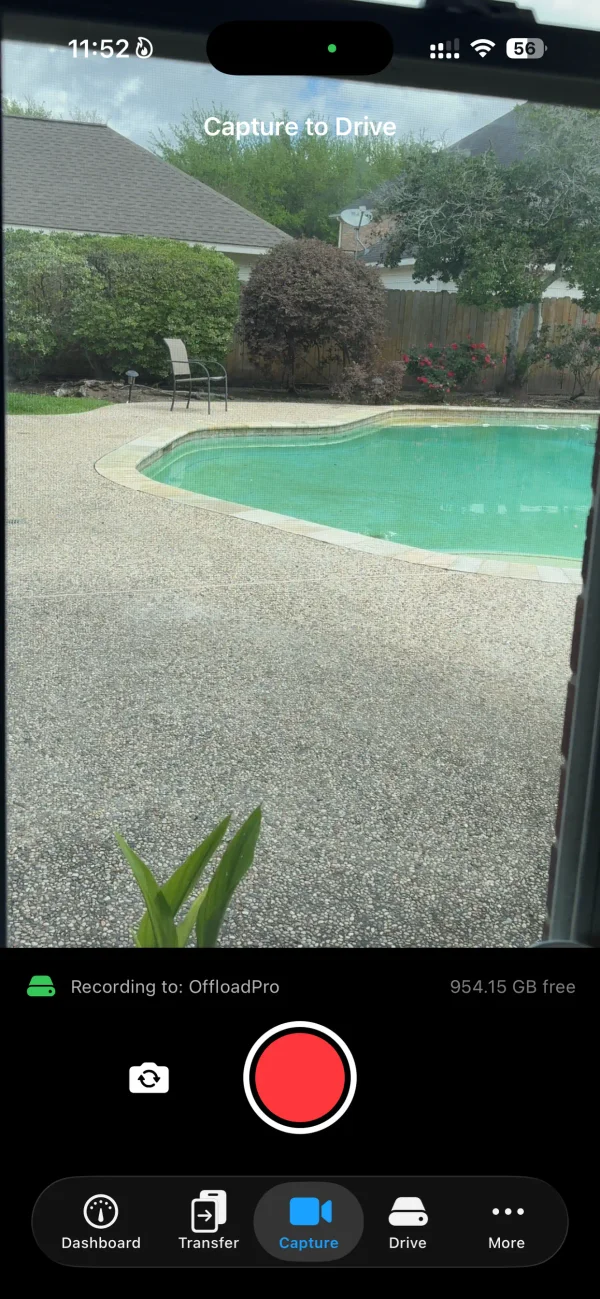
Direct Capture — Record photos and videos straight to your external drive. Your iPhone storage stays untouched.
Restore — Moving to a new iPhone? Import your backed-up media from the drive right back into your photo library.
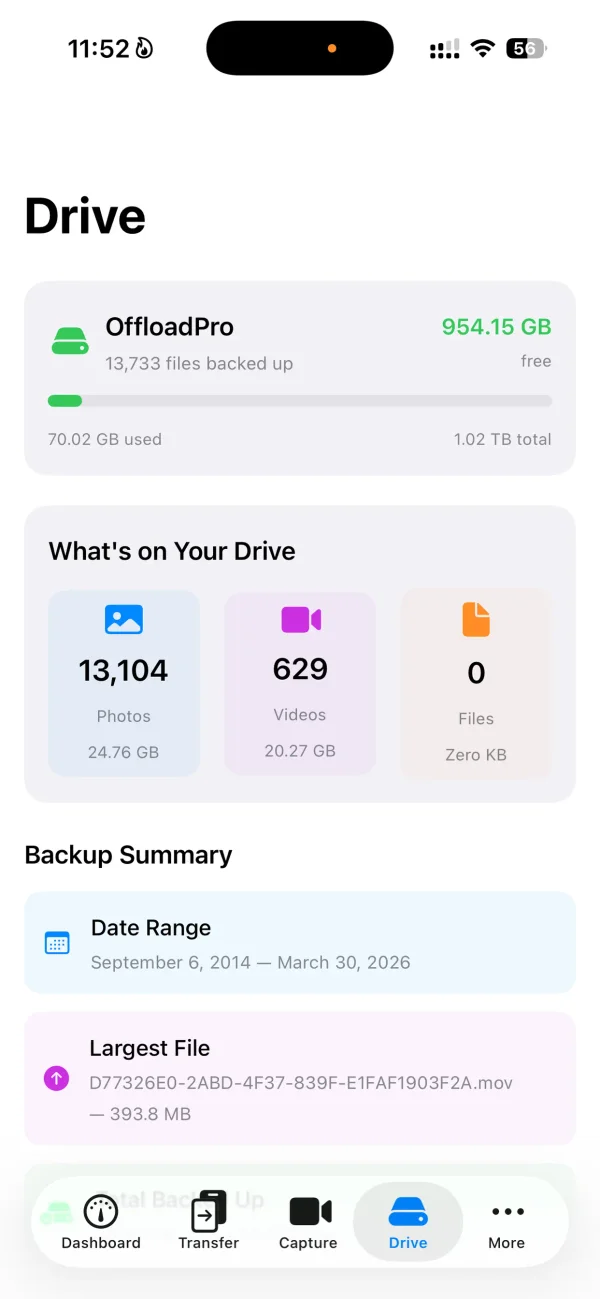
Drive Browser — See exactly what's on your drive with storage breakdowns, folder navigation, and file previews.
Full Backup — One tap backs up photos, videos, contacts, and files — the closest thing to an iTunes backup on iOS.
ALSO INCLUDES:
- Auto-Backup on Connect — plug in and it just works
- Battery-smart transfers that pause at low battery
- Backup Health score to track protection status
- Transfer history with stats
- Background backup support
- In-app Help & FAQ section
- Files app folder integration
REQUIREMENTS:
- iPhone 15 or later (USB-C)
- iOS 17 or later
- Any USB-C flash drive, SSD, or hub
- Mac companion app requires macOS 14+ (for Wi-Fi transfer)
What’s new
Version 2.3 · Jun 7, 2026
Sharper video: Direct Capture now records in crisp 1080p or 4K straight to your USB-C drive.
Quality choice: Pick 1080p or 4K in Settings to match your drive's speed.
Real optical zoom: Zoom now switches between your ultra-wide, wide, and telephoto lenses instead of just cropping.
Steady orientation: The viewfinder stays put when you rotate, and recordings keep the right orientation.
Slow-drive protection: If your drive can't keep up, recording stops with a clear message instead of saving a broken clip.
App privacy
What CHANDRA SEKHAR KASARABADA declares on the App Store about how this app handles data.
-
Data not collected
The developer does not collect any data from this app.
Privacy practices may vary, for example with the features you use or your age.
Information
- Seller
- CHANDRA SEKHAR KASARABADA
- Category
- Photo & Video
- Version
- 2.3
- Updated
- Jun 7, 2026
- Released
- Apr 2, 2026
- Size
- 2.4 MB
- Requires
- iOS 17.0 or later
- Age rating
- 4+
- Languages
- English
- Copyright
- © 2026 Chandra Sekhar Kasarabada
You might also like
-
 PhotoVideoBackup: SSD TransferIncremental backup / checksum
-
 Portage Photo BackupTransfer to USB & External SSD
-
 DepiDrive – USB Photo BackupSync & Transfer to SSD & HDD
-
 VaultDrive: USB Photo BackupVideos & files to external SSD
-
 Pixel ShapeChange bored pixel for shapes
-
 Folderella - Auto Photo BackupAuto-Organize Photos by GPS
-
 Luna Forge - Photo to 3D ModelAI 3D Maker for Print & Games
-
 Doubleback: Pre-Roll Dual CamWhen there's no second take
-
 Era: Daily Selfie JournalFace & body progress timelapse
-
 DrivePort: Photos to USB DriveBackup Videos to SSD & SD Card