- 対象年齢4+
- カテゴリ写真/ビデオ
- 開発元CHANDRA SEKHAR KASARABADA
- 言語英語
- サイズ2.4 MB
App Storeの公式ページにリンクしています
Download.orgはOffloadProのファイルを一切ホストしていません。ボタンを押すと、CHANDRA SEKHAR KASARABADAが公開しているApp Storeのアプリページが開きます。ページの最終確認:2026/11/12。
スクリーンショット
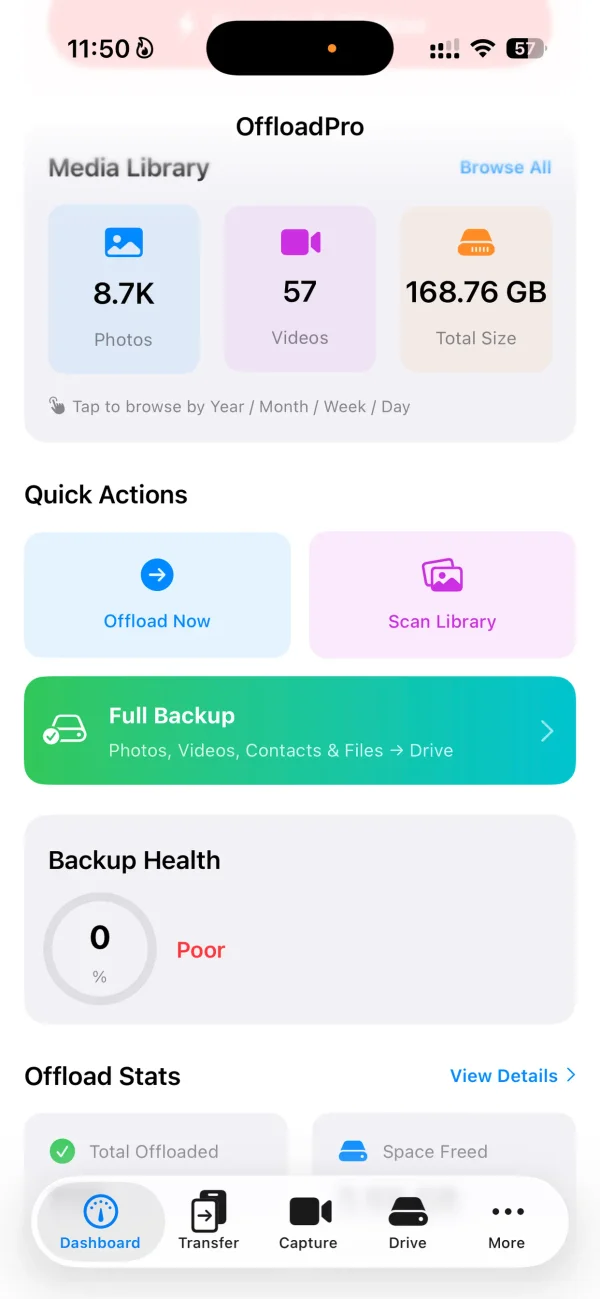
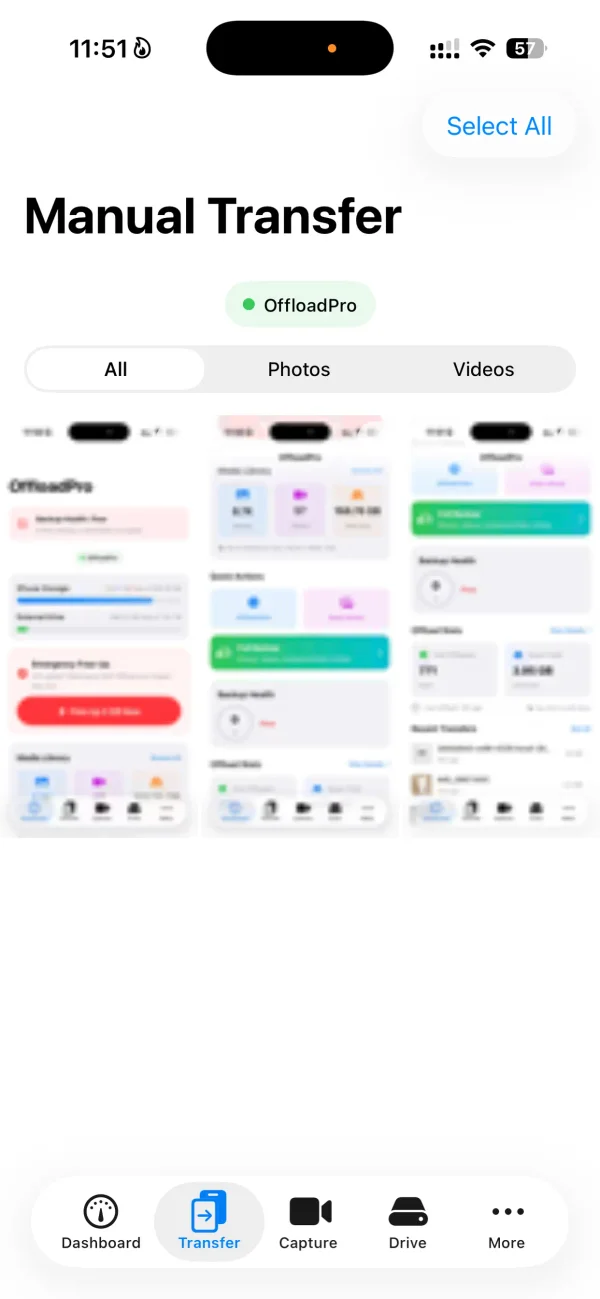
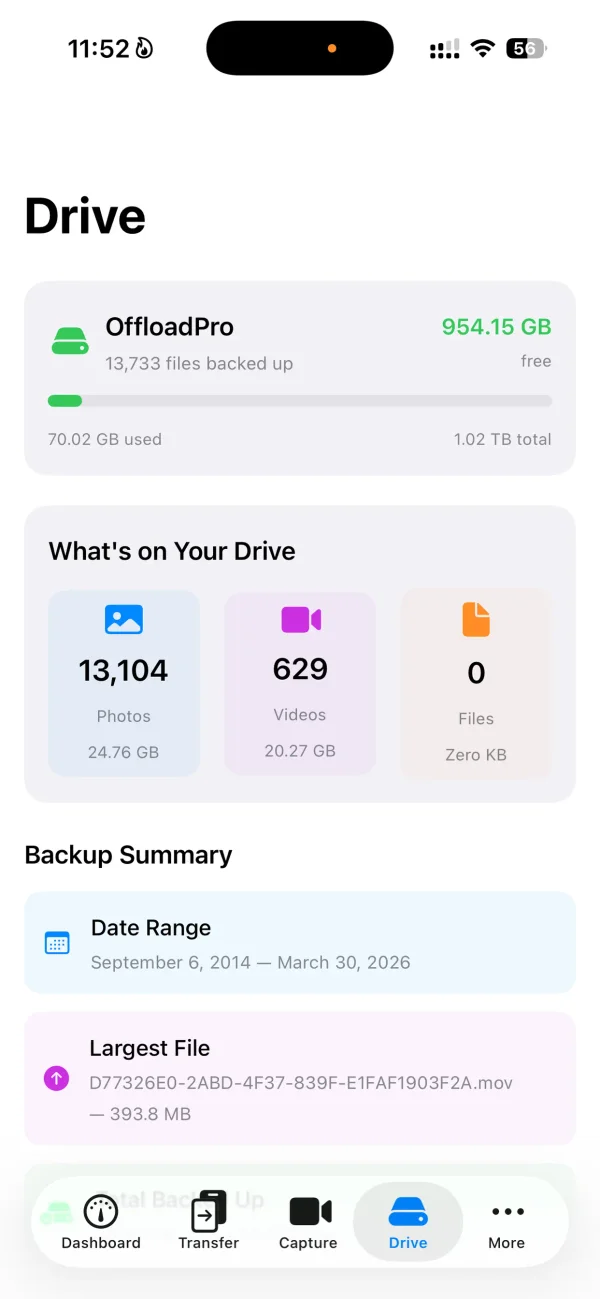
概要
開発元はこのテキストをお使いの言語で提供していません。
OffloadPro frees your iPhone storage by backing up photos and videos to USB-C external drives — or wirelessly to your Mac over Wi-Fi.
Plug in any USB-C flash drive or SSD, and OffloadPro automatically backs up your media. No cloud subscriptions. No monthly fees. Your files stay on hardware you own.
HOW TO GET STARTED:
1. Plug a USB-C drive into your iPhone 15 or later
2. Open OffloadPro — the drive is detected automatically
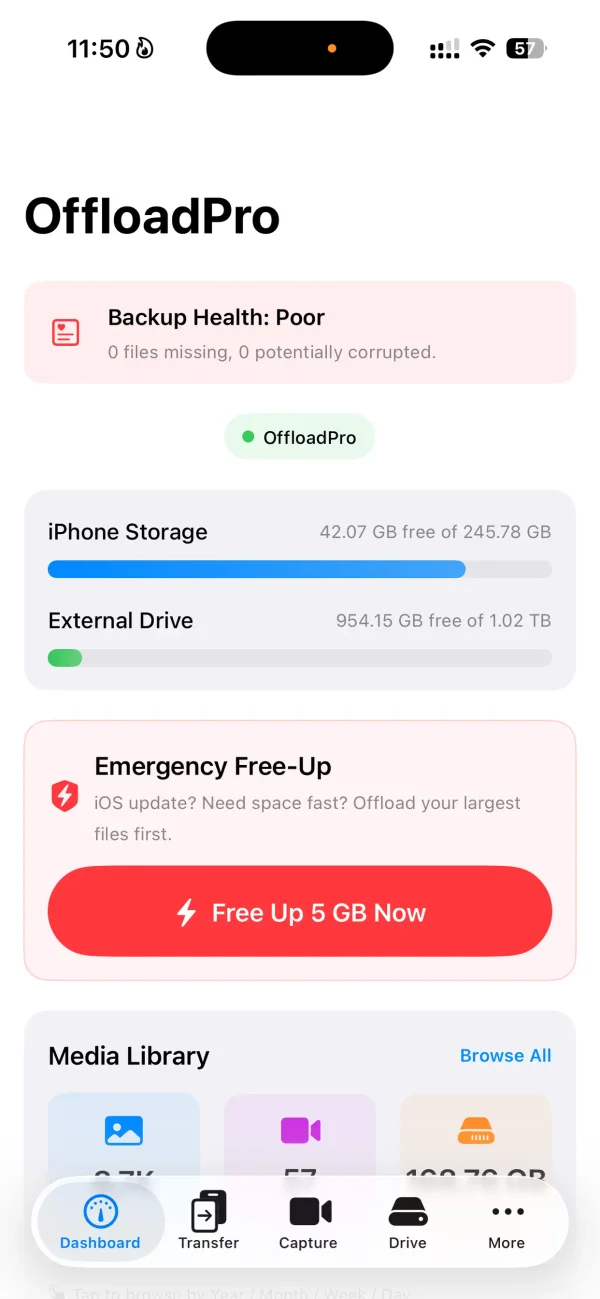
3. Tap "Offload Now" on the Dashboard to back up your photos and videos
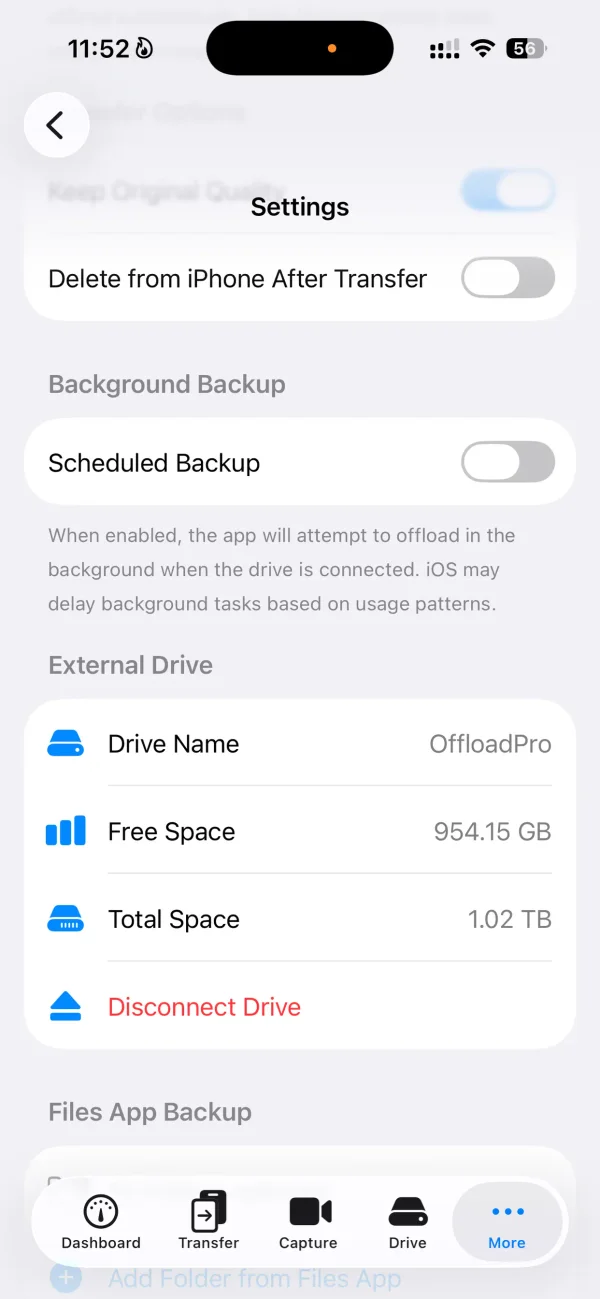
4. To free space, enable "Delete After Transfer" in Settings
HOW TO TRANSFER TO MAC:
1. Install the free OffloadPro companion app on your Mac
2. Make sure both devices are on the same Wi-Fi network
3. Open OffloadPro on iPhone — your Mac appears automatically
4. Pair once with a secure 6-digit PIN
5. Tap "Send to Mac" to transfer wirelessly — no cables needed
KEY FEATURES:
Smart Offload — Automatically transfer photos and videos to your USB-C drive. Keeps originals or deletes after transfer to free space.
Mac Transfer — Discover your Mac on Wi-Fi, pair with a PIN, and send media wirelessly. No iCloud or cables needed.
Emergency Free-Up — iPhone full before an iOS update? Panic Mode offloads your largest files first and reclaims space instantly.
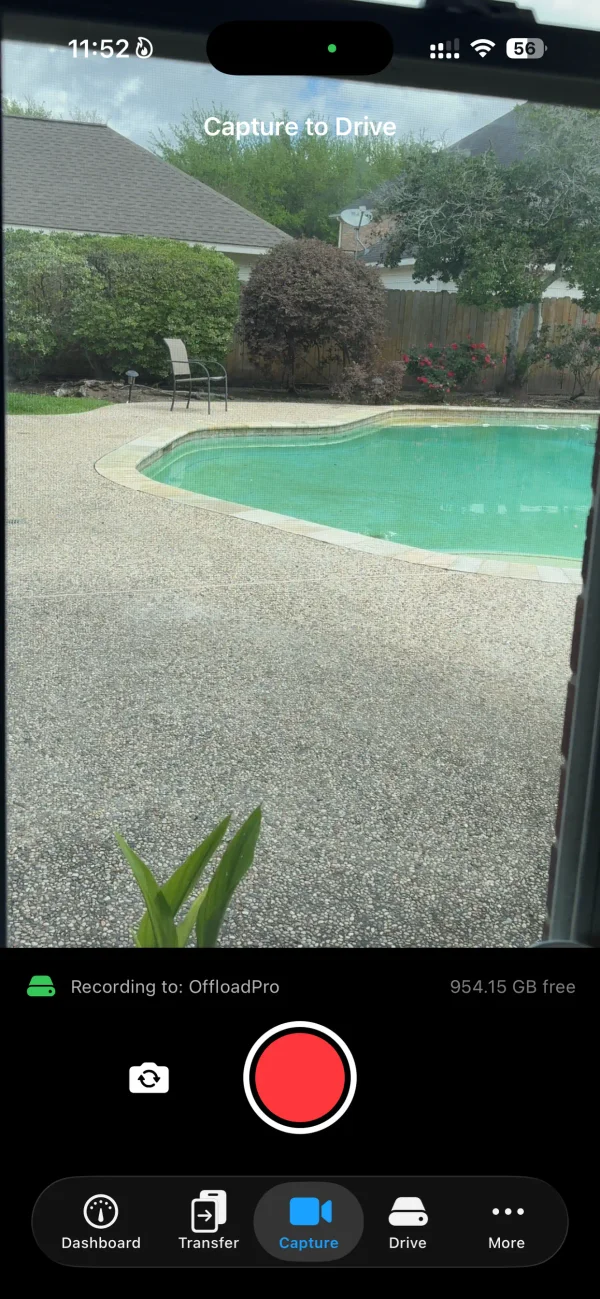
Direct Capture — Record photos and videos straight to your external drive. Your iPhone storage stays untouched.
Restore — Moving to a new iPhone? Import your backed-up media from the drive right back into your photo library.
Drive Browser — See exactly what's on your drive with storage breakdowns, folder navigation, and file previews.
Full Backup — One tap backs up photos, videos, contacts, and files — the closest thing to an iTunes backup on iOS.
ALSO INCLUDES:
- Auto-Backup on Connect — plug in and it just works
- Battery-smart transfers that pause at low battery
- Backup Health score to track protection status
- Transfer history with stats
- Background backup support
- In-app Help & FAQ section
- Files app folder integration
REQUIREMENTS:
- iPhone 15 or later (USB-C)
- iOS 17 or later
- Any USB-C flash drive, SSD, or hub
- Mac companion app requires macOS 14+ (for Wi-Fi transfer)
新機能
バージョン 2.3 · 2026/6/7
Sharper video: Direct Capture now records in crisp 1080p or 4K straight to your USB-C drive.
Quality choice: Pick 1080p or 4K in Settings to match your drive's speed.
Real optical zoom: Zoom now switches between your ultra-wide, wide, and telephoto lenses instead of just cropping.
Steady orientation: The viewfinder stays put when you rotate, and recordings keep the right orientation.
Slow-drive protection: If your drive can't keep up, recording stops with a clear message instead of saving a broken clip.
アプリのプライバシー
このアプリのデータの取り扱いについて、CHANDRA SEKHAR KASARABADAがApp Storeで申告している内容です。
-
データの収集なし
開発元はこのアプリからデータを収集しません。
プライバシーの取り扱いは、ご利用の機能やお客様の年齢などに応じて異なる場合があります。
情報
- 販売元
- CHANDRA SEKHAR KASARABADA
- カテゴリ
- 写真/ビデオ
- バージョン
- 2.3
- 更新日
- 2026/6/7
- リリース
- 2026/4/2
- サイズ
- 2.4 MB
- 必要条件
- iOS 17.0以降
- 対象年齢
- 4+
- 価格
- 無料
- 言語
- 英語
- 著作権
- © 2026 Chandra Sekhar Kasarabada
こちらもおすすめ
-
 PhotoVideoBackup: SSD Transfer写真/ビデオ
-
 Portage Photo Backup検証済み写真転送
-
 DepiDrive – USB Photo Backup写真/ビデオ
-
 VaultDrive: USB写真バックアップ動画もファイルも外付けSSDへ保存
-
 Pixel ShapeChange bored pixel for shapes
-
 Folderella - Auto Photo Backup写真/ビデオ
-
 Luna Forge: 写真から3DモデルAIで3D生成・3Dプリント対応
-
 Doubleback: Pre-Roll Dual Cam撮り直しがきかない瞬間に
-
 Era: Daily Selfie Journal写真/ビデオ
-
 DrivePort: 写真をUSBに転送動画をSSD・SDカードにバックアップ