
Ohmira: Circuit Simulator
Learn electronics by building
Designed for iPhone, iPad
Free · In-app purchases
- Age rating4+
- CategoryEducation
- DeveloperMewey
- LanguagesEnglish+ 6 more
- Size5.4 MB
Links to the official App Store page
Download.org hosts no file of Ohmira: Circuit Simulator. The button opens its official App Store page, published by Mewey. Listing last checked on Nov 12, 2026.
Screenshots


About
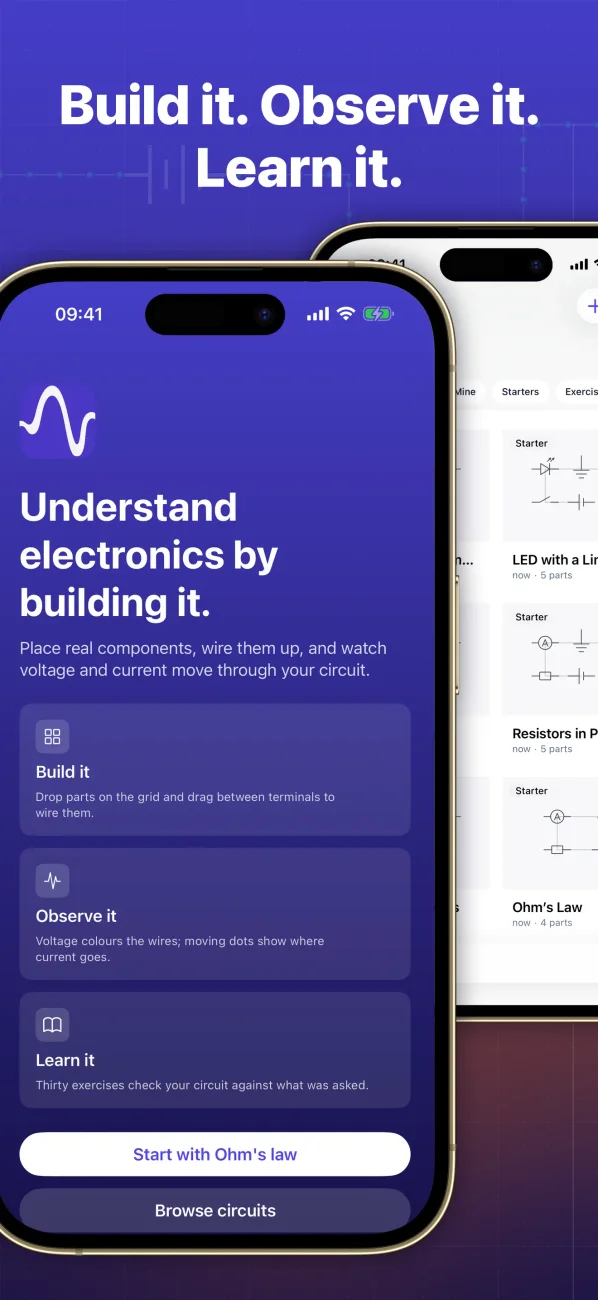
Ohmira turns electronics into something you can see. Place real components on a grid, wire them together, press Run, and watch voltage colour the wires while moving dots show you where the current goes.
No account. No ads. Nothing to sign up for.
BUILD IT
Drag a part onto the grid and drag between terminals to wire it. Parts snap to the grid, wires route themselves around what is in the way, and every action can be undone. Tidy a messy circuit with one tap and it redraws itself as a schematic: the source standing up on the left, the ground at the bottom.
OBSERVE IT
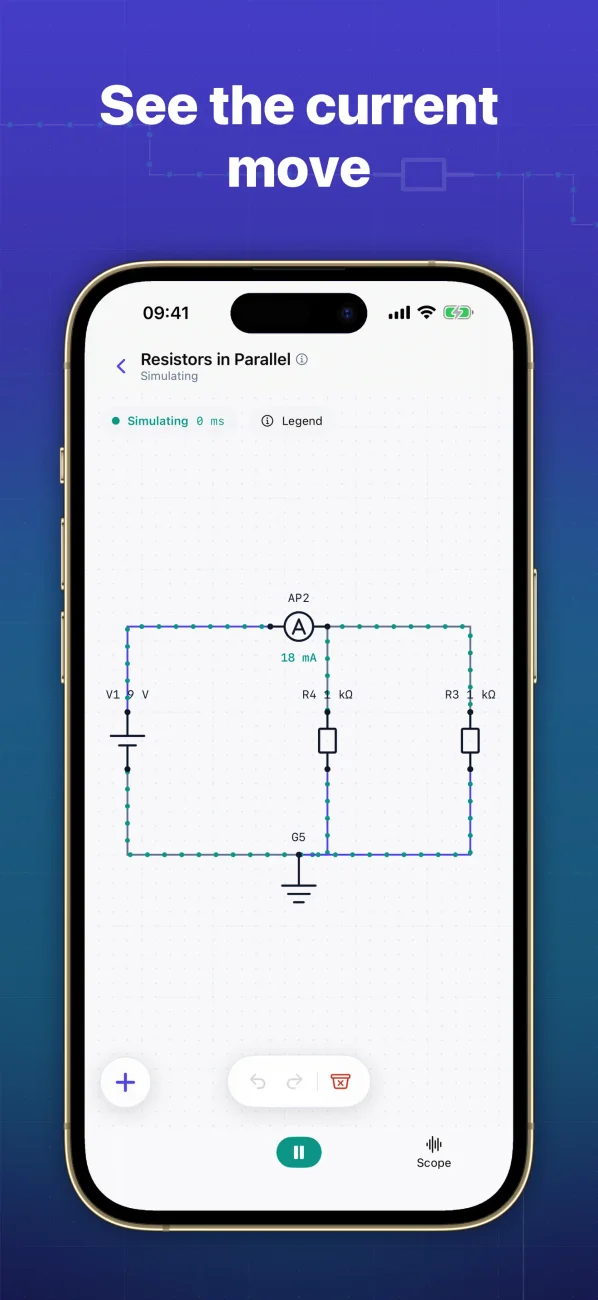
Run the circuit and it stays live. Wires take the colour of their voltage, from grey at 0 V to indigo at the supply. Dots travel along them at the speed of the current. Tap any part to read its voltage, its current and its power, or pin the readings to the canvas and watch them change as you edit.
LEARN IT
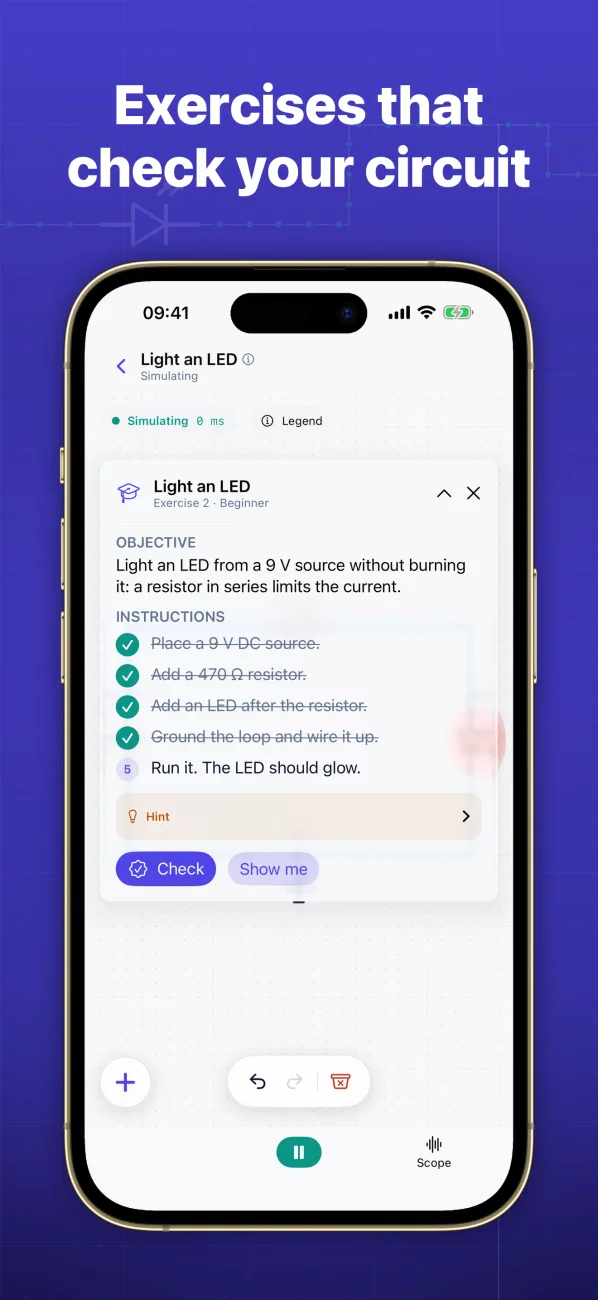
Thirty exercises, in three tiers, from Ohm's law to a regulated power supply. Each one gives you a brief and then checks the circuit you actually built, not a multiple-choice question about it. When it fails, it tells you why in words about your circuit: a part missing, a value wrong, a node left unwired, a reading that came out too low.
WHAT IS IN THE BOX
• 43 components: sources, batteries, resistors, capacitors, inductors, potentiometers, diodes, LEDs, Zeners, transistors, MOSFETs, an op-amp, bridge rectifiers, regulators, a transformer, relays, lamps, motors, buzzers, thermistors, photoresistors, and probes
• DC analysis and a transient simulation that draws real waveforms
• A single-channel oscilloscope with a 1-2-5 timebase, mean and peak-to-peak
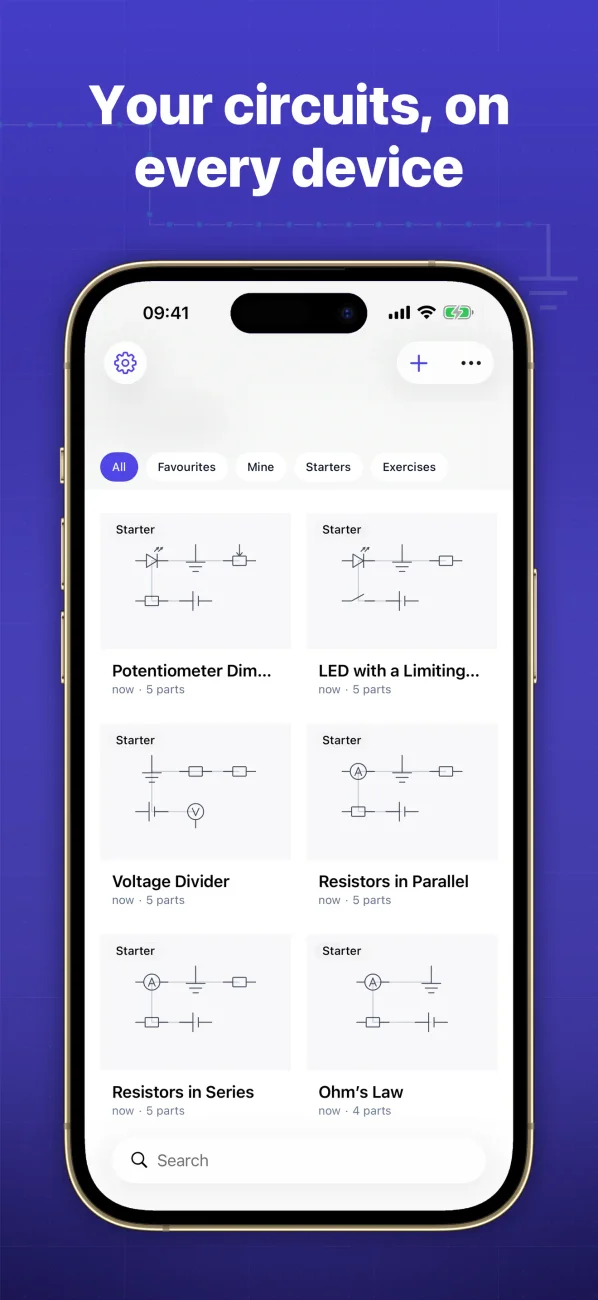
• Ten starter circuits, from a single loop to a MOSFET stage
• Annotated zones for labelling parts of a circuit
• Import and export as a file, and private iCloud sync between your iPhone and iPad
MADE FOR IPHONE AND IPAD
A workspace on iPad with floating panels, an Apple Pencil and a pointer welcome, keyboard shortcuts, and a canvas-first layout on iPhone. Full VoiceOver labels, Dynamic Type, Reduce Motion, Increase Contrast, and colour-blind indicators. Colour is never the only thing that carries meaning.
PRIVATE BY DESIGN
Your circuits live on your device. iCloud sync, if you want it, uses your own private database, never an account of ours and never a shared server. Ohmira collects no data, contains no analytics, and tracks nothing. There is no backend to leak.
FREE, AND WHAT IS NOT
Ohmira is free, with no time limit and no cap on how many circuits you keep. The free app includes the whole editor, fifteen fundamental parts, the full DC simulation, iCloud sync, import and export, the first ten exercises, and six starter circuits.
Ohmira Complete is one purchase, with no subscription and shared with your family. It adds the other 28 components, the remaining 20 exercises, and the oscilloscope.
Ohmira is a teaching simulator, not a SPICE replacement: it is built to make circuits understandable, not to certify a design for manufacture.
What’s new
Version 1.1 · Nov 1, 2026
• On iPhone, the oscilloscope has a page of its own: a full-width trace, Time and Volts rows within thumb reach, and Fit and Reset just below.
• The oscilloscope's controls line up on iPhone and iPad, and a zero reading shows as 0 V.
• On iPhone, the parts palette opens as a sheet you can scroll through and drag parts from.
• A circuit that carries no current now tells you why: an open switch, or a wire left loose.
• The current-flow dots are round and follow the zoom.
• The welcome screen shows on first launch only.
App privacy
What Mewey declares on the App Store about how this app handles data.
-
Data not collected
The developer does not collect any data from this app.
Privacy practices may vary, for example with the features you use or your age.
Information
- Seller
- Dimitri MERAULT
- Category
- Education
- Version
- 1.1
- Updated
- Nov 1, 2026
- Released
- Sep 10, 2026
- Size
- 5.4 MB
- Requires
- iOS 26.0 or later
- Age rating
- 4+
- Price
- Free
- In-app purchases
- Yes
- Languages
- English, French, German, Italian, Portuguese, Russian, Spanish
- Copyright
- © Dim 2026
You might also like
-
 Learn Electronics & ArduinoCircuit Simulator, ESP32 & Pi
-
 Singular: Circuit SimulatorAdvanced Circuit Simulator App
-
 Perfboard LabSimulate & learn electronics
-
 PLC Ladder Logic SimulatorLearn PLC programming by doing
-
 Electro SimCircuit Simulator
-
 BoolearnLearn the digital electronics
-
 PLC Simulator & Automation LabLadder Logic, Wiring & Motors
-
 Ohmie: Learn EngineeringElectronics, Calculus & AI
-
 ElectroSim: Electrical WiringSimulator Practice & Circuits
-
 iCircuitReal-time circuit simulator