
Perfboard Lab
Simulate & learn electronics
Designed for iPhone, iPad, Mac
Free · In-app purchases
- Age rating4+
- CategoryEducation
- DeveloperPascal Schroeer
- LanguagesEnglish+ 43 more
- Size71.2 MB
Links to the official App Store page
Download.org hosts no file of Perfboard Lab. The button opens its official App Store page, published by Pascal Schroeer. Listing last checked on Nov 24, 2026.
Screenshots
About
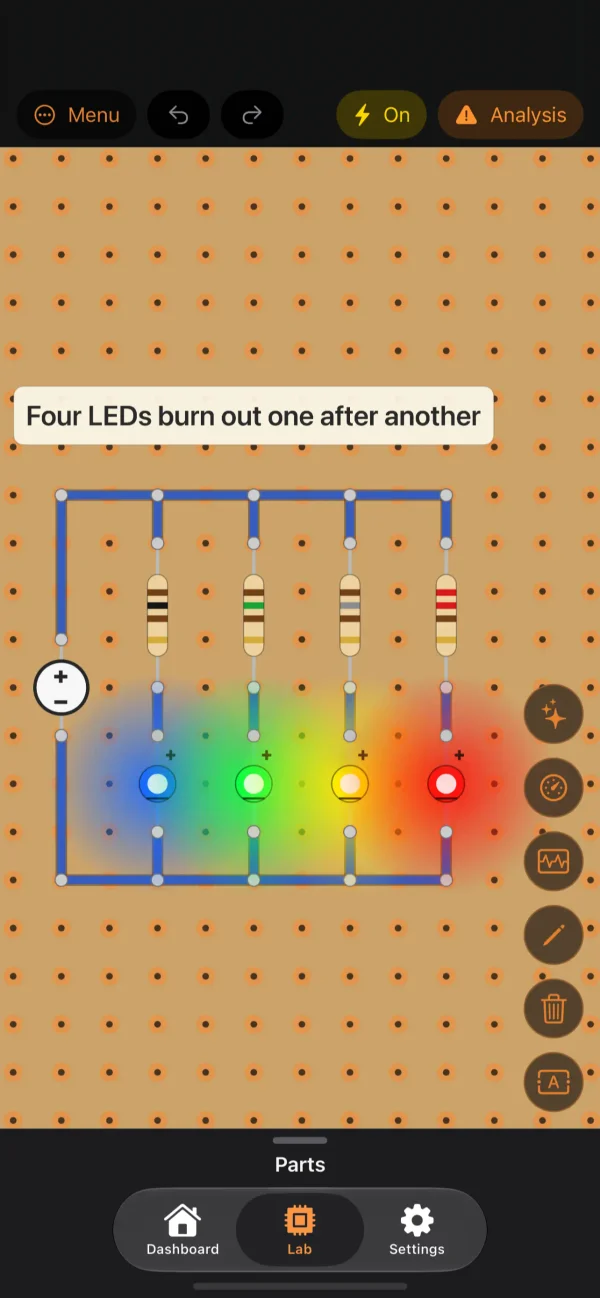
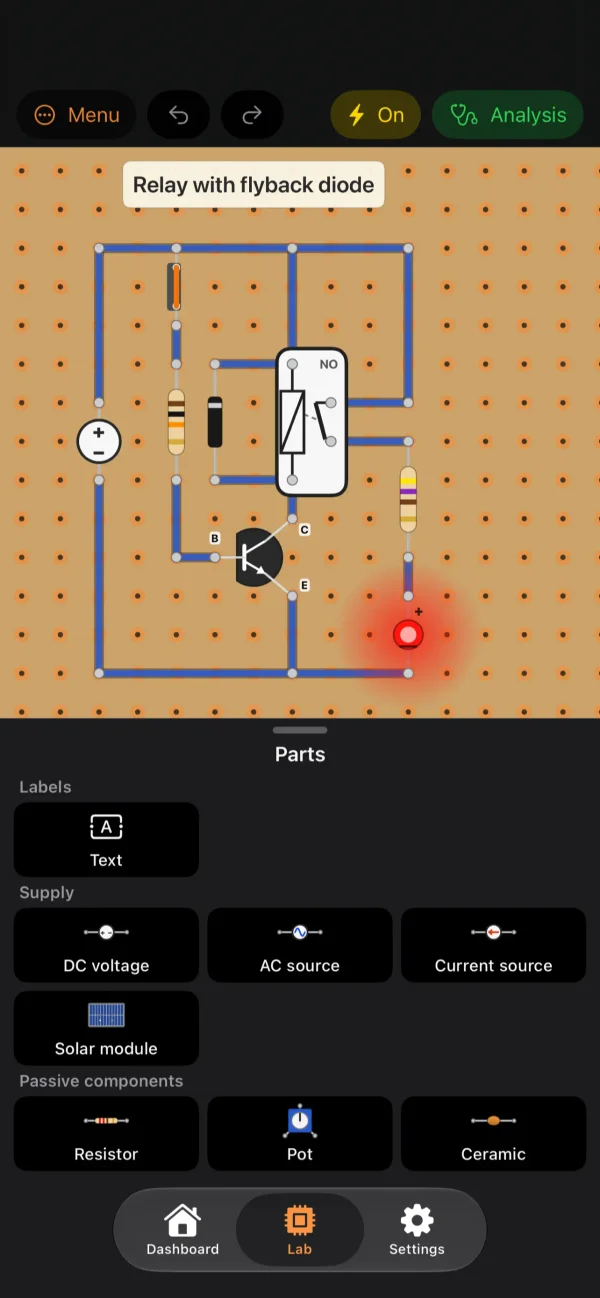
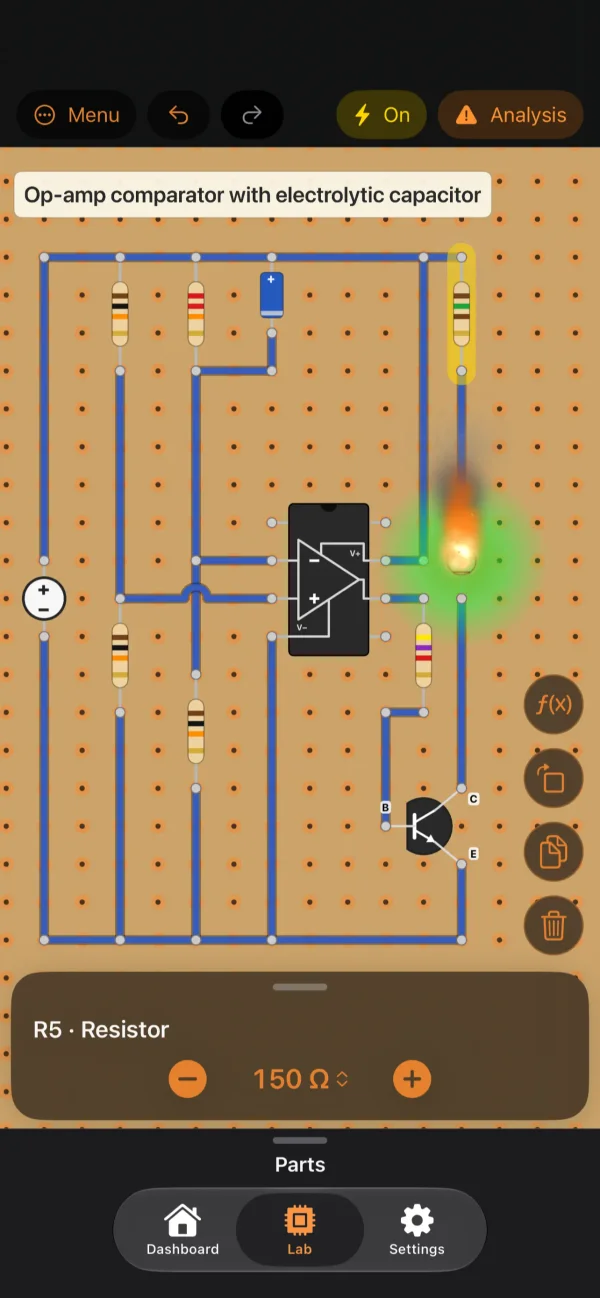
Understand electronics by trying it out: Perfboard Lab turns your iPhone, iPad or Mac into an electronics lab. Build a circuit and switch on the power. LEDs light up, incandescent lamps glow, buzzers beep. If your maths was off: it smokes, it sparks and the part burns out. Only the part in the app gets damaged.
FREE
BUILD AND TRY OUT
• You build circuits with up to 7 parts on the perfboard
• The simulation computes every change instantly with real physics
• The grid is a real 2.54 mm: what fits in the app fits on the real board
• Parts: DC voltage source, AC voltage source, resistors, potentiometers, ceramic and electrolytic capacitors, inductors, switches, push buttons, diodes, NPN and PNP transistors, N- and P-channel MOSFETs, relays, LEDs in six colours, incandescent lamp and buzzer with a real tone
MEASURE AND UNDERSTAND
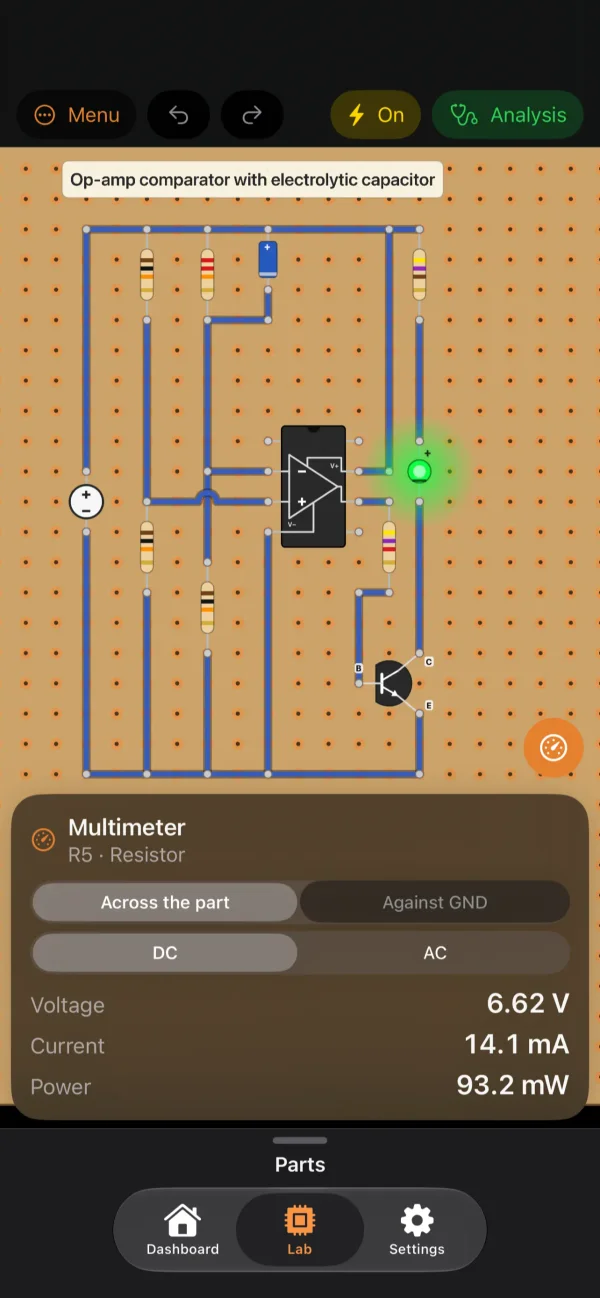
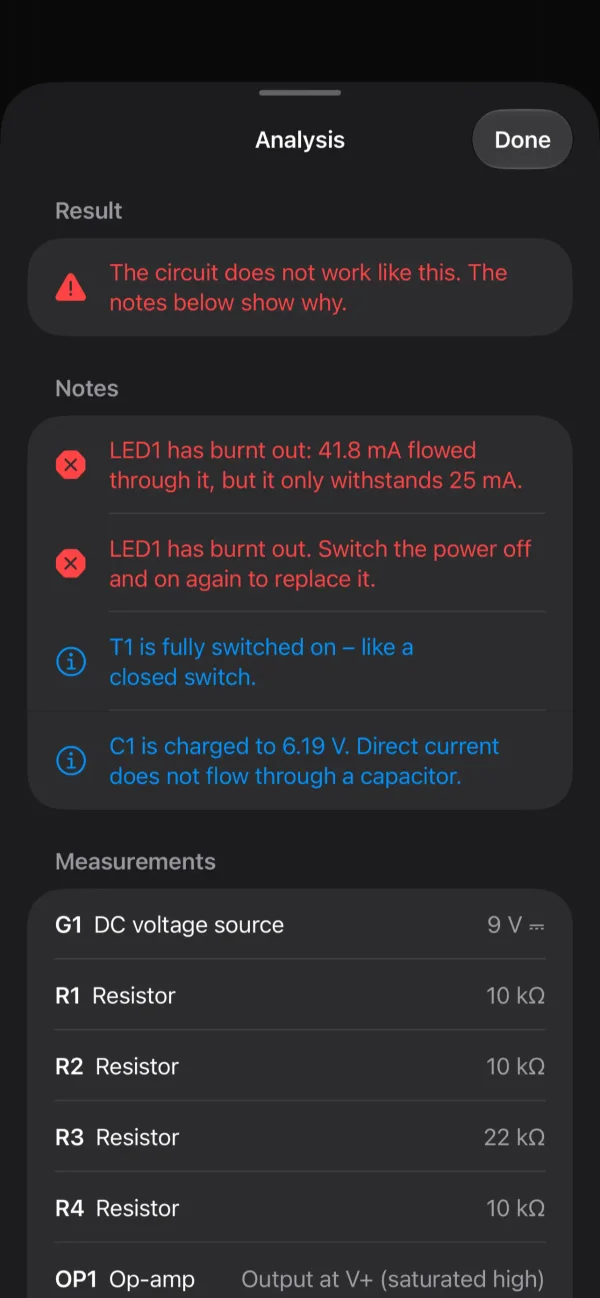
• The multimeter measures voltage, current and power at every part
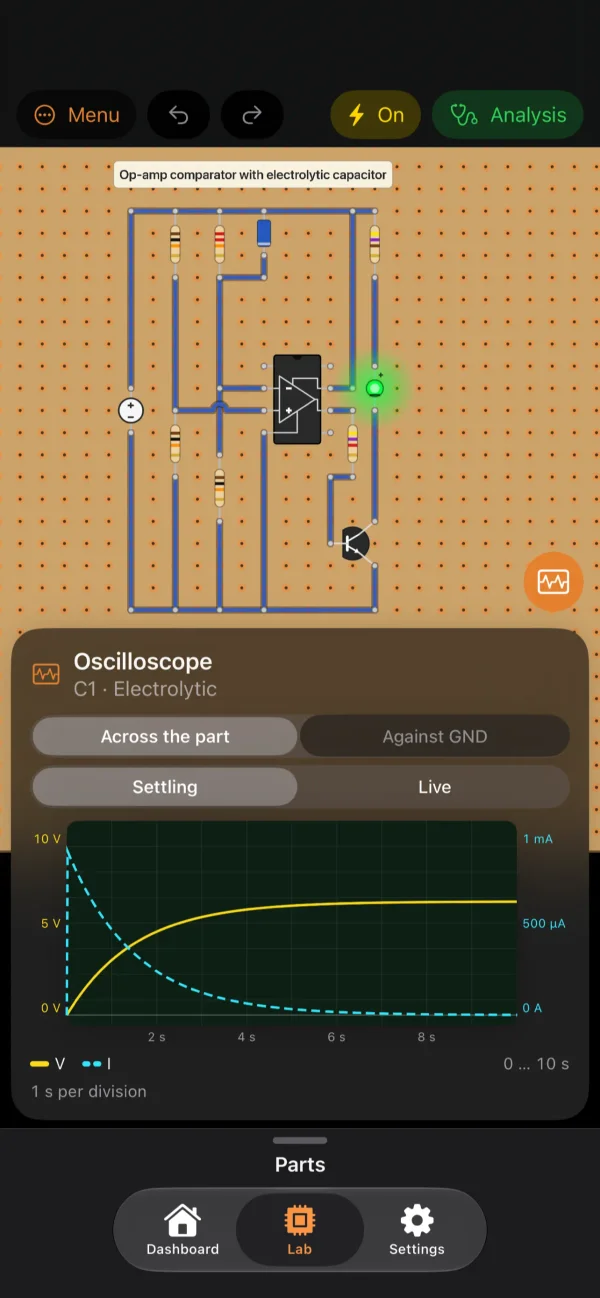
• The oscilloscope shows voltage and current over time
• The analysis tells you in plain words what is wrong
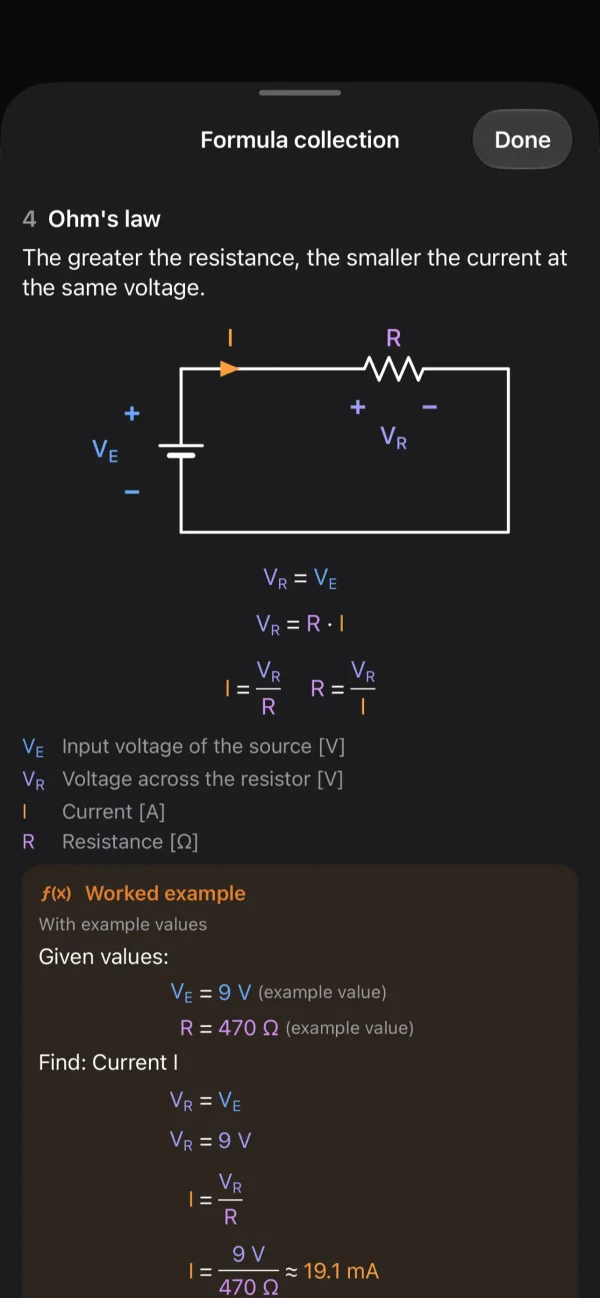
• The formula collection calculates with your measured values and shows where each number comes from
• In the tutorial, an LED burns out first. Then you find the right series resistor
• Examples from an LED with a series resistor to logic circuits and the MOSFET
A TASK EVERY DAY
• The daily task matches your level from 1 to 37: you build a circuit, complete it, adjust it or rescue it
• Game Center: 46 achievements, three leaderboards and the Live Duel against your friends
FOR EVERYONE
• In many languages, usable with VoiceOver, Voice Control and Apple Pencil
• No ads, no tracking
PERFBOARD LAB PRO
PROGRAM A MICROCONTROLLER
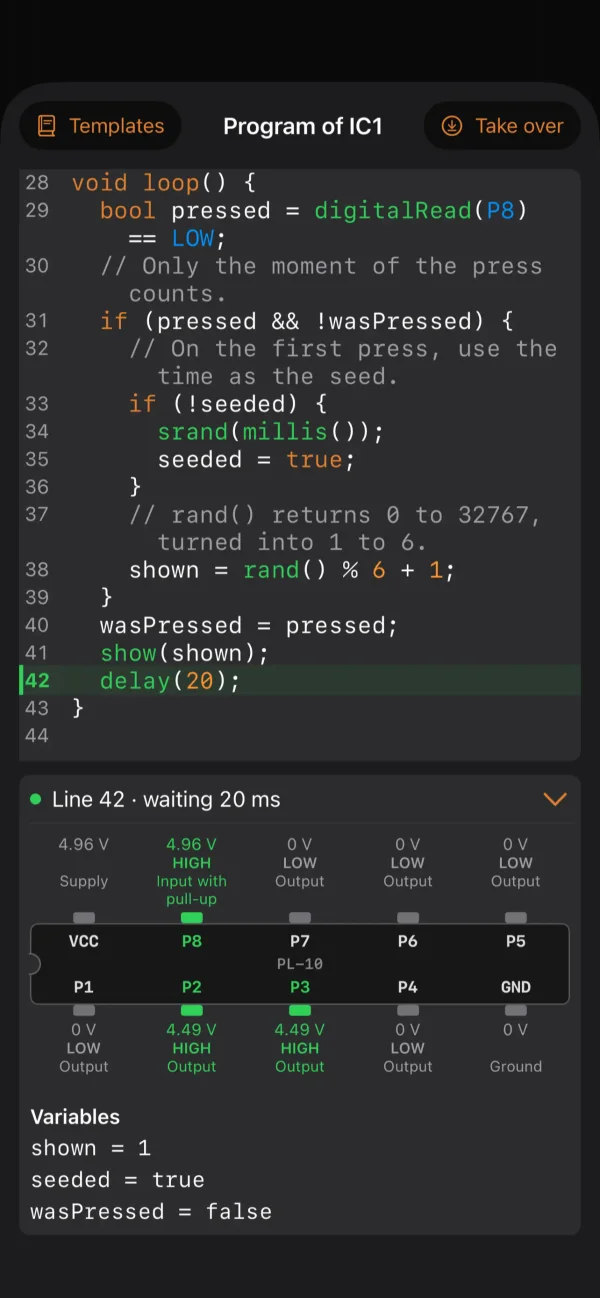
• The microcontroller has eight ports and runs your program. You write it with setup() and loop(), with variables, your own functions, if, while and for loops
• The ports switch LEDs, dim them with PWM, read switches with pull-up and measure voltages. The simulation computes every program step with real circuit physics
• The editor names each error with its line. While the program runs, you see the current line, the variables and the voltage at every port
• Seven examples, from blinking to a counter with a 7-segment display
MORE PARTS AND BOARDS
• All 32 parts: you also get the op-amp, voltage regulator, Timer NE555, microcontroller, 7-segment display, Zener diode, current source, solar module and a motor you can hear hum
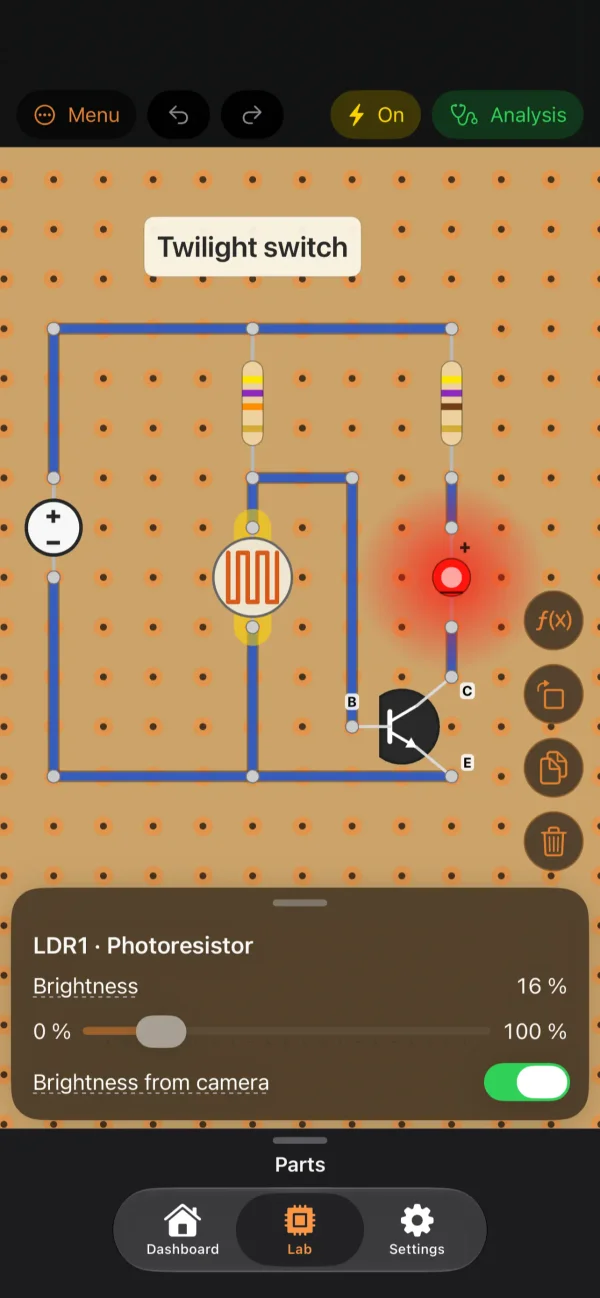
• Sensors: photoresistor, NTC and PTC. If you like, the camera measures the brightness
• Circuits with more than 7 parts
• Stripboard
• Breadboard for Arduino circuits with breadboard power supply
• Many more examples
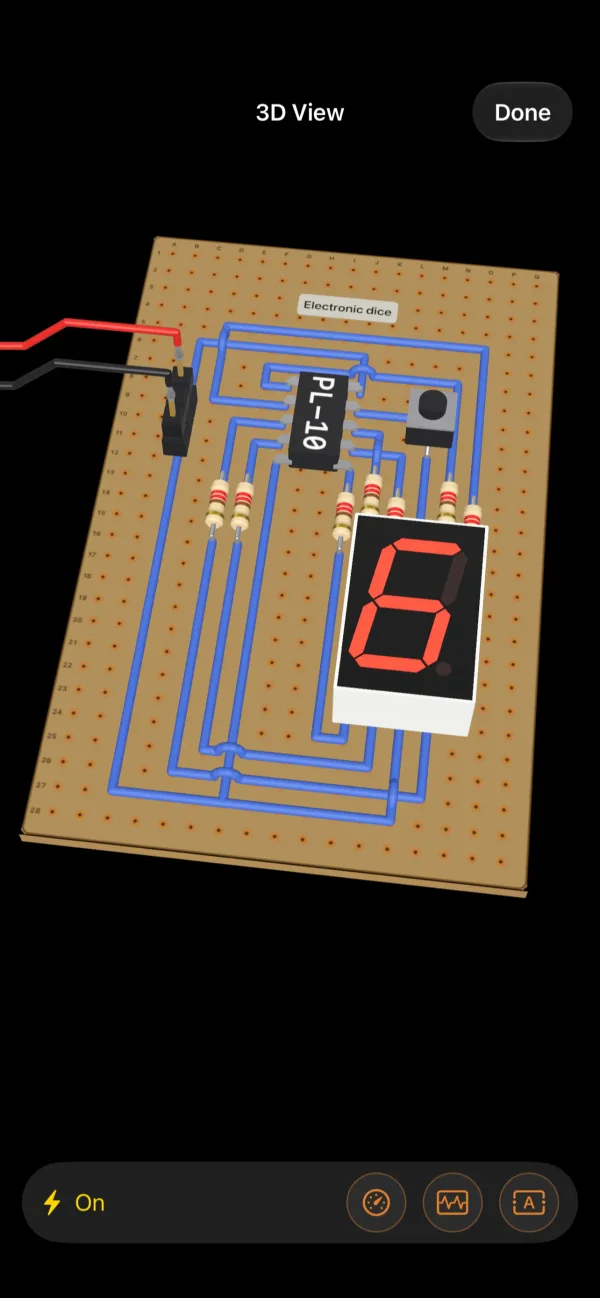
• 3D view: real packages that you turn, tilt and measure
LEARN, SAVE, SHARE
• As many further tasks as you like, the daily task without a time limit
• Explanations for every circuit, step by step on the board
• On devices with Apple Intelligence, the AI picks tasks and explanation steps
• You save as many circuits as you like and keep working on iPhone, iPad and Mac. You export them as PDF with a parts list and share them
THE SUBSCRIPTION
• Perfboard Lab Pro is available as a subscription (yearly, monthly, weekly). The App Store shows the prices before you buy.
• A subscription renews automatically unless it is cancelled at least 24 hours before the end of the period. Payment is charged to your Apple Account. You can cancel at any time in your Apple Account settings under “Subscriptions”.
• Terms of use: https://www.apple.com/legal/internet-services/itunes/dev/stdeula/
• Privacy policy: https://www.perfboardlab.com/app/datenschutz/#en
Legal notice: https://www.perfboardlab.com/app/datenschutz/#legal-notice
What’s new
Version 1.0.4 · Nov 23, 2026
• Programmable microcontroller (Perfboard Lab Pro): write a program with setup(), loop() and your own functions, and the board computes every step with real circuit physics. With pwm you dim LEDs and motors. Seven examples show blinking, a twilight switch, fading and a counter, among others.
• Live Duel in Game Center: challenge a friend or a random opponent. You race to solve up to 3 tasks. Whoever wins more rounds wins the duel.
• New part in Perfboard Lab Pro: the 7-segment display shows digits controlled by the microcontroller.
• 15 new tasks: many use parts that no task used before, such as the diode, inductor and solar module. Others call for orange, blue or white LEDs. Seven of the new tasks need Perfboard Lab Pro. From level 8 on, the tasks get harder: with transistors, MOSFETs and relays. In the daily task and the duel, larger circuits get more time.
• Many small improvements and bug fixes.
App privacy
What Pascal Schroeer declares on the App Store about how this app handles data.
-
Data not collected
The developer does not collect any data from this app.
Privacy practices may vary, for example with the features you use or your age.
Information
- Seller
- Pascal Schroeer
- Category
- Education
- Version
- 1.0.4
- Updated
- Nov 23, 2026
- Released
- Oct 9, 2026
- Size
- 71.2 MB
- Requires
- iOS 18.0 or later
- Age rating
- 4+
- Price
- Free
- In-app purchases
- Yes
- Languages
- English, Arabic, Bengali, Catalan, Croatian, Czech, Danish, Dutch, Finnish, French, German, Greek + 32 more
- Copyright
- © 2026 Pascal Schröer
You might also like
-
 Circuit Simulator bitGateLabDC, AC and Laplace circuits
-
 Experimenters CircuitsElectrical engineering lab
-
 Ohmira: Circuit SimulatorLearn electronics by building
-
 Electro SimCircuit Simulator
-
 Learn Electronics & ArduinoCircuit Simulator, ESP32 & Pi
-
 Digital Simulator bitGateLabLogic gates & 3D breadboard
-
 Singular: Circuit SimulatorAdvanced Circuit Simulator App
-
 PLC Simulator & Automation LabLadder Logic, Wiring & Motors
-
 Circuit Simulator - VoltSimRealtime electronics lab
-
 Electronics Tools & CalculatorCircuits, Filters & Components