- Age rating4+
- CategoryProductivity
- DeveloperMarcos Santos
- LanguagesEnglish+ 1 more
- Size3.7 MB
Links to the official App Store page
Download.org hosts no file of Okami Tally. The button opens its official App Store page, published by Marcos Santos. Listing last checked on Nov 20, 2026.
Screenshots



About
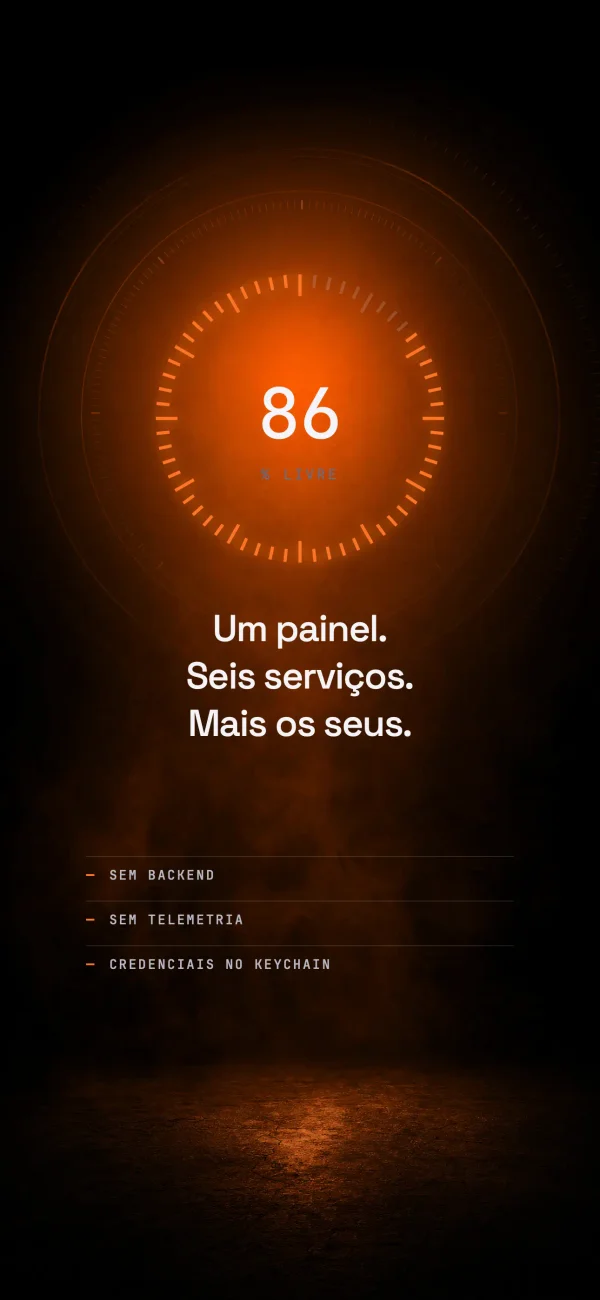
Your AI quotas live across several services. Okami Tally puts them on one screen: what is left on each plan, in each window, now.
WHAT IT SHOWS
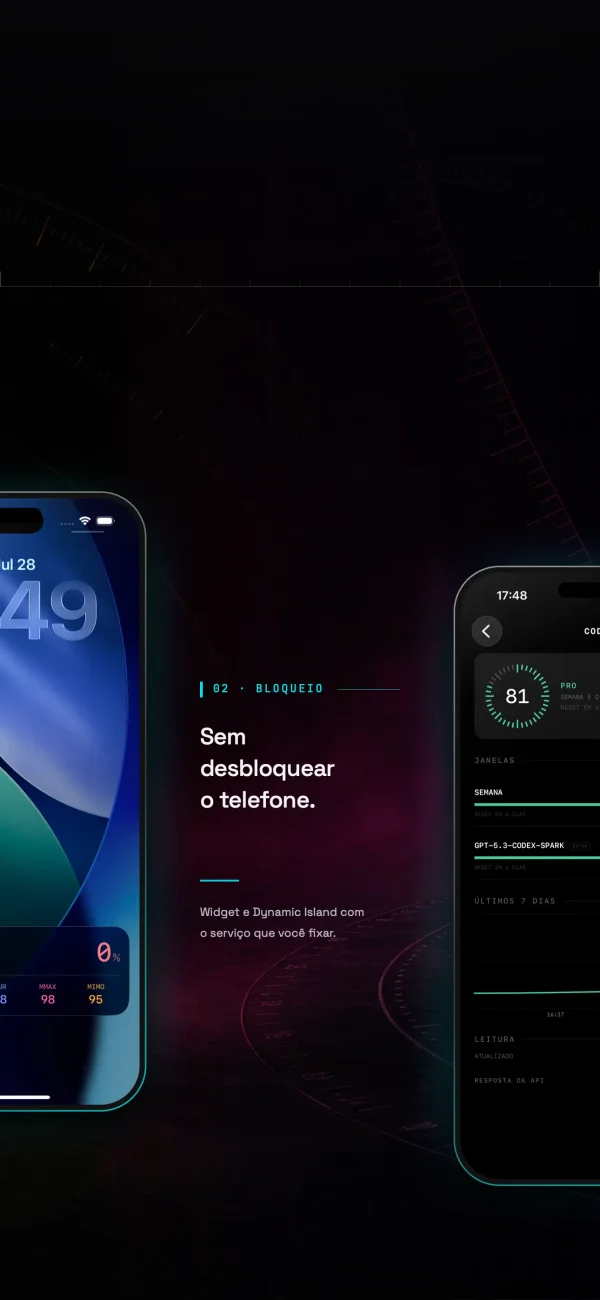
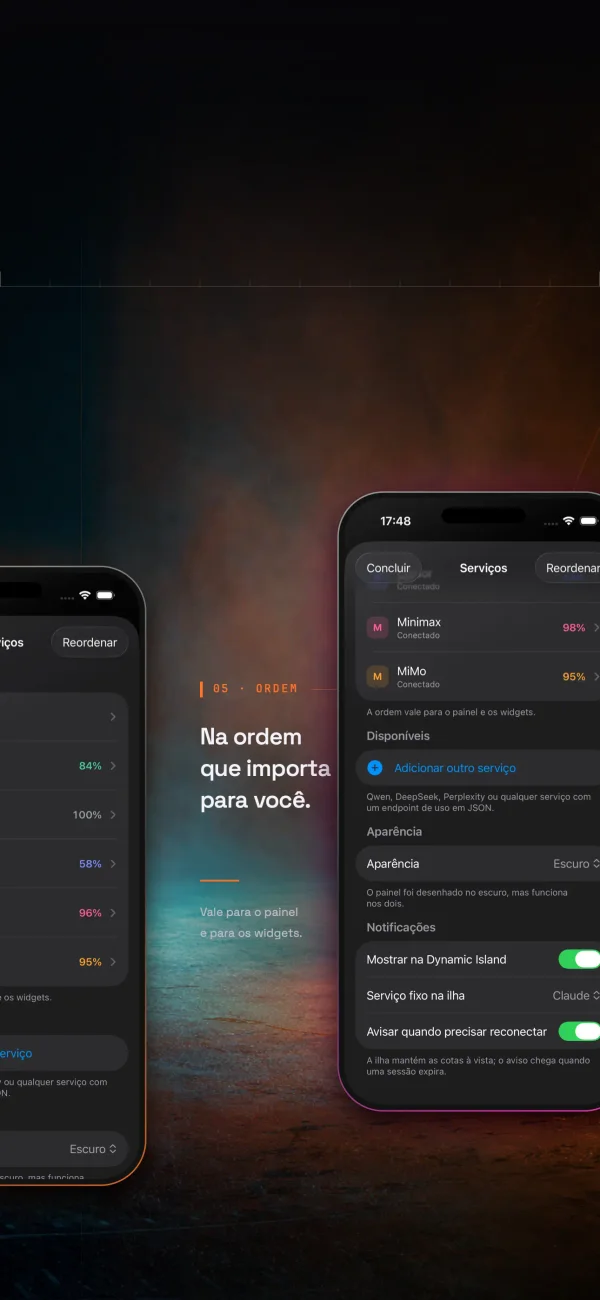
Every quota window, not just one. Claude's rolling 5 hours and weekly cap, Codex's per-model limits, Cursor's credits, the MiniMax and MiMo token plans, SuperGrok's weekly quota, and a separate GrokBot quota via Cursor — each with the percentage remaining and the time it resets.
One service is highlighted, answering the only question that matters when you are about to start something: which one to use right now.
ON THE HOME SCREEN AND THE LOCK SCREEN
Widgets in all four sizes, a lock screen widget, and the Dynamic Island with the live reading while you work. One tap refreshes without opening the app.
YOUR DATA STAYS ON YOUR IPHONE
There is no server in the middle. The app talks to each service directly, and credentials live in the device Keychain with native iOS protection. Nothing is sent anywhere except to the service you connected.
CONNECT HOWEVER YOU LIKE
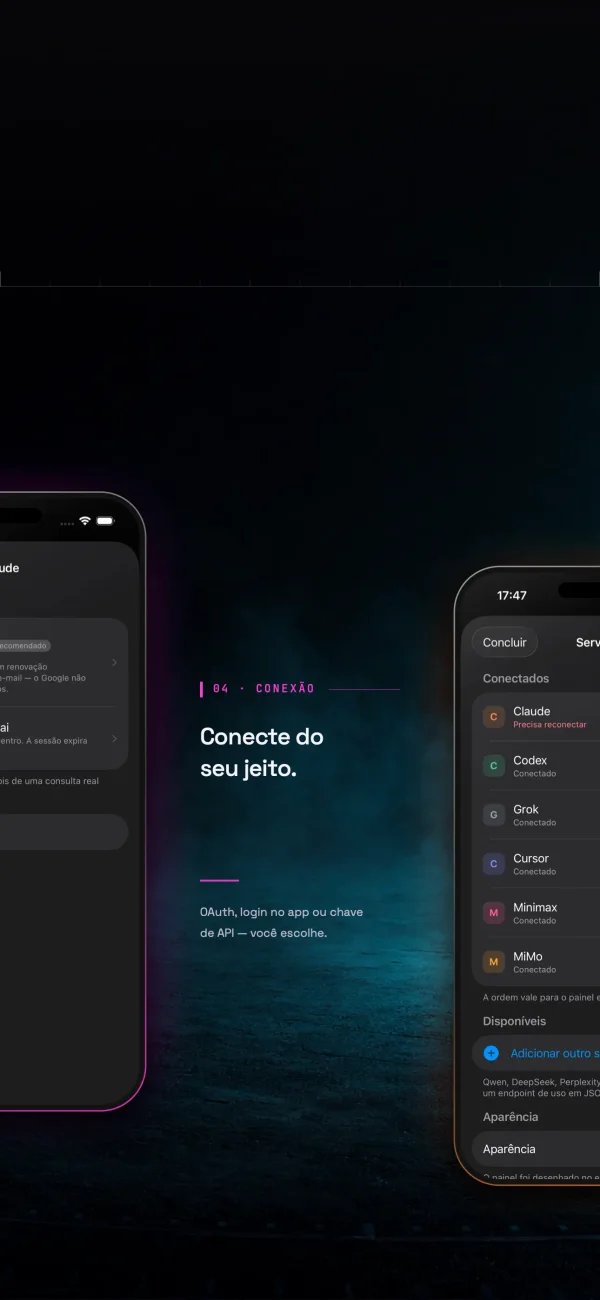
Every service offers the methods it genuinely supports — signing in through its own page, OAuth, or an API key. For Grok, authorize an xAI device code in your browser, then return to the app to see the SuperGrok weekly quota.
BEYOND THE INCLUDED SERVICES
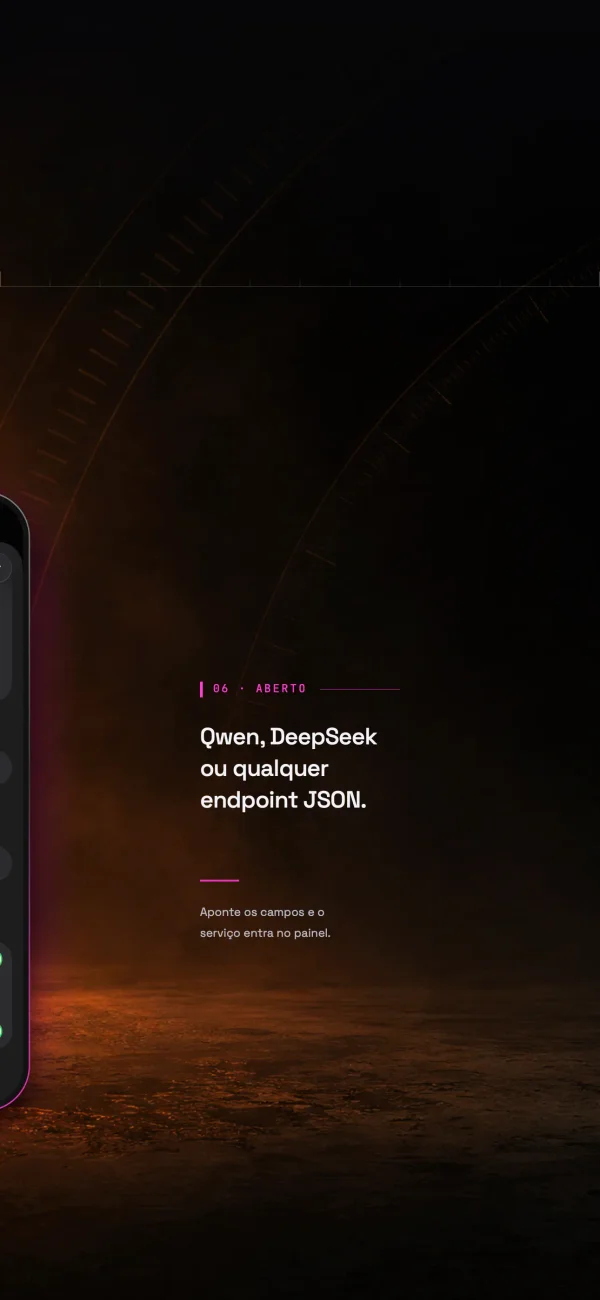
Using Qwen, DeepSeek, Perplexity or anything else? Add the endpoint, point at where the number sits in the response, and it appears alongside the rest.
What’s new
Version 1.1 · Sep 4, 2026
This update improves security, connections, and provider coverage.
• API keys remain available as BYOK. They are masked, protected by the Keychain, and sent only to the confirmed HTTPS endpoint.
• Grok connects through an xAI device code with automatic renewal.
• GrokBot appears as a separate provider and reuses Cursor's secure authorization.
• Optional Demo Mode is off by default and does not access the network or Keychain.
• Claude, Codex, and web sessions are more resilient to expiry and cookie rotation.
FIXES IN THIS BUILD
• Fixed GrokBot appearing as “session expired” even while Cursor was connected.
• Cursor now uses its official authorization flow and provides GrokBot with the correct token without exposing credentials.
• Accounts connected in earlier builds must tap “Reconnect Cursor” once after updating.
App privacy
What Marcos Santos declares on the App Store about how this app handles data.
-
Data not collected
The developer does not collect any data from this app.
Privacy practices may vary, for example with the features you use or your age.
Information
- Seller
- Marcos Santos
- Category
- Productivity
- Version
- 1.1
- Updated
- Sep 4, 2026
- Released
- Aug 5, 2026
- Size
- 3.7 MB
- Requires
- iOS 17.0 or later
- Age rating
- 4+
- Languages
- English, Portuguese
- Copyright
- © 2026 Okami Ops
You might also like
-
 Leeway - Your AI Usage TrackerKnow before you hit the limit
-
 Juniper Secure ConnectBy Juniper Networks
-
 Mammoth AI - Chatbot AssistantChat, Image, Video, Audio, Web
-
 Open MinisYour Private On-Device Agent
-
 QuickEditor - Text & CodeMarkdown, regex & remote files
-
 Spotless: A simply clean homeTrack cleaning tasks & chores
-
 Collabora OfficeProductivity
-
 Locally AI by LM StudioLocal & Private AI Assistant
-
 IFTTT.ai: Automation made easyConnect 1000+ apps in minutes
-
 Face Search AI | Image SearchOfficial Face Image Search