
- Age rating4+
- CategoryUtilities
- DeveloperOKIO LABS, INC.
- LanguagesEnglish+ 4 more
- Size3.9 MB
Links to the official App Store page
Download.org hosts no file of OKIOCAM Live. The button opens its official App Store page, published by OKIO LABS, INC. Listing last checked on Nov 15, 2026.
Screenshots

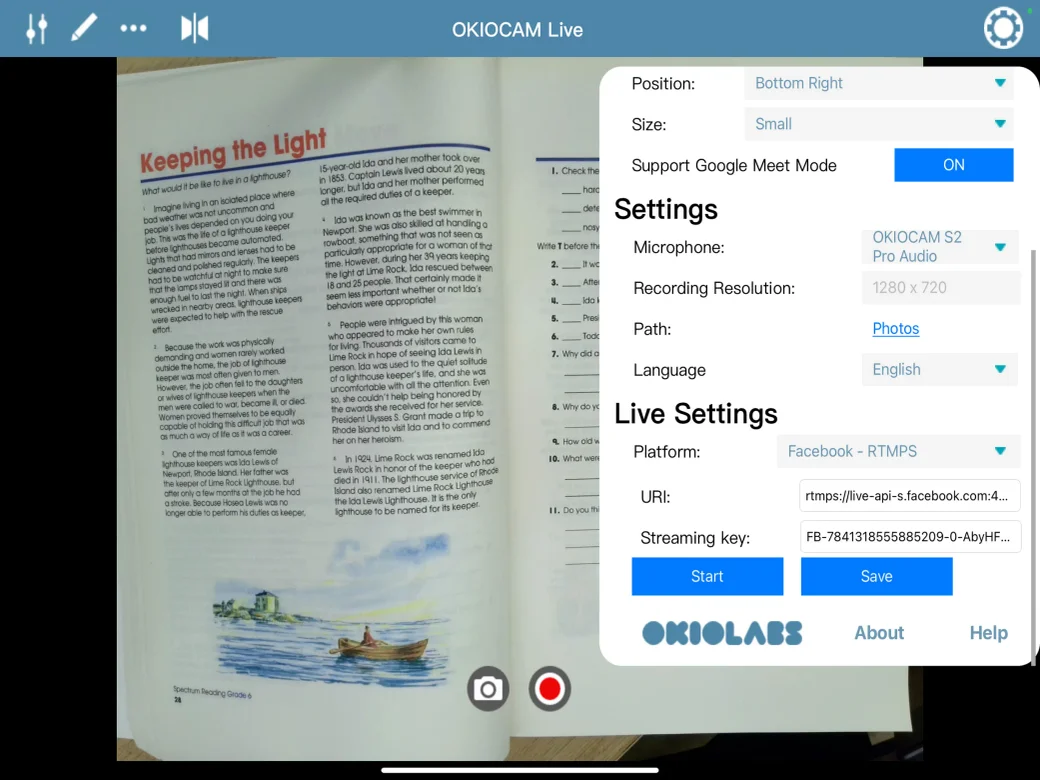
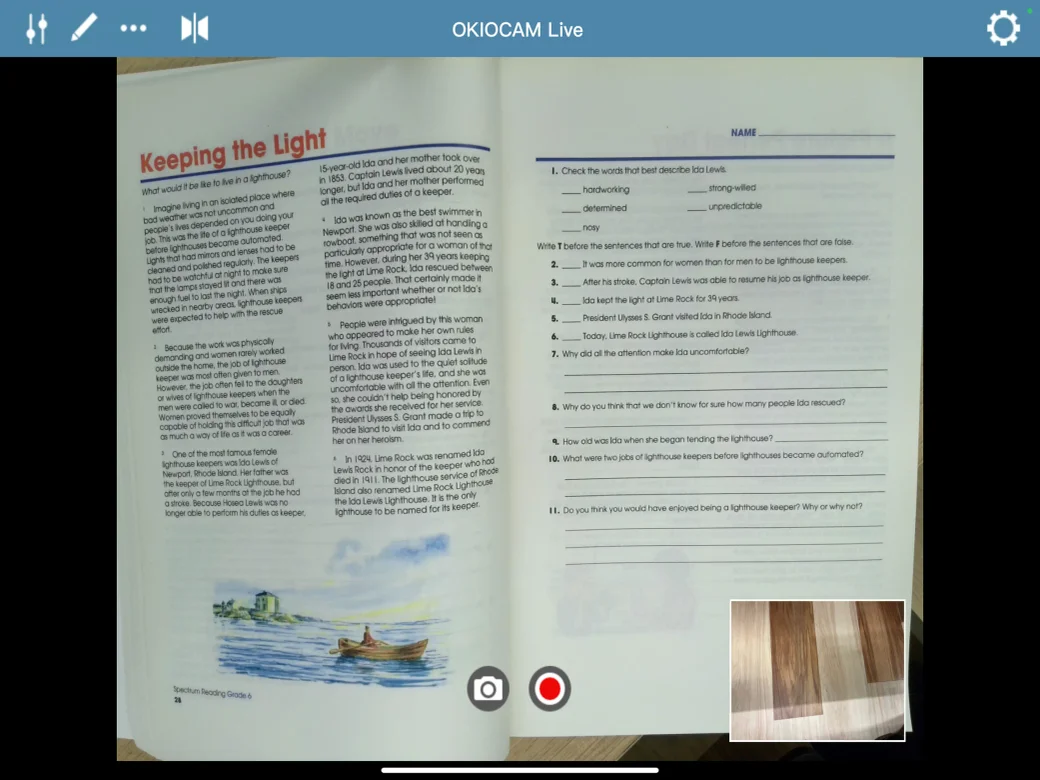
About
OKIOCAM Live is now available on iPads! The app supports both internal iPad cameras and external OKIOCAM USB cameras.
Elevate your presentations with OKIOCAM Live, the first document camera app for iPads designed to bring your ideas to high definition using your OKIOCAM doc cam and share them with your audience.
Whether you're a teacher, presenter, or speaker, this powerful tool empowers you to deliver impactful presentations anytime, anywhere with just an iPad and OKIOCAM in hand!
- FEATURES -
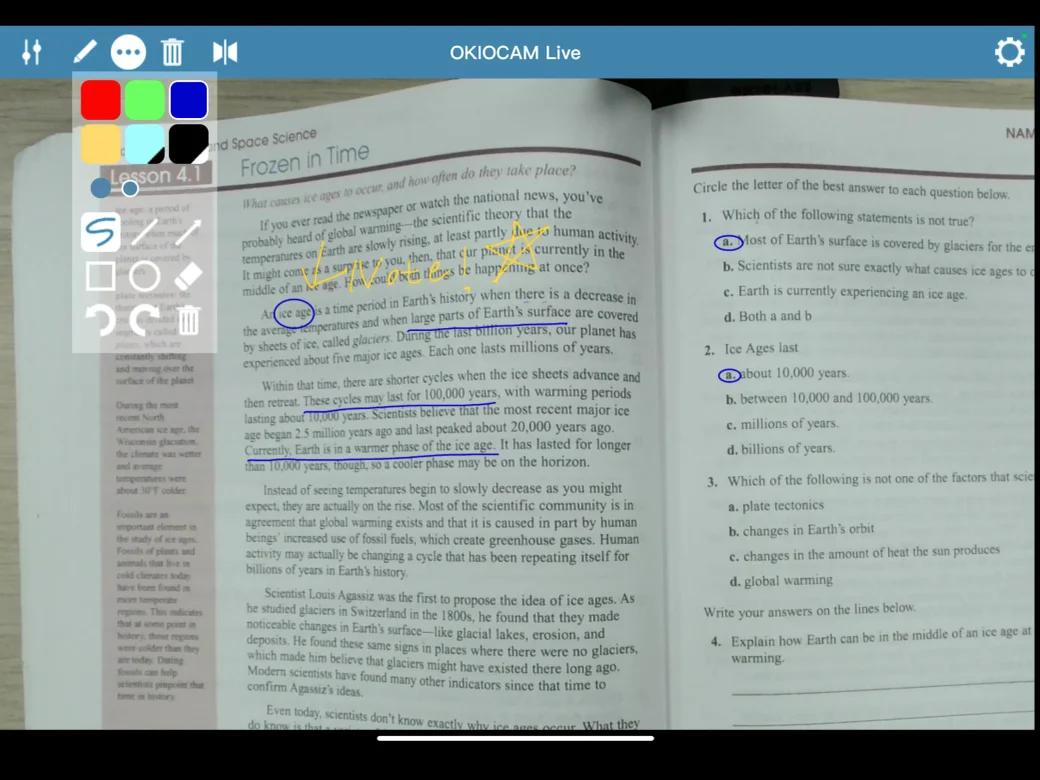
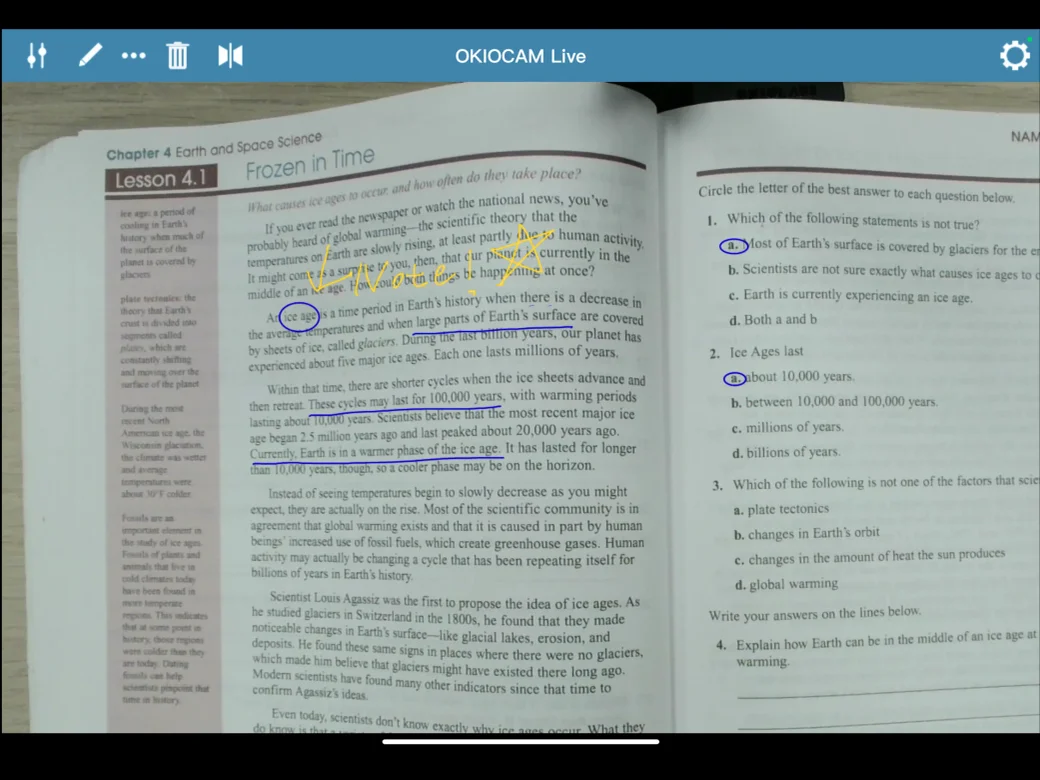
With OKIOCAM & OKIOCAM Live, you can annotate notes, highlight key points, and draw diagrams directly on your visual materials in real-time using your iPad, making your presentations much more visually engaging and interactive.
With Airplay, project your iPad screen onto a larger display to captivate your audience - no more fuss with multiple cables and ports.
- NEW FEATURES -
Take your experience to the next level with these exciting updates:
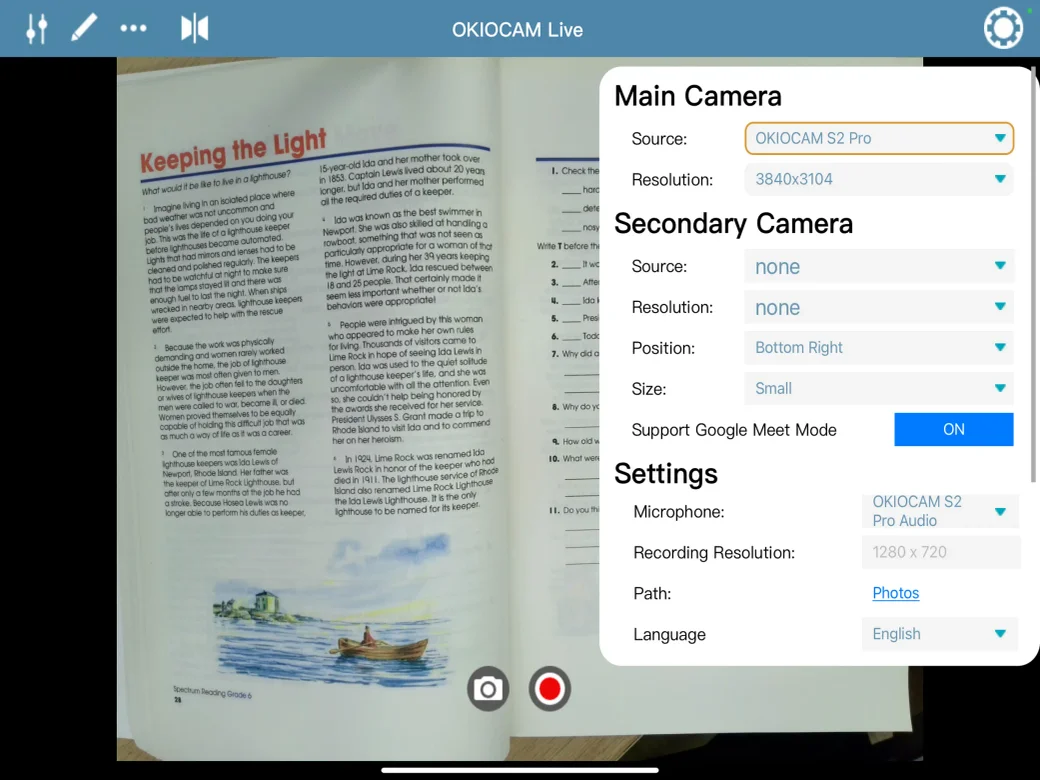
Take Snapshots: Capture high-quality snapshots with a single tap to save and share your moments instantly.
Record Videos: Effortlessly record detailed videos for presentations, lessons, or memorable events.
Picture-in-Picture (PiP): Leverage two cameras simultaneously for dynamic, dual-view presentations. Perfect for live demonstrations and interactive content creation.
Live Broadcasting to RTMP Servers: Stream directly to platforms like YouTube, Facebook, or any RTMP-compatible service with ease.
- HOW TO USE -
Simply connect your OKIOCAM camera to your iPad using the Type-C adapter included with the camera, and unlock a myriad of features to amplify your presentations using OKIOCAM Live.
- SECURITY AND PRIVACY -
OKIOCAM Live has no access to your camera feed and video. It simply routes your OKIOCAM camera to your iPad.
- WHAT’S MORE -
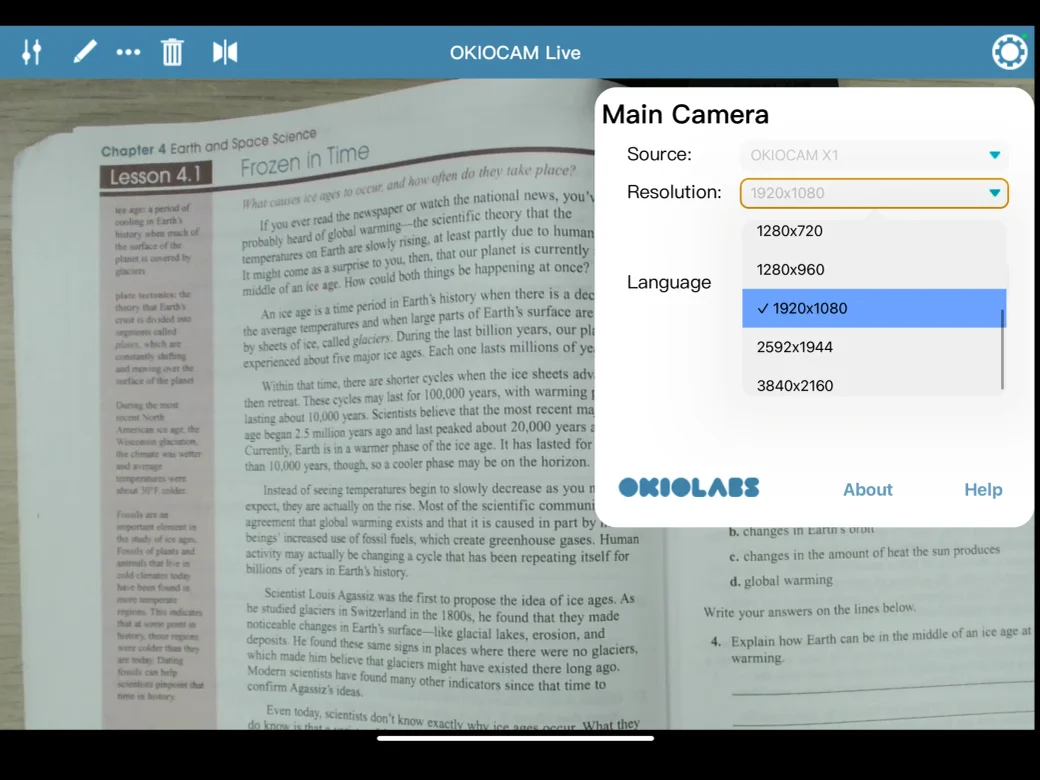
- Supports zero-latency presentations and video streaming at up to 30 fps with a range of resolutions
- Virtually rotate and zoom in on any part of your video
- No ads in the app and no hidden payments
Note: OKIOCAM Live for iPad currently only supports built-in iPad cameras and OKIOCAM USB cameras.
- SUPPORT -
We’re always happy to support our users and we’d love to help you make the most of OKIOCAM Live or your OKIOCAM.
Contact us anytime at support.okiolabs.com
About us: https://www.okiolabs.com/
Learn more about OKIOCAM Live (all versions) https://www.okiolabs.com/software/okiocam-live/
What’s new
Version 1.0.3 · Oct 2, 2025
Fix bugs
App privacy
What OKIO LABS, INC. declares on the App Store about how this app handles data.
-
Data not collected
The developer does not collect any data from this app.
Privacy practices may vary, for example with the features you use or your age.
Information
- Seller
- OKIO LABS, INC.
- Category
- Utilities
- Version
- 1.0.3
- Updated
- Oct 2, 2025
- Released
- Mar 27, 2024
- Size
- 3.9 MB
- Requires
- iOS 17.0 or later
- Age rating
- 4+
- Price
- Free
- Languages
- English, French, German, Japanese, Traditional Chinese
- Copyright
- © 2025 OKIOLABS
You might also like
-
 Inswan DocumateUtilities
-
 IPEVO VisualizerUtilities
-
 USB CameraConnect any UVC devices
-
 ReBokehSee Your World
-
 Genki StudioUVC Viewer
-
 Newline Cast +Utilities
-
 QLab RemoteEasy remote editing for QLab
-
 Jamf Self Service+Utilities
-
 USB Camera pro-capture driverVideo capture card driver
-
 GoGuardian Parent AppStudent online activity report