OLED Control: Smart TV Remote
LG webOS Picture & Widgets
Designed for iPhone, iPad, Mac
Free · In-app purchases
- Age rating4+
- CategoryUtilities
- DeveloperVLAD GHEORGHE TULITU
- LanguagesEnglish
- Size62.6 MB
Links to the official App Store page
Download.org hosts no file of OLED Control: Smart TV Remote. The button opens its official App Store page, published by VLAD GHEORGHE TULITU. Listing last checked on Nov 24, 2026.
Screenshots
About
Make your LG TV easier to control—and your picture easier to fine-tune.
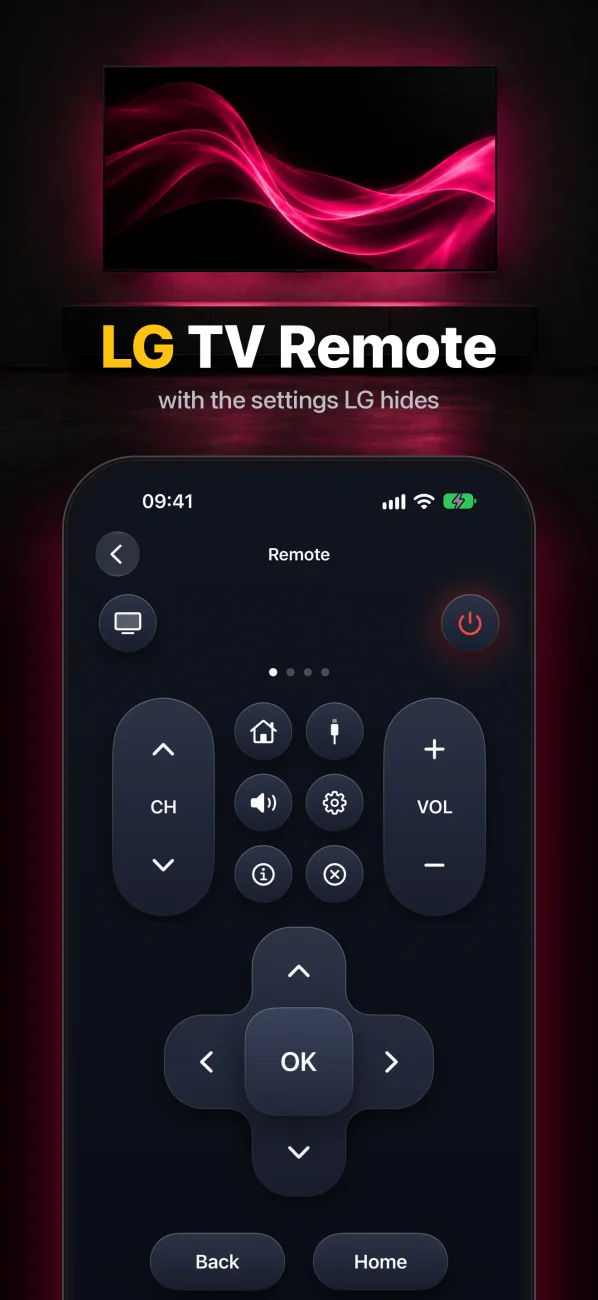
Use your iPhone or iPad as a remote, open favorite TV apps, and keep useful controls close with Home Screen widgets.
EVERYDAY CONTROL, FEWER TAPS
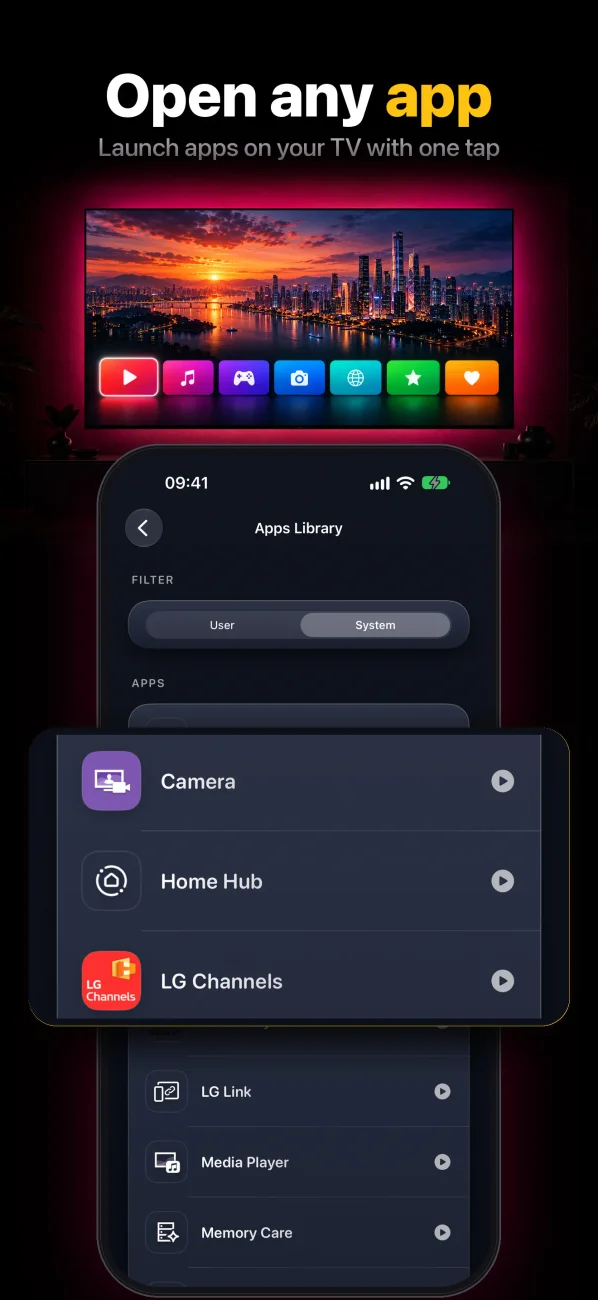
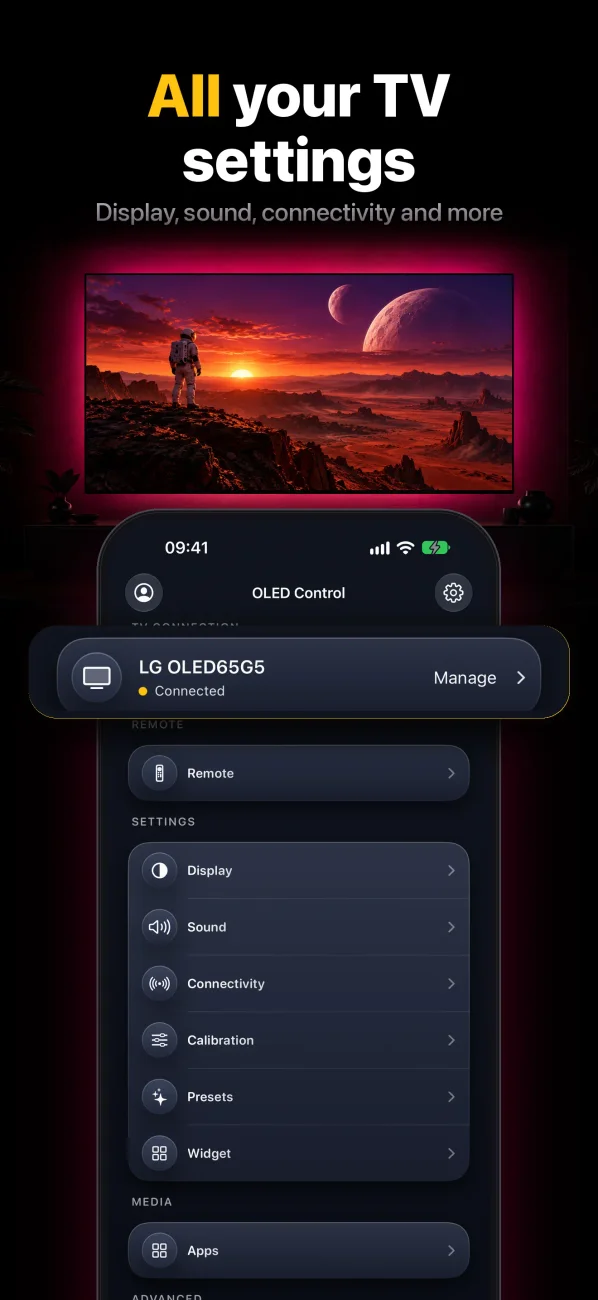
Adjust volume, navigate menus, switch inputs, and launch installed TV apps. Customize app shortcuts and manage saved TVs in one place. Connect over the same Wi-Fi network with nearby discovery or an IP address.
GET MORE FROM YOUR PICTURE
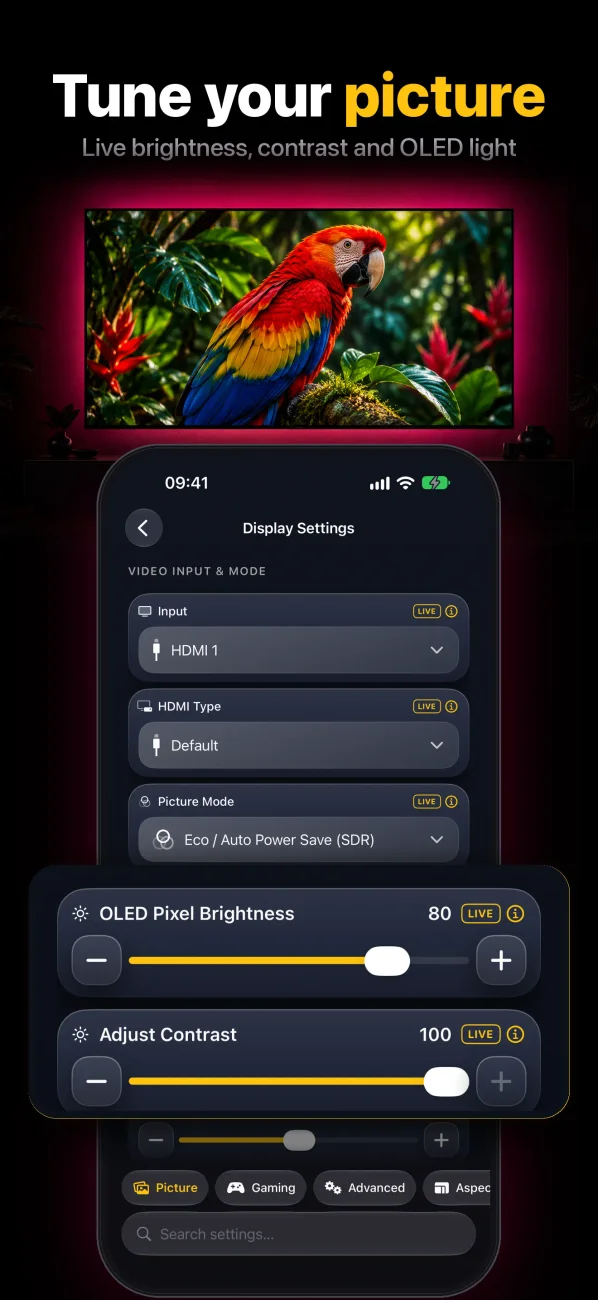
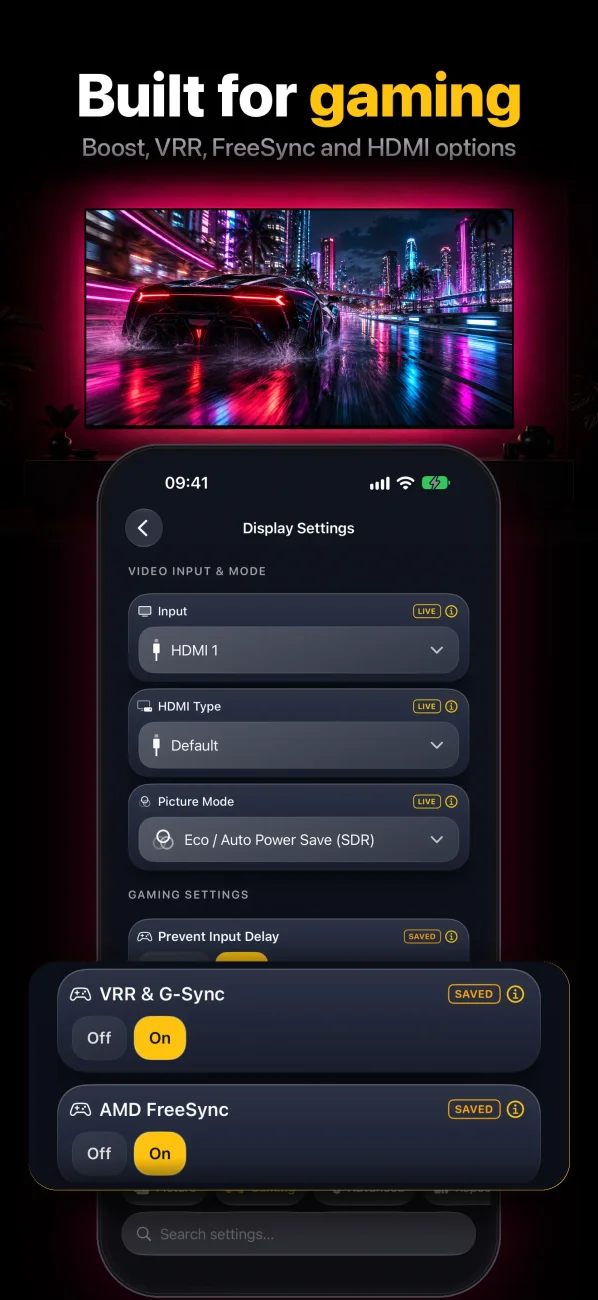
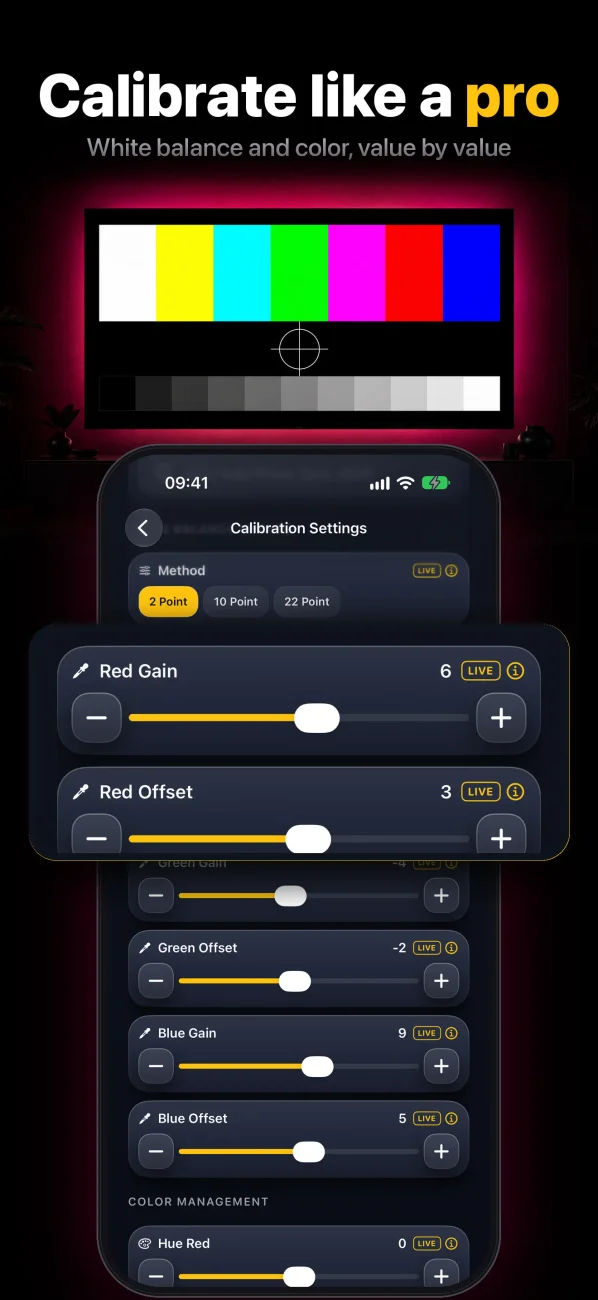
Fine-tune supported brightness, contrast, color, sharpness, HDR, and gaming settings. Save picture presets for different content and inputs without working through long on-screen menus.
MADE FOR LG WEBOS
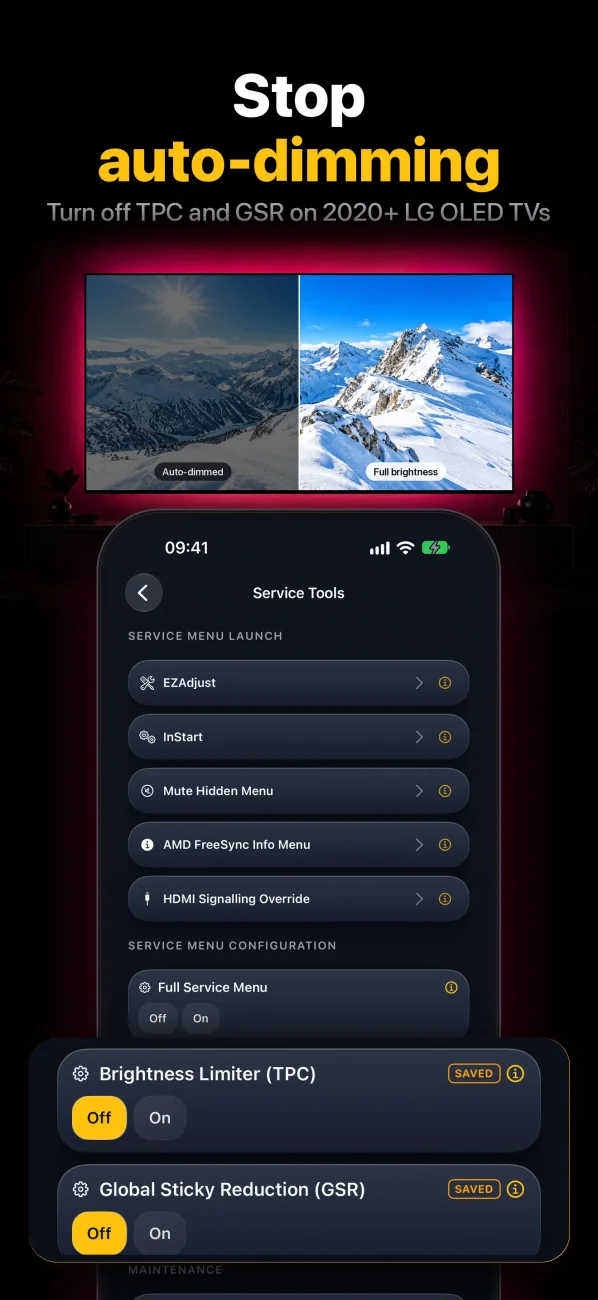
OLED Control supports compatible LG webOS TVs. Available controls depend on your TV model, firmware, input, and picture mode. Your phone or tablet and TV must use the same local network.
Basic remote functions are free. Some advanced features require Premium, available through an auto-renewing subscription or a lifetime purchase. Available options and localized prices are shown in the app before purchase.
TV commands are sent over your local network. OLED Control is an independent app and is not affiliated with or endorsed by LG.
Terms of Use: https://www.apple.com/legal/internet-services/itunes/dev/stdeula/
Privacy Policy: https://oledcontrol.xyz/privacy
What’s new
Version 2.0.14 · Nov 10, 2026
Undo any preset, and share your own presets with a link.
NEW
• Undo: one tap brings back the picture your TV had before the preset.
• Share presets: send a custom preset as a link that opens in OLED Control.
IMPROVED
• TV setup keeps looking until it finds your TV.
• More LG models and model years show the right name.
• Remote keys respond right after the app connects.
App privacy
What VLAD GHEORGHE TULITU declares on the App Store about how this app handles data.
-
Data linked to you
May be collected and linked to your identity.
- Purchases
- Contact info
- User content
- Identifiers
- Usage data
- Diagnostics
Privacy practices may vary, for example with the features you use or your age.
Information
- Seller
- VLAD GHEORGHE TULITU
- Category
- Utilities
- Version
- 2.0.14
- Updated
- Nov 10, 2026
- Released
- Nov 23, 2025
- Size
- 62.6 MB
- Requires
- iOS 17.6 or later
- Age rating
- 4+
- Price
- Free
- In-app purchases
- Yes
- Languages
- English
- Copyright
- © 2026 Vlad Tulitu
You might also like
-
 Smart Remote+Widget support for smart TVs
-
 Maestro SwitchA magic wand for your home
-
 Itsytv: Remote for Apple TVKeyboard, apps & what’s on
-
 Quartermaster: Homelab StackQuartermaster
-
 DashboarrUtilities
-
 OutSpan - Fullscreen BrowsingWide web pages and ad blocker
-
 Unraid Deck - Server ManagerUnraid NAS Monitor & Control
-
 Sable.Mobile File Manager
-
 Thread Doctor - MatterThread Network Diagnostics
-
 Unraid ManagerManage your unraid server