Omnido: Tasks & Sources
To-do list from email & chat
Designed for iPhone, iPad
In-app purchases
- Age rating4+
- CategoryProductivity
- DeveloperSascha Henning
- LanguagesGerman+ 1 more
- Size5.1 MB
Links to the official App Store page
Download.org hosts no file of Omnido: Tasks & Sources. The button opens its official App Store page, published by Sascha Henning. Listing last checked on Nov 23, 2026.
Screenshots
About
Tasks arrive in messages, on websites and while you are away from your desk. Omnido
brings your work and personal tasks together with their context: what needs doing,
where it came from and where you need to reply or act later.
Capture, review, keep an overview
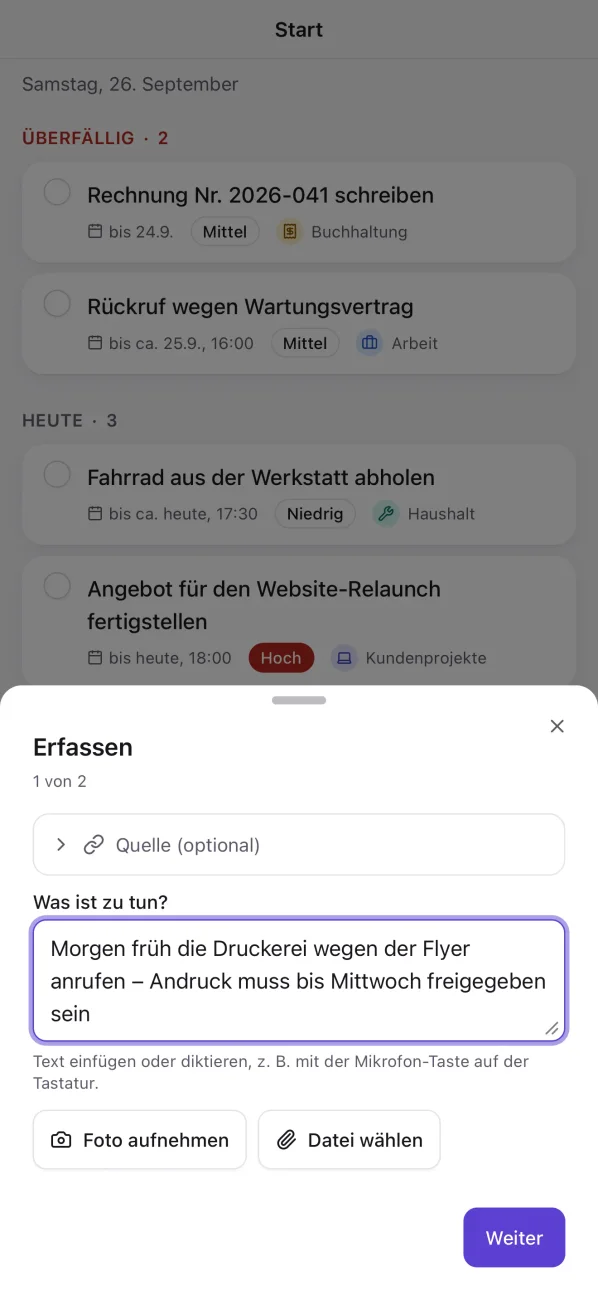
Type a task or share text, links, photos and PDFs from apps that provide supported
content through the share sheet. On iPhone and iPad, you can also scan a letter or
dictate text. Siri and Shortcuts provide further ways to capture tasks.
AI helps prepare tasks
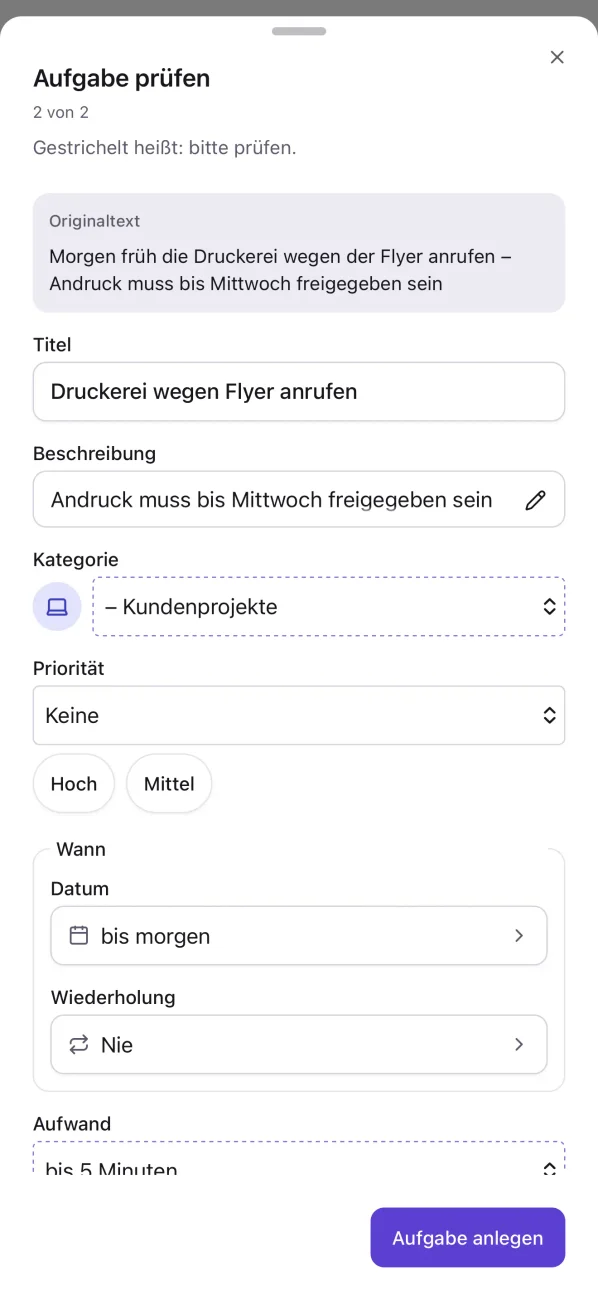
With a subscription, Omnido suggests a title, description, category, priority and dates
from a capture; without one, a title and a short description.
Review and change the suggestions before accepting the task. Analysis can make
mistakes and needs a connection to the server.
Tasks with context
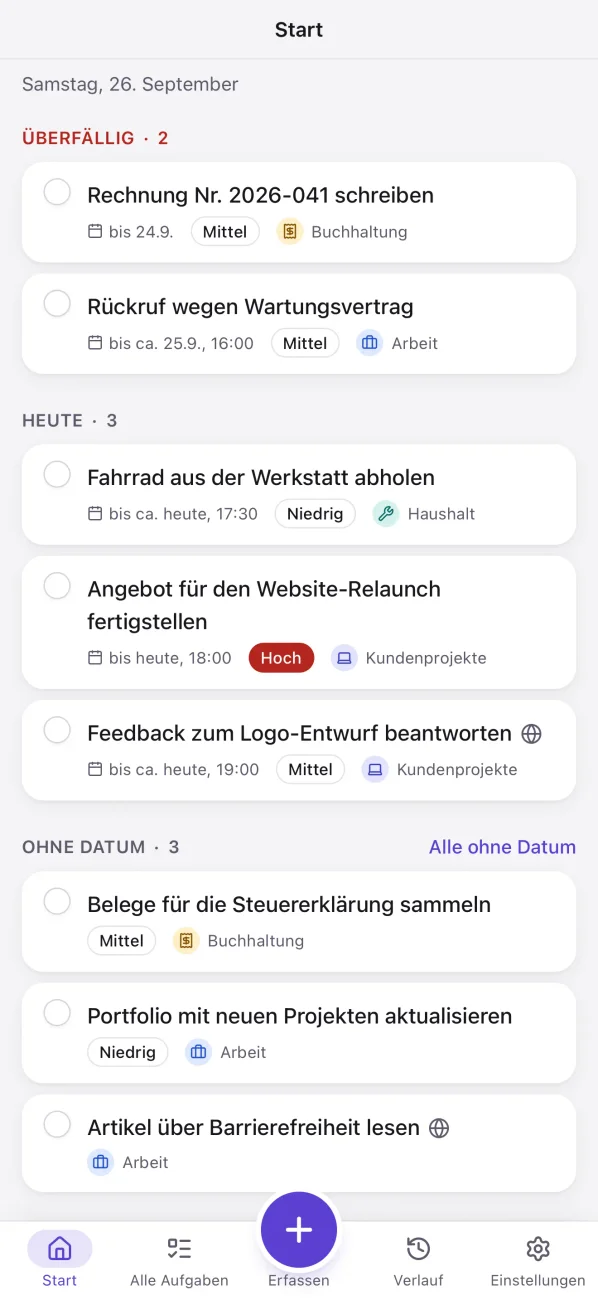
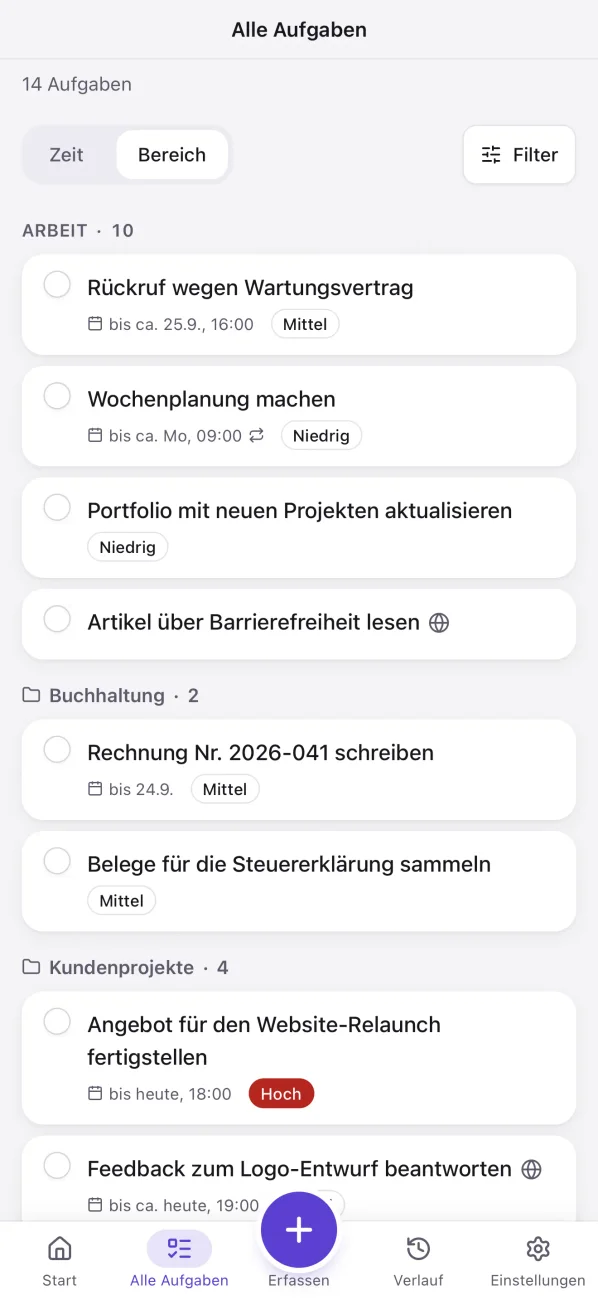
Organize tasks by areas and categories. Keep track of appointments, time windows and
recurring tasks. The due widget shows how many tasks are due today or overdue.
Back to the source
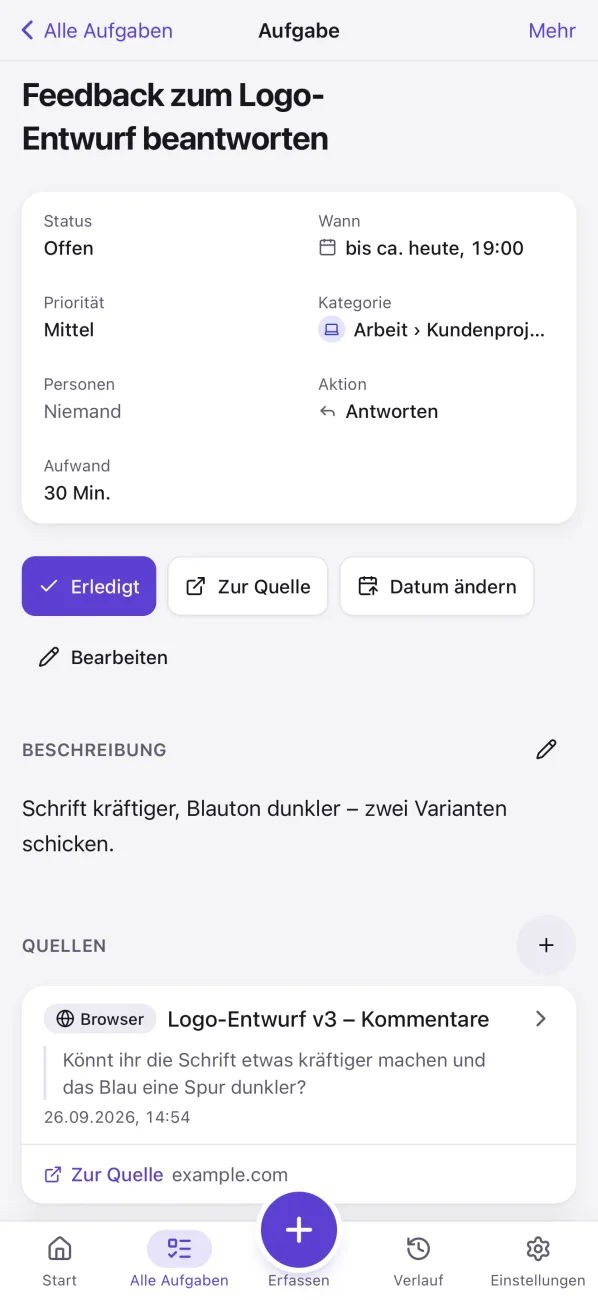
A task can retain excerpts and several sources. Use the available source link to
return to the original context. Depending on the source, it may open the exact content,
a chat or page, or only the app. Some sources have no return link.
Microsoft connections require a compatible account and the necessary permissions.
Continue on your devices
Use the same account for your tasks on iPhone, iPad, the web and the separate Mac app.
Captures can wait on the device when a connection fails. This is not a fully offline
task manager; do not sign out before pending captures have been sent.
Omnido requires an account. Sign in with a code sent by email or a passkey on supported
devices. Settings → Account lists your sessions and provides account deletion.
Omnido subscription: monthly or yearly, with a 7-day free trial the first time you subscribe. Payment is charged to your Apple Account. The subscription renews automatically unless you cancel it in your Apple Account settings at least 24 hours before the end of the current period.
Terms of Use (EULA): https://www.apple.com/legal/internet-services/itunes/dev/stdeula/
Privacy Policy: https://www.saschahenning.de/en/apps/omnido/privacy/
What’s new
Version 1.7 · Nov 11, 2026
Maintenance update with technical improvements under the hood. Nothing changes in how you use the app.
App privacy
What Sascha Henning declares on the App Store about how this app handles data.
-
Data linked to you
May be collected and linked to your identity.
- Purchases
- Contact info
- User content
- Search history
- Browsing history
- Identifiers
- Usage data
- Diagnostics
-
Data not linked to you
May be collected but is not linked to your identity.
- Location
Privacy practices may vary, for example with the features you use or your age.
Information
- Seller
- Sascha Henning
- Category
- Productivity
- Version
- 1.7
- Updated
- Nov 11, 2026
- Released
- Oct 1, 2026
- Size
- 5.1 MB
- Requires
- iOS 16.4 or later
- Age rating
- 4+
- In-app purchases
- Yes
- Languages
- German, English
- Copyright
- © 2026 Sascha Henning