OmniDocs Edit documents
Word, PDF, xls & Scanner
Designed for iPhone, iPad, iPod touch
Free
- Age rating4+
- CategoryProductivity
- Developerilham alhyane
- LanguagesEnglish
- Size40.4 MB
Links to the official App Store page
Download.org hosts no file of OmniDocs Edit documents. The button opens its official App Store page, published by ilham alhyane. Listing last checked on Nov 12, 2026.
Screenshots
About
OmniDocs All-in-One Document Editor & Scanner
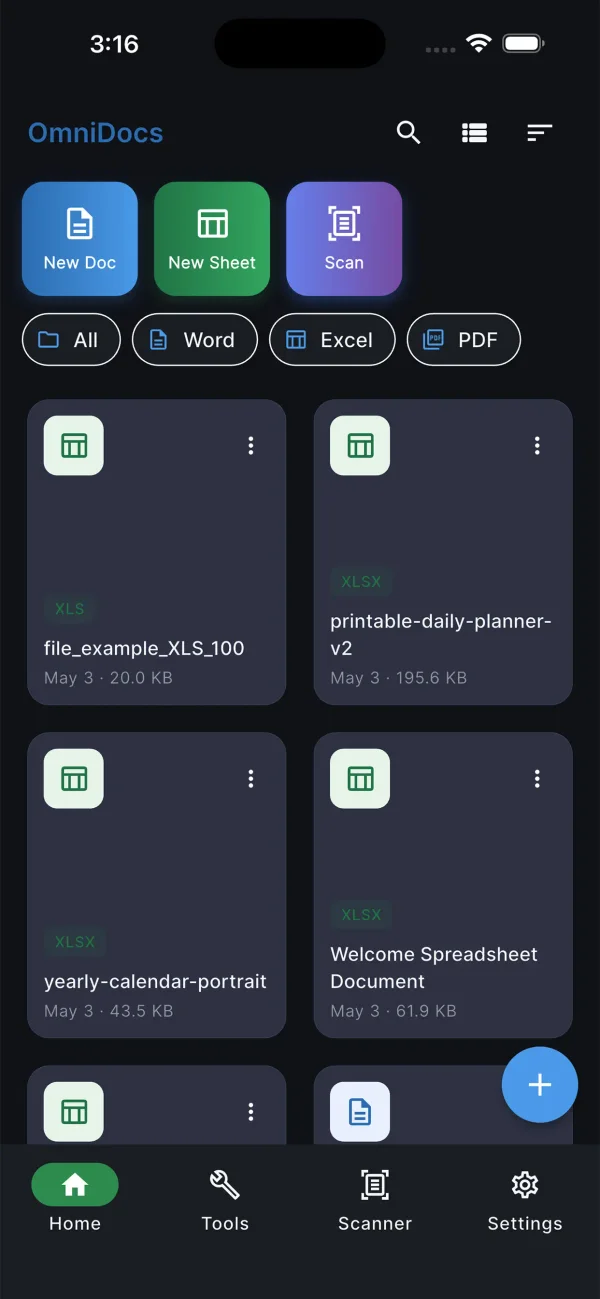
Your complete mobile office. OmniDocs lets you open, edit, create, and convert Word, Excel, PowerPoint, and PDF files — all in one beautifully designed app.
DOCUMENT EDITING
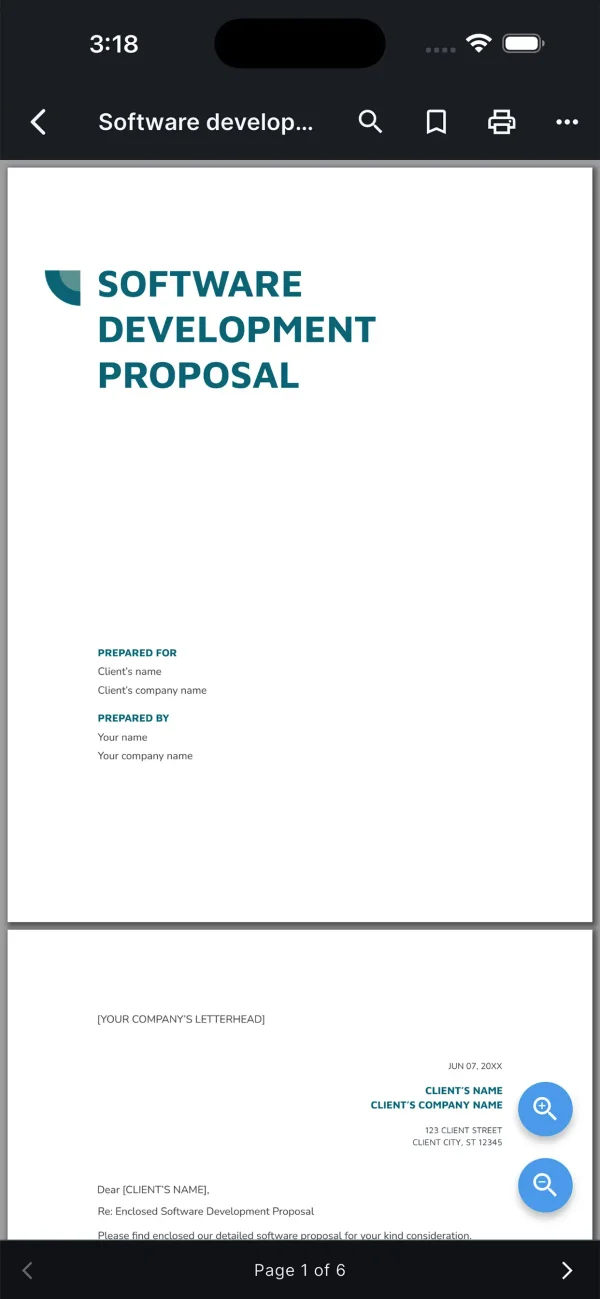
• Word Editor: create and edit .docx files with rich text formatting, tables, images, and more.
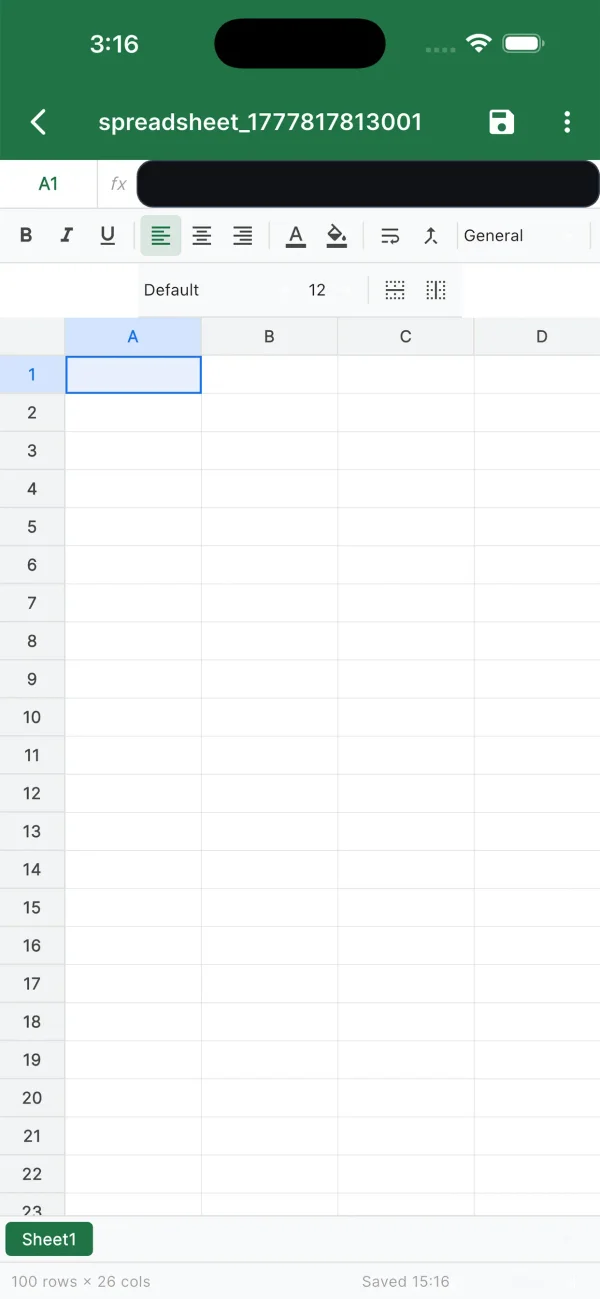
• Spreadsheet Editor: view and edit .xlsx files with formula support, multi-sheet navigation, and cell formatting.
• Presentation Viewer: open and browse .pptx files with full slide rendering.
• PDF Viewer: read, scroll, and annotate PDF documents with a smooth, fast reader.
DOCUMENT SCANNER
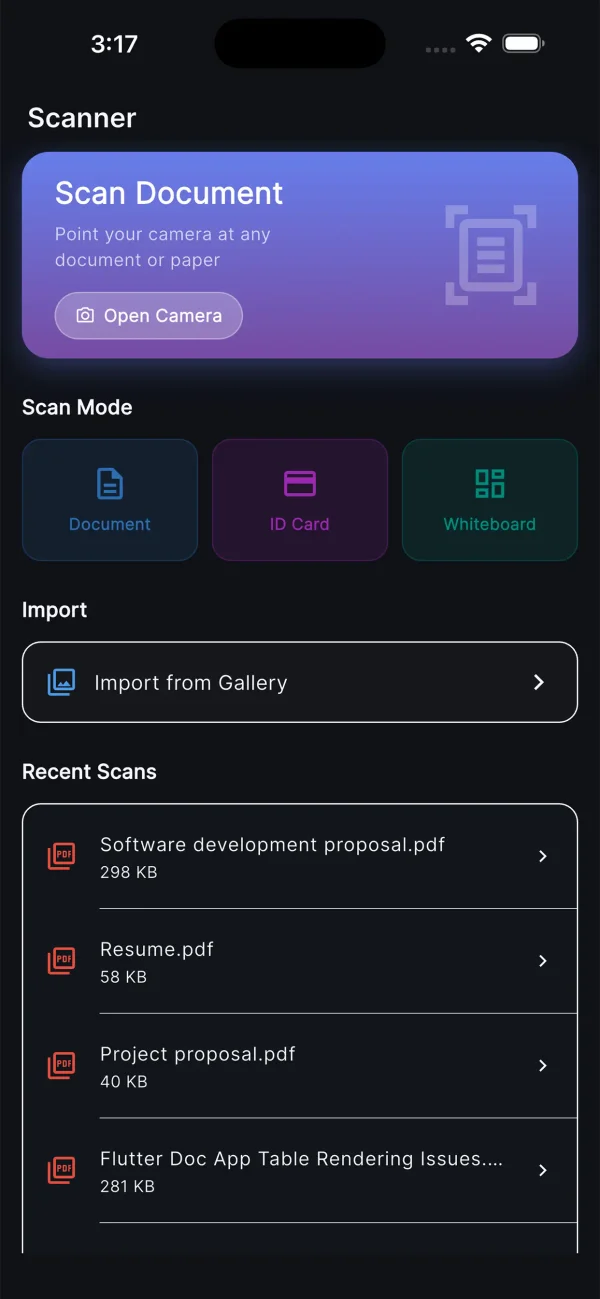
• Scan physical documents using your camera with automatic edge detection.
• Apply filters: Color, Black & White, or Enhanced.
• Save scans as multi-page PDFs or high-quality JPEG images.
• Crop and correct perspective for a clean, professional result every time.
FILE CONVERSION
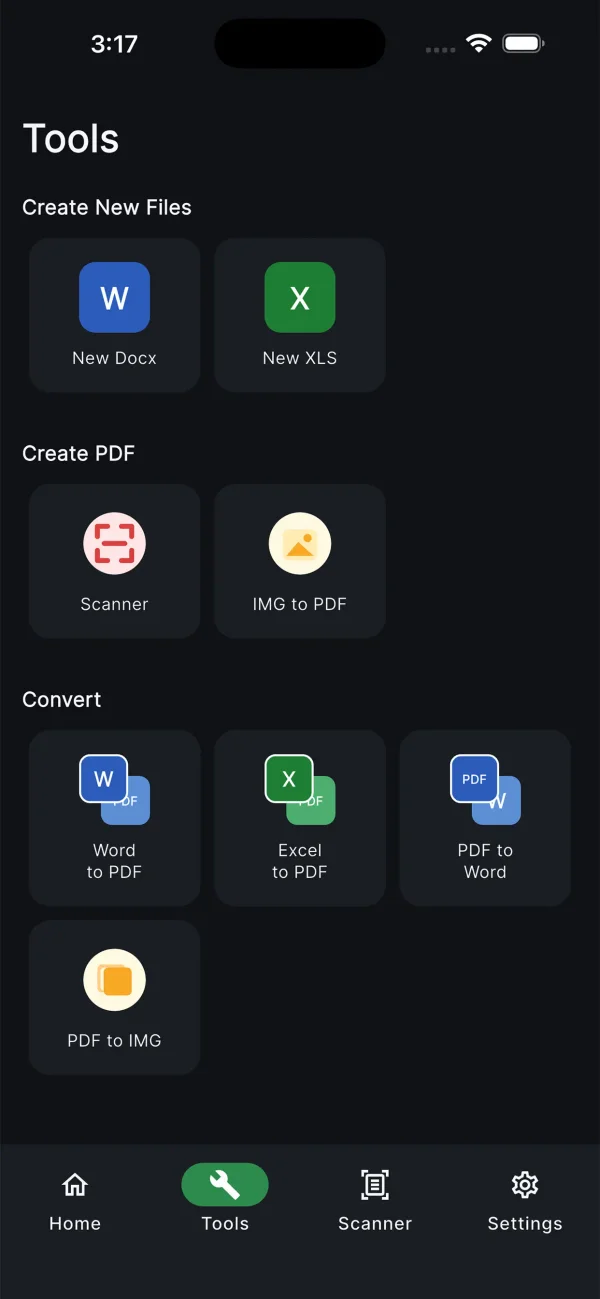
• Convert Word documents to PDF in seconds.
• Convert images to PDF and merge multiple images into one document.
• Convert PDF pages to images for easy sharing.
- TEMPLATES
• Jump-start your work with a growing library of professional document templates.
• Templates for business letters, invoices, reports, resumes, and more.
- FILE MANAGER
• Import files from iCloud Drive, Dropbox, Google Drive, and any app via the system share sheet.
• Organize and manage all your documents in one place.
• Grid and list view with sort options by name, date, or size.
• Quick preview and instant open for any supported format.
- PRIVACY & SECURITY
• App Lock with Face ID or Touch ID to protect your documents.
• All files are stored locally on your device — no forced cloud uploads.
• No account required to use the app.
- DESIGN
• Clean, modern interface built for iOS.
• Light mode, Dark mode, and System-adaptive theme.
• Supports iPhone and iPad.
Whether you need to review a contract, edit a report, scan a receipt, or build a spreadsheet on the go — OmniDocs has you covered.
Download OmniDocs and turn your iPhone into a powerful document office.
App privacy
What ilham alhyane declares on the App Store about how this app handles data.
-
Data not collected
The developer does not collect any data from this app.
Privacy practices may vary, for example with the features you use or your age.
Information
- Seller
- ilham alhyane
- Category
- Productivity
- Version
- 1.0
- Updated
- May 10, 2026
- Released
- May 10, 2026
- Size
- 40.4 MB
- Requires
- iOS 13.0 or later
- Age rating
- 4+
- Price
- Free
- Languages
- English
- Copyright
- © ilh
You might also like
-
 Docs & PDF Editor & ScannerSpreadsheets & Presentations
-
 Document Viewer: PalmoryRead repo docs on mobile
-
 Document Creator by PensakiCreate, Collaborate, Elevate!
-
 Recording - 录音专家Record Memos & Transcribe it!
-
 PDF Assistant:PDF Scanner AppDocuments Editor & Converter
-
 Captured!Your box for everything shared
-
 Make Spreadsheet: Excel ReaderCreate & Read Excel files
-
 Mobeera Office: AI EditorDocs, Sheets, Slides & PDFs
-
 ScaleTap: PDF Plan MeasureFast Construction Takeoff
-
 PDF Text Editor ‑ Edit PDFChange & rewrite existing text