PDF Text Editor ‑ Edit PDF
Change & rewrite existing text
Designed for iPhone, iPad
Free · In-app purchases
- Age rating4+
- CategoryProductivity
- DeveloperQasim Ali
- LanguagesEnglish+ 31 more
- Size30.2 MB
Links to the official App Store page
Download.org hosts no file of PDF Text Editor ‑ Edit PDF. The button opens its official App Store page, published by Qasim Ali. Listing last checked on Nov 23, 2026.
Screenshots

About
Edit, annotate, sign, and organize PDFs right on your iPhone and iPad — with no conversion, no account, and no files leaving your device.
PDF Editor opens any PDF and lets you change the actual text, mark it up, rearrange pages, and run every common PDF task offline. Your documents are processed entirely on your device.
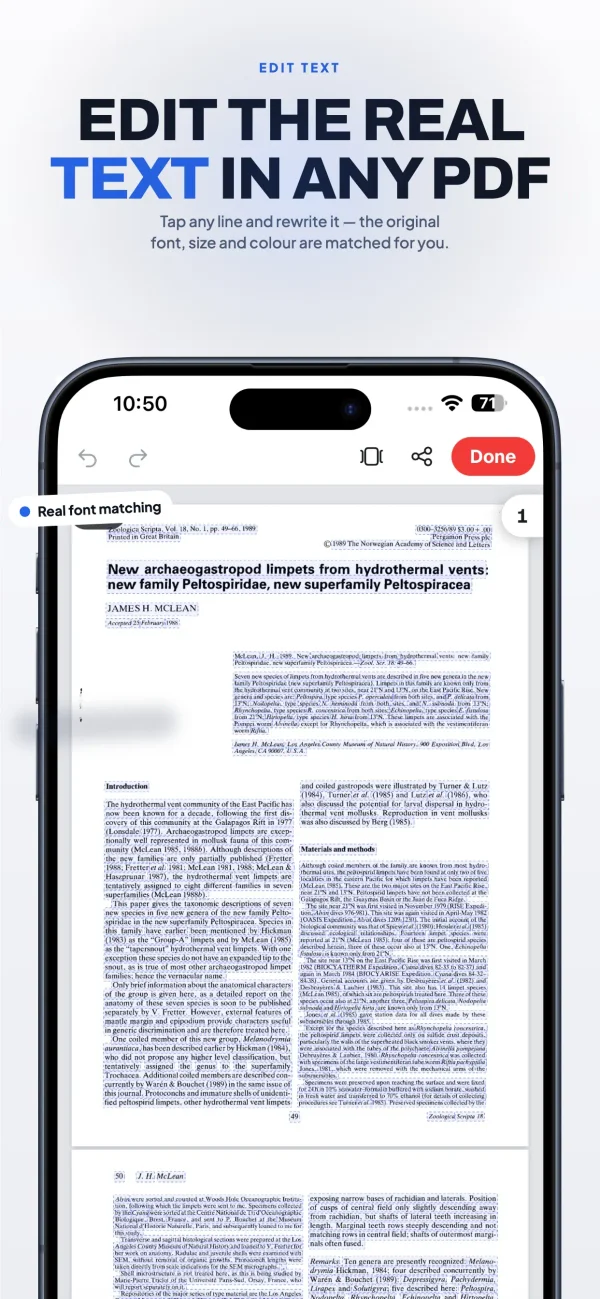
EDIT REAL TEXT
• Tap any line and rewrite it — the original font, size, and color are matched automatically
• Add new text boxes anywhere on the page
• Insert images and your signature
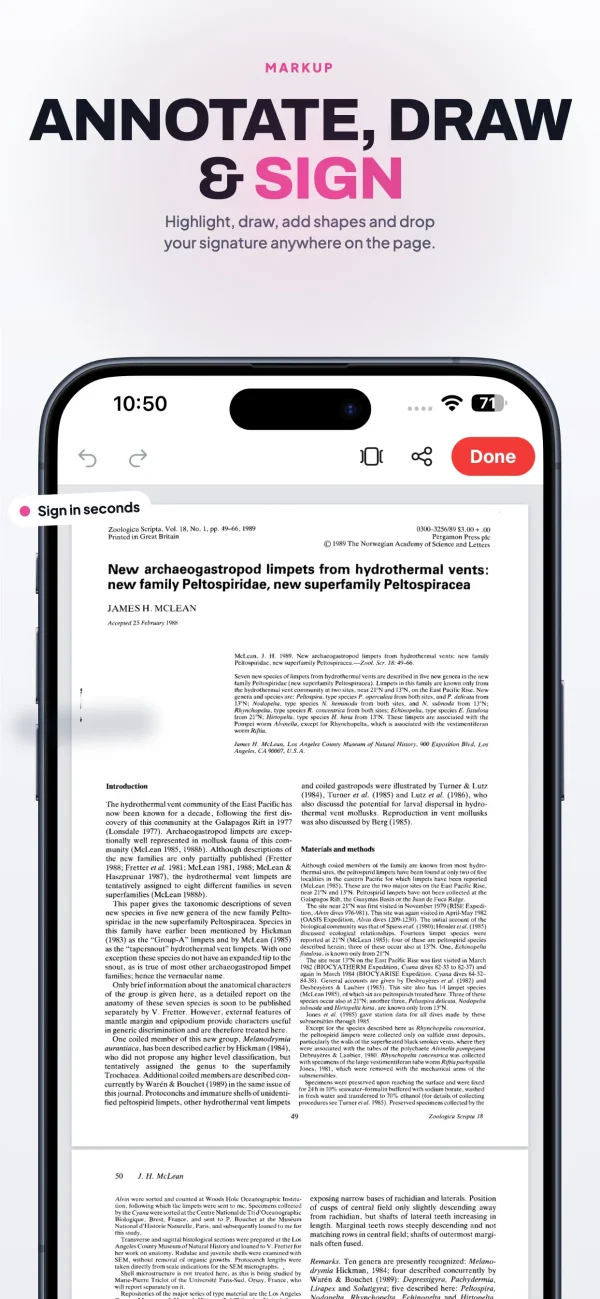
ANNOTATE & MARK UP
• Draw with a pen or highlighter, then erase cleanly
• Add shapes — lines, arrows, rectangles, circles, and more
• Highlight, underline, and strike through text
• Drop a saved signature in a tap
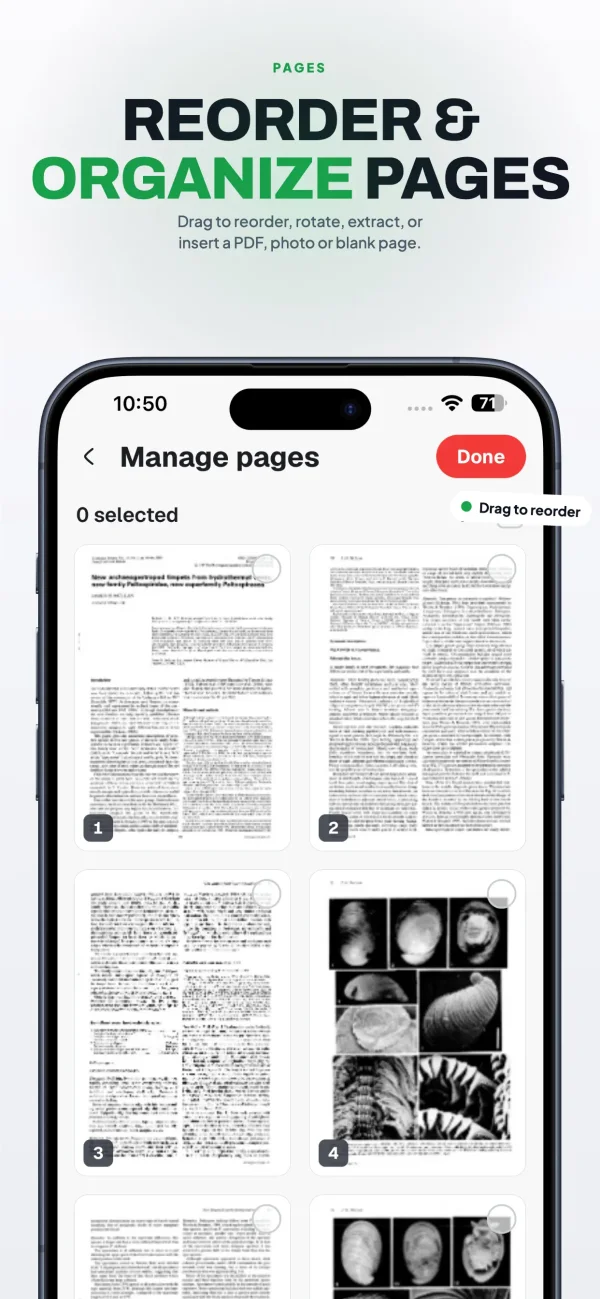
ORGANIZE PAGES
• Reorder pages by dragging
• Rotate, duplicate, or delete pages
• Insert a blank page, another PDF, or an image as a page
• Extract selected pages into a new file
• Resize pages
EVERY PDF TOOL
• Compress — shrink file size while keeping text selectable
• Merge — combine several PDFs into one
• Split — pull out just the pages you need
• Lock & Unlock — add or remove password protection (AES-256)
• Image to PDF — turn photos into a clean document
• Create a blank PDF to start from scratch
BUILT FOR PRIVACY
• Files are never uploaded — everything happens on device
• No sign-in and no account required
• Works fully offline
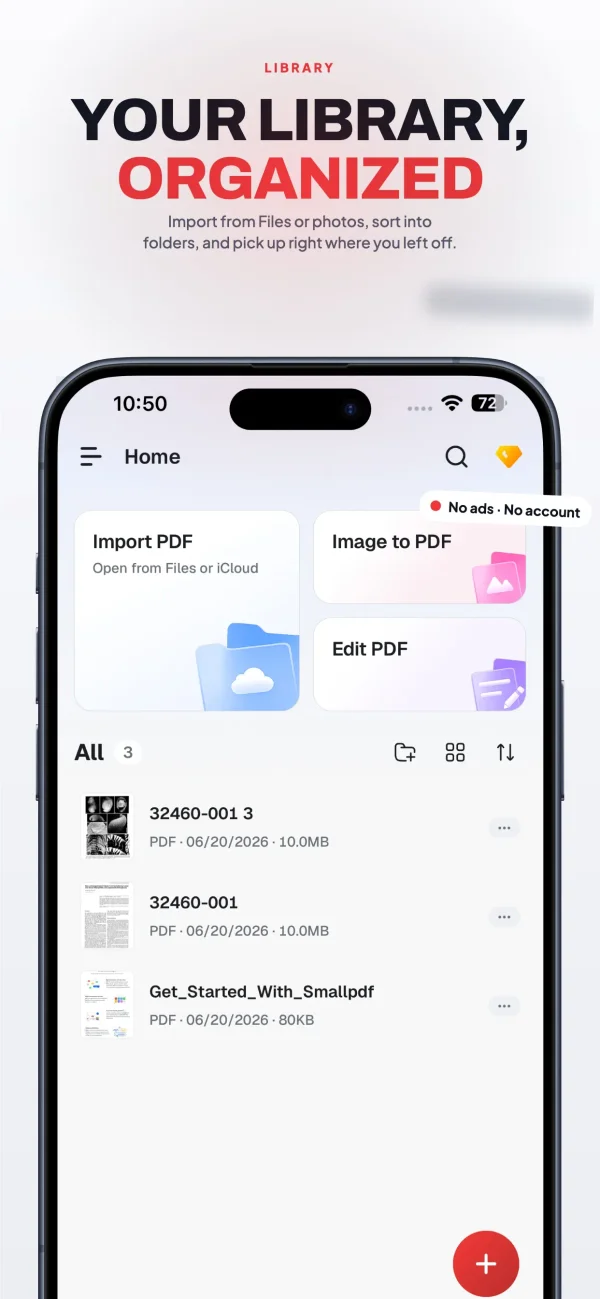
ORGANIZED LIBRARY
• Keep documents in folders and search your library
• Favorite the files you use most
• Light and dark mode, on iPhone and iPad
Most tools are free. Watch a short video to unlock a Pro action once, or upgrade to PDF Editor Pro for unlimited text editing, premium shapes, and unlimited signatures.
— Subscription —
PDF Editor Pro is offered as a weekly auto-renewing subscription or a one-time lifetime purchase. Payment is charged to your Apple ID at confirmation of purchase. A subscription renews automatically unless canceled at least 24 hours before the end of the current period; manage or cancel anytime in your App Store account settings. Any unused portion of a free trial is forfeited when you purchase a subscription.
Privacy Policy: https://pdfeditoronline.app/privacy
Terms of Use: https://pdfeditoronline.app/terms
Apple's EULA: https://www.apple.com/legal/internet-services/itunes/dev/stdeula/
What’s new
Version 2.0.1 · Nov 18, 2026
- Minor Bug Fixed
App privacy
What Qasim Ali declares on the App Store about how this app handles data.
-
Data used to track you
May be used to track you across apps and websites owned by other companies.
- Identifiers
- Usage data
-
Data not linked to you
May be collected but is not linked to your identity.
- Purchases
- Identifiers
- Usage data
- Diagnostics
Privacy practices may vary, for example with the features you use or your age.
Information
- Seller
- Qasim Ali
- Category
- Productivity
- Version
- 2.0.1
- Updated
- Nov 18, 2026
- Released
- Jun 24, 2026
- Size
- 30.2 MB
- Requires
- iOS 17.0 or later
- Age rating
- 4+
- Price
- Free
- In-app purchases
- Yes
- Languages
- English, Arabic, Croatian, Czech, Danish, Dutch, Filipino, Finnish, French, German, Greek, Hebrew + 20 more
- Copyright
- © 2026 @ Devstox
You might also like
-
 PDF Genius: AI PDF Text EditorEdit, fill & sign any PDF form
-
 PDF Editor - Read, Fill & EditEdit PDF Files & Documents
-
 MRS: PDF Editor, Scanner & OCRDocument Signer & Photo to PDF
-
 PDF Editor : EditorPDF Editor Scan, Merge PDFs
-
 DartPDF: Edit PDF DocumentsSign, Annotate, Fill & Redact
-
 PDF Editor: PDF fill and signEdit PDF, reader & viewer
-
 Pure PDF Editor OfflinePrivate PDF Editor & Filler
-
 DocFill – PDF Editor & MergerFill, Sign, Merge & Compress
-
 PDF Writer & Editor ProCreate, edit & sign PDFs
-
 PDF Manager: Editor & ScannerReader, Converter, Sign & OCR