
- Age rating4+
- CategoryUtilities
- DeveloperAHN YOONJI
- LanguagesEnglish
- Size13.0 MB
Links to the official App Store page
Download.org hosts no file of OnClock - Widget. The button opens its official App Store page, published by AHN YOONJI. Listing last checked on Nov 12, 2026.
Screenshots


About
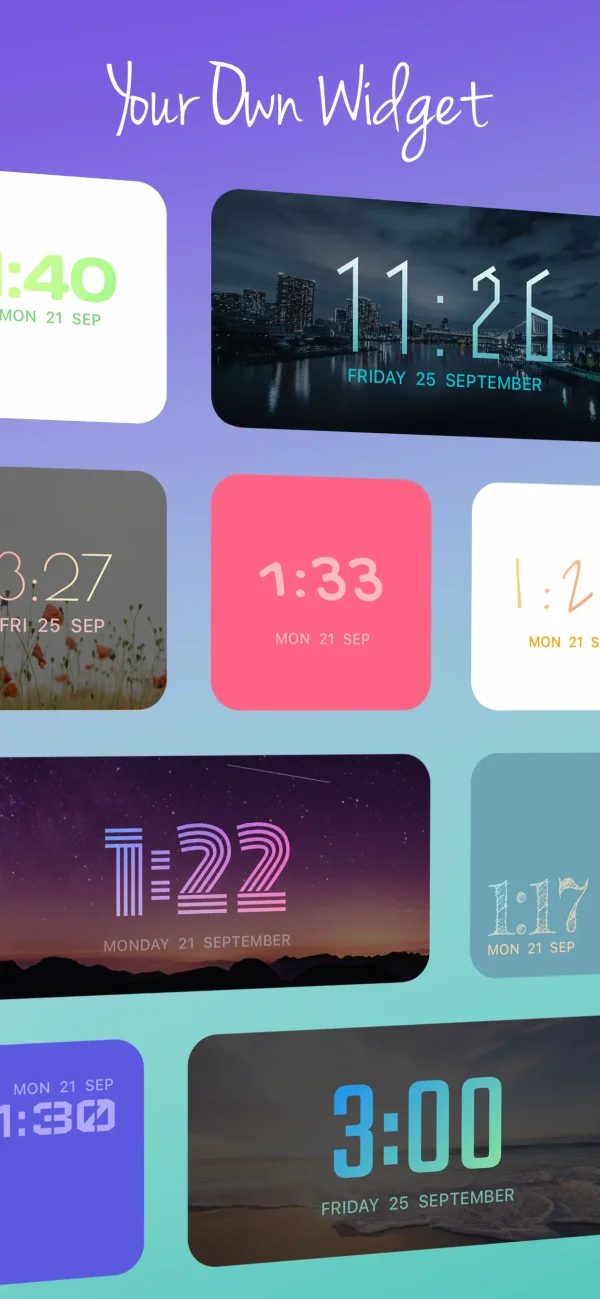
Decorate your home screen with your own clock widget with OnClock.
* Supports 20 types of fonts carefully selected by designers.
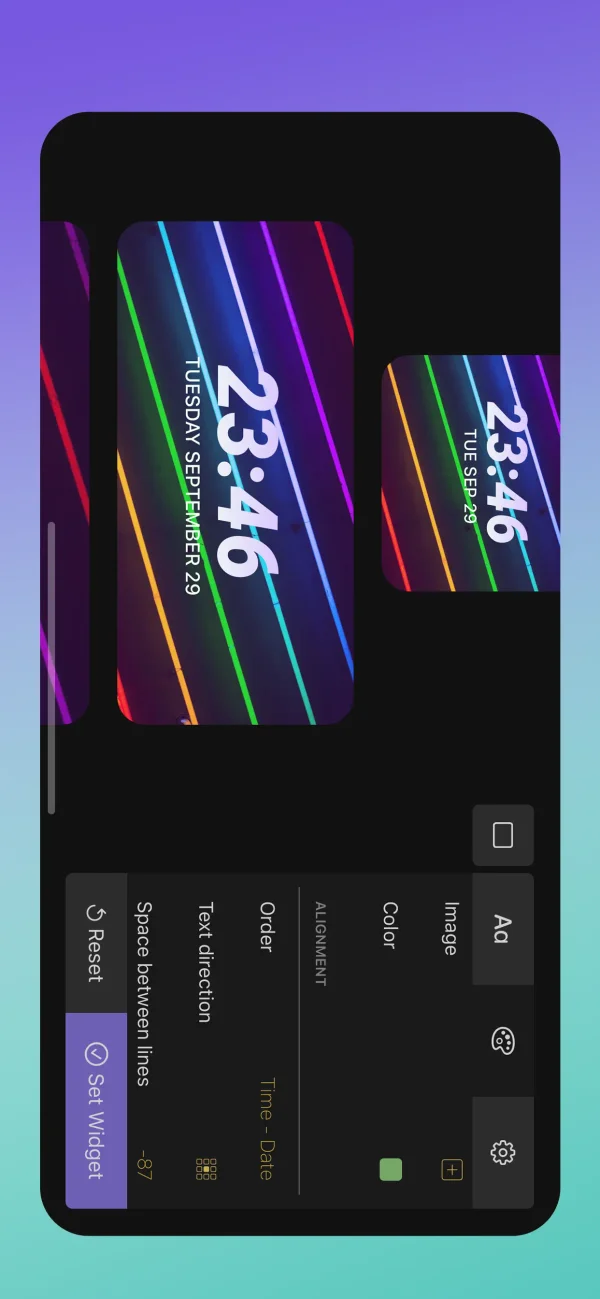
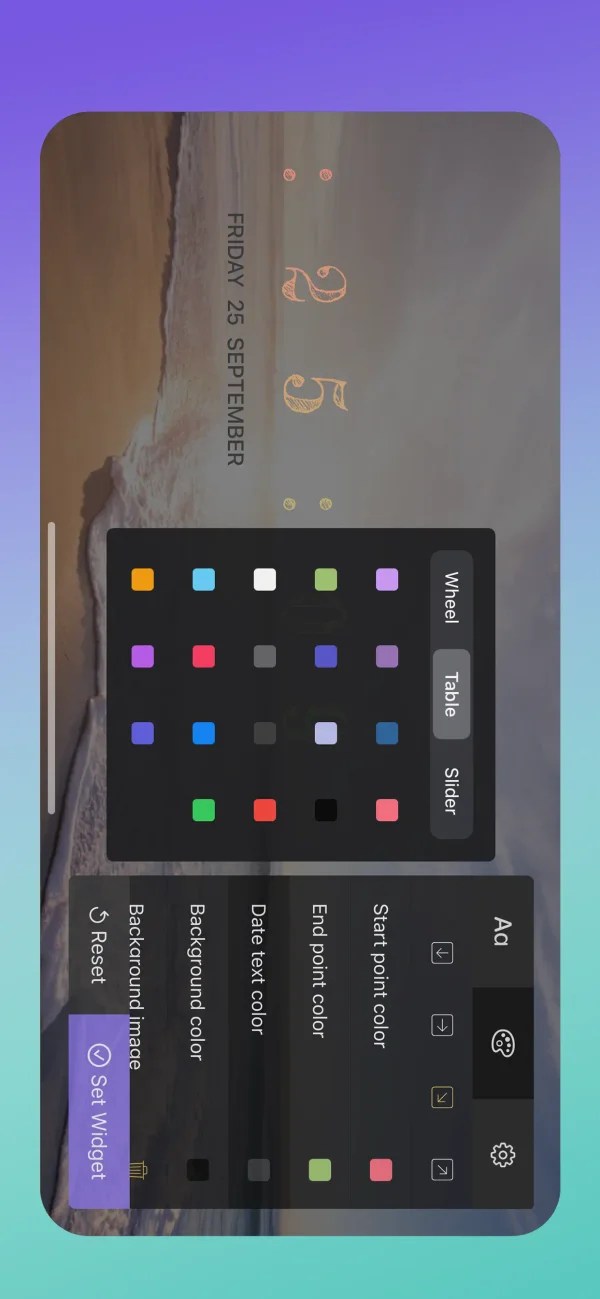
* You can specify the gradient color yourself.
* You can adjust the size of the text for the time and date.
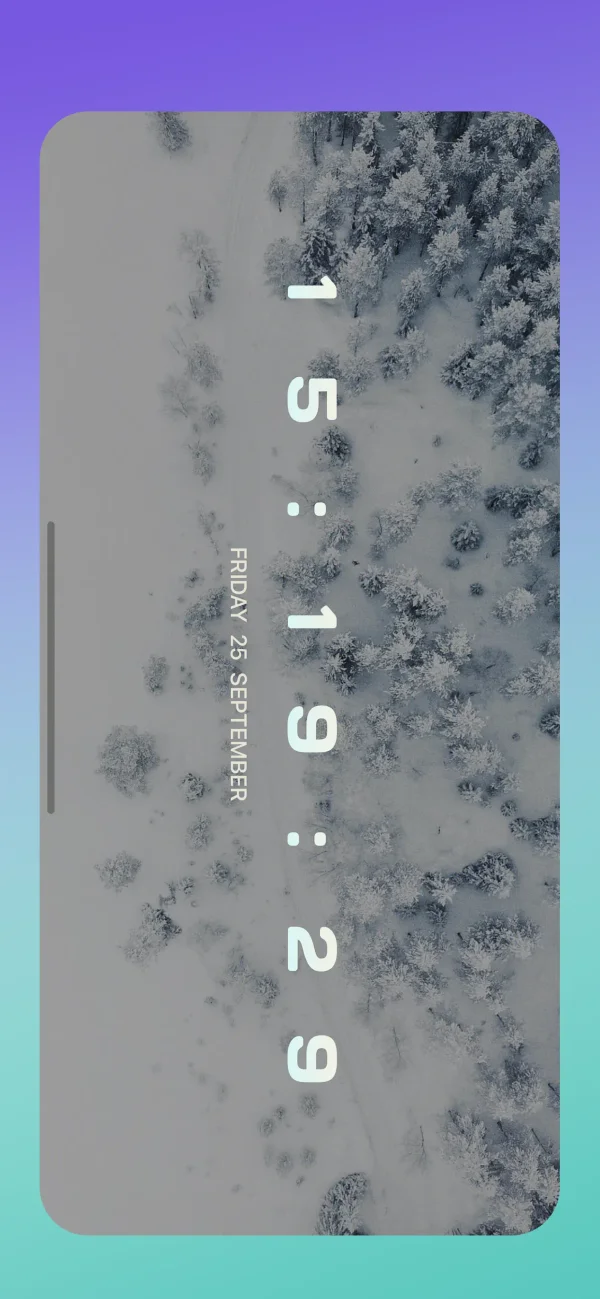
* Add a background image to create a cool clock widget.
[Contact us]
momots_works@naver.com
https://onclock-official.blogspot.com
What’s new
Version 2.1 · Mar 26, 2025
Supports Standby Mode Widget.
App privacy
What AHN YOONJI declares on the App Store about how this app handles data.
-
Data not collected
The developer does not collect any data from this app.
Privacy practices may vary, for example with the features you use or your age.
Information
- Seller
- AHN YOONJI
- Category
- Utilities
- Version
- 2.1
- Updated
- Mar 26, 2025
- Released
- Sep 25, 2020
- Size
- 13.0 MB
- Requires
- iOS 14.0 or later
- Age rating
- 4+
- Languages
- English
- Copyright
- © Copyright(C)2020. All rights reserved by momots works
You might also like
-
 HomeClock - Clock WidgetsGorgeous clock widgets
-
 MyPass - Password & Visual KeyZero-Text Saved, Visual Safety
-
 큰 시계Utilities
-
 Evoke: Remote DesktopScreen sharing & touch control
-
 Standby Alarm Clock: BedsideDigital Photo Frame Nightstand
-
 Photo Cleaner - Sweep CleanupDuplicate Photos & Clean Up
-
 Word Clock · Text Time WidgetRetro · Flip · Neon · Tile
-
 Bike MaintainBicycle maintenance tracker
-
 isPrime?Utilities
-
 ClockThatA clock widget made for you