
MyPass - Password & Visual Key
Zero-Text Saved, Visual Safety
Designed for iPhone, iPad
- Age rating4+
- CategoryUtilities
- DeveloperHNC SOFT
- LanguagesKorean+ 2 more
- Size19.9 MB
Links to the official App Store page
Download.org hosts no file of MyPass - Password & Visual Key. The button opens its official App Store page, published by HNC SOFT. Listing last checked on Nov 20, 2026.
Screenshots
About
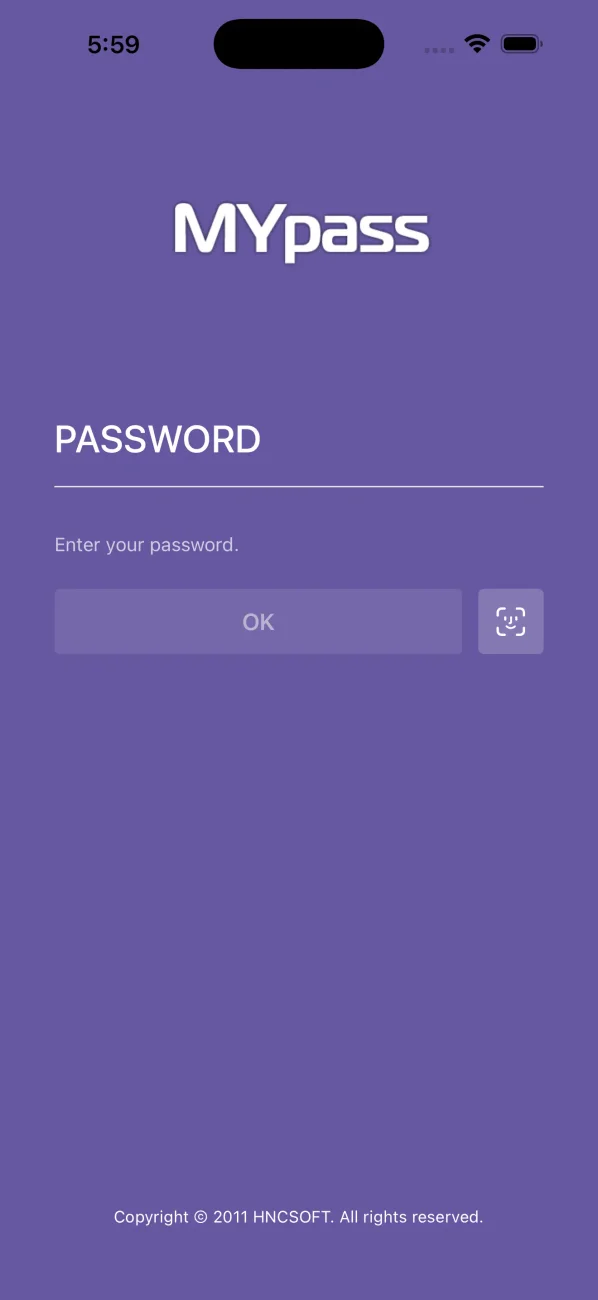
MyPass is a secure password manager that keeps your website account credentials safe on-device without any server communication.
[Key Differentiator: Visual Cipher Card]
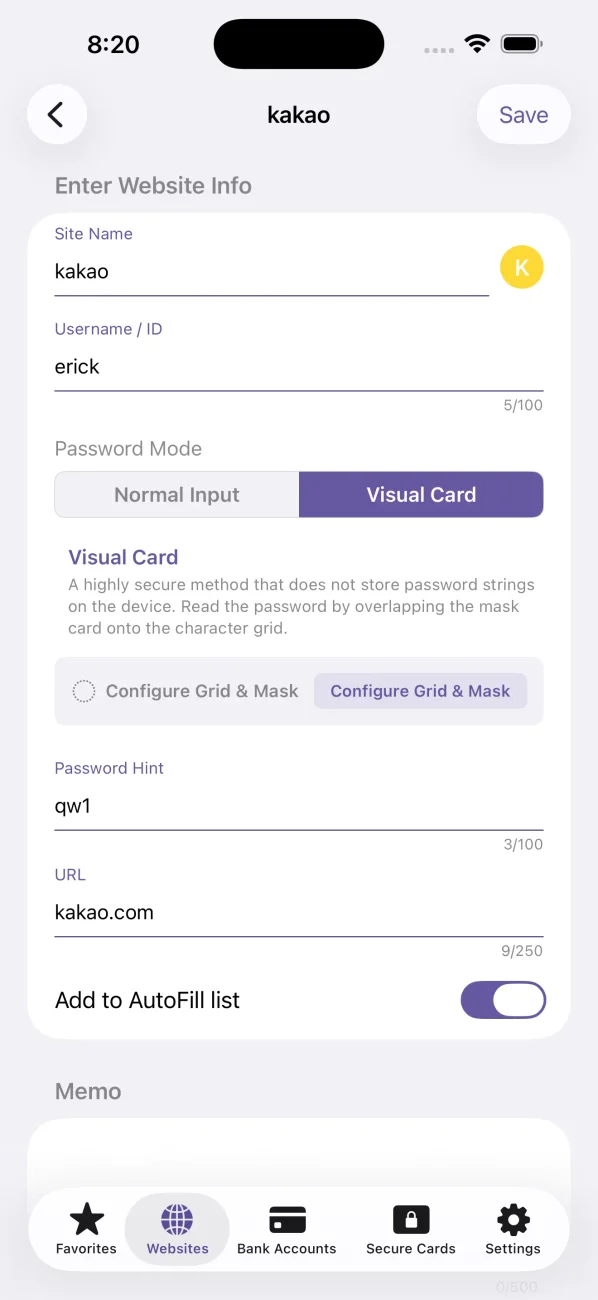
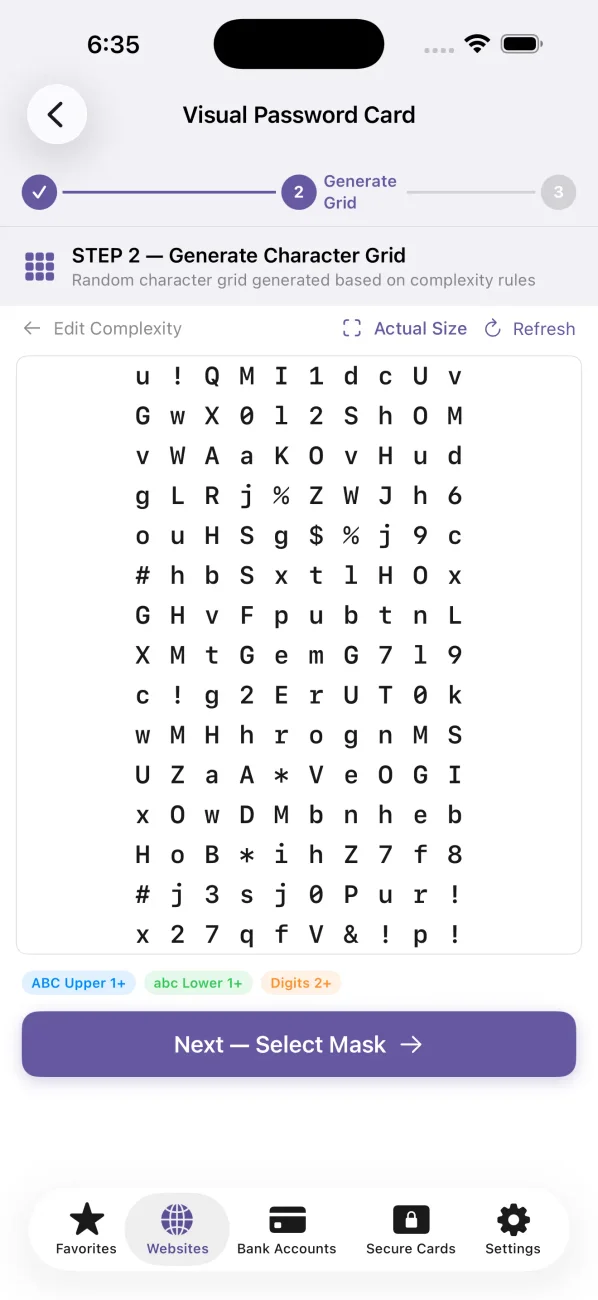
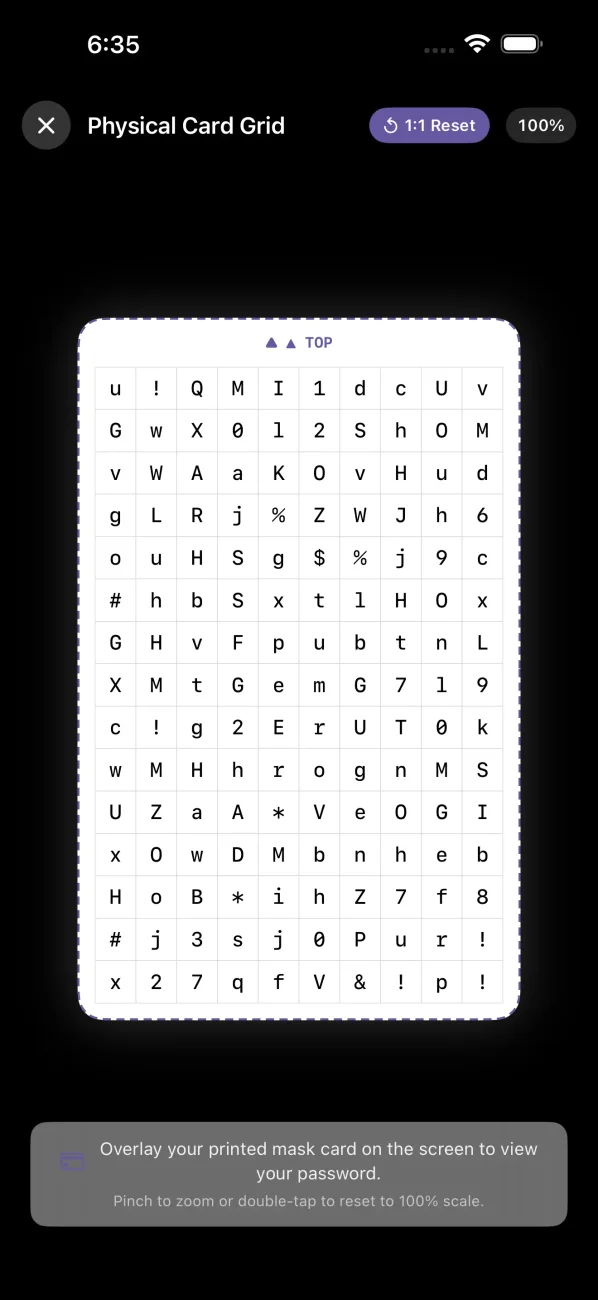
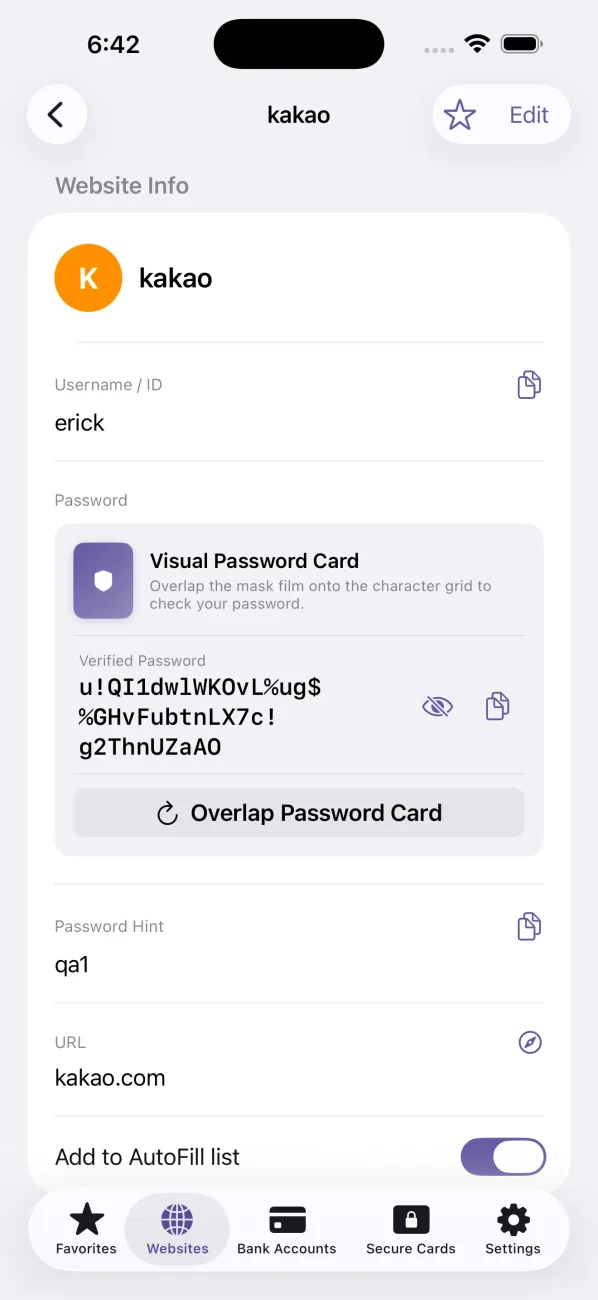
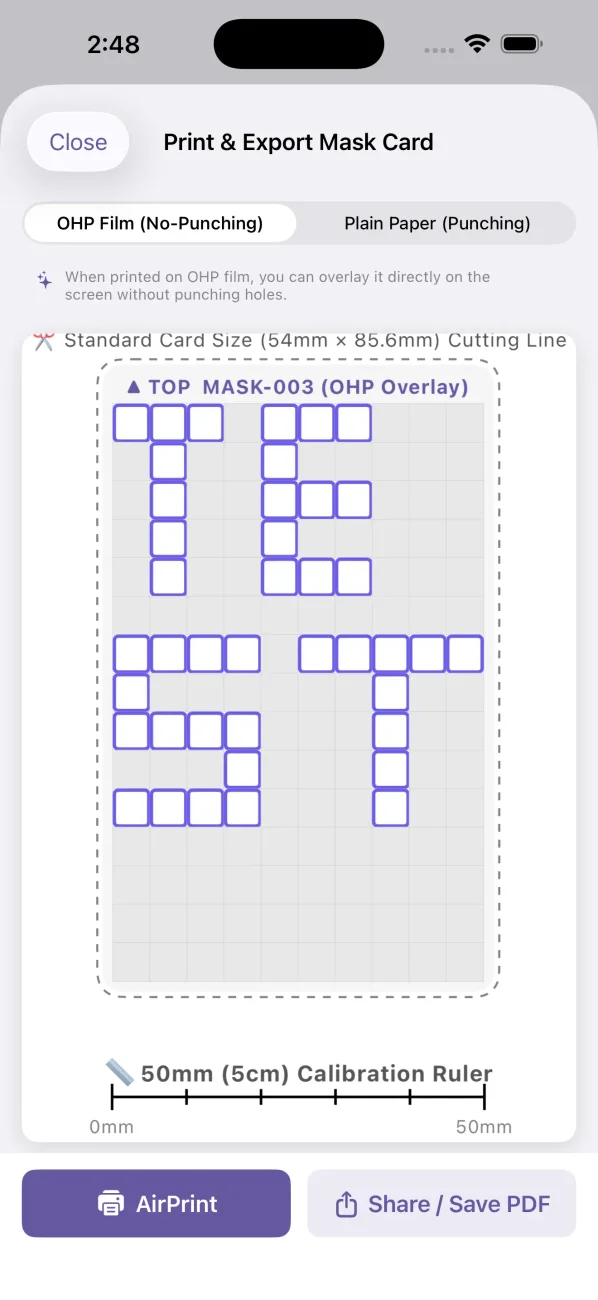
Instead of saving passwords as plain text, MyPass uses a proprietary security method where your password is read by overlaying a perforated mask film onto a randomized character grid.
How It Works: Generate a 10×15 randomized character grid → Design your own mask film with custom punch holes → Authenticate via Biometrics (Face ID/Touch ID) and overlay the mask to reveal your password.
Security Strengths:
Zero Text Storage: No password strings are saved on your device or servers, eliminating data breach risks.
Secure Enclave Isolation: Mask card data is securely stored in iOS's highest security environment (Keychain / Secure Enclave).
Physical 2-Factor Support: You can print out the mask card as a physical film and delete the digital copy from the app.
[Key Features]
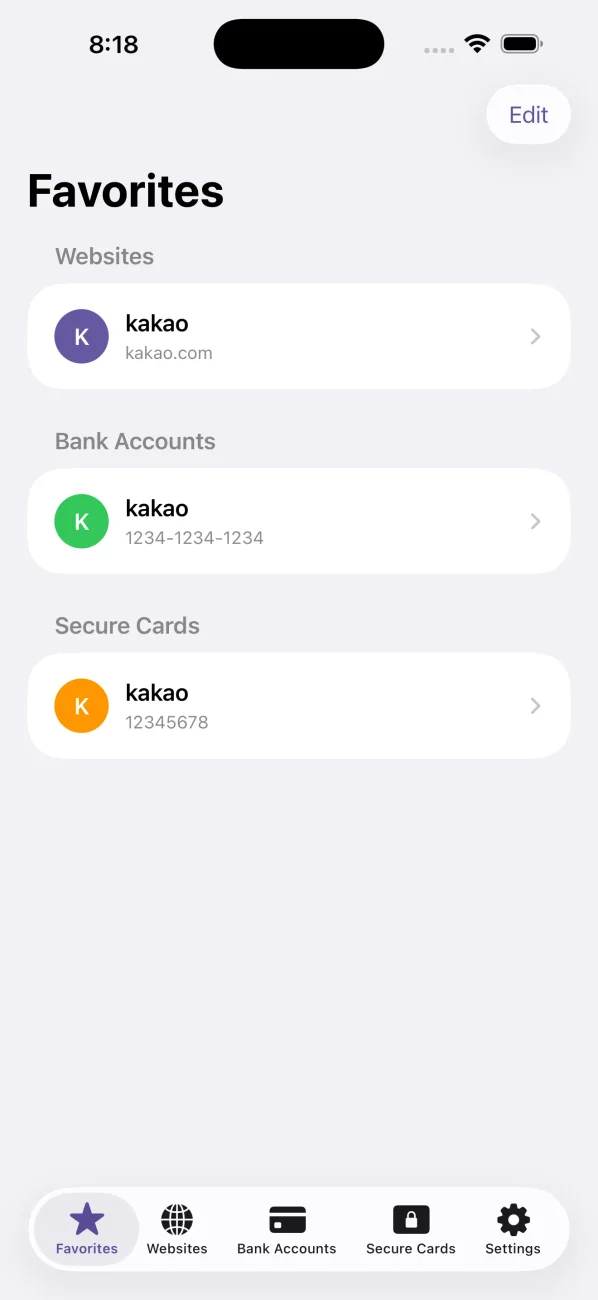
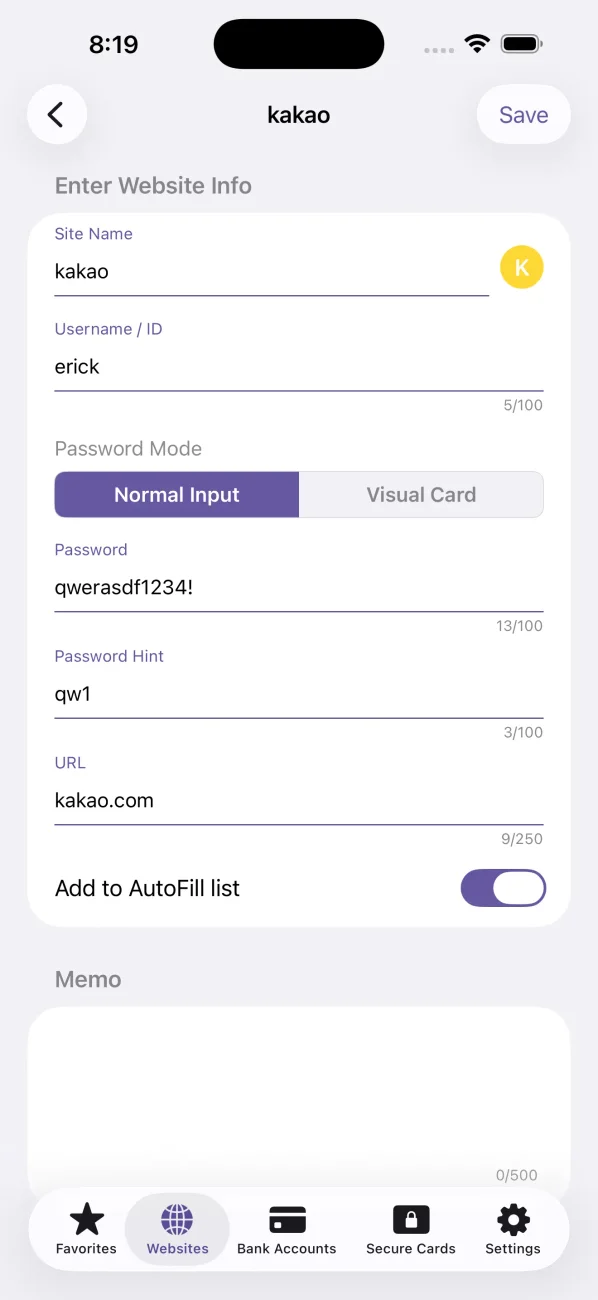
Account Management & AutoFill: Save website credentials with full AutoFill support for Safari and third-party apps.
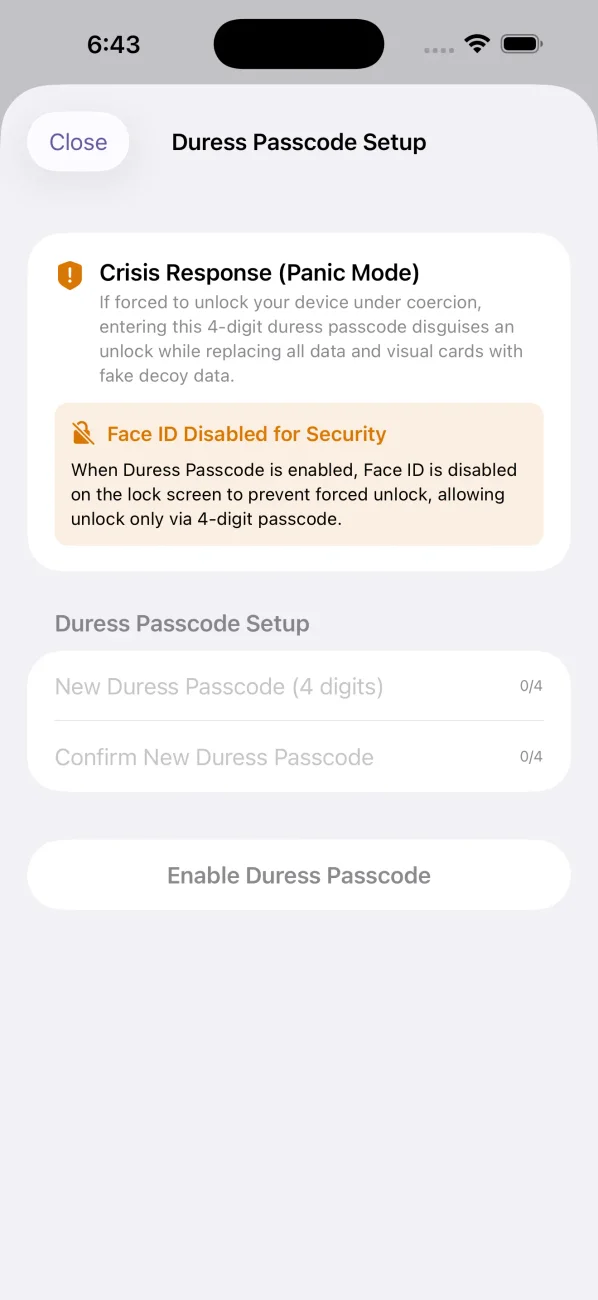
Duress Mode (Emergency Password): If forced to unlock your vault under coercion, entering your emergency PIN displays randomized dummy data.
Security Card Management: Manage bank security card serial numbers and code tables.
100% Offline & Private: Zero ads, zero network permissions. No external data transmission, fully encrypted locally using AES-256.
[Data Backup & Restore Guide]
Backup: Settings > Data Management > ‘Export Data (Backup)’ > Enter App PIN > Choose save location
Restore: Settings > Data Management > ‘Import Data (Restore)’ > Enter current App PIN > Select backup file
Note: Restoring will overwrite existing data. The backup file must be unlocked using the master password set at the time the backup was created.
What’s new
Version 1.2.2 · Sep 5, 2026
[Visual Password Card & Mask Card Printing Major Enhancements]
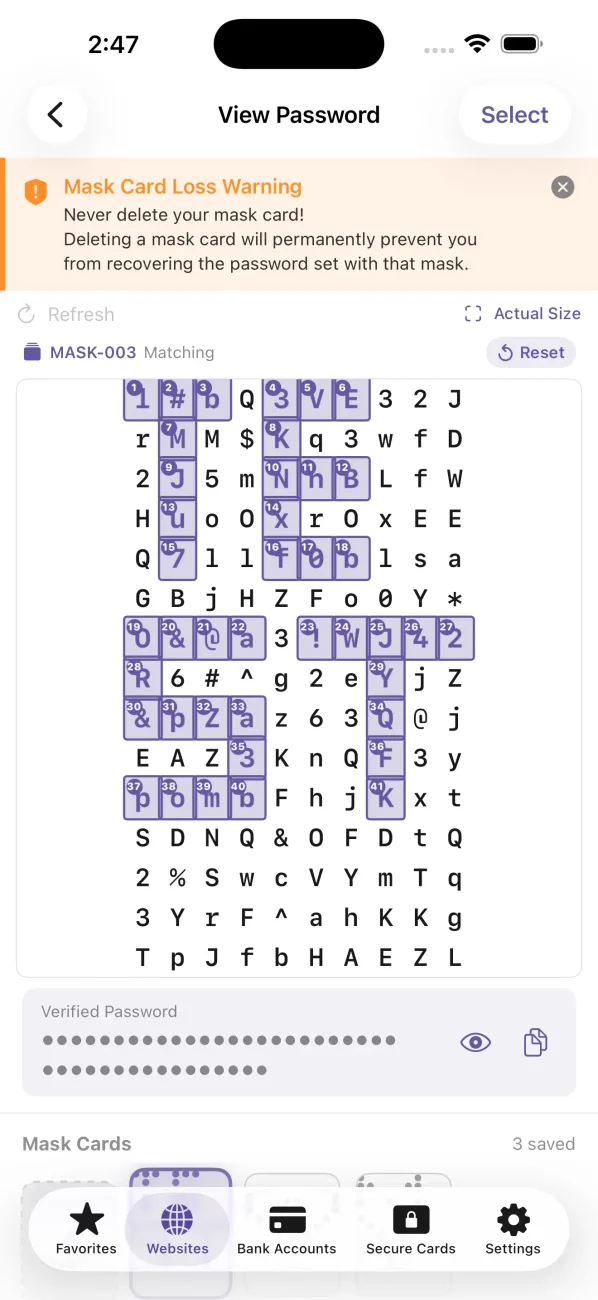
• Direct Grid Tap Matching (Manual Selection)
- Even without a physical mask card or saved masks, you can now reveal your password by simply tapping the letter positions you remember directly on the grid.
- Enjoy sequence order badges (1, 2, 3...) and subtle haptic feedback for a confident, error-free experience.
• No-Punching Print Mode for Transparent OHP Film
- No more cutting or punching holes!
- With the new OHP Film Mode, mask hole positions are highlighted with sleek colored borders and 100% transparent centers. Just overlay the printed transparent film onto your screen to read your password effortlessly.
- Easily switch between [OHP Film (No-Punching)] and [Standard Paper (Punching)] with real-time preview before printing.
• Seamless Password Lookup & Reset Experience
- Mask cards are no longer auto-selected on launch, giving you full control to either tap the grid directly or choose a mask card from the list.
- A persistent [Reset Selection] button allows you to dismiss any active mask match or manual selection with a single tap.
App privacy
What HNC SOFT declares on the App Store about how this app handles data.
-
Data not collected
The developer does not collect any data from this app.
Privacy practices may vary, for example with the features you use or your age.
Information
- Seller
- HNCSoft
- Category
- Utilities
- Version
- 1.2.2
- Updated
- Sep 5, 2026
- Released
- Mar 19, 2021
- Size
- 19.9 MB
- Requires
- iOS 17.0 or later
- Age rating
- 4+
- Languages
- Korean, English, Japanese
- Copyright
- Copyright © 2011-2026 HNCSOFT. All rights reserved.