
- Age rating4+
- CategoryProductivity
- Developerjaesung Lee
- LanguagesKorean+ 8 more
- Size809.0 KB
Links to the official App Store page
Download.org hosts no file of One Text Widget. The button opens its official App Store page, published by jaesung Lee. Listing last checked on Nov 22, 2026.
Screenshots

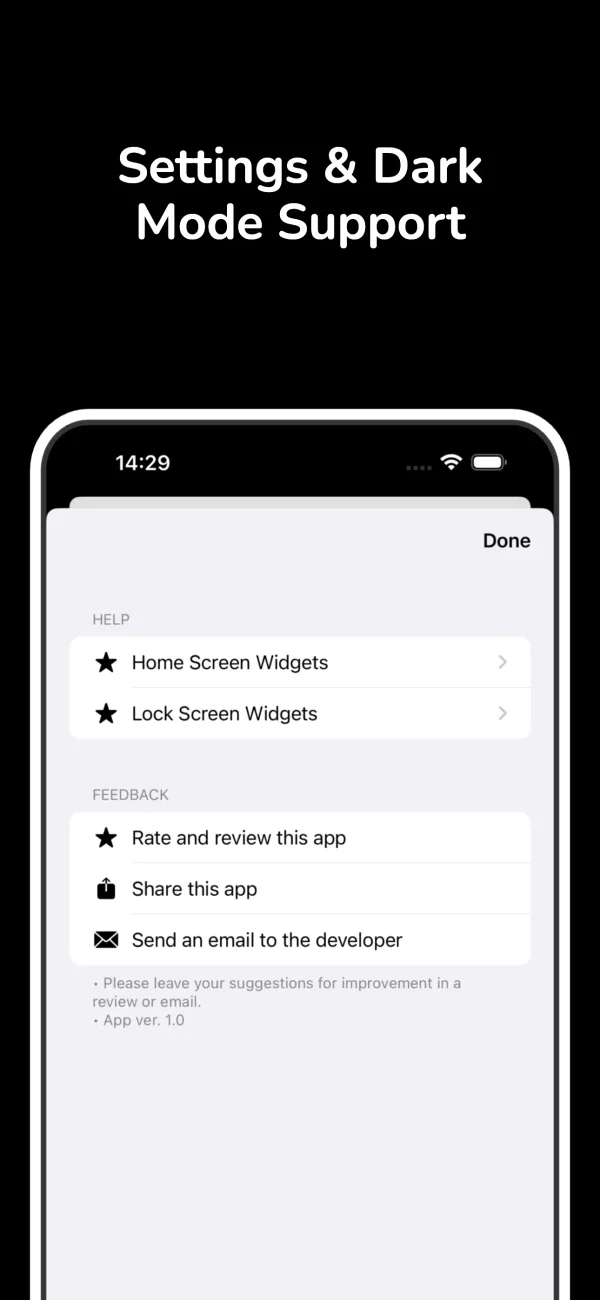
About
This app does not collect any user data.
We guarantee 100% privacy, and all your text is stored only on your device.
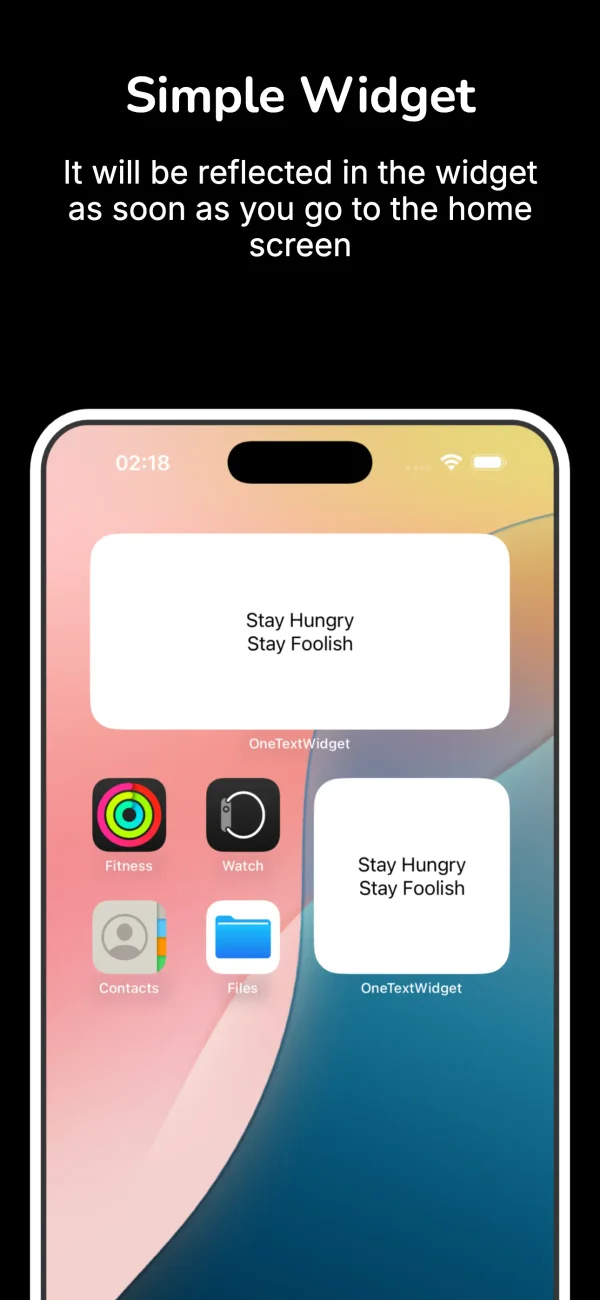
Launch the app, type your text immediately, and see it on the widget instantly.
No complicated processes—just open the app and start typing!
Key Features:
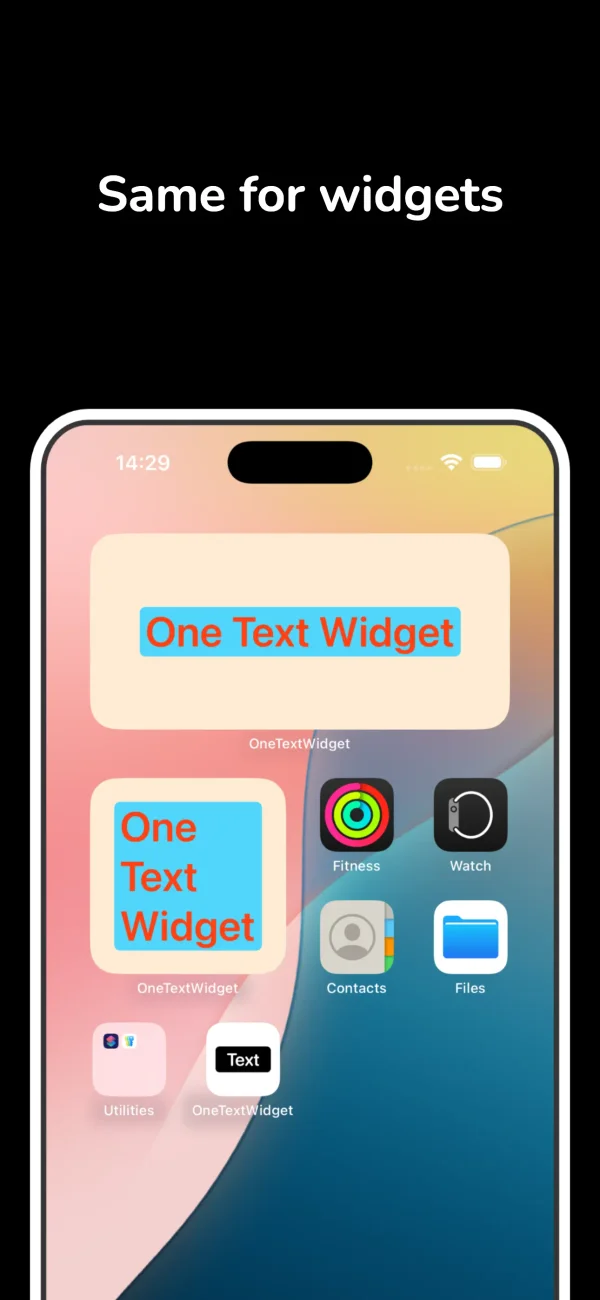
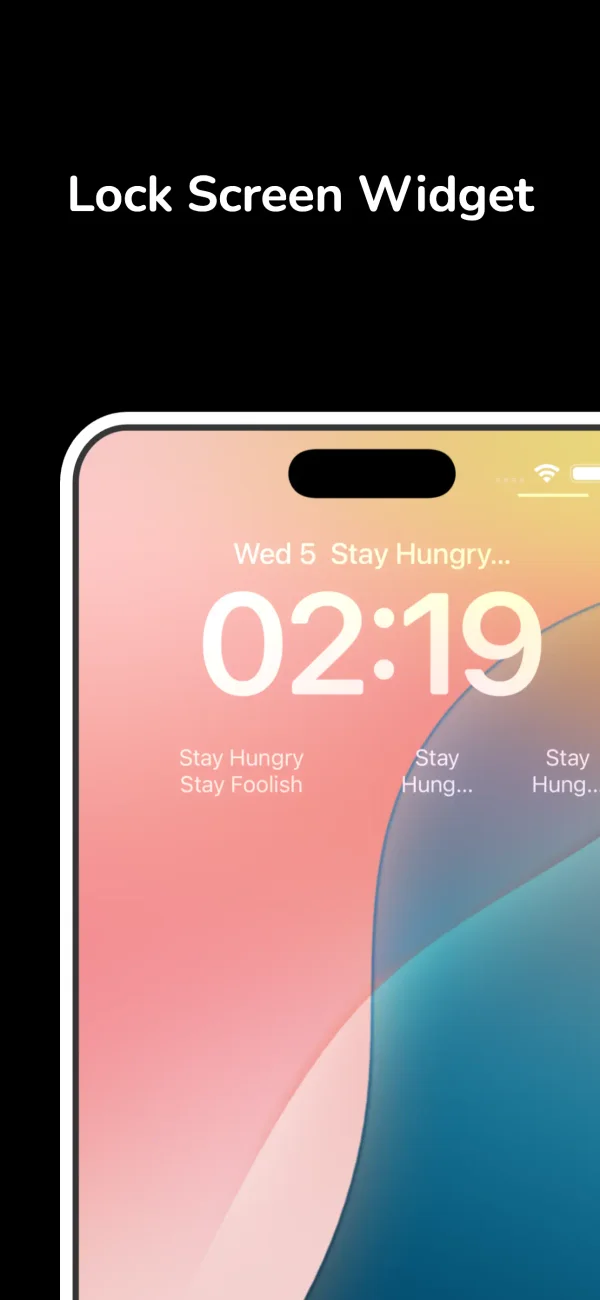
• Instantly reflect text input on the home screen and lock screen widgets
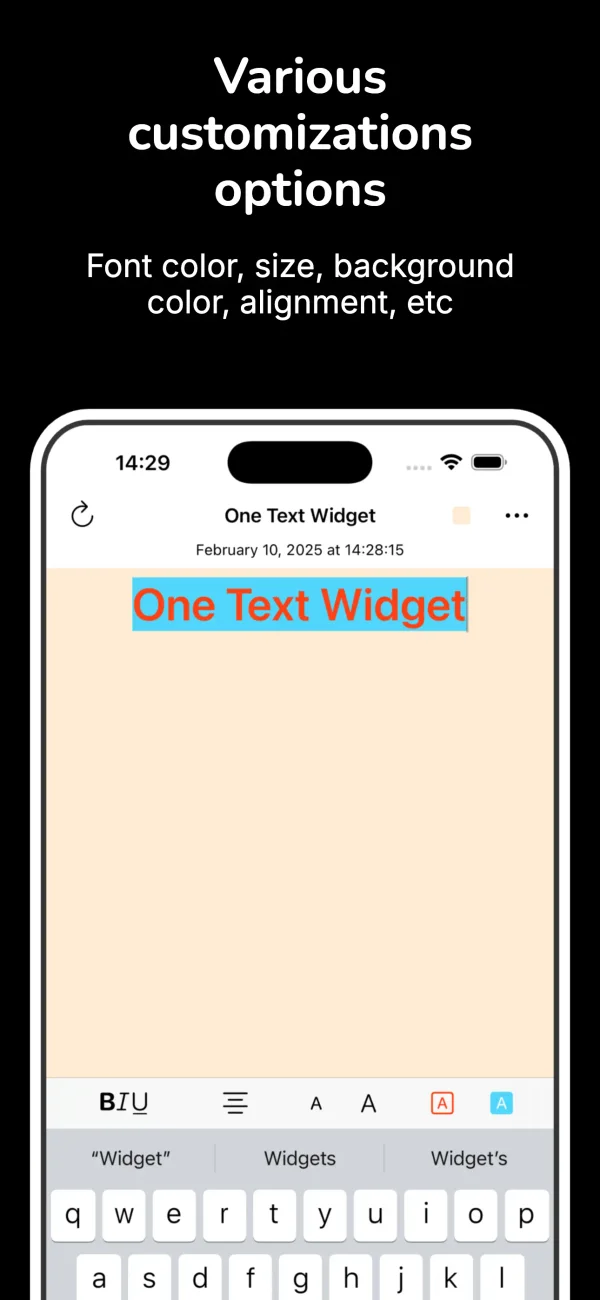
• Customize text size, color, font style (bold, italic, underline), and alignment
• Personalize text and widget background colors
• Supports home screen widgets and lock screen widgets
Experience the simplest text widget now!
What’s new
Version 1.5 · Aug 4, 2026
Improved overall usability and stability.
Refined the text editing screen, widget display behavior, and multilingual translations.
App privacy
What jaesung Lee declares on the App Store about how this app handles data.
-
Data not collected
The developer does not collect any data from this app.
Privacy practices may vary, for example with the features you use or your age.
Information
- Seller
- jaesung Lee
- Category
- Productivity
- Version
- 1.5
- Updated
- Aug 4, 2026
- Released
- Feb 10, 2025
- Size
- 809.0 KB
- Requires
- iOS 17.0 or later
- Age rating
- 4+
- Languages
- Korean, German, Malay, Vietnamese, English, Japanese, Simplified Chinese, Traditional Chinese, French
- Copyright
- © 2025 Lee Jaesung
You might also like
-
 wispeyJot it. wispey sorts the rest.
-
 Plani Log - Diary & CalendarDecorate your plans with cats
-
 One Line: Notes That Sort"gym at 7" becomes an event.
-
 과이일Productivity
-
 nu: ADHD JournalOne-Line Daily Journal
-
 TagNote : Multi-Tagging NotesTag your notes, forget folders
-
 SlotIn: CalendarProductivity
-
 LinklletProductivity
-
 Swoopbox: Archive & ClipboardSave, copy & paste in one app