- Age rating4+
- CategoryProductivity
- DeveloperYoung Soo Park
- LanguagesEnglish+ 1 more
- Size12.9 MB
Links to the official App Store page
Download.org hosts no file of One Touch Note. The button opens its official App Store page, published by Young Soo Park. Listing last checked on Nov 14, 2026.
Screenshots

About
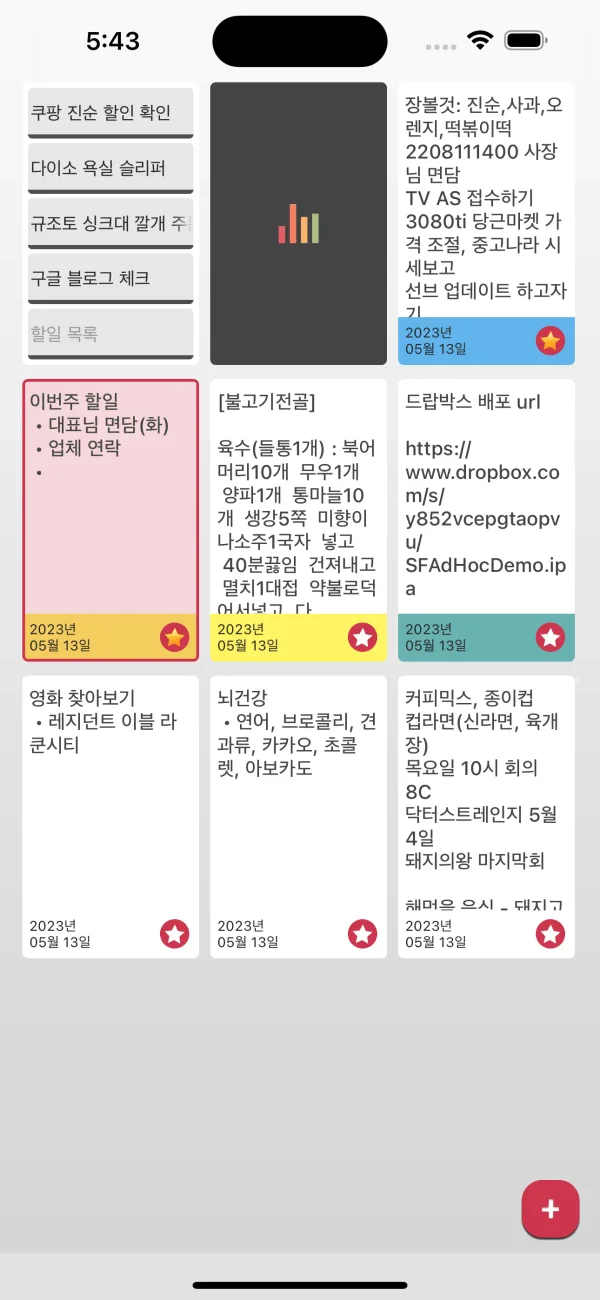
It is a very simple memo tool
- Write a new note with the + button
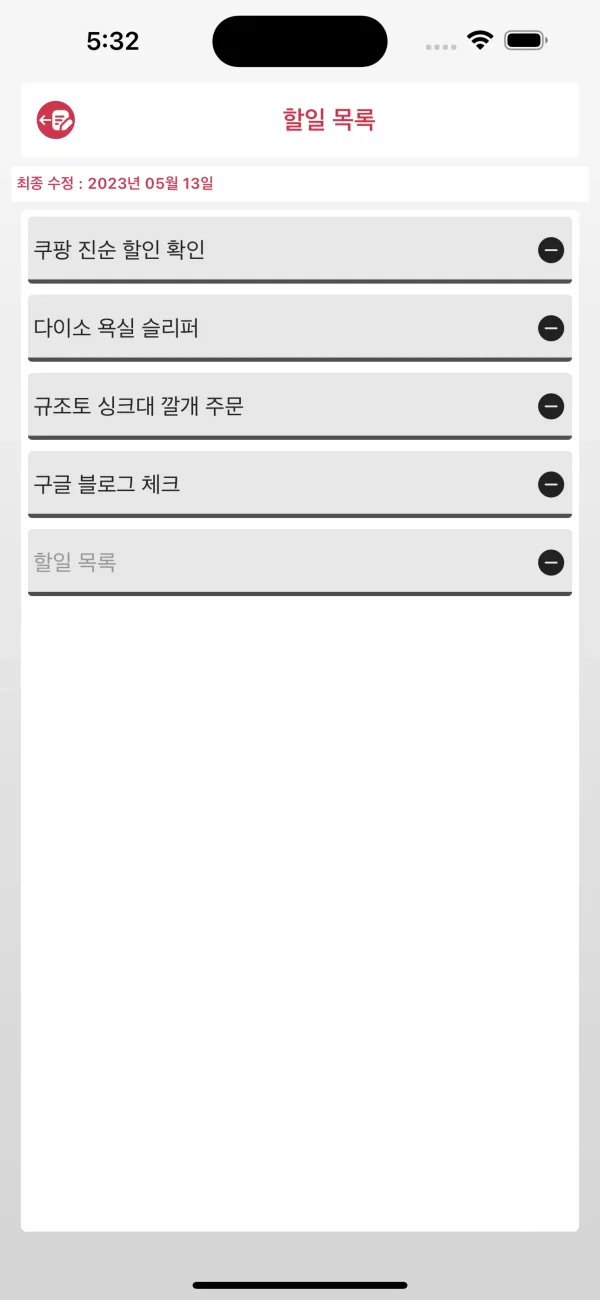
- A separate to-do list is supported.
>> You wrote to do list in App. You can show also Widget(Widjet doesn't show notes you writed. Just show To do List Only).
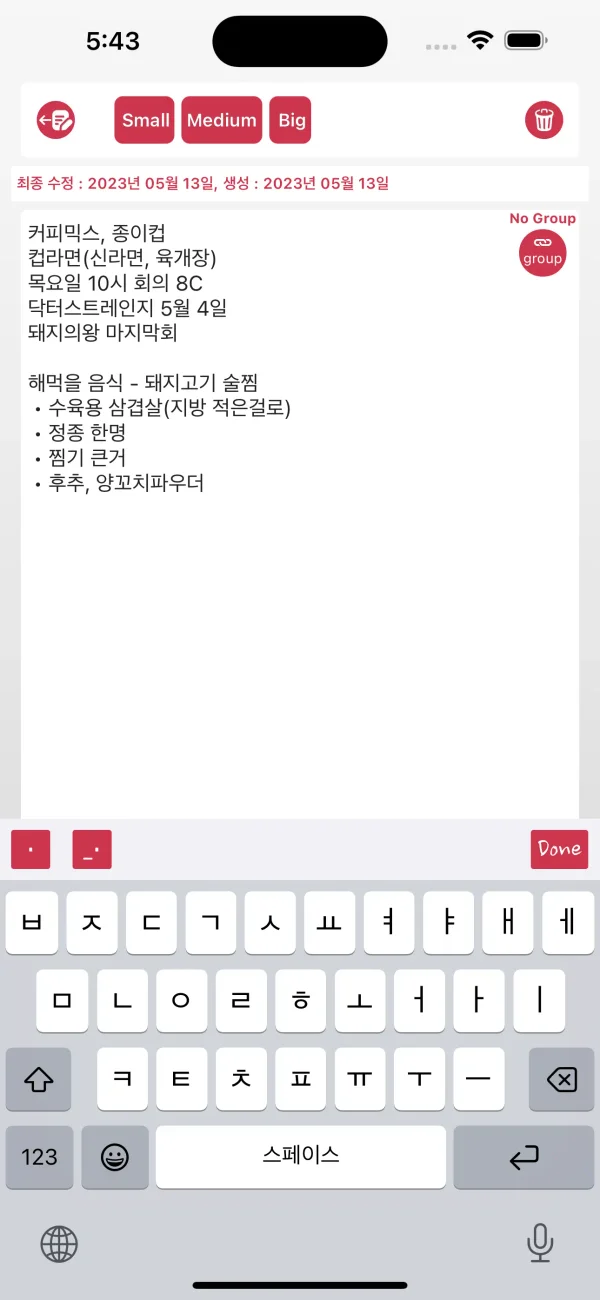
- Existing memos can be edited in the created memo list.
- Display at the top of notes marked as favorites and group.
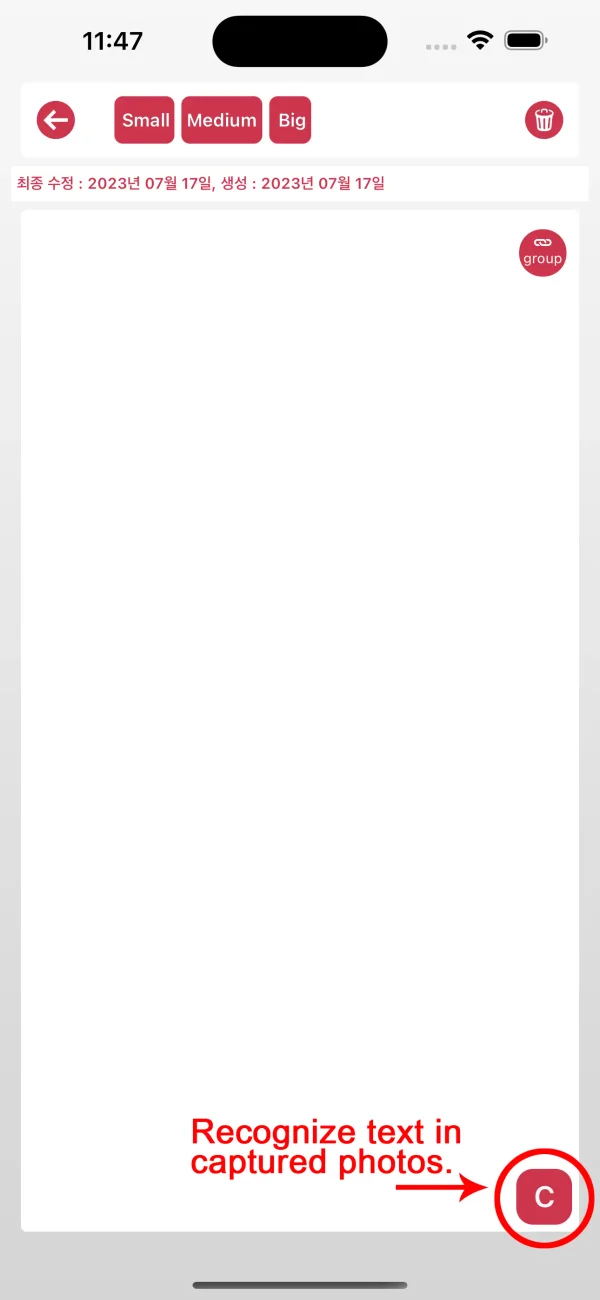
- When writing a memo, you can use the "C" button at the bottom right to recognize text in a photo taken using the camera and use it immediately.
What’s new
Version 1.11.6 · Sep 30, 2025
Update 1.11.6
- UI fixes for iOS 26
App privacy
What Young Soo Park declares on the App Store about how this app handles data.
-
Data used to track you
May be used to track you across apps and websites owned by other companies.
- Location
- Identifiers
- Usage data
- Diagnostics
-
Data linked to you
May be collected and linked to your identity.
- Location
- Identifiers
- Usage data
- Diagnostics
Privacy practices may vary, for example with the features you use or your age.
Information
- Seller
- Young Soo Park
- Category
- Productivity
- Version
- 1.11.6
- Updated
- Sep 30, 2025
- Released
- Mar 20, 2022
- Size
- 12.9 MB
- Requires
- iOS 16.0 or later
- Age rating
- 4+
- Price
- Free
- Languages
- English, Korean
- Copyright
- © Youngsoo Park 2023
You might also like
-
 Jotable - Simple NotesNo-Frills note taking app.
-
 A ONE NotesNote taking & whiteboard app
-
 Todos - SimplifiedProductivity
-
 PrivateTextKeep your daily notes private
-
 Passage: Quote Keeper & NotesSave From Books, Movies & More
-
 Plan-PalYour Ultimate Task Manager!
-
 Structured OutlinerProductivity
-
 Emily's NotesA clean, simple notes app
-
 ReWeekly – Plan Your WeekWeekly planner with reset
-
 DeepDoMulti-level project planner