
- Age rating4+
- CategoryUtilities
- DeveloperOnehaven
- LanguagesEnglish
- Size60.8 MB
Links to the official App Store page
Download.org hosts no file of OneHaven Protect. The button opens its official App Store page, published by Onehaven. Listing last checked on Nov 23, 2026.
Screenshots

About
OneHaven Protect – Family Safety Device
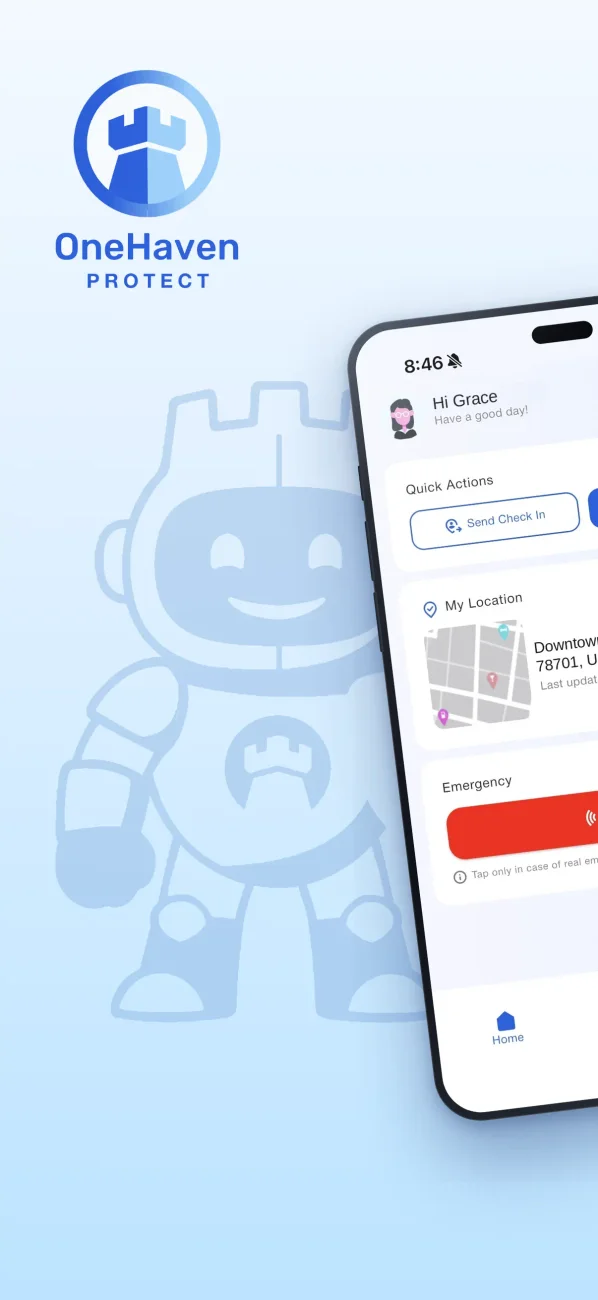
OneHaven Protect is the app for the phone or tablet being protected. It pairs with the OneHaven caregiver app so your family can help keep you safer online and in daily life with rules and visibility set by your caregiver, not on your own.
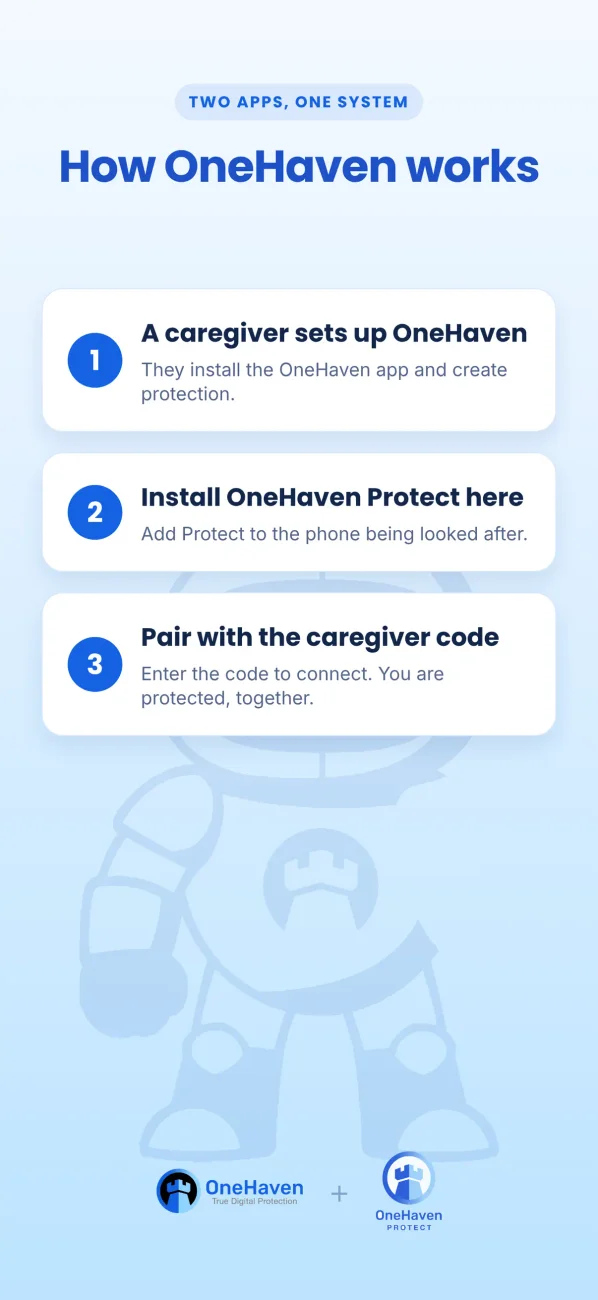
Install this on the protected member’s device (child, teen, or family member). A parent or caregiver sets up your family in OneHaven, sends you a pairing code, and you finish setup here. This is not the parent dashboard use OneHaven on the caregiver’s device to manage your family.
IMPORTANT: CAREGIVER APP & SUBSCRIPTION
OneHaven Protect is free to download and has no in-app purchases. You need a valid pairing code from your caregiver and the OneHaven caregiver app on their device.
Safety and monitoring features are enabled by your caregiver. Subscription and billing, if required, are handled in the OneHaven caregiver app not in OneHaven Protect. Plan options and pricing are shown there before your caregiver subscribes.
WHAT YOU CAN DO IN ONEHAVEN PROTECT
• Enter your caregiver’s invite code and complete device setup
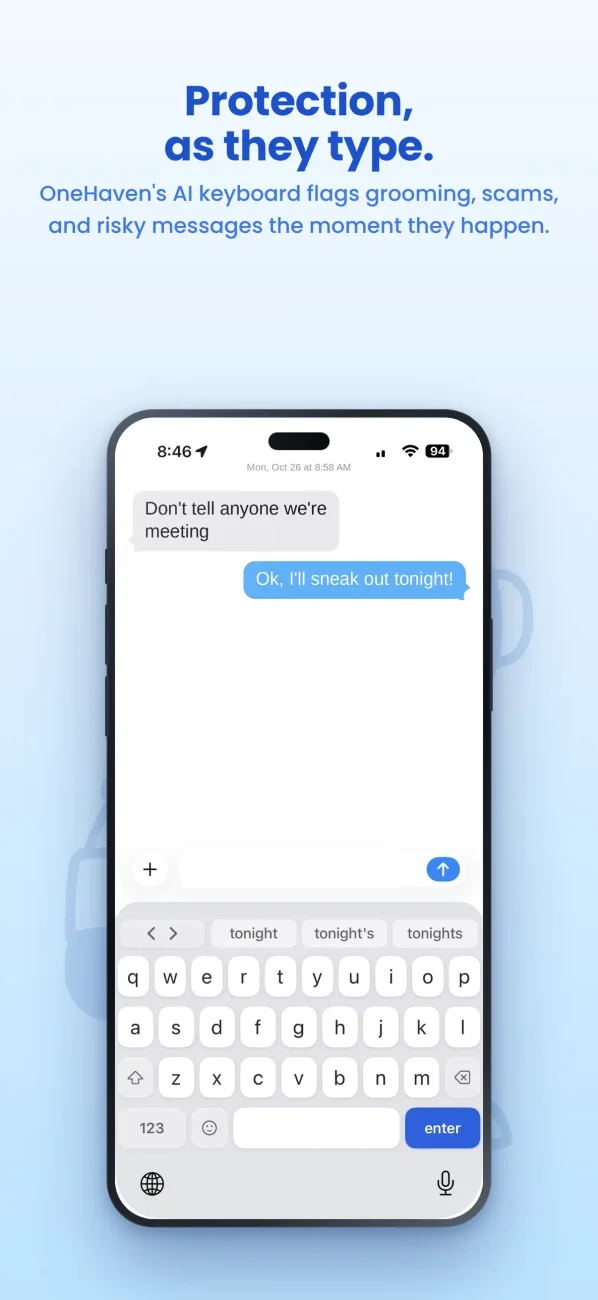
• Includes an AI safety keyboard that monitors sent messages for threats and alerts caregivers to concerning content
• Grant permissions with clear explanations (location, notifications)
• Stay linked to your family’s safety settings
• Request access when you need permission for something new
• Share location on the family map when your caregiver has enabled it
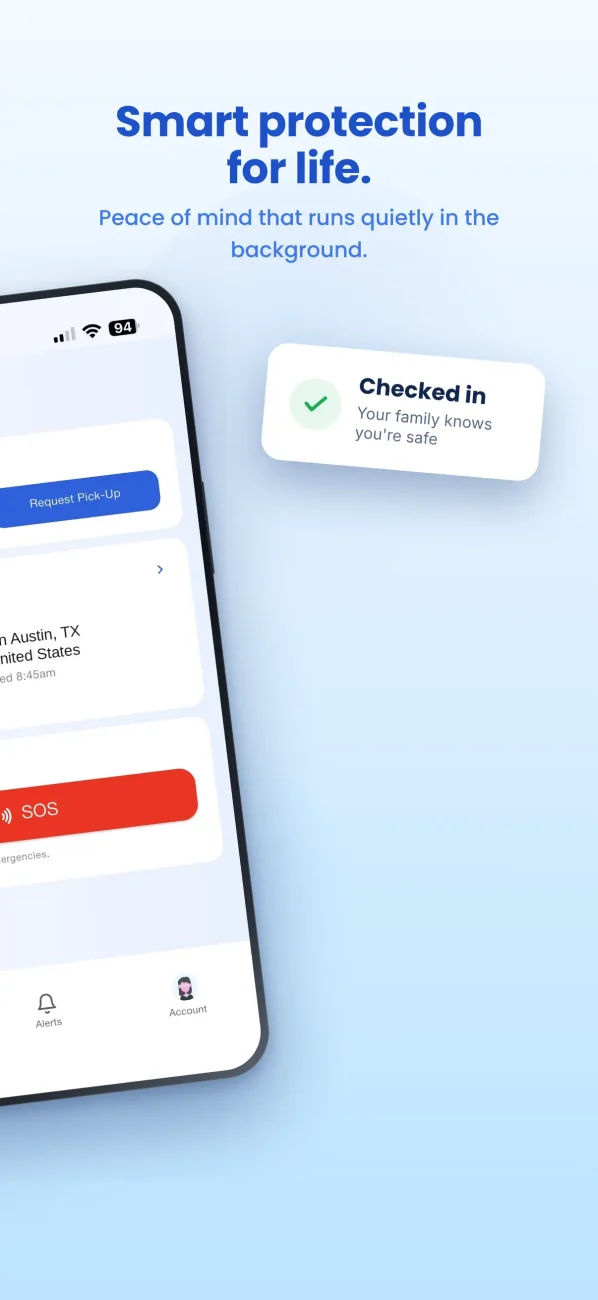
• Send check-ins and safety requests
• Receive notifications about rules, pickups, and family alerts
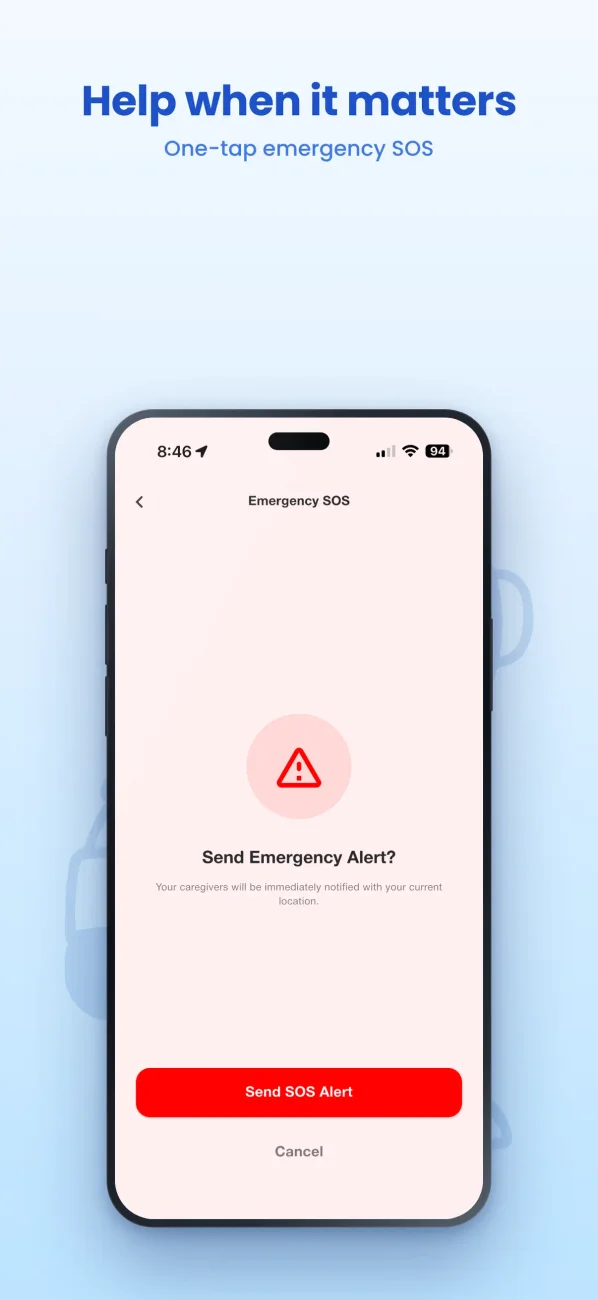
• Use Emergency SOS when your family has turned it on
• Manage your profile and profile photo on this device
FREE IN THIS APP
• Download and pair with a caregiver invite code
• Complete profile and permission setup
• Use features your caregiver has enabled for your device
• Contact support and read our privacy policy and terms
• No subscription purchase or billing in OneHaven Protect
PAIRING & SETUP
Your caregiver adds you in the OneHaven app and sends a pairing code
Open OneHaven Protect and enter the code
Complete profile setup and required permissions
Your device stays connected to your family’s protection settings
LOCATION FOR SAFETY
When your caregiver enables it, OneHaven Protect can share your location so caregivers can see you on the family map and respond if something’s wrong. Location is used for safety not sold for advertising.
PRIVACY & TRUST
Your family chooses what to monitor and how. OneHaven is built with clear permissions and transparent data practices.
Privacy Policy: https://onehaven.io/privacy-policy
Terms of Use: https://onehaven.io/terms-conditions
Questions: privacy@onehaven.io or https://onehaven.io/contact
REQUIRES A CAREGIVER
An active OneHaven family setup and the OneHaven caregiver app are required. OneHaven Protect does not work as a standalone safety app.
OneHaven Protect : the protected device companion to OneHaven family safety.
What’s new
Version 1.5.1 · Nov 16, 2026
• Clearer step-by-step instructions for setting up the OneHaven keyboard on iOS
• Reduced battery usage from location tracking in the background
App privacy
What Onehaven declares on the App Store about how this app handles data.
-
Data linked to you
May be collected and linked to your identity.
- Location
- Contact info
- User content
- Identifiers
- Other data
Privacy practices may vary, for example with the features you use or your age.
Information
- Seller
- Onehaven Inc.
- Category
- Utilities
- Version
- 1.5.1
- Updated
- Nov 16, 2026
- Released
- Aug 7, 2026
- Size
- 60.8 MB
- Requires
- iOS 17.0 or later
- Age rating
- 4+
- Price
- Free
- Languages
- English
- Copyright
- © 2026 OneHaven, Inc.
You might also like
-
 Cifura: Mobile ProtectionPhone Security & Scam Shield
-
 Gabcloud: WebDAV ClientView & Download Shared Docs
-
 Smart Cleaner: Safe & CleanPhoto Cleanup & Web Protection
-
 AI Cleaner Pro:Storage CleanVideo Cleaner, Delete Photos
-
 Vaultwarden Password ManagerSelf-Hosted Password Manager
-
 Location History - GPS historyRecord your locations!
-
 FE File Explorer - SMB & FTPAccess files on computer & NAS
-
 UptimeRobot: Monitor anything!Web & SSL, Ports, Cron-jobs
-
 QR Code Generator & Maker appCreate QR codes. Make & Share
-
 SkyBellVideo doorbells and more