
- 対象年齢4+
- カテゴリユーティリティ
- 開発元Onehaven
- 言語英語
- サイズ60.8 MB
OneHaven Protectは現在App Storeで入手できない可能性があります
前回の確認時、ストアのページにアクセスできませんでした。リンク先は引き続きApp Storeの公式ページです。
スクリーンショット

概要
開発元はこのテキストをお使いの言語で提供していません。
OneHaven Protect – Family Safety Device
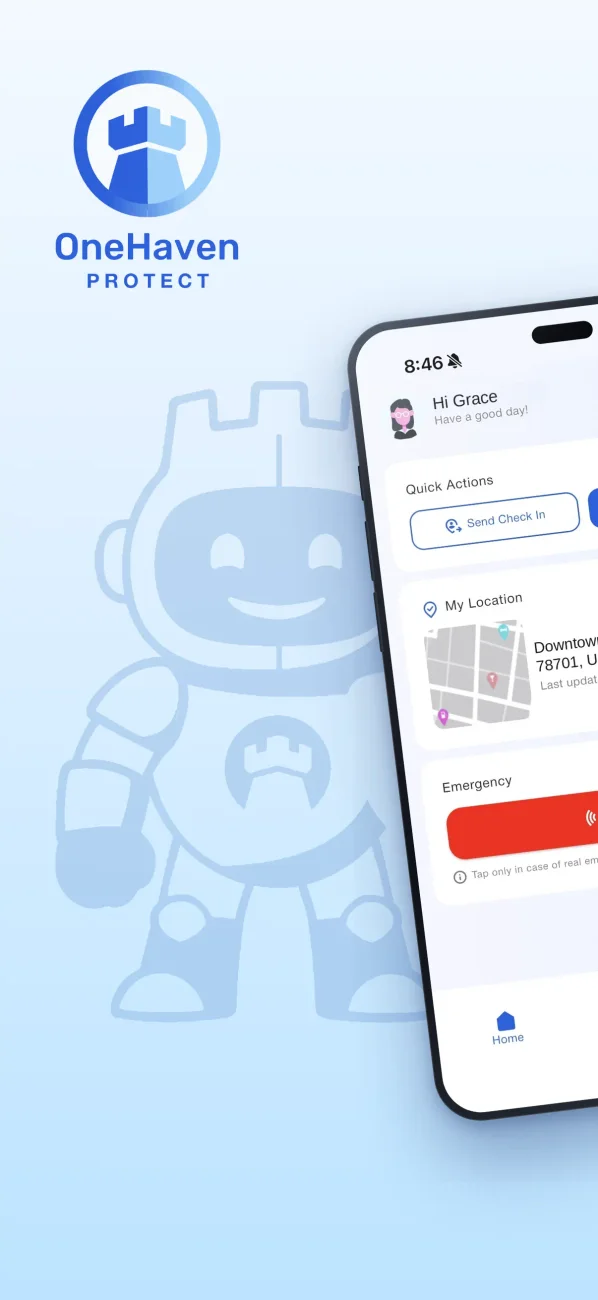
OneHaven Protect is the app for the phone or tablet being protected. It pairs with the OneHaven caregiver app so your family can help keep you safer online and in daily life with rules and visibility set by your caregiver, not on your own.
Install this on the protected member’s device (child, teen, or family member). A parent or caregiver sets up your family in OneHaven, sends you a pairing code, and you finish setup here. This is not the parent dashboard use OneHaven on the caregiver’s device to manage your family.
IMPORTANT: CAREGIVER APP & SUBSCRIPTION
OneHaven Protect is free to download and has no in-app purchases. You need a valid pairing code from your caregiver and the OneHaven caregiver app on their device.
Safety and monitoring features are enabled by your caregiver. Subscription and billing, if required, are handled in the OneHaven caregiver app not in OneHaven Protect. Plan options and pricing are shown there before your caregiver subscribes.
WHAT YOU CAN DO IN ONEHAVEN PROTECT
• Enter your caregiver’s invite code and complete device setup
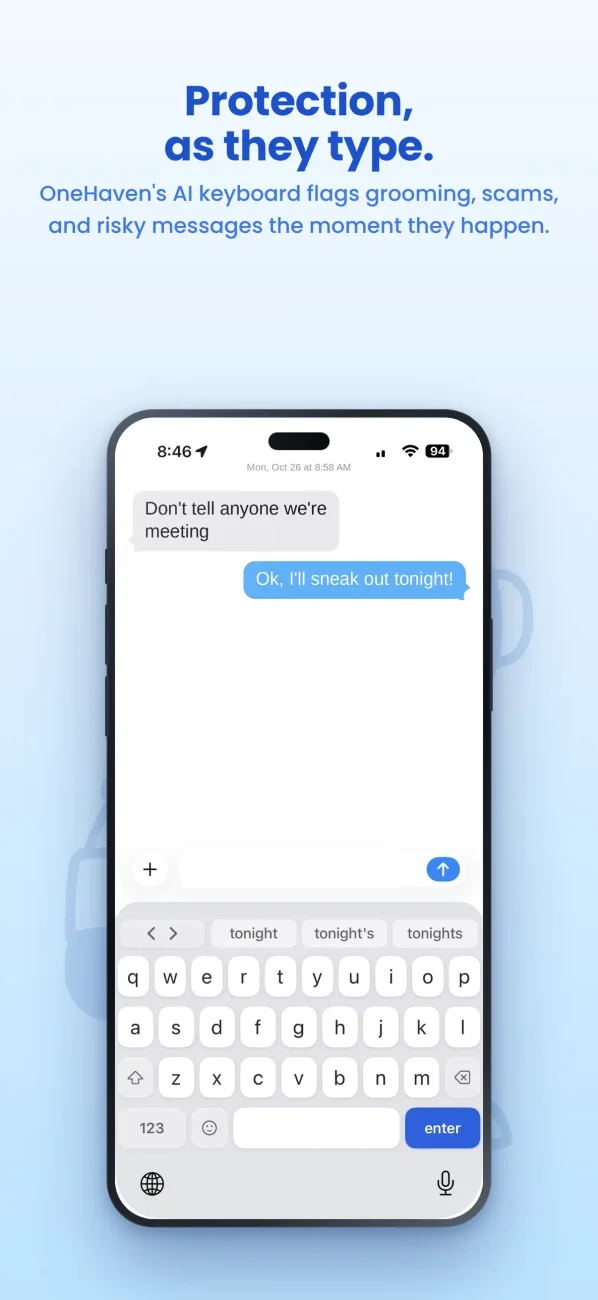
• Includes an AI safety keyboard that monitors sent messages for threats and alerts caregivers to concerning content
• Grant permissions with clear explanations (location, notifications)
• Stay linked to your family’s safety settings
• Request access when you need permission for something new
• Share location on the family map when your caregiver has enabled it
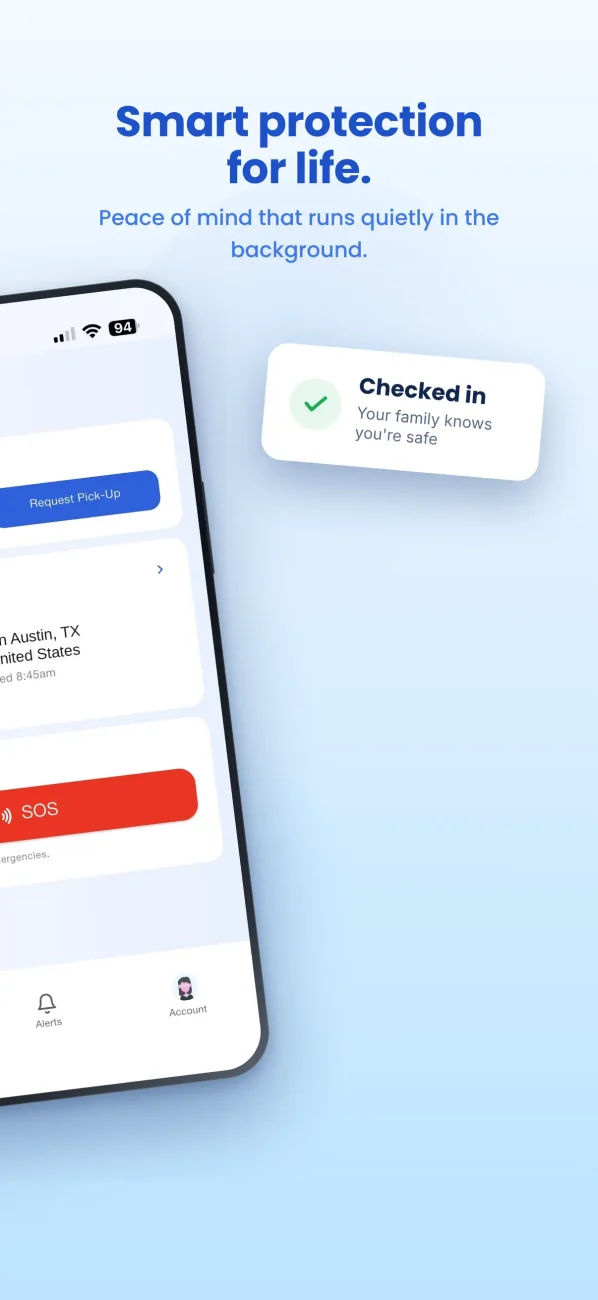
• Send check-ins and safety requests
• Receive notifications about rules, pickups, and family alerts
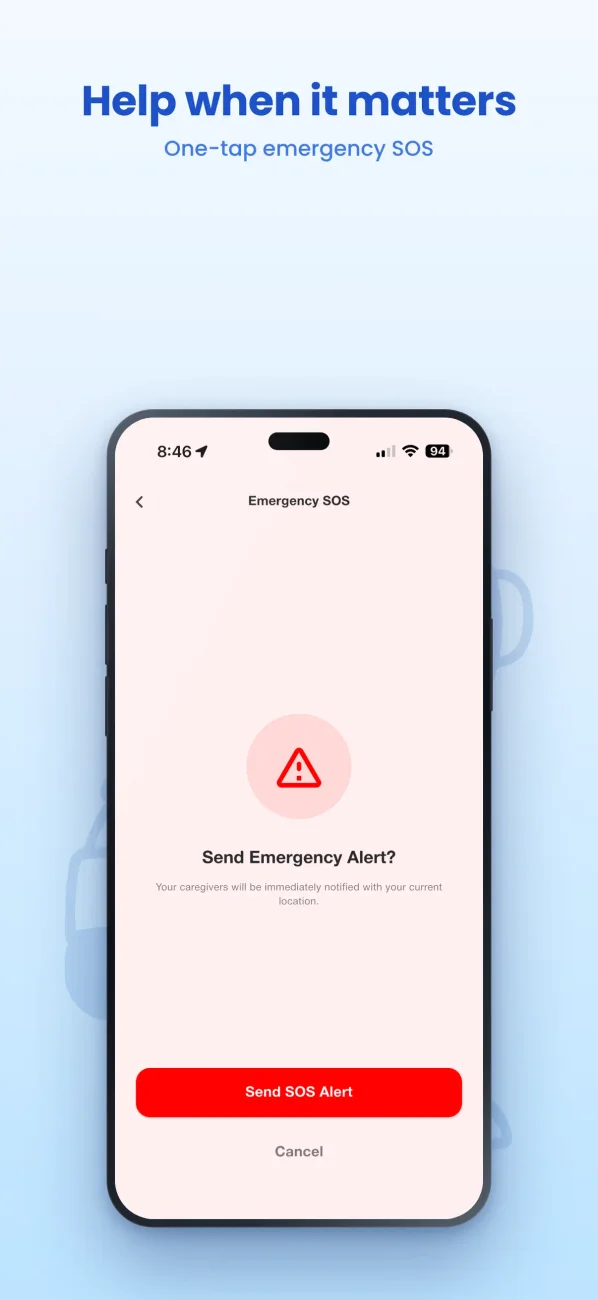
• Use Emergency SOS when your family has turned it on
• Manage your profile and profile photo on this device
FREE IN THIS APP
• Download and pair with a caregiver invite code
• Complete profile and permission setup
• Use features your caregiver has enabled for your device
• Contact support and read our privacy policy and terms
• No subscription purchase or billing in OneHaven Protect
PAIRING & SETUP
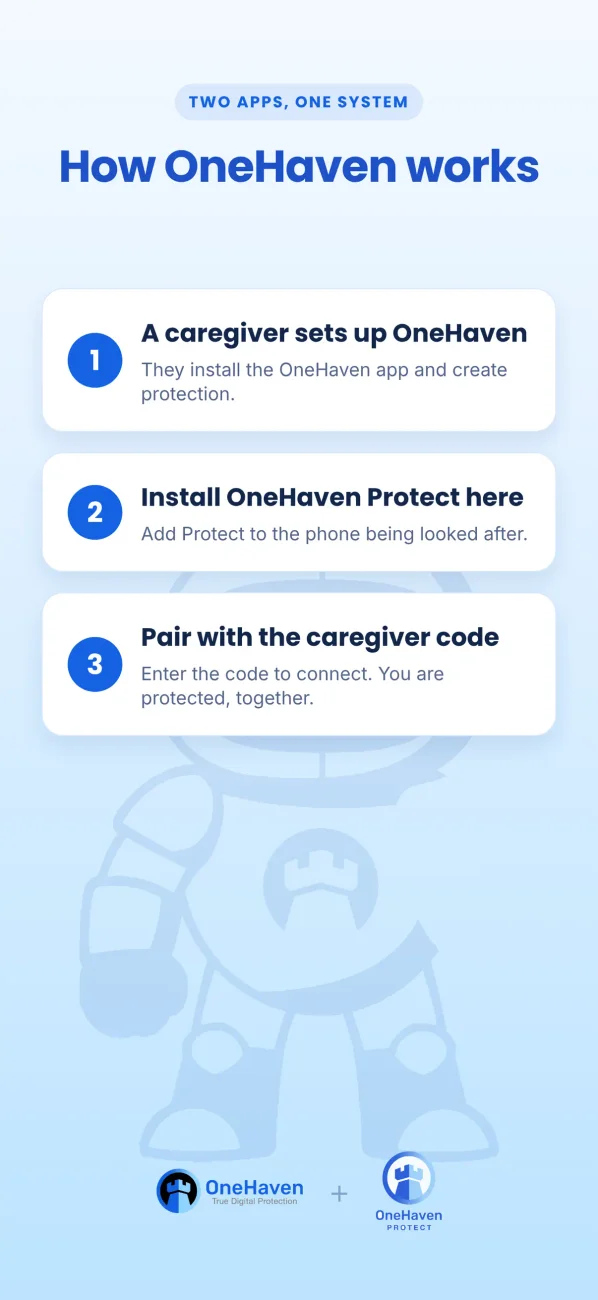
Your caregiver adds you in the OneHaven app and sends a pairing code
Open OneHaven Protect and enter the code
Complete profile setup and required permissions
Your device stays connected to your family’s protection settings
LOCATION FOR SAFETY
When your caregiver enables it, OneHaven Protect can share your location so caregivers can see you on the family map and respond if something’s wrong. Location is used for safety not sold for advertising.
PRIVACY & TRUST
Your family chooses what to monitor and how. OneHaven is built with clear permissions and transparent data practices.
Privacy Policy: https://onehaven.io/privacy-policy
Terms of Use: https://onehaven.io/terms-conditions
Questions: privacy@onehaven.io or https://onehaven.io/contact
REQUIRES A CAREGIVER
An active OneHaven family setup and the OneHaven caregiver app are required. OneHaven Protect does not work as a standalone safety app.
OneHaven Protect : the protected device companion to OneHaven family safety.
新機能
バージョン 1.5.1 · 2026/11/16
• Clearer step-by-step instructions for setting up the OneHaven keyboard on iOS
• Reduced battery usage from location tracking in the background
アプリのプライバシー
このアプリのデータの取り扱いについて、OnehavenがApp Storeで申告している内容です。
-
ユーザーに関連付けられたデータ
収集され、ユーザーの識別情報に関連付けられる場合があります。
- 位置情報
- 連絡先情報
- ユーザーコンテンツ
- ID
- その他のデータ
プライバシーの取り扱いは、ご利用の機能やお客様の年齢などに応じて異なる場合があります。
情報
- 販売元
- Onehaven Inc.
- カテゴリ
- ユーティリティ
- バージョン
- 1.5.1
- 更新日
- 2026/11/16
- リリース
- 2026/8/7
- サイズ
- 60.8 MB
- 必要条件
- iOS 17.0以降
- 対象年齢
- 4+
- 言語
- 英語
- 著作権
- © 2026 OneHaven, Inc.
こちらもおすすめ
-
 Cifura: Mobile Protectionユーティリティ
-
 Gabcloud: WebDAV Clientユーティリティ
-
 Smart Cleaner: Safe & CleanPhoto Cleanup & Web Protection
-
 AI Cleaner Pro:Storage Cleanユーティリティ
-
 Vaultwarden Password Managerユーティリティ
-
 位置情報履歴 - GPSの履歴位置情報を記録する!
-
 FE File Explorer - SMB & FTPSMB、FTP、WebDAV、クラウドにアクセス
-
 UptimeRobot: Monitor anything!ユーティリティ
-
 QR Code Generator & Maker appユーティリティ
-
 SkyBellユーティリティ