
OnePic Image
Drop an image, get a link
Designed for iPhone, iPad, Mac
Free · In-app purchases
- Age rating4+
- CategoryUtilities
- Developer伟成 项
- LanguagesEnglish+ 2 more
- Size7.4 MB
Links to the official App Store page
Download.org hosts no file of OnePic Image. The button opens its official App Store page, published by 伟成 项. Listing last checked on Nov 23, 2026.
Screenshots
About
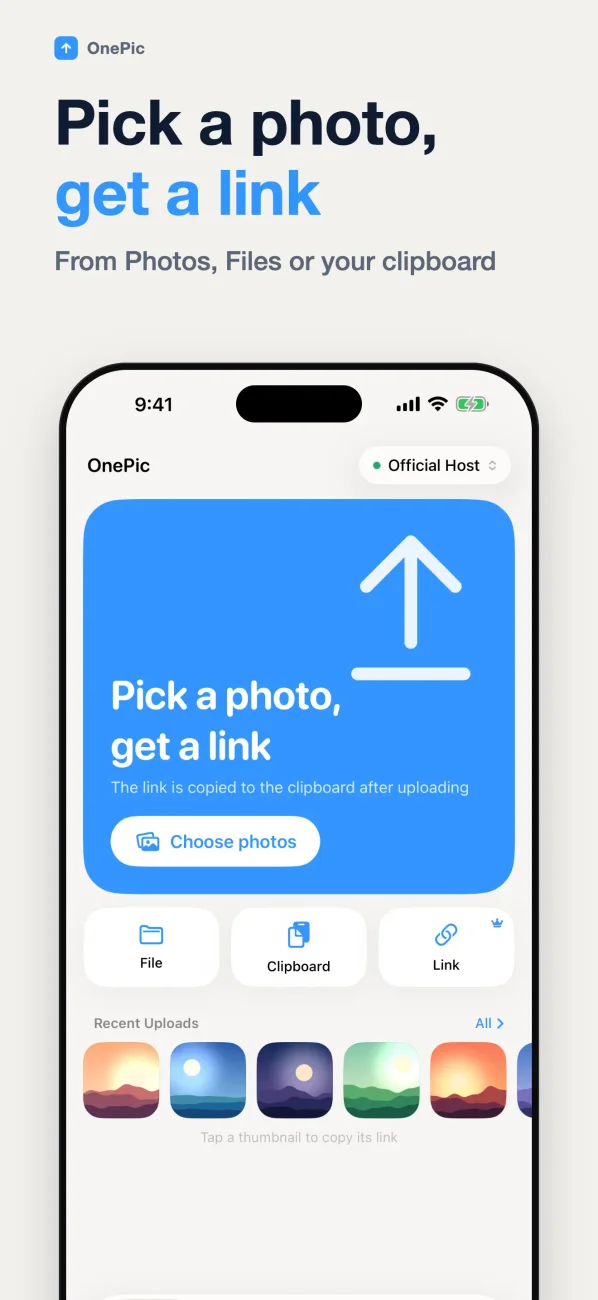
OnePic: pick a photo, get a link.
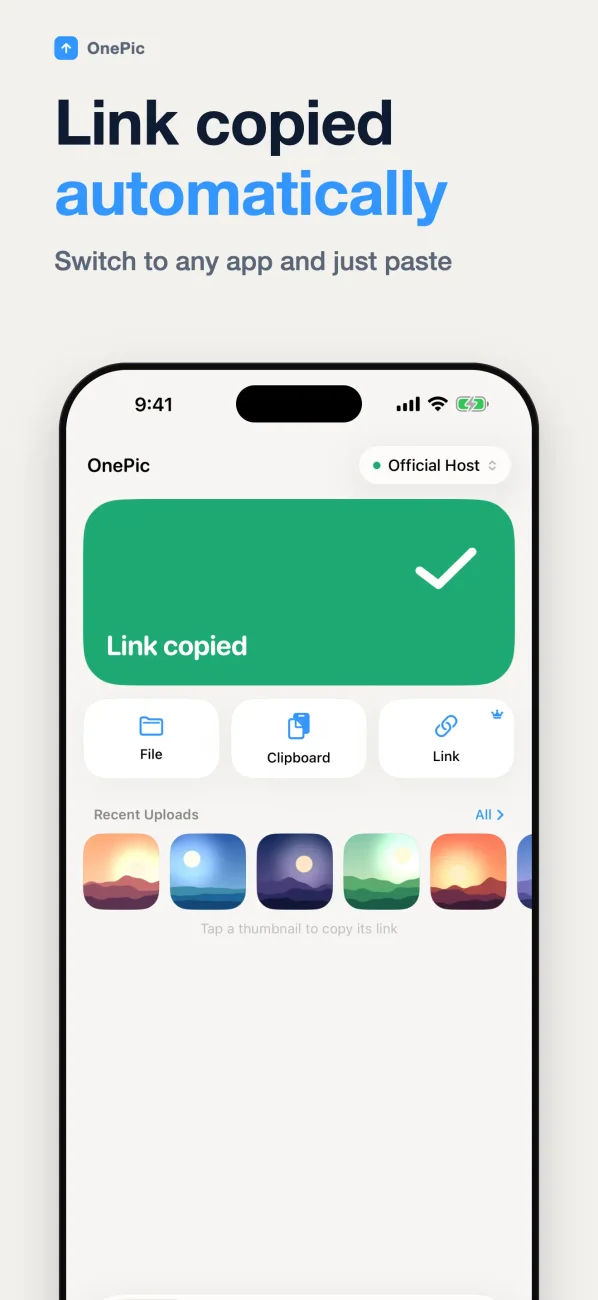
Choose images from Photos, Files or the clipboard. When the upload finishes the link is already copied, ready to paste into your blog, post, notes or chat. No more fiddling with image hosting.
OFFICIAL HOST, READY OUT OF THE BOX
· No account and no setup. It turns on at your first upload
· Free: 20 images, up to 3 MB each, for occasional or emergency use
· Member: 1,000 images / 1,000 MB in total, up to 10 MB each
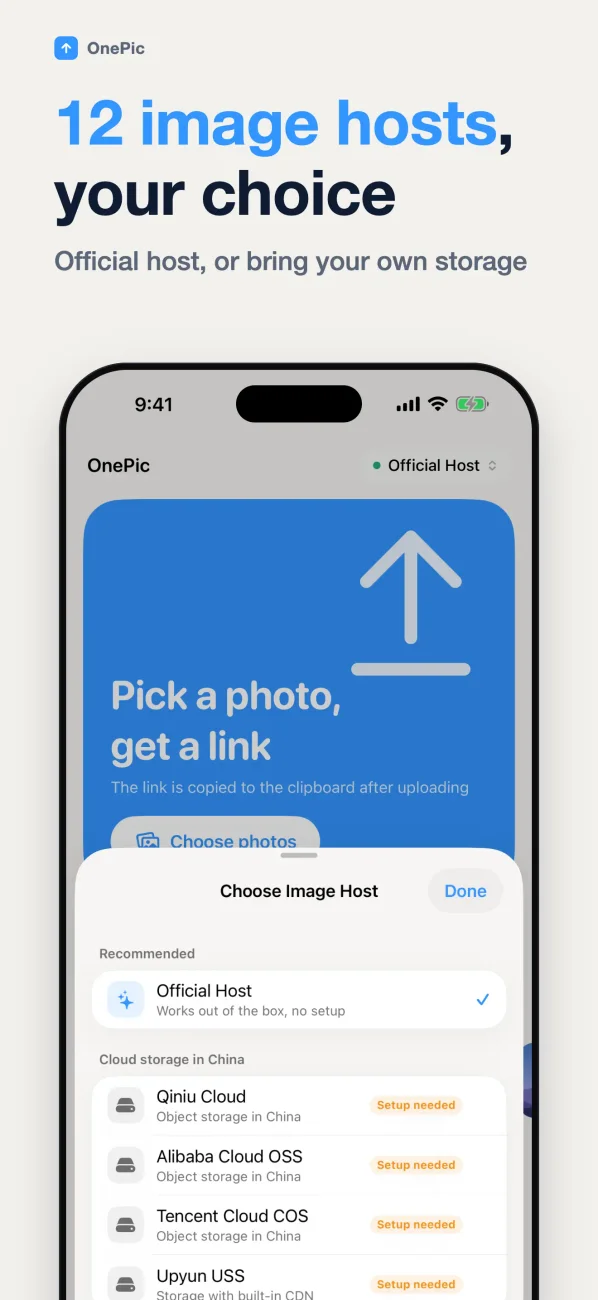
OR USE YOUR OWN HOST
Custom Web API, Qiniu, Alibaba Cloud OSS, Tencent Cloud COS, Cloudflare R2, S3-compatible storage, Supabase Storage, GitHub repositories, Upyun, Imgur, ImgBB and SM.MS. Switch any time; each host keeps its own settings. Keys stay on your device.
UPLOAD IN ONE TAP
· Tap Share in Photos, Files or any app and choose OnePic
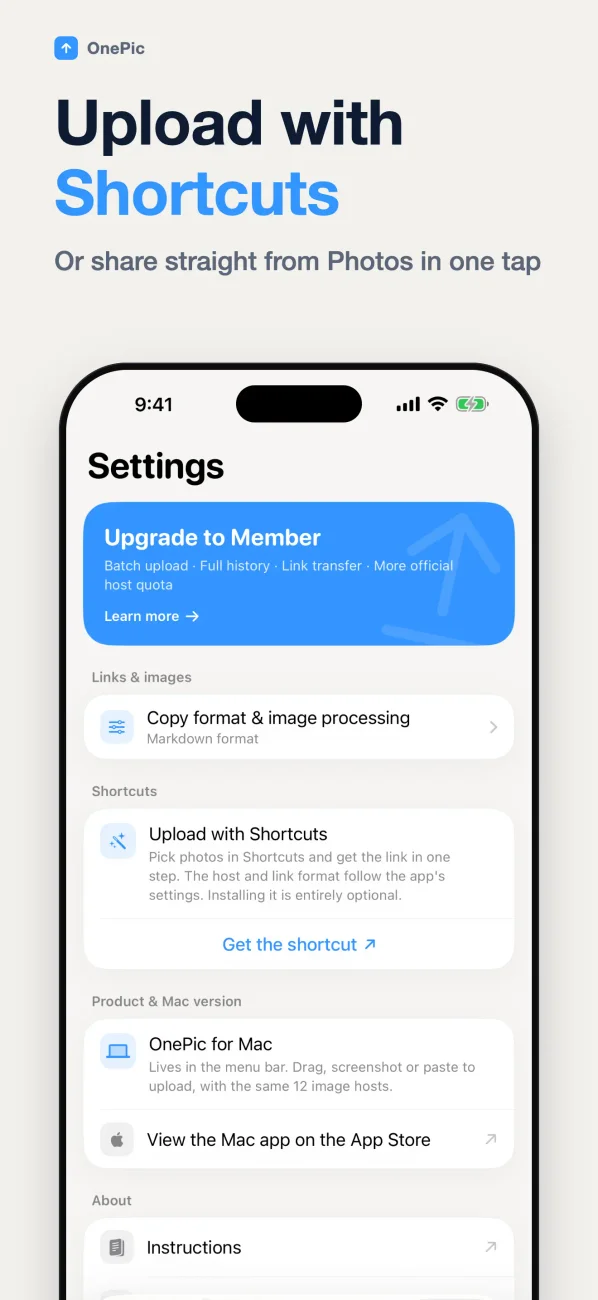
· Pick photos in Shortcuts and get the link in one step, and use it in automations
· A Home Screen widget opens the photo picker with one tap
· Photos, Files or the clipboard as sources, with multiple images at once
FREE
· Uploads, share extension, Shortcuts, widget and your own hosts
· One-tap copy for direct links and Markdown
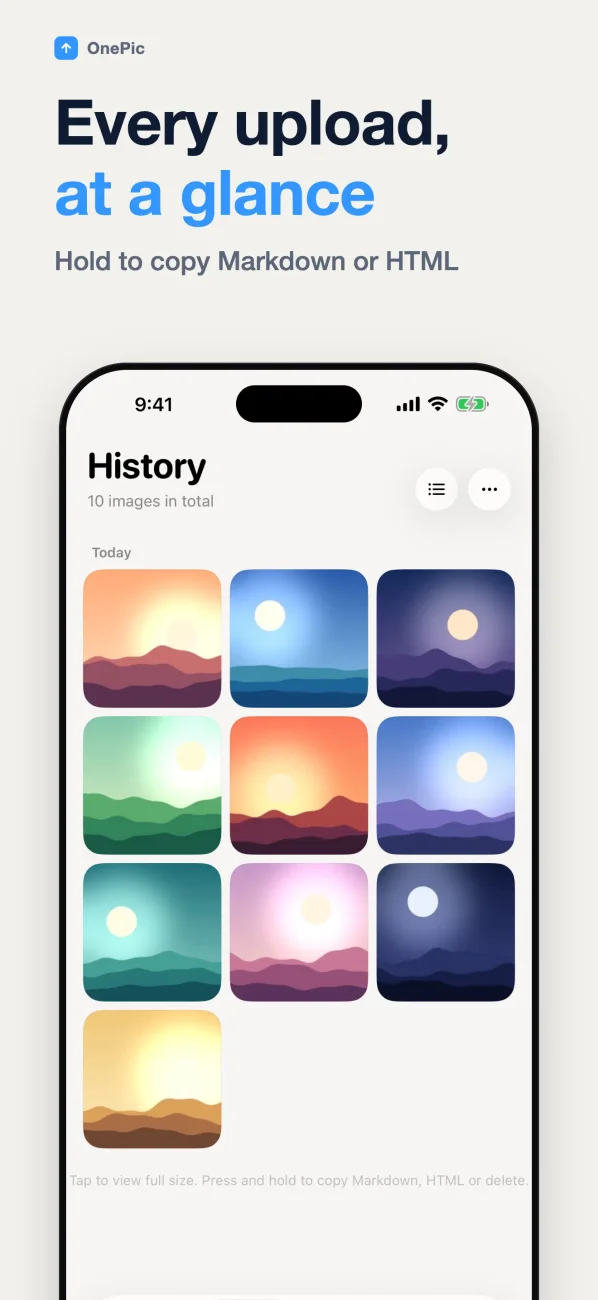
· Thumbnail gallery, your last 30 uploads, delete
· Automatic compression before upload with adjustable JPEG / WebP quality
· File naming: keep the original, UUID, timestamp, or prefix + timestamp
MEMBER
· Transfer an image from a web link in one step
· Full upload history with search
· Unlimited batch upload (free is 3 at a time)
· HTML and custom-template link formats
· Limit the longest edge, convert PNG to JPEG automatically
· A larger official host quota
MEMBERSHIP AND PAYMENT
· Choose a monthly subscription or a one-time purchase. Both unlock the same features.
· The subscription renews automatically (see the App Store for the price). Payment is charged to your Apple ID at confirmation, and it renews unless you turn off auto-renew at least 24 hours before the end of the current period. Manage or cancel it any time in Settings → Apple ID → Subscriptions.
· The one-time purchase is paid once and can be restored on the same Apple ID.
· When you use the official host, your images are stored on our servers and get a public link. Do not upload illegal or infringing content. We may remove violating content at any time without notice, for free and paid users alike.
Terms: https://pic.67373.vip/en/terms/
Privacy: https://pic.67373.vip/en/privacy/
Support: https://pic.67373.vip/en/support/
What’s new
Version 1.1 · Nov 17, 2026
Fixed some known issues.
App privacy
What 伟成 项 declares on the App Store about how this app handles data.
-
Data linked to you
May be collected and linked to your identity.
- Purchases
- User content
- Identifiers
Privacy practices may vary, for example with the features you use or your age.
Information
- Seller
- 伟成 项
- Category
- Utilities
- Version
- 1.1
- Updated
- Nov 17, 2026
- Released
- Nov 4, 2026
- Size
- 7.4 MB
- Requires
- iOS 17.0 or later
- Age rating
- 4+
- Price
- Free
- In-app purchases
- Yes
- Languages
- English, Simplified Chinese, Traditional Chinese
- Copyright
- © 2026 OnePic
You might also like
-
 适阅Utilities
-
 iHide PhotoRedact Private Info
-
 捷径扩展Utilities
-
 Virtual TouchPadWireless Mac Control
-
 起床吧闹钟-日历排班&节假日&调休&大小周Utilities
-
 Global Currencylive exchange rates
-
 xDeskOne app instead of five
-
 紫毫Rime Chinese Pinyin Keyboard
-
 Tower - Config ConverterSubscriptions, Rules & Latency
-
 Chinendar: Chinese CalendarTradition with modern design