OneStream Live
Recorded & Real-time Streams
Designed for iPhone, iPad
Free · In-app purchases
- Age rating4+
- CategoryProductivity
- DeveloperOneStream Live Oy
- LanguagesEnglish
- Size152.8 MB
Links to the official App Store page
Download.org hosts no file of OneStream Live. The button opens its official App Store page, published by OneStream Live Oy. Listing last checked on Nov 20, 2026.
Screenshots



About
Host, multistream and record professional live broadcasts, right from your phone.
OneStream Live turns your phone into a full broadcast studio. Go live from your camera, bring guests on screen, schedule a stream for later, or connect the encoder you already use. Every broadcast reaches 45+ social platforms, custom destinations and your own website at the same time. No laptop, no crew, no setup marathon.
STREAM TO MULTIPLE PLATFORMS AT ONCE
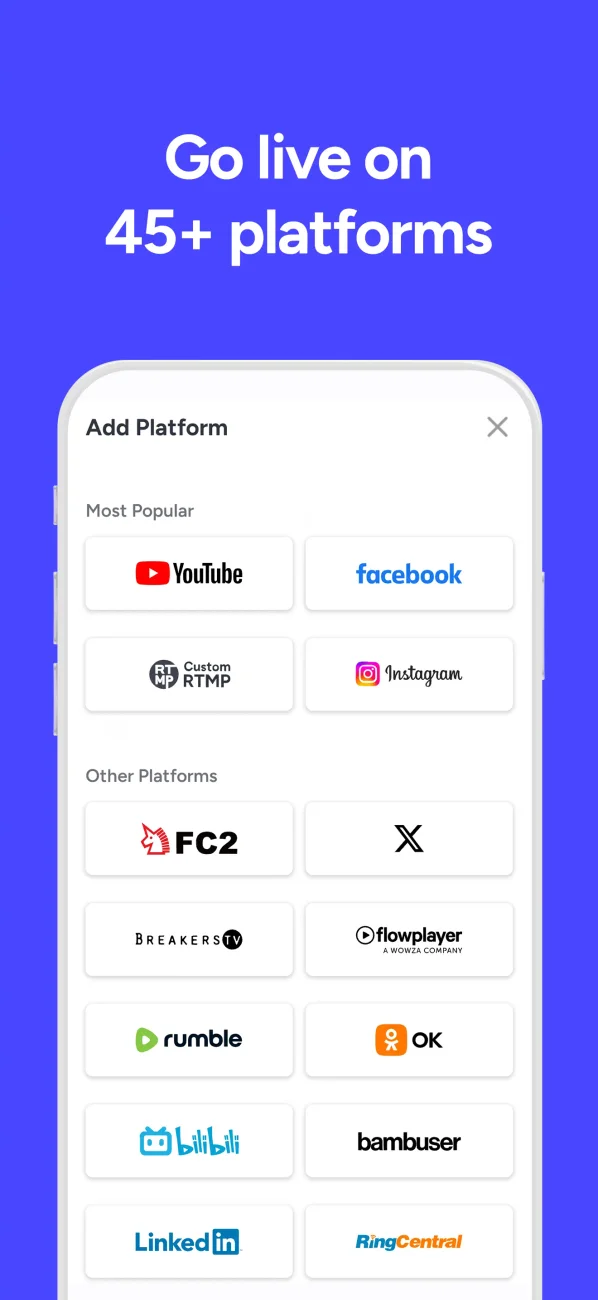
Picking a platform means picking which audience to ignore. Connect your channels once and go live to YouTube, Facebook, Twitch, LinkedIn and 45+ destinations simultaneously, with custom destinations and your own hosted pages alongside them.
YOUR STUDIO FITS IN YOUR POCKET
Start a real-time broadcast from wherever you are. Switch between the front and rear camera, share your screen, and bring images, video or audio into the stream as you go.
HOST A LIVE STUDIO WITH GUESTS
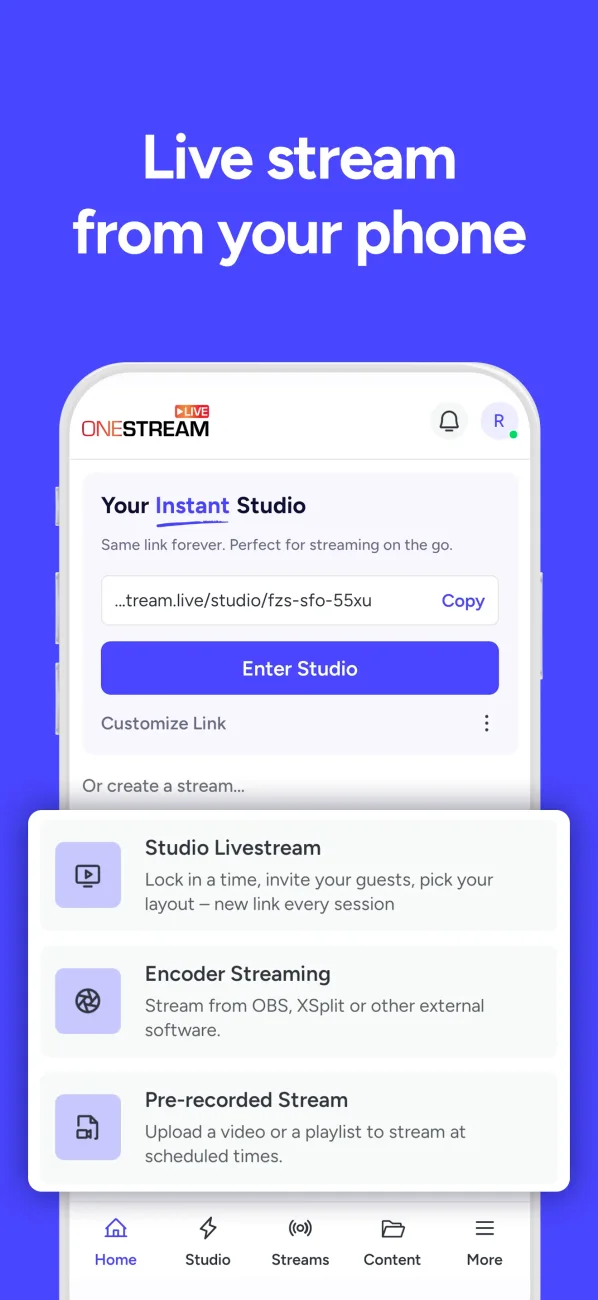
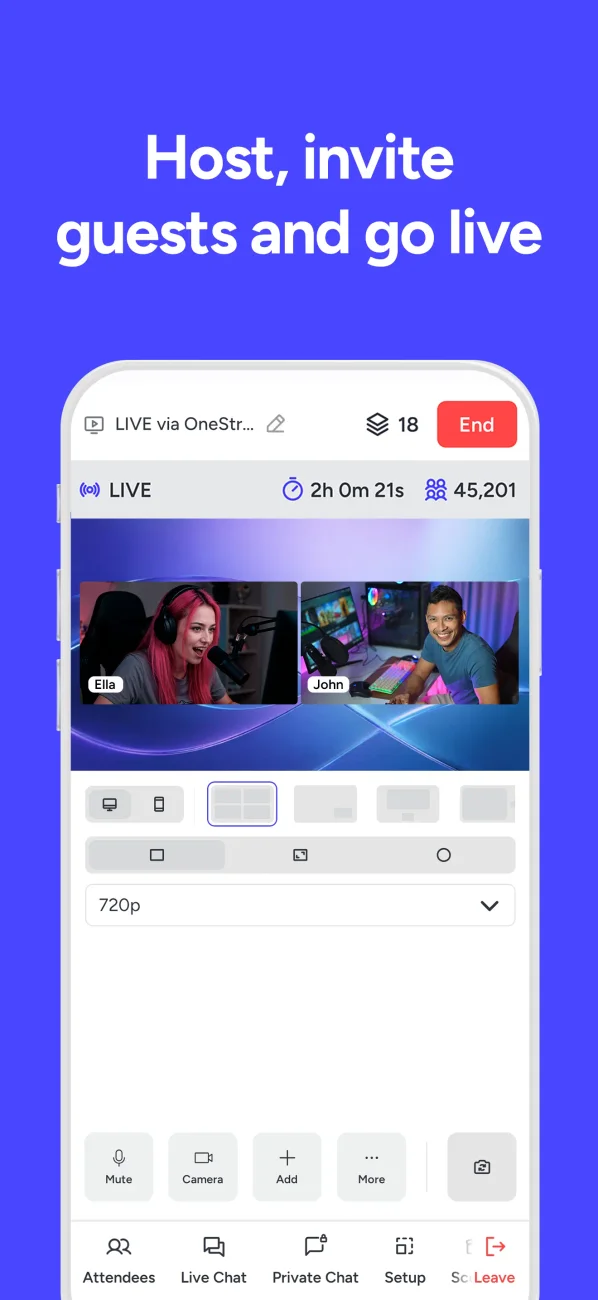
Invite guests with a link and hold them in the lobby until you're ready. Bring them onto the stage one at a time, with camera and mic control throughout. Instant Studio keeps the same link every time, so you can jump back in without setting anything up again.
SCHEDULE PRE-RECORDED STREAMS
Upload a video or build a playlist and broadcast it as a live stream at a time you choose. Scheduling works up to 60 days ahead, so your viewers know when to show up.
CONNECT YOUR ENCODER
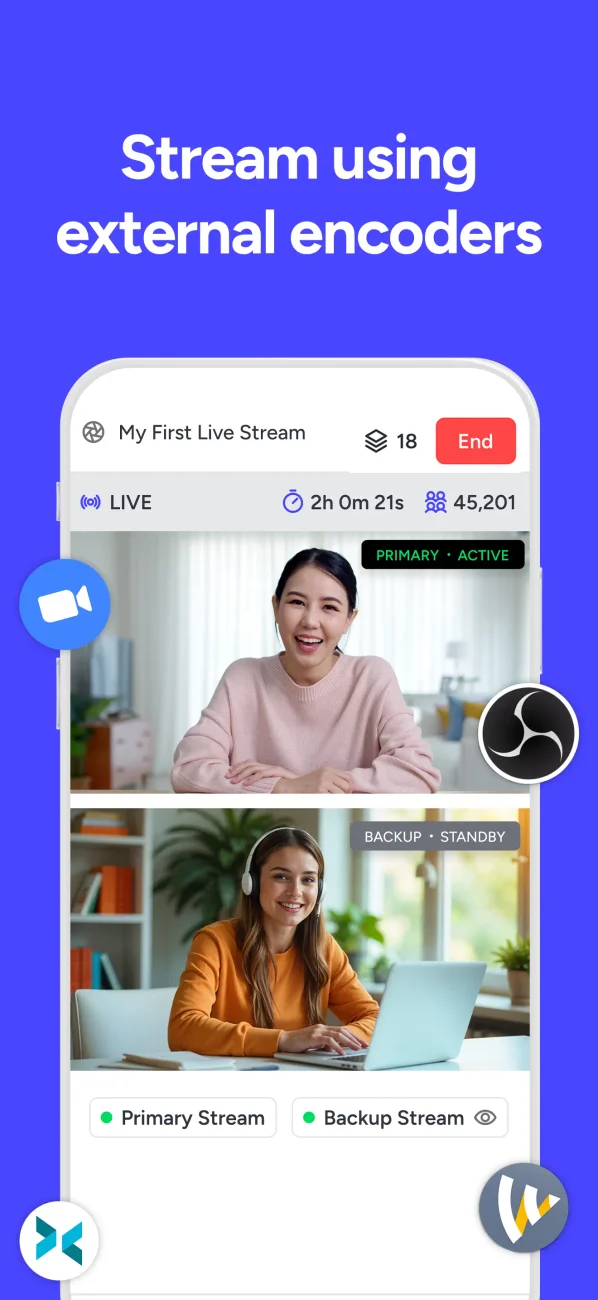
Stream from OBS, XSplit, Zoom, Wirecast and more over RTMP, RTMPS, SRT or WHIP. Create multiple stream keys and add a backup key that takes over if the primary drops.
PERSONALIZE YOUR STUDIO STREAM
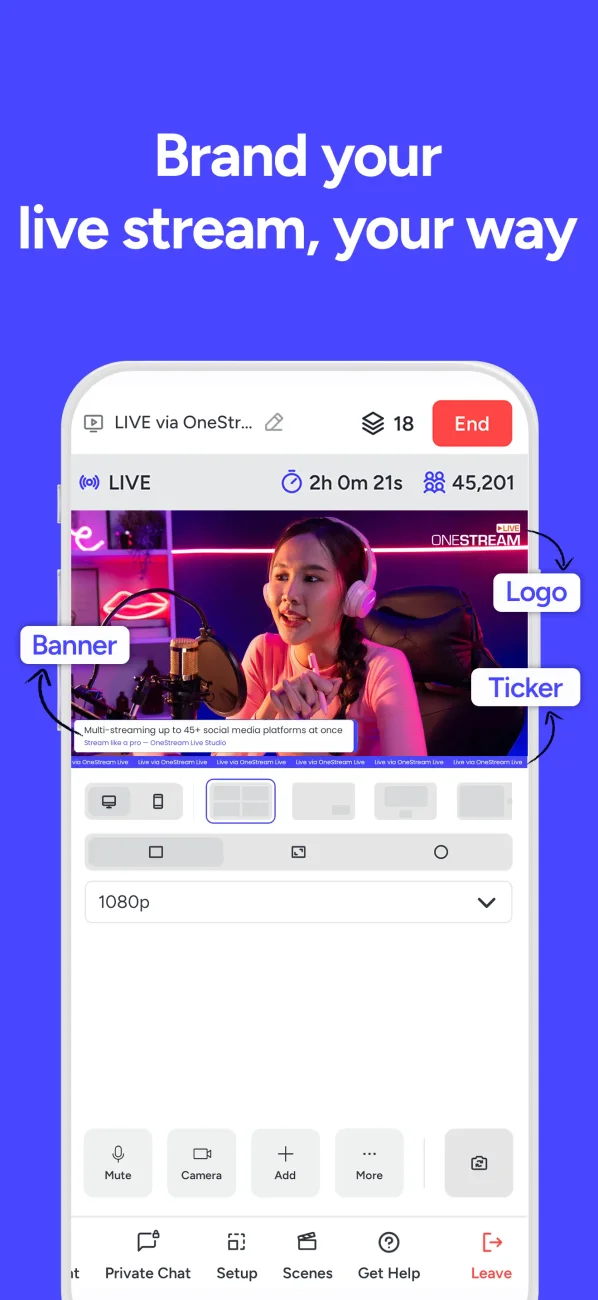
Fonts and style presets to match your brand, plus your logo, stage backgrounds, overlays, banners, scrolling tickers and background music. Camera effects include blur and virtual backgrounds, green screen, smart zoom, color correction, low light correction and AI denoise.
BUILD YOUR SHOW BEFORE IT STARTS
Set up scenes ahead of time, each with its own layout, media and overlays, then switch between them as the show moves along. Add an intro and outro to open and close, and drop an instant overlay on screen whenever you need one.
EVERY COMMENT IN ONE PLACE
Comments from YouTube, Facebook, Twitch, LinkedIn and Kick land in a single panel where you can reply to any of them. Live Chat sits inside Studio, encoder streams, pre-recorded streams, custom websites and stream players. Queue the good comments and pin them on screen.
SHARE STREAMS ON YOUR OWN SITE
Build a no-code custom website to host your broadcasts, or embed a stream player where your audience already is. Bandwidth and viewer stats show you how each one performed.
MANAGE YOUR TEAM AND CONTENT
Record automatically as you broadcast and keep your videos in one library. Invite your team and set what each member can access.
BUILT FOR PEOPLE WHO GO LIVE OFTEN
Creators, marketers, educators, podcasters, gamers, churches and businesses who want to reach more than one audience at a time.
Take your studio with you.
PLANS
OneStream Live works across web and mobile. Subscriptions and higher tiers are available through in-app purchase.
SUPPORT
Need help? Start a live chat with our team or browse the Help Center.
Help Center: https://helpdesk.onestream.live/hc/knowledgebase/en
Email: care@onestream.live
Privacy Policy: https://onestream.live/privacy/
Terms of Use: https://onestream.live/tos/
Console fields
Support URL: https://helpdesk.onestream.live/hc/knowledgebase/en
Marketing URL: https://onestream.live/mobile-live-broadcasting/
Privacy Policy URL: https://onestream.live/privacy/
Copyright: 2026 OneStream Live Inc.
What’s new
Version 5.1.6 · Nov 18, 2026
Studio
• Live Sales: put products, promos and QR codes on your stream from the host
• Add Product, Add Promo and Add QR forms with a live preview
Scheduling
• Pre-recorded playlists stop at 10 videos and say when they are full
• A failed pre-recorded upload shows as needing attention with Re-upload
My Content
• Oversized clip and overlay picks are refused at once instead of hanging
Fixes and improvements
• Fixed a crash from the photo picker after a library change
• Many smaller fixes and improvements
App privacy
What OneStream Live Oy declares on the App Store about how this app handles data.
-
Data used to track you
May be used to track you across apps and websites owned by other companies.
- Identifiers
-
Data linked to you
May be collected and linked to your identity.
- Contact info
- User content
- Identifiers
Privacy practices may vary, for example with the features you use or your age.
Information
- Seller
- OneStream Live Oy
- Category
- Productivity
- Version
- 5.1.6
- Updated
- Nov 18, 2026
- Released
- Mar 3, 2021
- Size
- 152.8 MB
- Requires
- iOS 16.6 or later
- Age rating
- 4+
- Price
- Free
- In-app purchases
- Yes
- Languages
- English
- Copyright
- © 2026 OneStream Live
You might also like
-
 AnyCamera - Camera for OBSobs camera, live streamer
-
 Lumia Stream LinkProductivity
-
 Magica - AI super agentAI agent for life and work
-
 Touch PortalOptimize your workflow!
-
 Elgato Stream Deck MobileTap to control your desktop
-
 BuzzsproutPodcasting made easy
-
 Mysocial: Content IntelligenceSocial analytics & brand deals
-
 PostMyPartyWe Automate Facebook Parties
-
 Fig - AI Agents & AutomationYour AI agent for anything
-
 Maono LinkYour voice matters