
OneStream Live
Recorded & Real-time Streams
Entwickelt für iPhone, iPad
Kostenlos · In-App-Käufe
- Altersfreigabe4+
- KategorieProduktivität
- EntwicklerOneStream Live Oy
- SprachenEnglisch
- Größe153,3 MB
Verlinkt auf die offizielle App Store-Seite
Download.org hostet keine Datei von OneStream Live. Die Schaltfläche öffnet die App-Seite bei App Store, wo OneStream Live Oy die App veröffentlicht. Eintrag zuletzt geprüft am 26.11.2026.
Screenshots


Info
Der Entwickler hat diesen Text nicht in Ihrer Sprache bereitgestellt.
Host, multistream and record professional live broadcasts, right from your phone.
OneStream Live turns your phone into a full broadcast studio. Go live from your camera, bring guests on screen, schedule a stream for later, or connect the encoder you already use. Every broadcast reaches 45+ social platforms, custom destinations and your own website at the same time. No laptop, no crew, no setup marathon.
STREAM TO MULTIPLE PLATFORMS AT ONCE
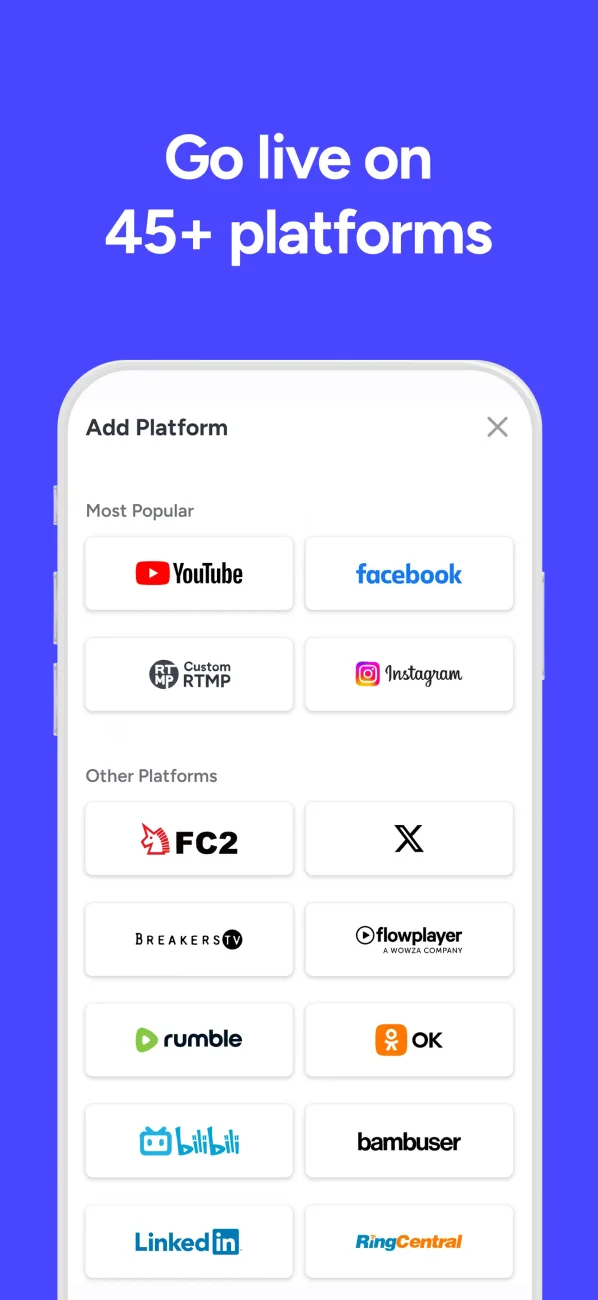
Picking a platform means picking which audience to ignore. Connect your channels once and go live to YouTube, Facebook, Twitch, LinkedIn and 45+ destinations simultaneously, with custom destinations and your own hosted pages alongside them.
YOUR STUDIO FITS IN YOUR POCKET
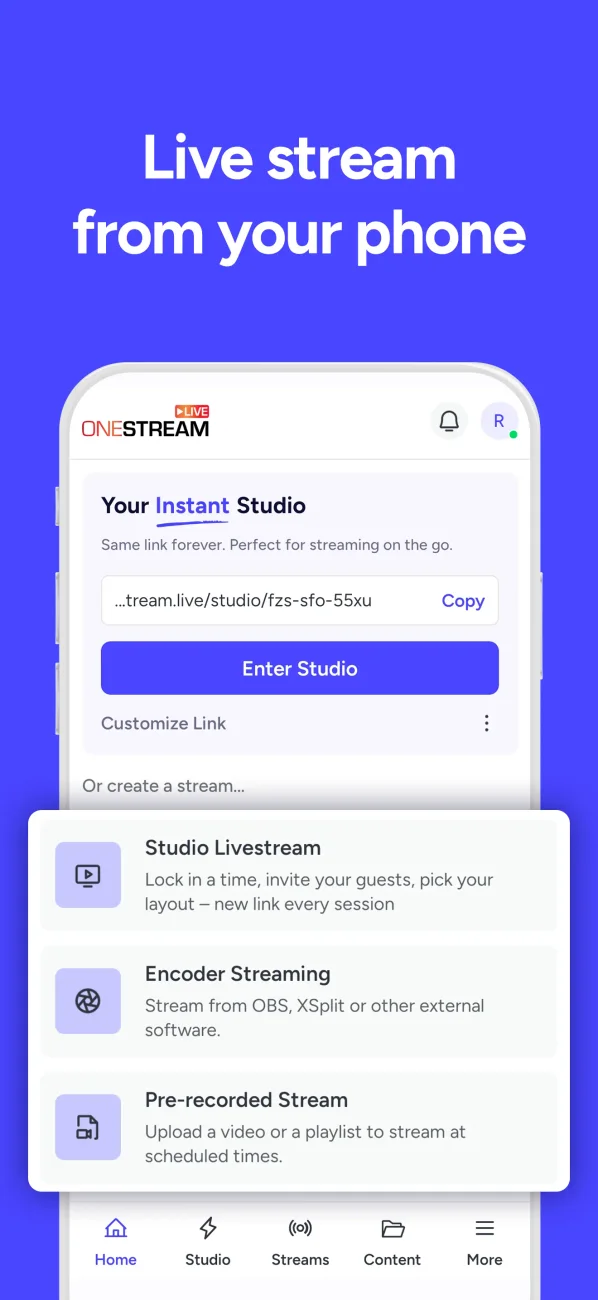
Start a real-time broadcast from wherever you are. Switch between the front and rear camera, share your screen, and bring images, video or audio into the stream as you go.
HOST A LIVE STUDIO WITH GUESTS
Invite guests with a link and hold them in the lobby until you're ready. Bring them onto the stage one at a time, with camera and mic control throughout. Instant Studio keeps the same link every time, so you can jump back in without setting anything up again.
SCHEDULE PRE-RECORDED STREAMS
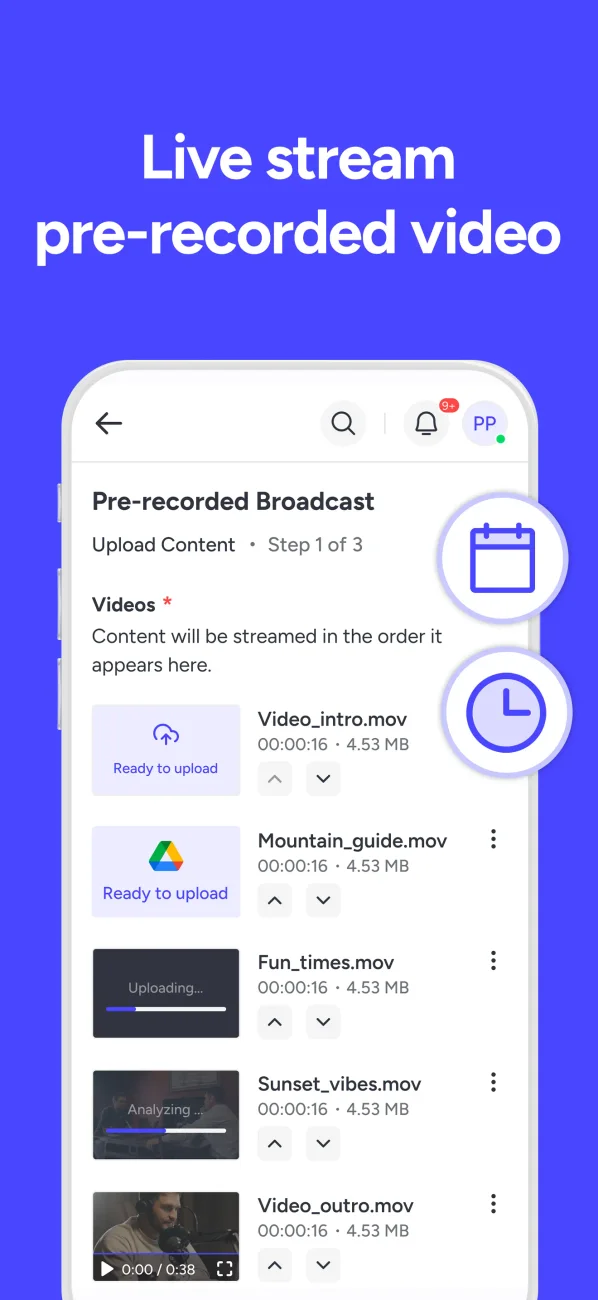
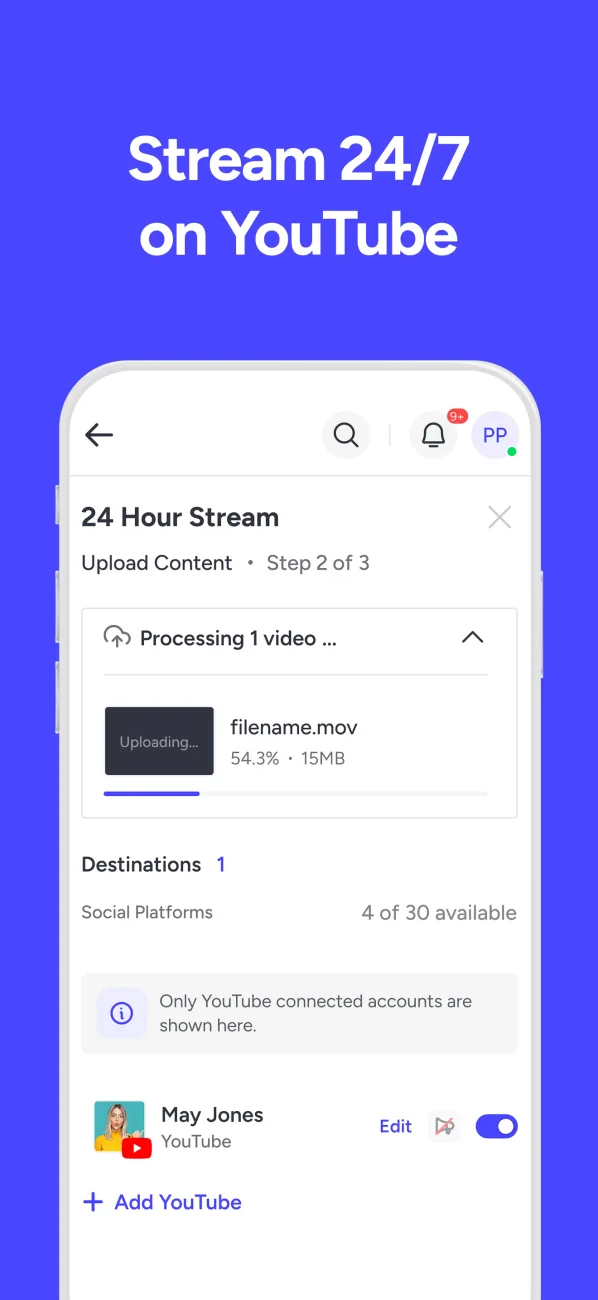
Upload a video or build a playlist and broadcast it as a live stream at a time you choose. Scheduling works up to 60 days ahead, so your viewers know when to show up.
CONNECT YOUR ENCODER
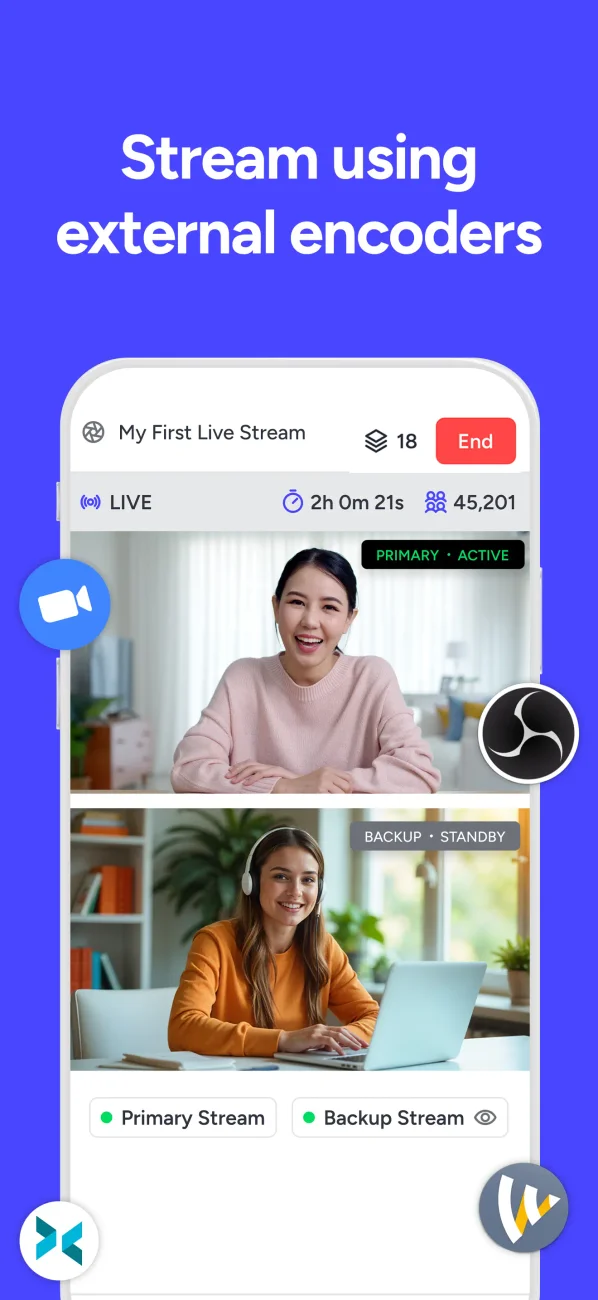
Stream from OBS, XSplit, Zoom, Wirecast and more over RTMP, RTMPS, SRT or WHIP. Create multiple stream keys and add a backup key that takes over if the primary drops.
PERSONALIZE YOUR STUDIO STREAM
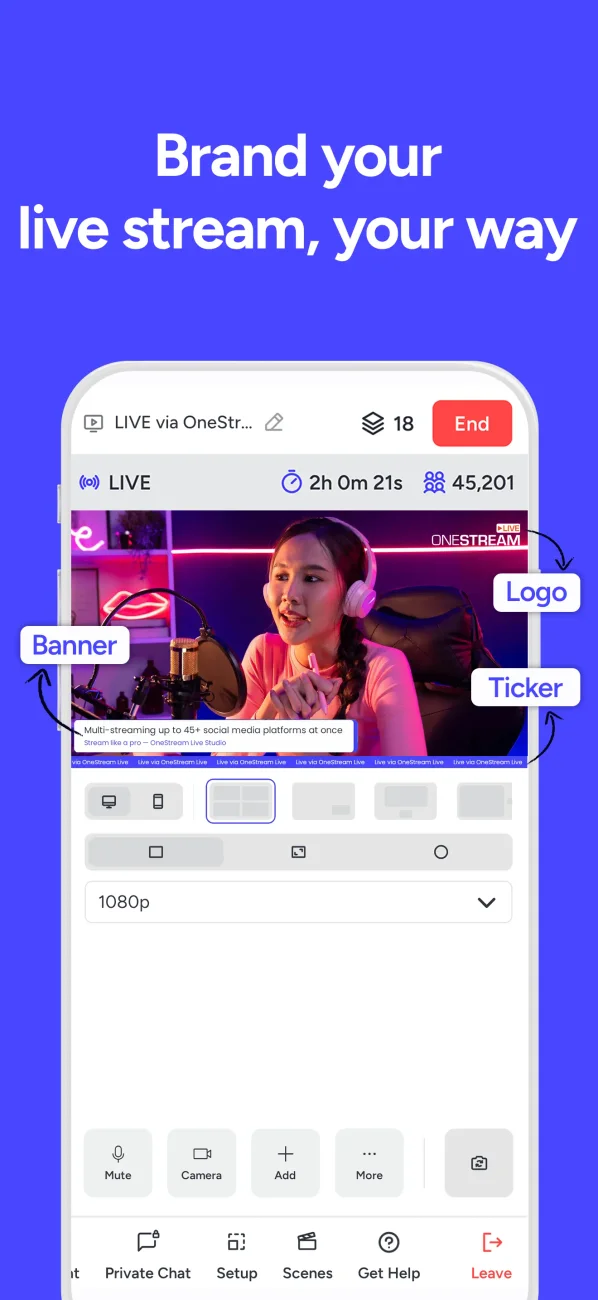
Fonts and style presets to match your brand, plus your logo, stage backgrounds, overlays, banners, scrolling tickers and background music. Camera effects include blur and virtual backgrounds, green screen, smart zoom, color correction, low light correction and AI denoise.
BUILD YOUR SHOW BEFORE IT STARTS
Set up scenes ahead of time, each with its own layout, media and overlays, then switch between them as the show moves along. Add an intro and outro to open and close, and drop an instant overlay on screen whenever you need one.
EVERY COMMENT IN ONE PLACE
Comments from YouTube, Facebook, Twitch, LinkedIn and Kick land in a single panel where you can reply to any of them. Live Chat sits inside Studio, encoder streams, pre-recorded streams, custom websites and stream players. Queue the good comments and pin them on screen.
SHARE STREAMS ON YOUR OWN SITE
Build a no-code custom website to host your broadcasts, or embed a stream player where your audience already is. Bandwidth and viewer stats show you how each one performed.
MANAGE YOUR TEAM AND CONTENT
Record automatically as you broadcast and keep your videos in one library. Invite your team and set what each member can access.
BUILT FOR PEOPLE WHO GO LIVE OFTEN
Creators, marketers, educators, podcasters, gamers, churches and businesses who want to reach more than one audience at a time.
Take your studio with you.
PLANS
OneStream Live works across web and mobile. Subscriptions and higher tiers are available through in-app purchase.
SUPPORT
Need help? Start a live chat with our team or browse the Help Center.
Help Center: https://helpdesk.onestream.live/hc/knowledgebase/en
Email: care@onestream.live
Privacy Policy: https://onestream.live/privacy/
Terms of Use: https://onestream.live/tos/
Console fields
Support URL: https://helpdesk.onestream.live/hc/knowledgebase/en
Marketing URL: https://onestream.live/mobile-live-broadcasting/
Privacy Policy URL: https://onestream.live/privacy/
Copyright: 2026 OneStream Live Inc.
Neue Funktionen
Version 5.1.7 · 24.11.2026
Studio
• Format your script with bold, italic, underline and strikethrough for Teleprompter
• Hosts can turn reaction sounds on or off, and emojis highlight when tapped
• Hand and muted mic badges stay visible over frame overlays
• The muted mic reminder shows only while you are on stage
Scheduling
• Co-hosts can view the host's drafts but not schedule them
• Team members are asked to contact the owner instead of seeing checkout
• Importing broadcast details keeps your thumbnail
• Uploaded overlay logos are ready to use straight away
My Content
• Drafts update when you delete their last video
Fixes and improvements
• Website, Player and Captions editors fill the screen
• Editors ask before closing with unsaved changes
• Close and Retry when an editor or the support chat cannot load
• Team Management and notification icons display correctly
App-Datenschutz
Was OneStream Live Oy im App Store zum Umgang dieser App mit Daten angibt.
-
Daten, die zum Tracking Ihrer Person verwendet werden
Können verwendet werden, um Sie über Apps und Websites anderer Unternehmen hinweg zu verfolgen.
- Kennungen
-
Mit Ihnen verknüpfte Daten
Können erfasst und mit Ihrer Identität verknüpft werden.
- Kontaktinformationen
- Benutzerinhalte
- Kennungen
Die Datenschutzpraktiken können variieren, zum Beispiel je nach den von Ihnen verwendeten Funktionen oder Ihrem Alter.
Informationen
- Anbieter
- OneStream Live Oy
- Kategorie
- Produktivität
- Version
- 5.1.7
- Aktualisiert
- 24.11.2026
- Veröffentlicht
- 03.03.2021
- Größe
- 153,3 MB
- Erfordert
- iOS 16.6 oder neuer
- Altersfreigabe
- 4+
- Preis
- Kostenlos
- In-App-Käufe
- Ja
- Sprachen
- Englisch
- Copyright
- © 2026 OneStream Live
Das könnte Ihnen auch gefallen
-
 AnyCamera - Kamera für OBSOBS-Kamera, Live-Streamer
-
 Lumia Stream LinkProduktivität
-
 Magica - AI super agentProduktivität
-
 Touch PortalProduktivität
-
 Elgato Stream Deck MobileProduktivität
-
 BuzzsproutProduktivität
-
 Mysocial: Content IntelligenceProduktivität
-
 PostMyPartyProduktivität
-
 Fig - AI Agents & AutomationDein KI-Agent für alles
-
 Maono LinkProduktivität