OneSync - File Share
Send files to any device
Designed for iPhone, iPad, iPod touch
Free · In-app purchases
- Age rating4+
- CategoryProductivity
- DeveloperJUKI JUNG
- LanguagesEnglish+ 7 more
- Size42.9 MB
Links to the official App Store page
Download.org hosts no file of OneSync - File Share. The button opens its official App Store page, published by JUKI JUNG. Listing last checked on Nov 13, 2026.
Screenshots


About
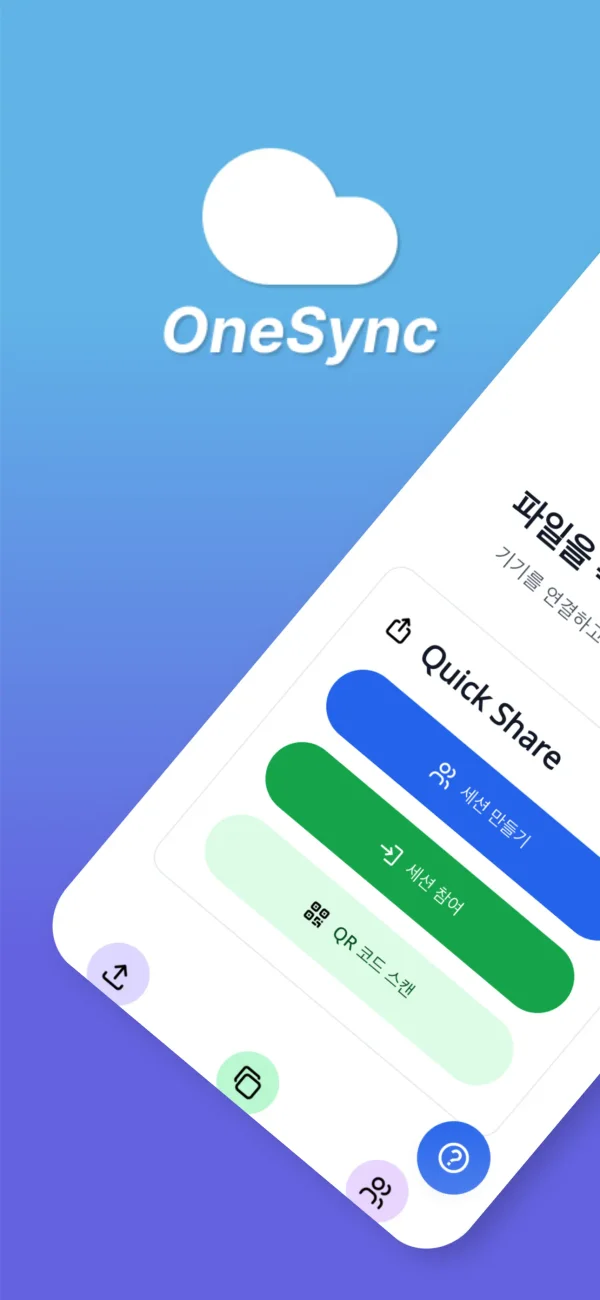
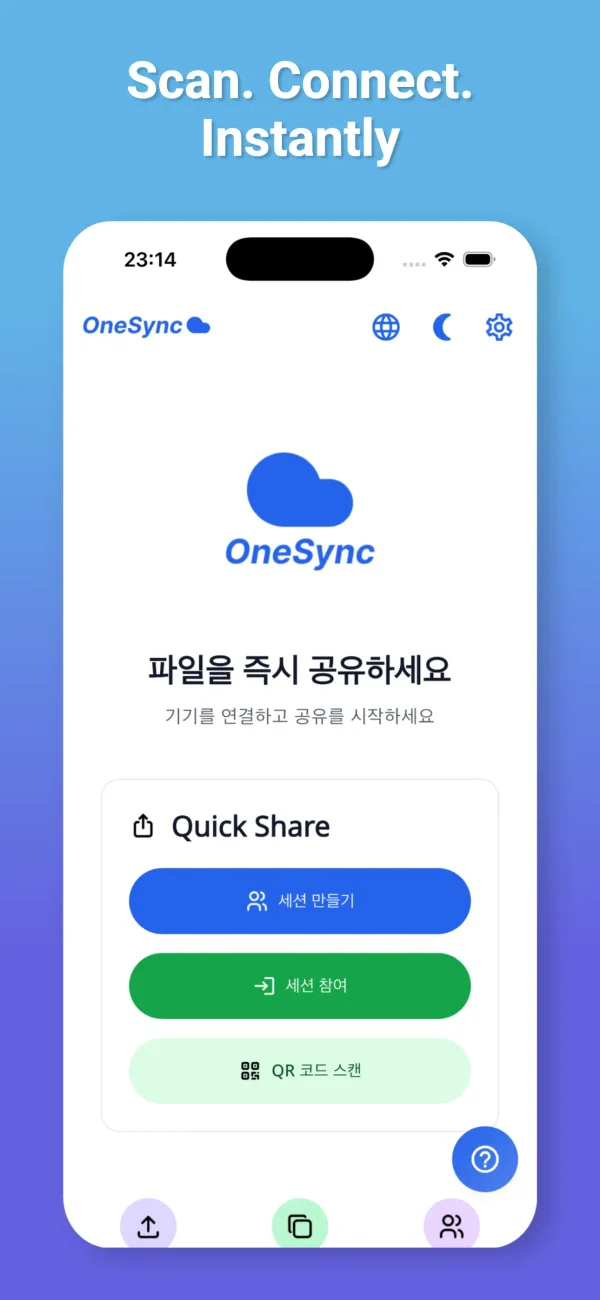
OneSync sends files and text between your phone, tablet and computer in seconds. No account, no cable, no pairing.
HOW IT WORKS
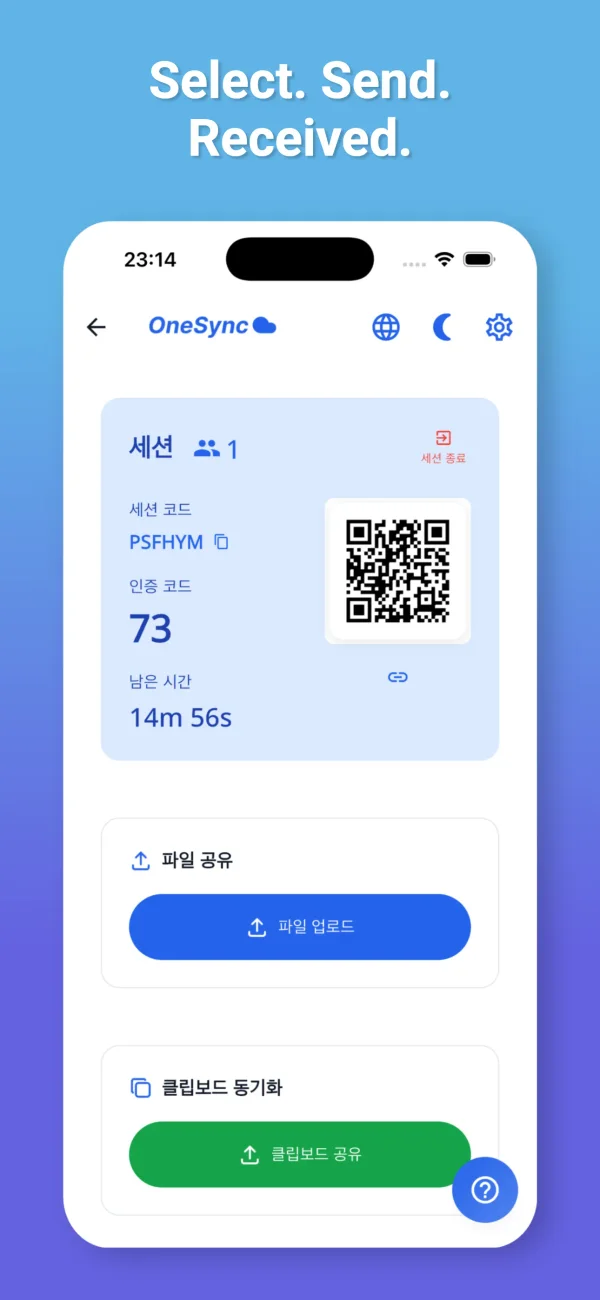
1. Start a session on one device. You get a QR code and a short code.
2. On another device or any web browser (onesync-web.setlog.net), scan the QR code or enter the code.
3. Send files and text. Every device in the session receives them.
HIGHLIGHTS
• Works across your phone, tablet and computer (web)
• No sign-up, no login
• Share straight from other apps through the share sheet
• Join with a QR code, a code or a link
• Files and text are deleted from our server after the session ends
• Up to 2 devices per session (10 with Pro)
FREE AND PRO
Free: files up to 200MB each, sessions up to 1 hour, up to 2 devices, supported by ads. Optionally watch an ad in a session to send files up to 1GB each in that session only.
OneSync Pro: files up to 5GB each, sessions up to 24 hours, up to 10 devices, no ads. 7-day free trial for new subscribers. A subscription applies to the platform where you buy it.
PRIVACY AND SECURITY
Transfers use encrypted connections (HTTPS/TLS). OneSync is not end-to-end encrypted, so please do not share highly sensitive files.
SUBSCRIPTION INFORMATION
OneSync Pro is an auto-renewing subscription, monthly or yearly, with a 7-day free trial for new subscribers. Payment is charged to your Apple ID account at confirmation of purchase (after the trial ends). The subscription renews automatically unless you cancel at least 24 hours before the end of the current period, and your account is charged for renewal within 24 hours before the period ends. Manage or cancel any time in Settings > your name > Subscriptions. Any unused part of a free trial is forfeited when you purchase a subscription. The price is shown in the app and the App Store before you subscribe.
Terms of Use: https://onesync-web.setlog.net/terms
Privacy Policy: https://onesync-web.setlog.net/privacy
What’s new
Version 2.2.2 · Oct 23, 2026
What's new in 2.2.2
• See and copy the PC web address (onesync.setlog.net) right from the session screen
• The QR scan screen now explains how to show the QR code on your PC
• Large file transfers can resume after a network interruption
• See OneSync Pro benefits at a glance on the home screen
• Stability improvements
App privacy
What JUKI JUNG declares on the App Store about how this app handles data.
-
Data used to track you
May be used to track you across apps and websites owned by other companies.
- Location
- Identifiers
- Usage data
-
Data linked to you
May be collected and linked to your identity.
- Purchases
- Location
- Identifiers
- Usage data
-
Data not linked to you
May be collected but is not linked to your identity.
- Contact info
- User content
- Diagnostics
Privacy practices may vary, for example with the features you use or your age.
Information
- Seller
- JUKI JUNG
- Category
- Productivity
- Version
- 2.2.2
- Updated
- Oct 23, 2026
- Released
- Oct 16, 2025
- Size
- 42.9 MB
- Requires
- iOS 15.0 or later
- Age rating
- 4+
- Price
- Free
- In-app purchases
- Yes
- Languages
- English, French, German, Japanese, Korean, Portuguese, Simplified Chinese, Spanish
- Copyright
- © 2026 SETLOG
You might also like
-
 Clash of ScreentimeProductivity
-
 NotiVault: Notification InboxSave and find what matters
-
 OneSync AIProductivity
-
 Ivy: Productivity AppYour daily to-dos, made simple
-
 Smart Lock - 앱 잠금 & 집중 습관 관리Productivity
-
 Truly Simple Word TrackerDaily Writing Goals & Stats
-
 Sync with OneDriveBackup photos to OneDrive
-
 PDF NotedExtract and export PDF notes
-
 Agenda: Personal PlannerLife gets busy fast.
-
 JHP byNSDevProductivity