PDF Noted
Extract and export PDF notes
Designed for iPhone, iPad
Free · In-app purchases
- Age rating4+
- CategoryProductivity
- DeveloperReferencesOnTap
- LanguagesEnglish
- Size1.7 MB
Links to the official App Store page
Download.org hosts no file of PDF Noted. The button opens its official App Store page, published by ReferencesOnTap. Listing last checked on Nov 12, 2026.
Screenshots
About
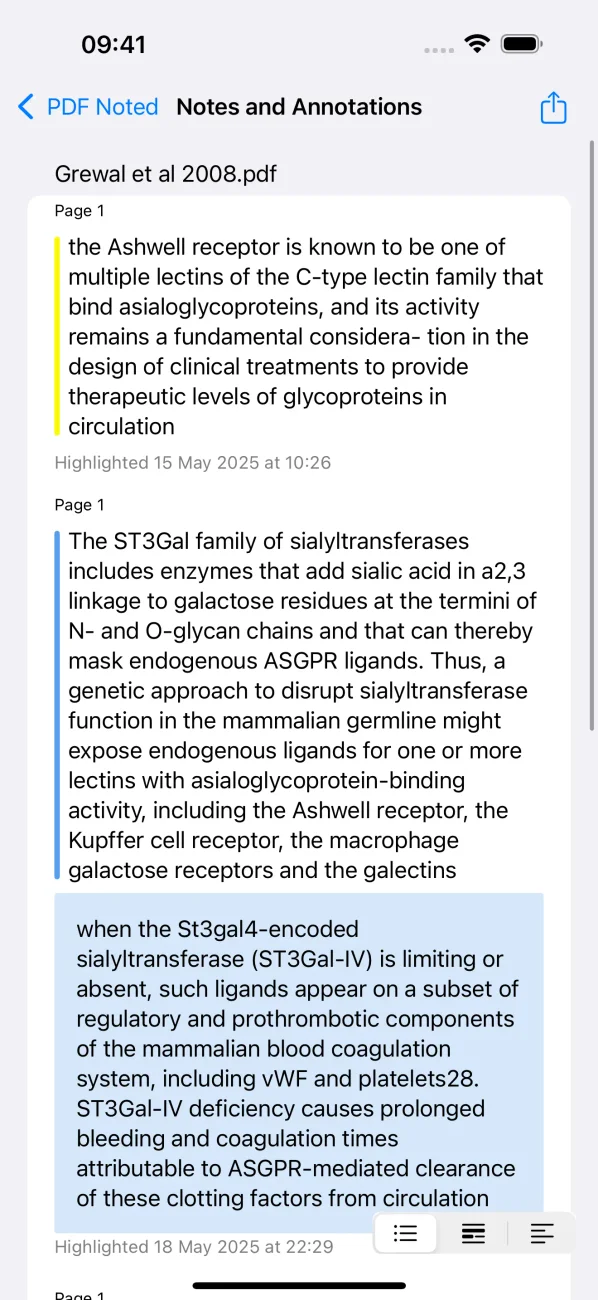
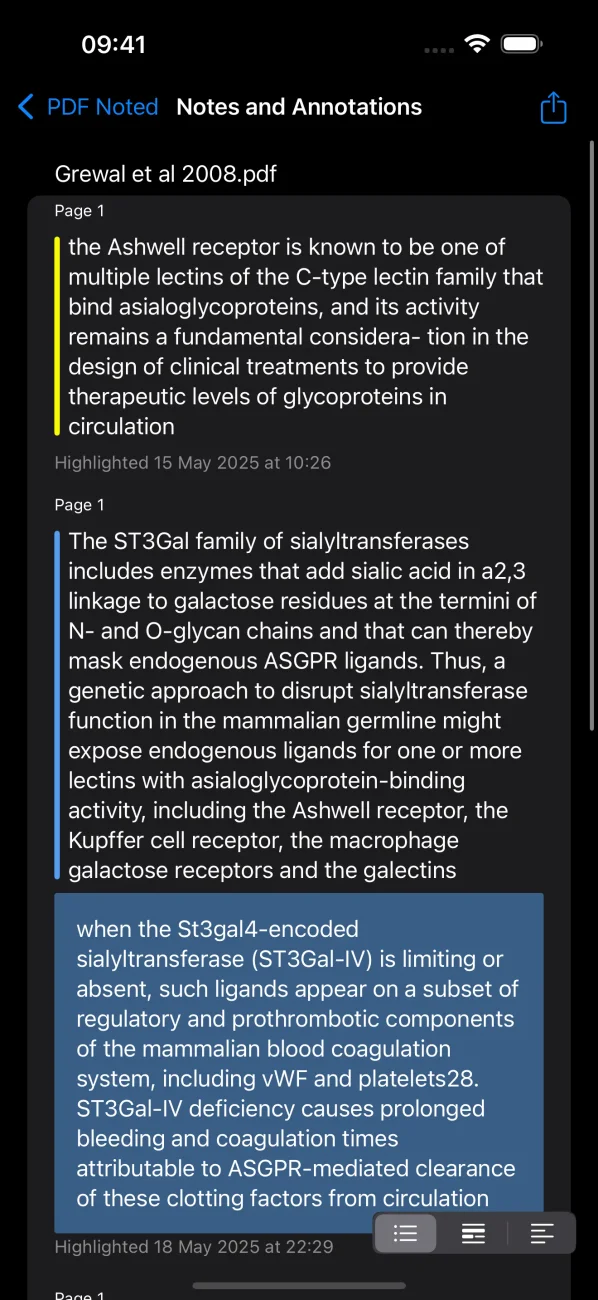
Effortlessly extract, view, and export highlights and notes from your PDFs.
PDF Noted is a simple, focused utility that turns your annotations — highlights, underlines, and notes — into clean, readable text. Whether you're studying, reviewing research, or preparing summaries, PDF Noted helps you quickly capture what's important.
Features:
• Extract highlights, underlines, and notes from PDFs.
• Export your annotations as plain text or RTF (styled text).
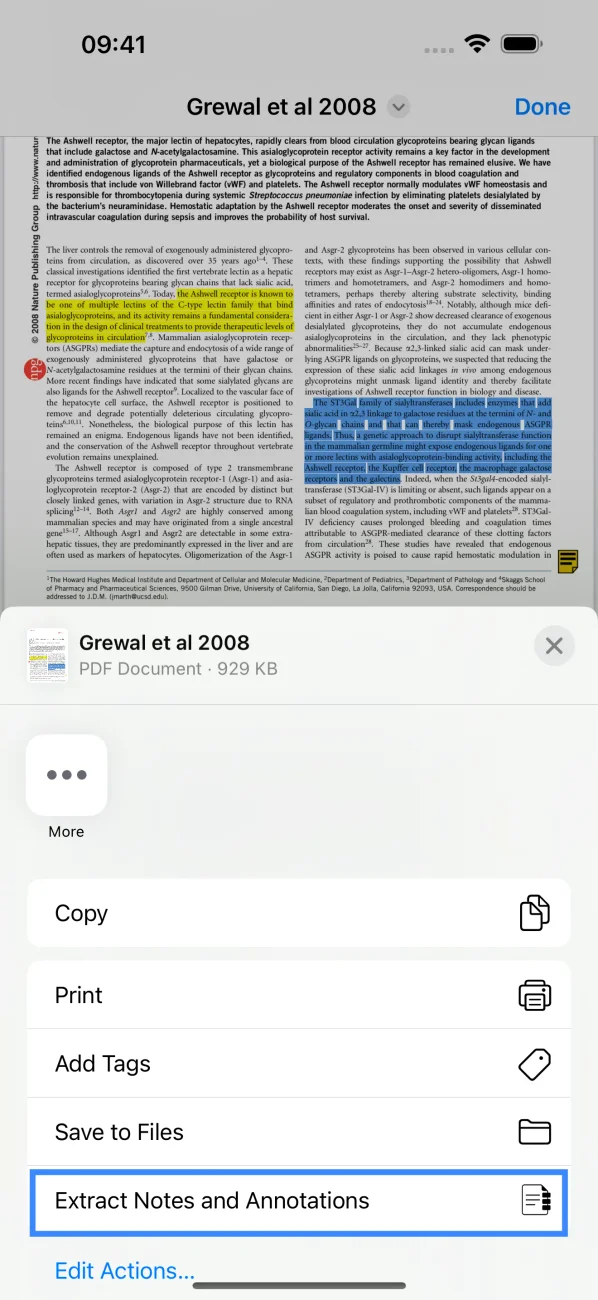
• Extract annotations from PDFs in any app by using the Share menu.
Full Version — one-time purchase ($7.99):
• Unlock all features with no limitations.
App privacy
What ReferencesOnTap declares on the App Store about how this app handles data.
-
Data not collected
The developer does not collect any data from this app.
Privacy practices may vary, for example with the features you use or your age.
Information
- Seller
- Serhiy Duminskyy
- Category
- Productivity
- Version
- 1.0
- Updated
- May 23, 2025
- Released
- May 23, 2025
- Size
- 1.7 MB
- Requires
- iOS 17.6 or later
- Age rating
- 4+
- Price
- Free
- In-app purchases
- Yes
- Languages
- English
- Copyright
- © 2025 References On Tap
You might also like
-
 Infinite Canvas Notes: CanvioInfinite Canvas, Draw & Notes
-
 Reader's BenchPDF & ePub reader, notes
-
 Moa PDF: Scanner & EditorOCR, Sign & Merge Documents
-
 Clipber ClipboardClipboard, Screenshots, OCR
-
 Sorcerer's NoteRecord your note and upload
-
 AhtiThe peaceful writing workspace
-
 Xen Note - PDF Markup & NotesStylish Note, Always With You
-
 Paperlo: PDF Filler & SignerRead, Merge & eSign Forms
-
 RelatedWorksProductivity
-
 ZattaMemoJot it down, rediscover later