Oopi - image to AI note
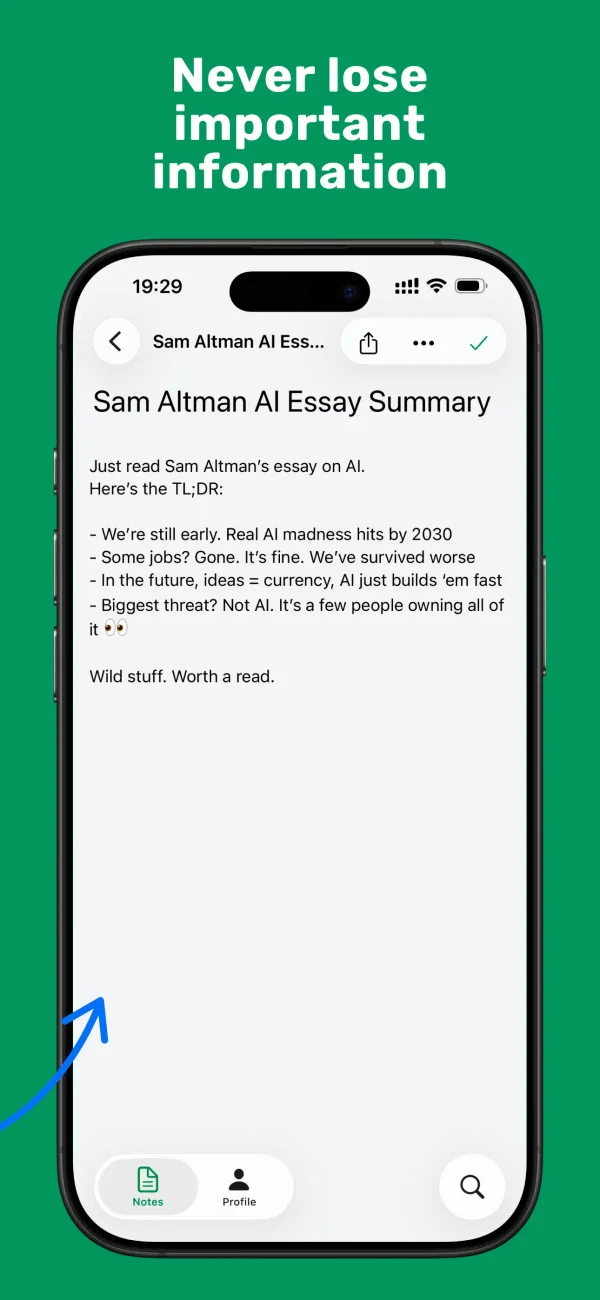
Editable note from screenshot
Designed for iPhone, iPod touch
In-app purchases
- Age rating9+
- CategoryProductivity
- DeveloperMarat Safutdinov
- LanguagesEnglish
- Size53.9 MB
Links to the official App Store page
Download.org hosts no file of Oopi - image to AI note. The button opens its official App Store page, published by Marat Safutdinov. Listing last checked on Nov 14, 2026.
Screenshots
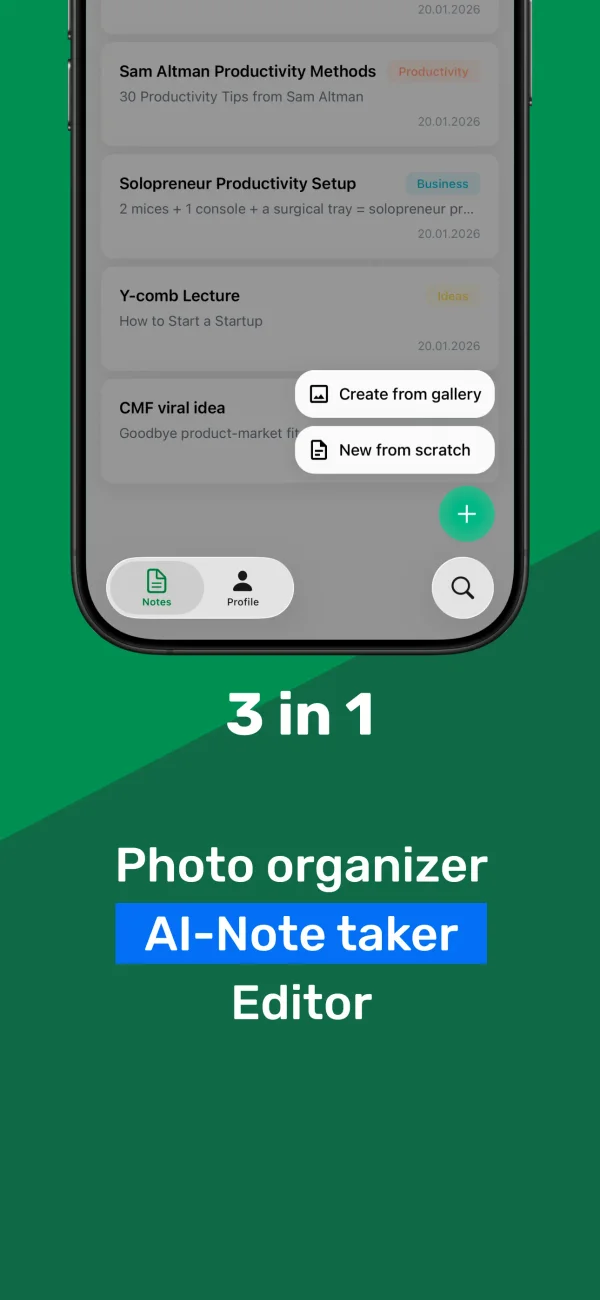
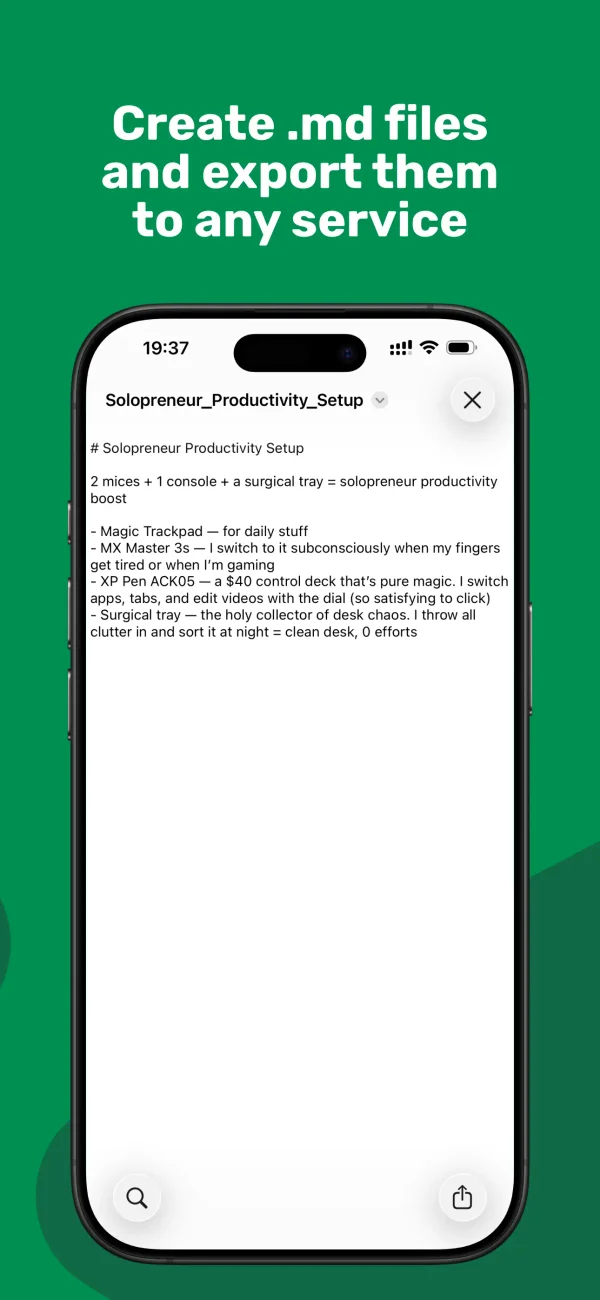

About
Oopi transforms any screenshot into an editable note in seconds. Our text recognition technology instantly extracts text and creates a convenient note ready for work.
Tired of the tedious process of retyping text from screenshots? You capture screenshots of YouTube lectures, presentations, or handwritten notes, then spend hours on manual typing. Constantly switching between apps and online OCR services breaks my flow and kills productivity.
INSTANT SCREENSHOT TO TEXT CONVERSION
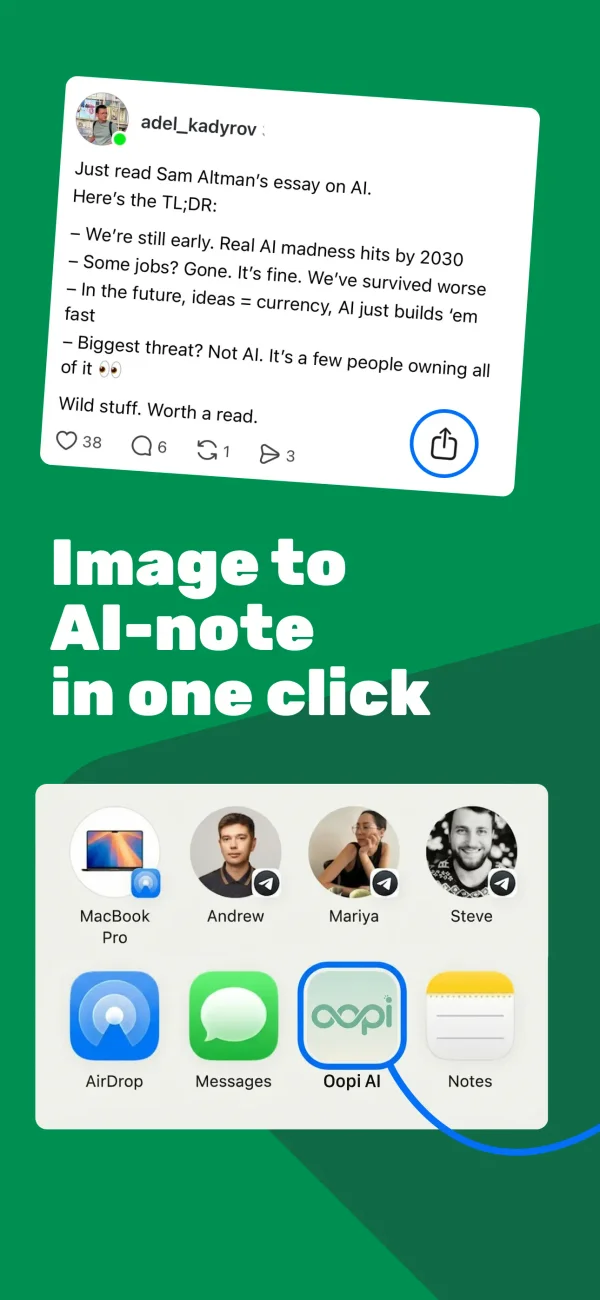
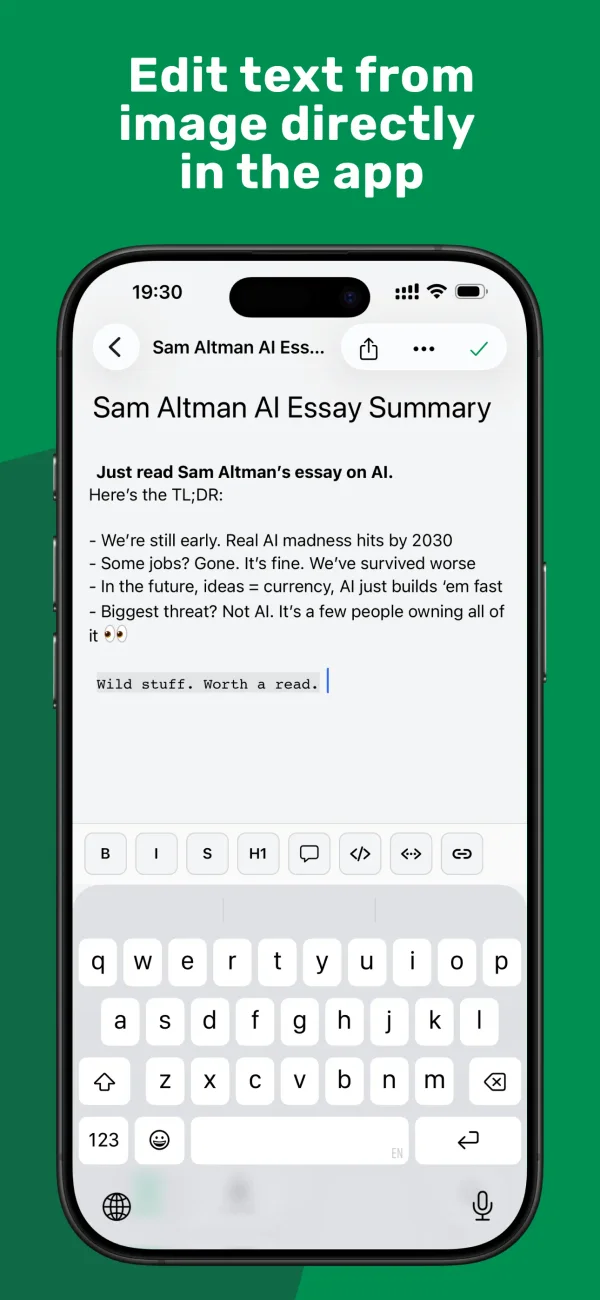
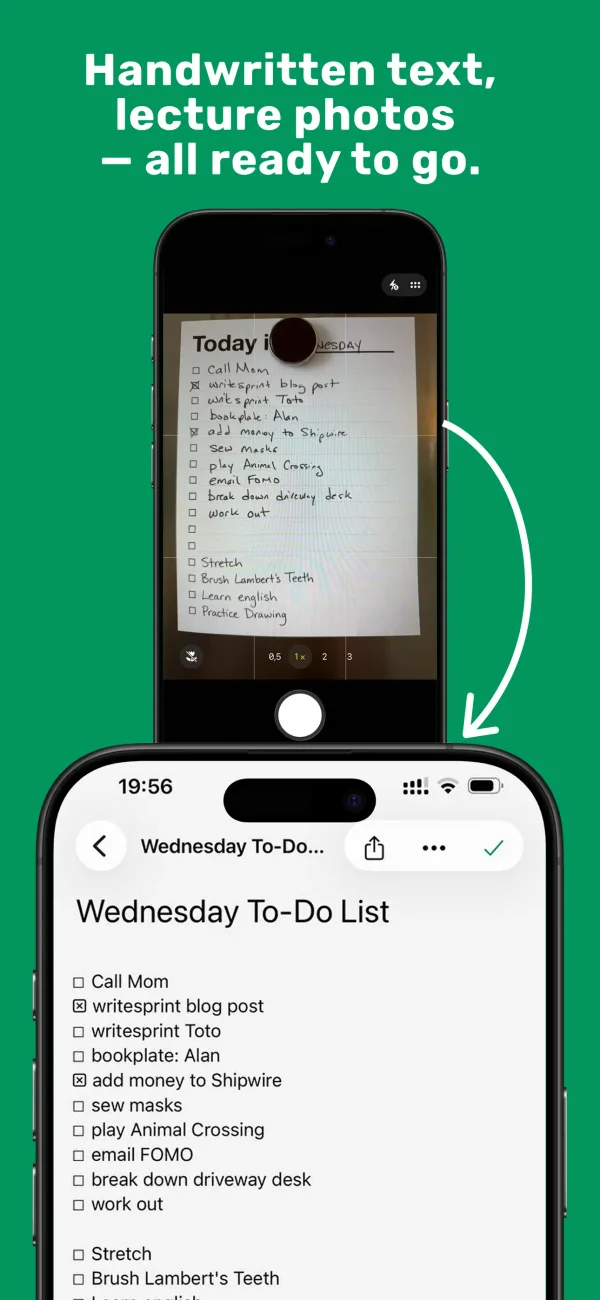
Forget about multi-step hassle and cumbersome copying. Oopi uses advanced OCR technology to extract text from screenshots of any type — from presentation slides to handwritten notes. One tap and your screenshot becomes a fully editable note with preserved structure.
SOLUTION FOR STUDENTS AND PROFESSIONALS
Recording video lectures? Oopi is perfect for taking notes from online courses and webinars. Capture important moments, and the app automatically creates editable notes you can enhance with your own thoughts. No more pausing videos to manually typing information.
Working with presentation slides? Save key slides from meetings and conferences as text notes with one touch. Our image to text feature works even with complex layouts and diagrams.
Digitizing handwritten notes? Oopi recognizes handwritten text, helping you transfer years of paper records into digital format without retyping every page.
BENEFITS THAT SAVE HOURS OF YOUR TIME
Offline OCR — extract text from images without internet connection. Your data remains confidential and isn't sent to external servers. Especially important when working with internal company documents.
Automated process — no need to manually create notes, copy text, or switch between apps. Oopi does everything automatically: from text extraction to organizing convenient screenshot notes.
Streamline workflow — one app instead of multiple tools. Screenshot, recognition, editing, and storage all in one place. This is a truly quick and straightforward solution for those who value their time.
Smart notes with AI features — the app doesn't just convert screenshots, but helps structure information by highlighting key points and creating convenient navigation.
REAL TIME SAVINGS
Users report that the ability to extract text from screenshots saves them 15-20 copy-paste operations daily. Instead of the tedious 6-step ordeal of uploading each photo, prompting, copying results, and editing, Oopi offers an instant solution.
No more cumbersome multi-step manipulations with lasso tool, selection, Share, and Copy. The process of digitizing notes becomes as fast as taking the screenshot itself.
FOR ANY USE CASE
Meeting notes — quickly capture information from whiteboards and flipcharts during meetings
Scanned PDF — extract text from scanned documents for further editing
Study materials — create summaries from textbooks with one tap
Research — collect quotes and excerpts from articles without manually retyping
PRODUCTIVITY WITHOUT COMPROMISE
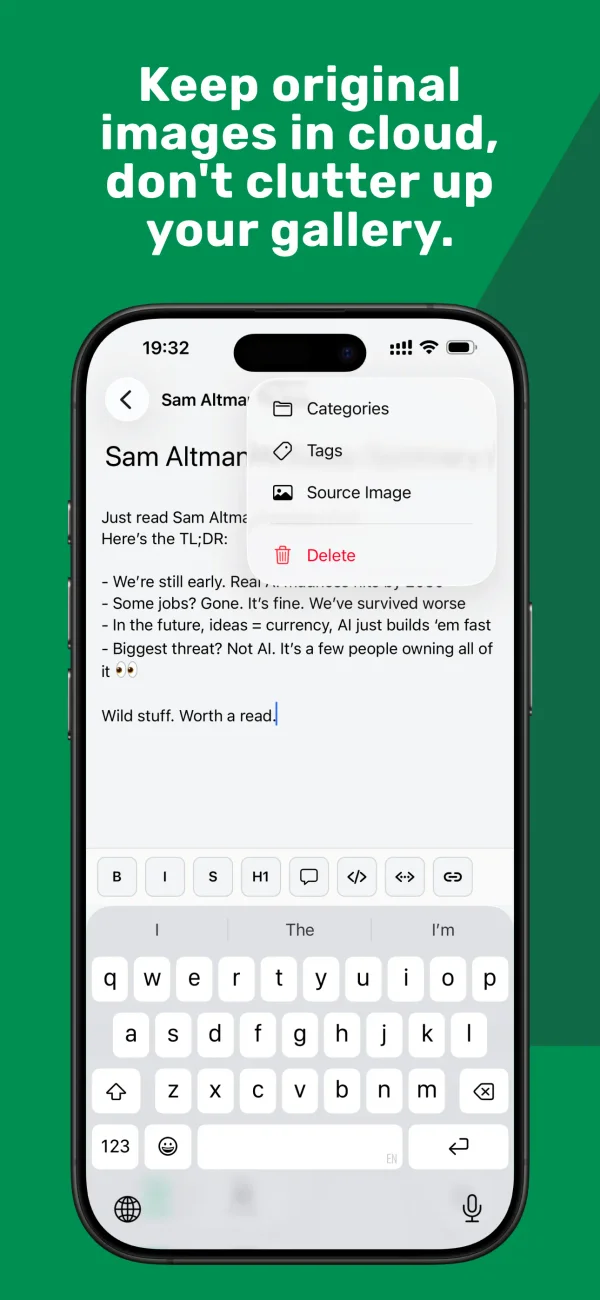
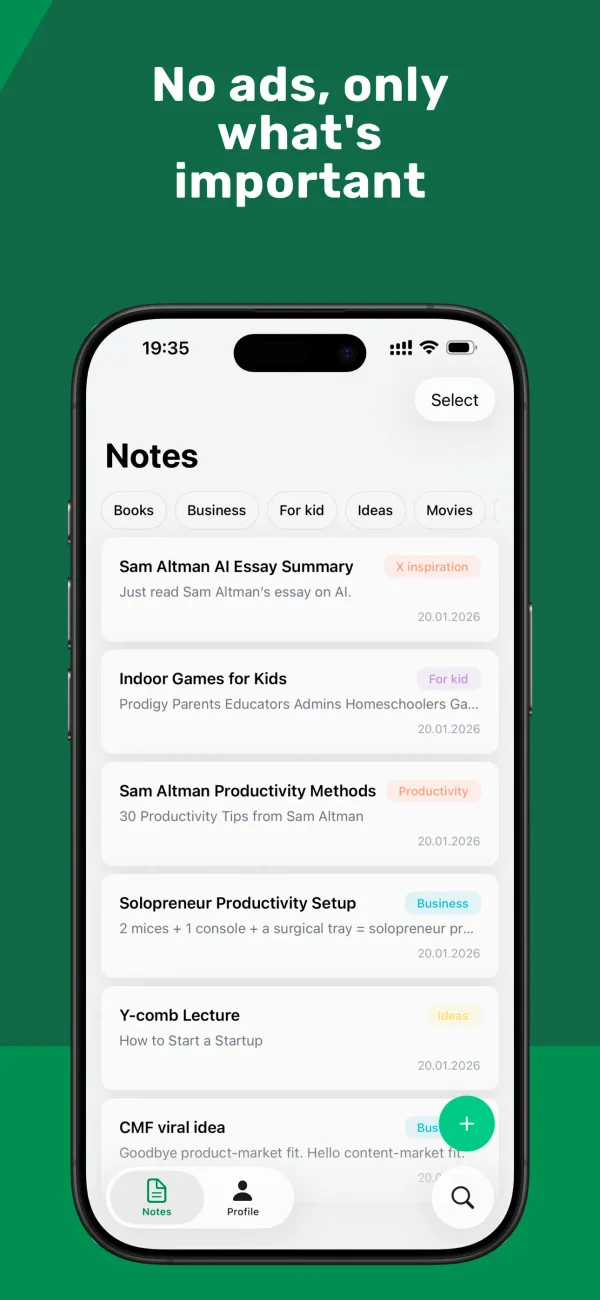
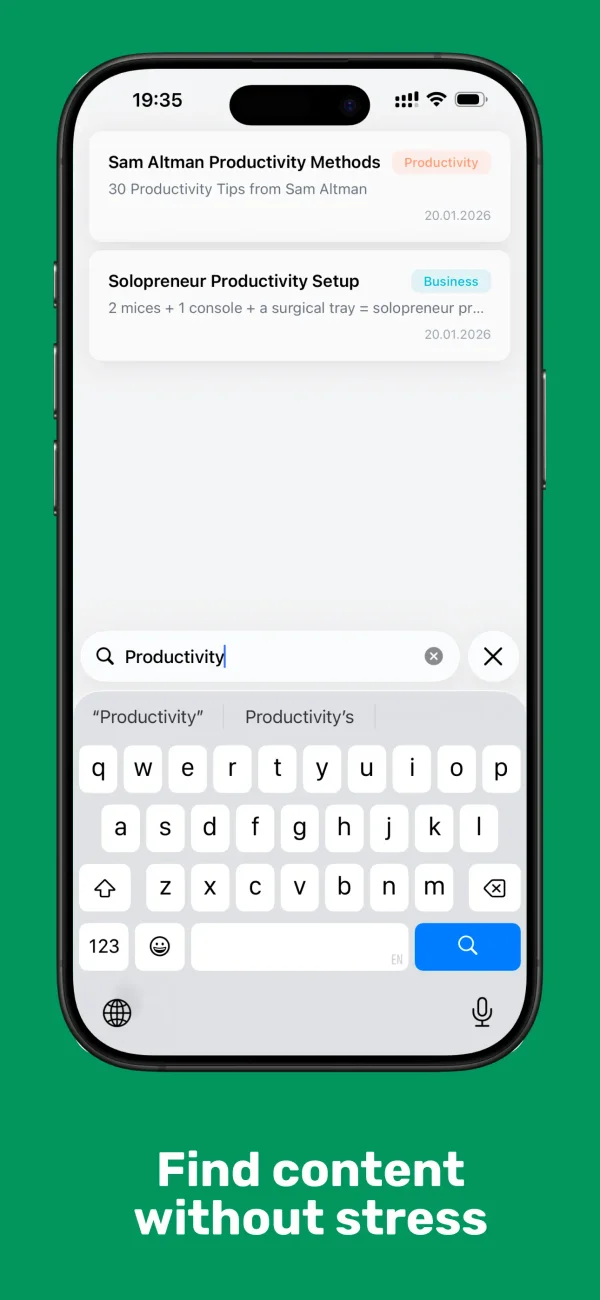
Oopi is more than just an OCR scanner. It's a comprehensive note taking solution that understands your workflow and adapts to it. Intelligent note organization, quick text search, tags, and categories — everything for maximum productivity.
No waiting for server uploads or downloading results — everything happens instantly, ensuring maximum processing speed and data protection.
SIMPLICITY AND POWER
Intuitive interface requires no training. Took a screenshot? Oopi automatically suggests to convert screenshot to editable text. One tap and you're done. This is truly a one-step solution that was so missing.
START SAVING TIME TODAY
Stop wasting precious minutes on manually typing text. Let Oopi automate the routine and focus on what really matters — working with information, not transferring it.
Download Oopi and feel the difference between a tedious multi-step process and instant conversion. Your productivity deserves better tools.
Oopi — turning screenshots into knowledge, not routine.
App privacy
What Marat Safutdinov declares on the App Store about how this app handles data.
-
Data used to track you
May be used to track you across apps and websites owned by other companies.
- Location
- Contact info
- Identifiers
- Usage data
- Diagnostics
-
Data linked to you
May be collected and linked to your identity.
- Location
- Contact info
- User content
- Identifiers
- Usage data
- Diagnostics
Privacy practices may vary, for example with the features you use or your age.
Information
- Seller
- Marat Safutdinov
- Category
- Productivity
- Version
- 1.7.0
- Updated
- Feb 22, 2026
- Released
- Feb 22, 2026
- Size
- 53.9 MB
- Requires
- iOS 15.1 or later
- Age rating
- 9+
- In-app purchases
- Yes
- Languages
- English
- Copyright
- © 2026 Marat Safutdinov
You might also like
-
 Ground - Live UndistractedProductivity
-
 Capts: Photo OCR ScannerPDF & Text Organizer
-
 ScreenNote - AI Auto NotesSearch screenshots with OCR
-
 Audio NotelloProductivity
-
 1Shelf: AI Document OrganizerScanner, Search & Reminders
-
 Siloe: Save & OrganizeYour bookmarks, reimagined.
-
 TaskFocus: To-Do list, plannerTime tracking, focus, notes
-
 Asring : Video & Audio To TextVideo & Audio Translation
-
 Handwriting to text: OCR ScanHandwritten Notes Scanner
-
 CoreNotes: TLDR Summarynotes, flashcards, revision