Opalite - Color Studio
Color Picker & Palette Tools
Designed for iPhone, iPad, Mac
Free · In-app purchases
- Age rating4+
- CategoryGraphics & Design
- DeveloperNicholas Molargik
- LanguagesEnglish+ 3 more
- Size50.2 MB
Links to the official App Store page
Download.org hosts no file of Opalite - Color Studio. The button opens its official App Store page, published by Nicholas Molargik. Listing last checked on Nov 24, 2026.
Screenshots
About
Take control of your colors.
Pick colors from photos, check WCAG contrast, simulate color blindness, and export palettes to Procreate, SwiftUI, CSS, and Adobe — all in one app. Opalite is the color toolkit designers, developers, and digital artists actually use, built natively for iPhone, iPad, Mac, Apple Watch, Apple TV, and Apple Vision Pro.
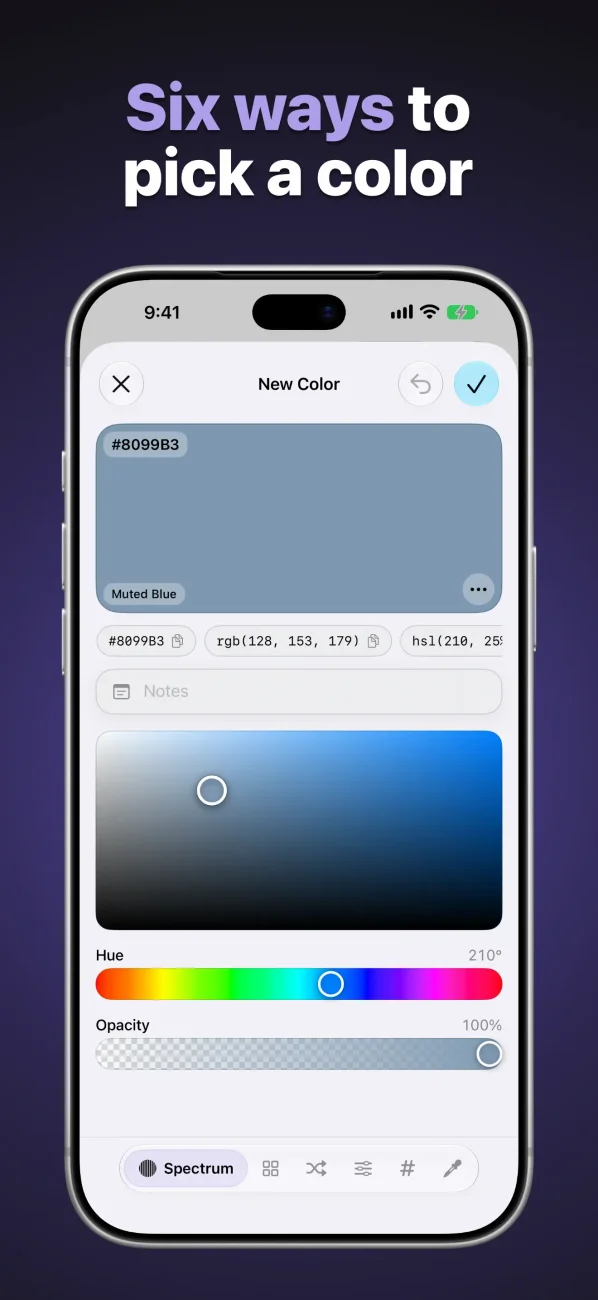
▸ PICK COLORS SIX WAYS
Spectrum for precise hues
Grid of preset swatches
Channel sliders for fine-tuning
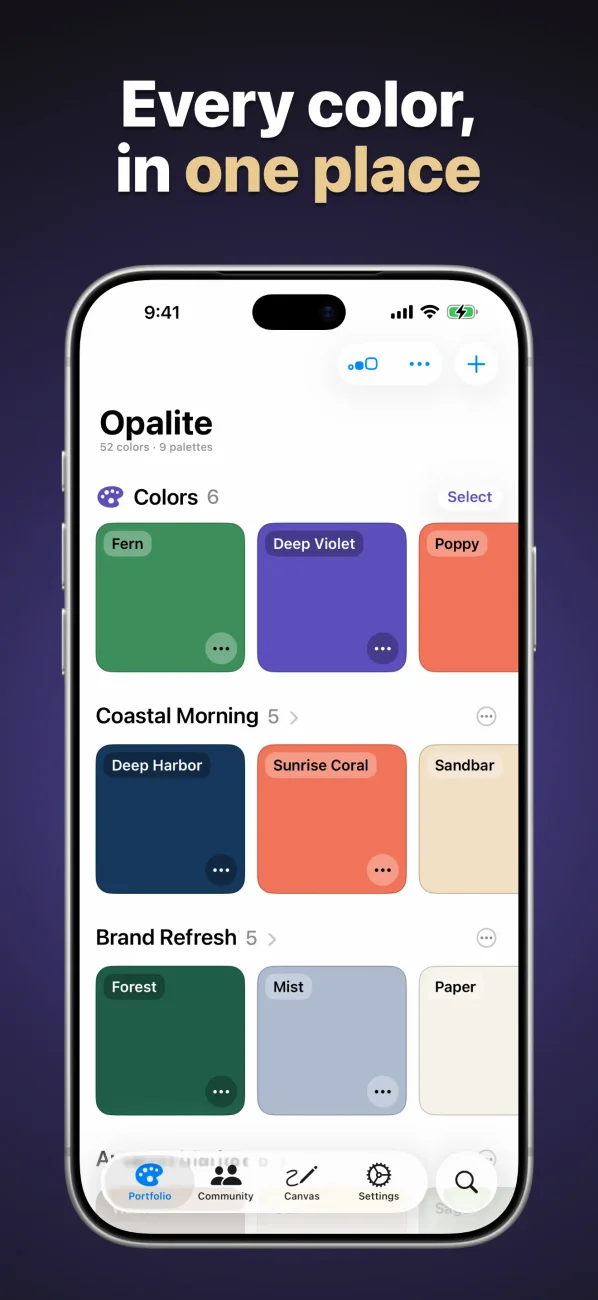
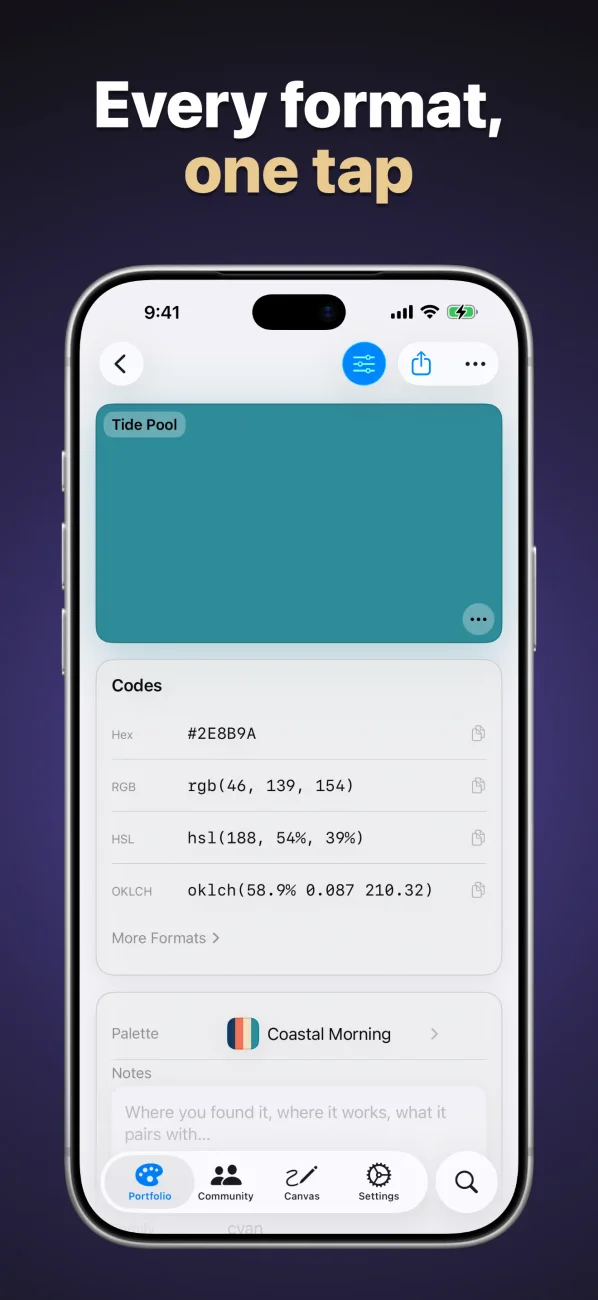
Hex, RGB, HSL, and CMYK codes, with paste from any design tool
Shuffle for instant inspiration
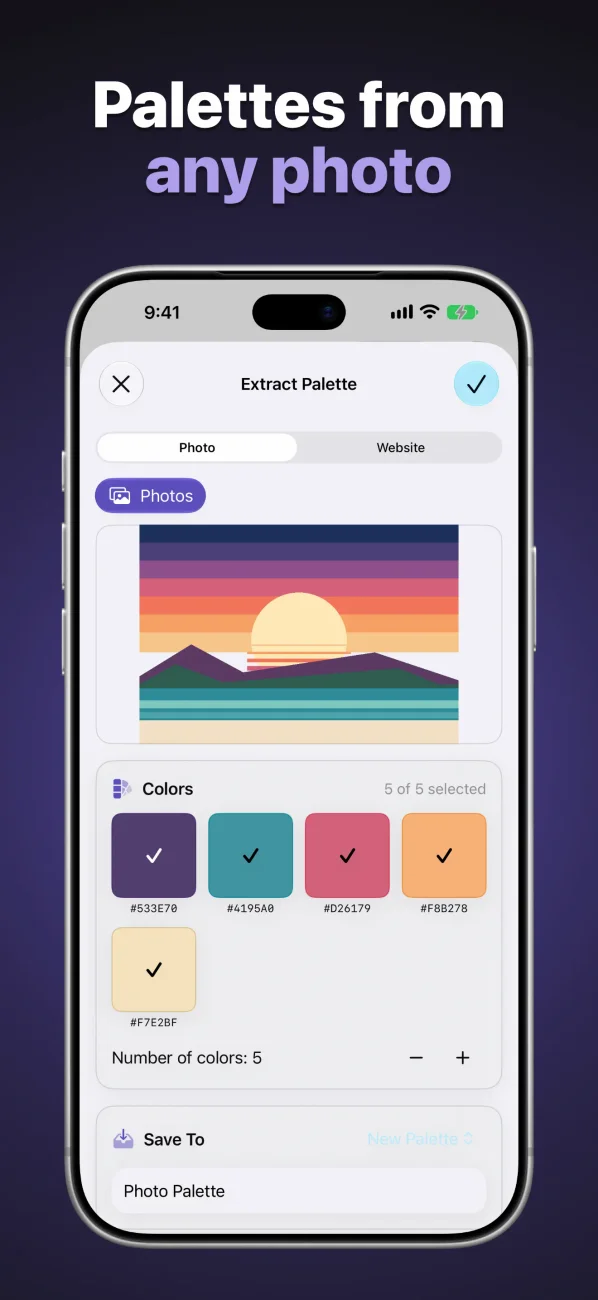
Sample from photos, the camera, or anything on your Mac's screen
▸ UNDERSTAND EVERY COLOR
Codes in every format, one tap to copy
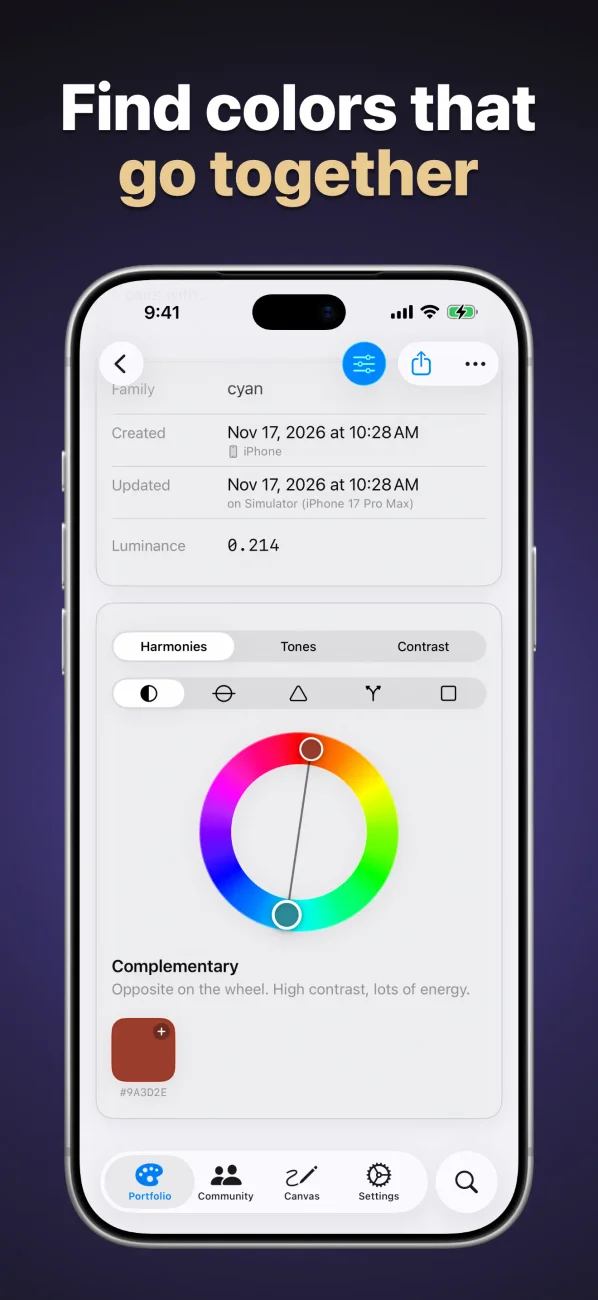
Harmonies: complementary, analogous, triadic, tetradic, and split
Tints, shades, and tones
Name suggestions powered by Apple Intelligence
▸ ORGANIZE YOUR LIBRARY
Unlimited colors, free forever
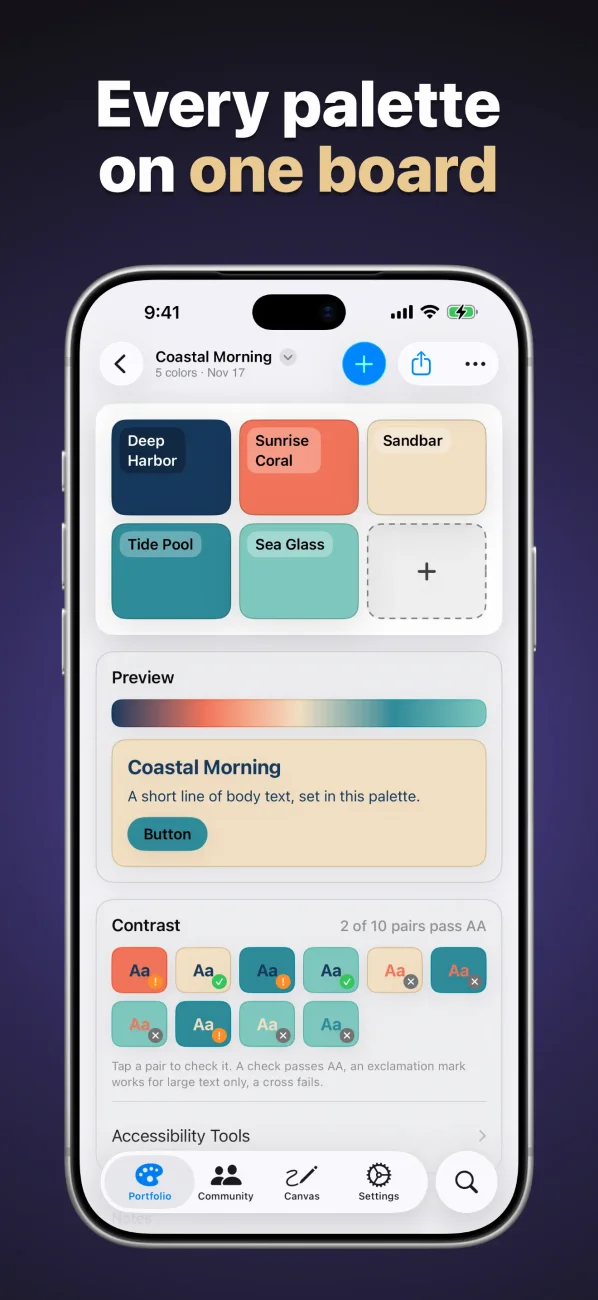
Palettes with notes, tags, preview backgrounds, and archiving
Drag and drop between palettes, manual ordering
Search your whole library instantly
iCloud sync across iPhone, iPad, Mac, Apple Watch, Apple TV, and Vision Pro
▸ DESIGN FOR EVERYONE
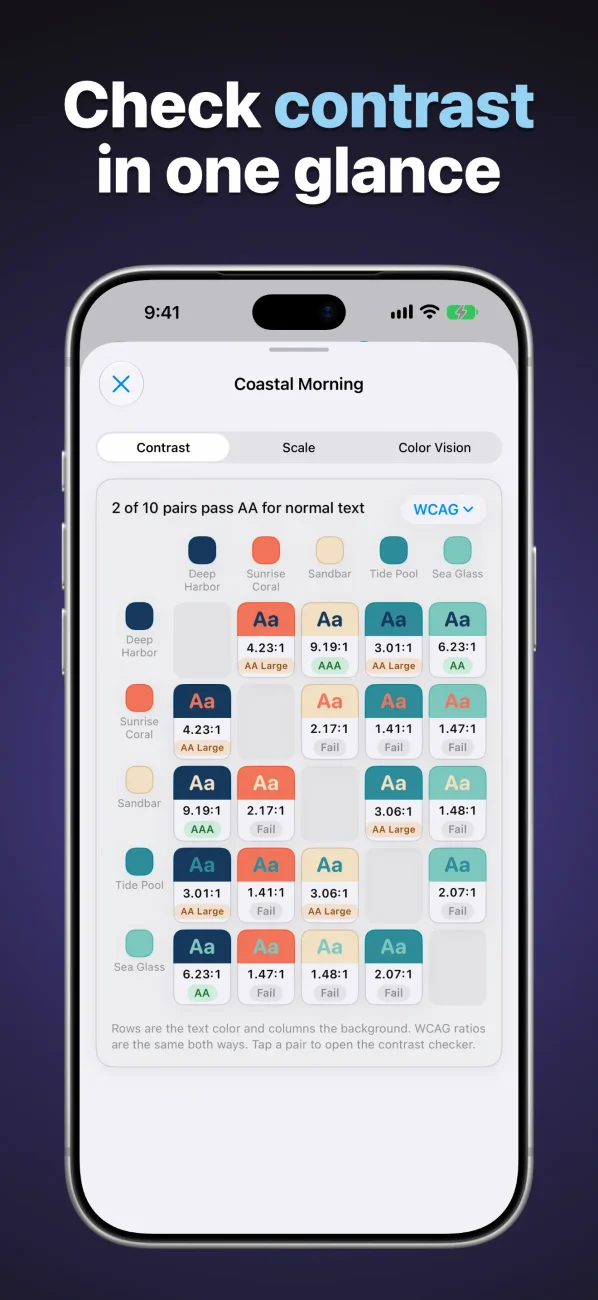
WCAG contrast checker with AA and AAA results
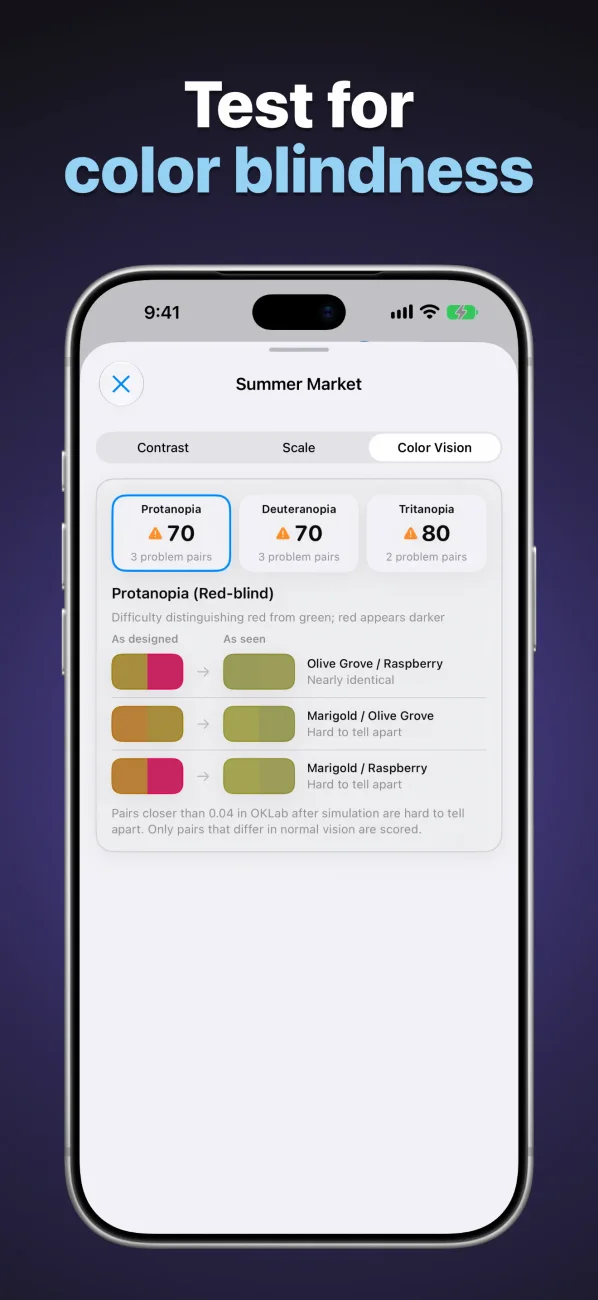
Color vision simulation — protanopia, deuteranopia, tritanopia, achromatopsia — across the whole app
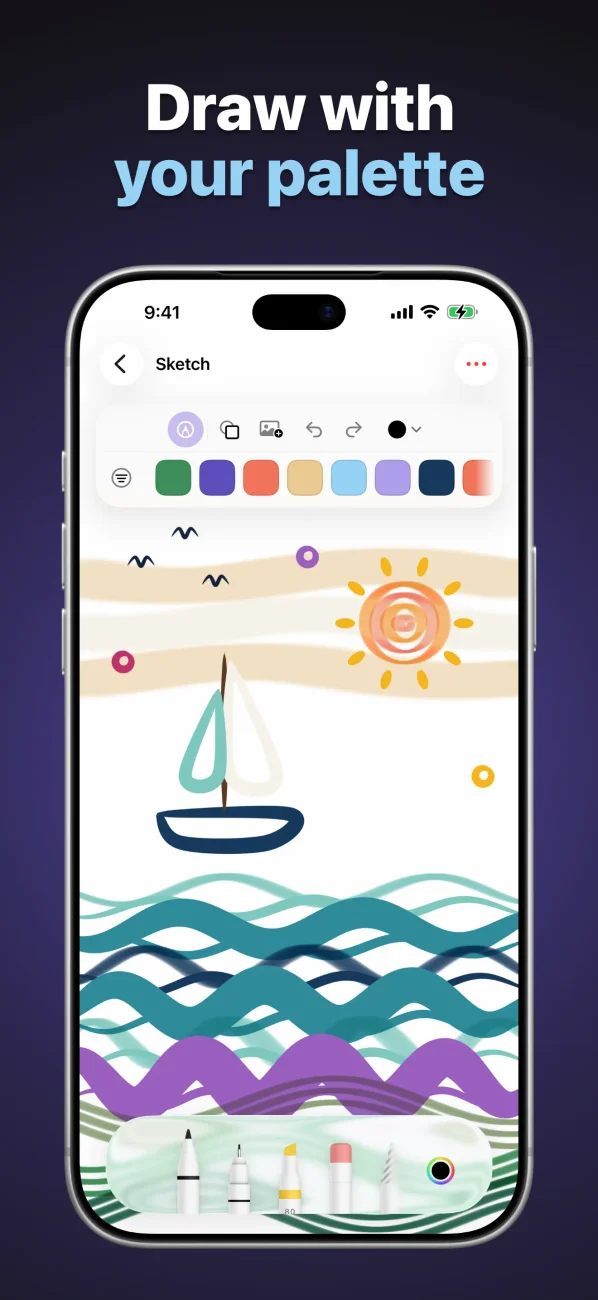
▸ DRAW ON CANVAS
Apple Pencil and PencilKit, with hover
Shapes, placed images, and SVG placement
A swatch strip that sets your ink from any palette
One canvas free, unlimited with Onyx
▸ JOIN THE COMMUNITY
Publish colors and palettes for creators worldwide
Browse and search what others share
Save Community colors and palettes to your library (Onyx)
▸ EXPORT ANYWHERE
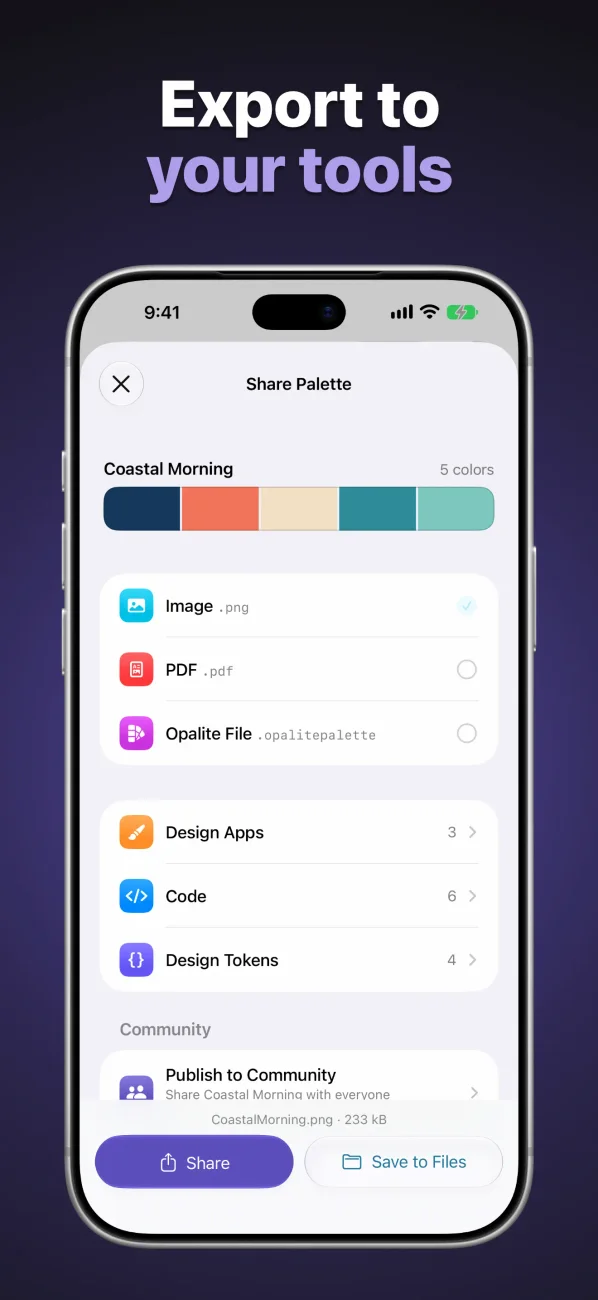
Opalite files, PNG, and PDF portfolios
Procreate swatches, Adobe ASE, GIMP palettes, CSS, and SwiftUI (Onyx)
Quick Look previews and thumbnails for Opalite files
▸ EVERYWHERE YOU WORK
SwatchBar: a slim window for copying hex codes and picking ink beside other apps on iPad, Mac, and Vision Pro
Siri and Shortcuts, Spotlight, Home Screen quick actions, and widgets
An iMessage app for sending swatches, and a Share Extension that samples colors from any image
A watch complication, and an immersive color constellation on Vision Pro
▸ SIMPLE PRICING
Free, forever: unlimited colors, 5 palettes, 1 canvas, every picker, the contrast checker, color vision simulation, and Community browsing
Onyx: one-time $9.99, no subscription. Unlimited palettes and canvases, Community saves, and pro export formats, on every device signed in with your Apple Account
No accounts, no ads, no tracking. Your library lives in your own iCloud.
Indie-made by Molargik Software LLC.
Terms: https://www.apple.com/legal/internet-services/itunes/dev/stdeula/
What’s new
Version 2.0.0 · Nov 23, 2026
Opalite 2.0 is a calmer, clearer Opalite.
A new look: a new app icon, with four alternates to choose from in Settings on iPhone and iPad, and a fresh blue, lilac and tan palette throughout.
Quieter feedback: confirmations now appear in the title bar instead of floating over your work.
Simpler color and palette pages: codes, details and tools sit in tidy cards, side by side on iPhone Duo, iPad and Mac.
Smoother: swatches spring to their new size, and Community loads without jumping.
A better canvas: ink and images stack in the order you add them, and you can press and hold a placed image to move, resize or rotate it.
Fixes for the canvas, the Share sheet and the color editor on iPhone Duo, and more.
Also in this update:
Palettes from anywhere: pull a palette out of a photo, your camera or a website.
Check accessibility: a contrast grid for every pair of colors in a palette, and a color-vision score that shows how it holds up for color-blind viewers.
Export for your tools: design tokens join the code and design-app formats.
Automatic backups, with a sync status you can see.
Made for iPhone Duo: unfold for two-column color and palette pages, palettes side by side, Settings beside its pages, and search in the top bar.
A simpler palette page: every color on one board.
Fixes: codes for wide-gamut colors stay in range, and dragging a swatch into another app sends its image again.
App privacy
What Nicholas Molargik declares on the App Store about how this app handles data.
-
Data not collected
The developer does not collect any data from this app.
Privacy practices may vary, for example with the features you use or your age.
Information
- Seller
- Molargik Software LLC
- Category
- Graphics & Design
- Version
- 2.0.0
- Updated
- Nov 23, 2026
- Released
- Jan 26, 2026
- Size
- 50.2 MB
- Requires
- iOS 18.4 or later
- Age rating
- 4+
- Price
- Free
- In-app purchases
- Yes
- Languages
- English, French, Japanese, Spanish
- Copyright
- © 2026 Farside Software
You might also like
-
 Roomprint: Floor Plan ScannerDxf & Measure Rooms
-
 Anachronism: Bridging Eras24 analog clocks, one time
-
 Pryzma LabColor Palette Studio
-
 ColorGen PaletteCreate & browse color palettes
-
 Color Palette Maker: HexSwatch schemes & RGB codes
-
 ColorosityYou do hue.
-
 Painted Mini StoriesGraphics & Design
-
 DesigngraphikGraphics & Design
-
 Color Mate – Color PickerExtract Color from Photos
-
 CutHouse: AI Rug Design & EarnGraphics & Design