
- Age rating4+
- CategoryGraphics & Design
- DeveloperZeynep Beyza INCIK
- LanguagesEnglish
- Size5.6 MB
Links to the official App Store page
Download.org hosts no file of Pryzma Lab. The button opens its official App Store page, published by Zeynep Beyza INCIK. Listing last checked on Nov 18, 2026.
Screenshots



About
Pryzma Lab is a powerful color palette extractor and designer app for digital artists, UI designers, and Procreate users. Extract harmonious color palettes from photos, create custom palettes, and export them directly to Procreate, CSS, JSON, or PNG.
KEY FEATURES:
Extract Colors from Photos
Automatically extract dominant colors from any image using advanced K-means clustering. Get up to 10 palette-ready colors in seconds.
Create & Customize
Use the native color picker to build palettes from scratch. Adjust hue, saturation, and brightness with precision sliders. Name and organize your colors.
Color Harmony Tools
Discover color combinations using 5 harmony modes: Complementary, Analogous, Triadic, Split-Complementary, Tetradic.
Tint & Shade Generator
Generate elegant tints and shades automatically. Perfect for building complete design systems from a single color.
Color Blindness Simulator
Simulate how your palette looks to people with protanopia, deuteranopia, and tritanopia. Design with accessibility in mind.
Export Anywhere
- Procreate .swatches (direct import)
- Adobe .ase (Photoshop, Illustrator, InDesign)
- HEX codes
- CSS variables
- JSON data
- PNG swatch cards
- Share as branded palette cards
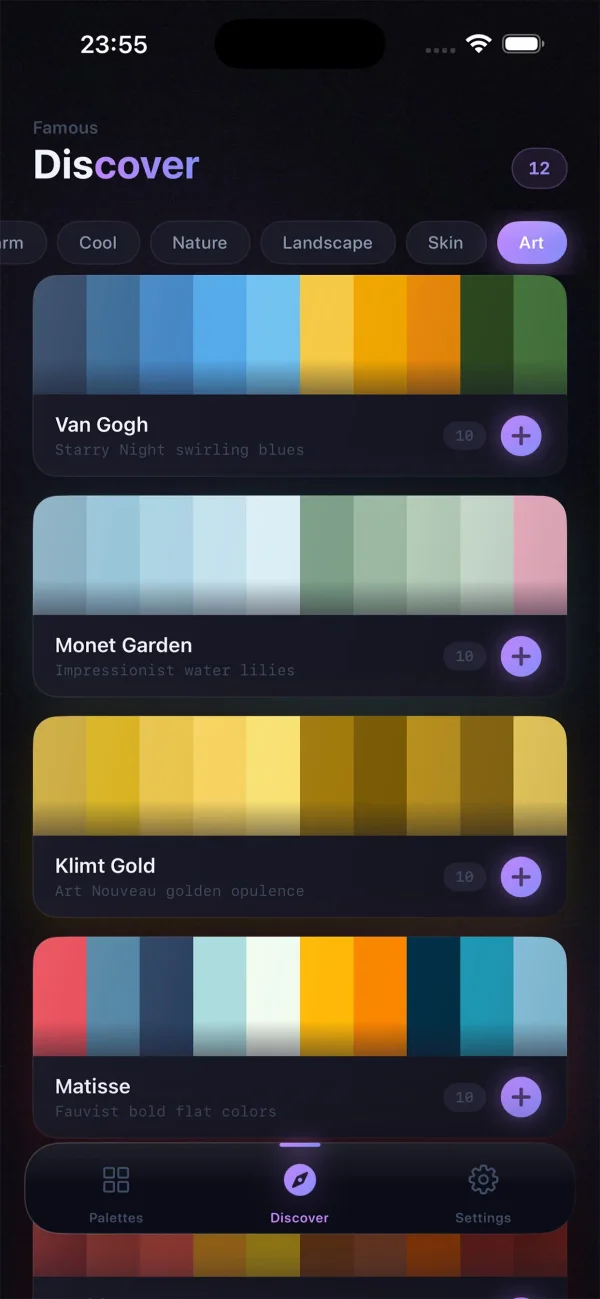
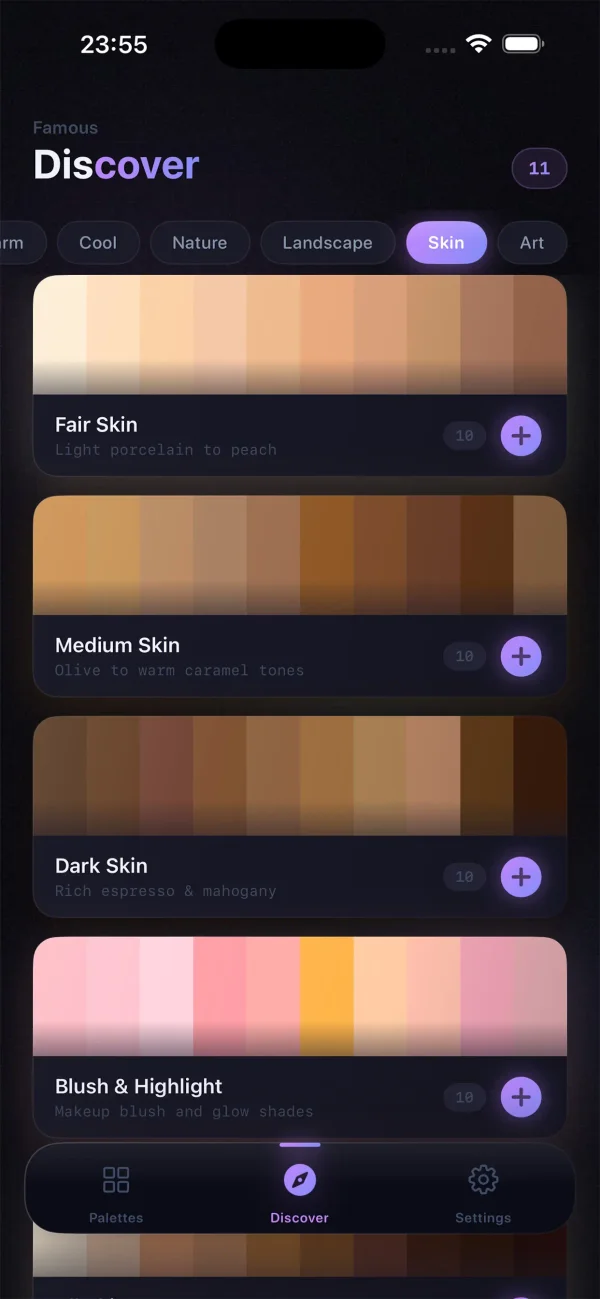
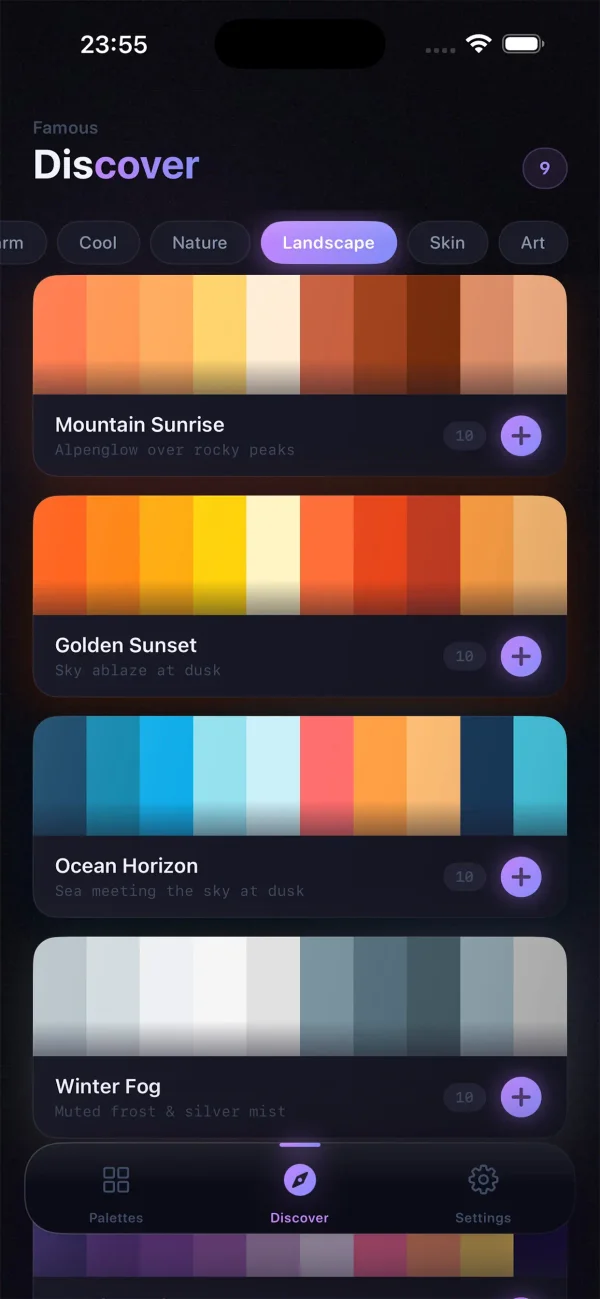
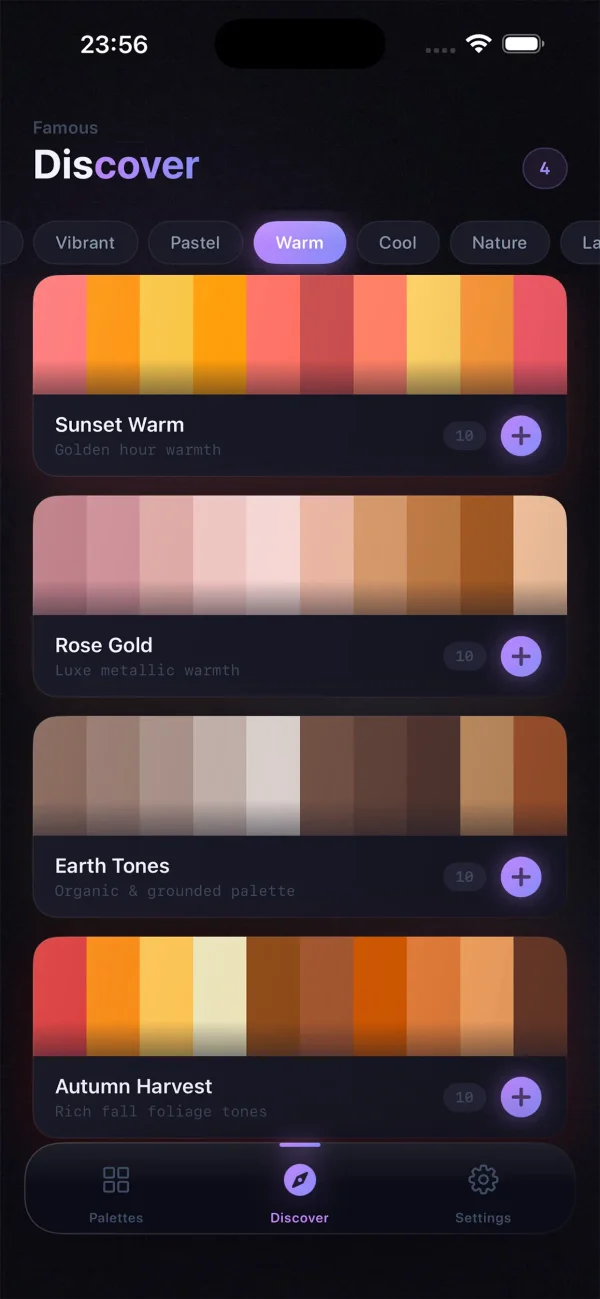
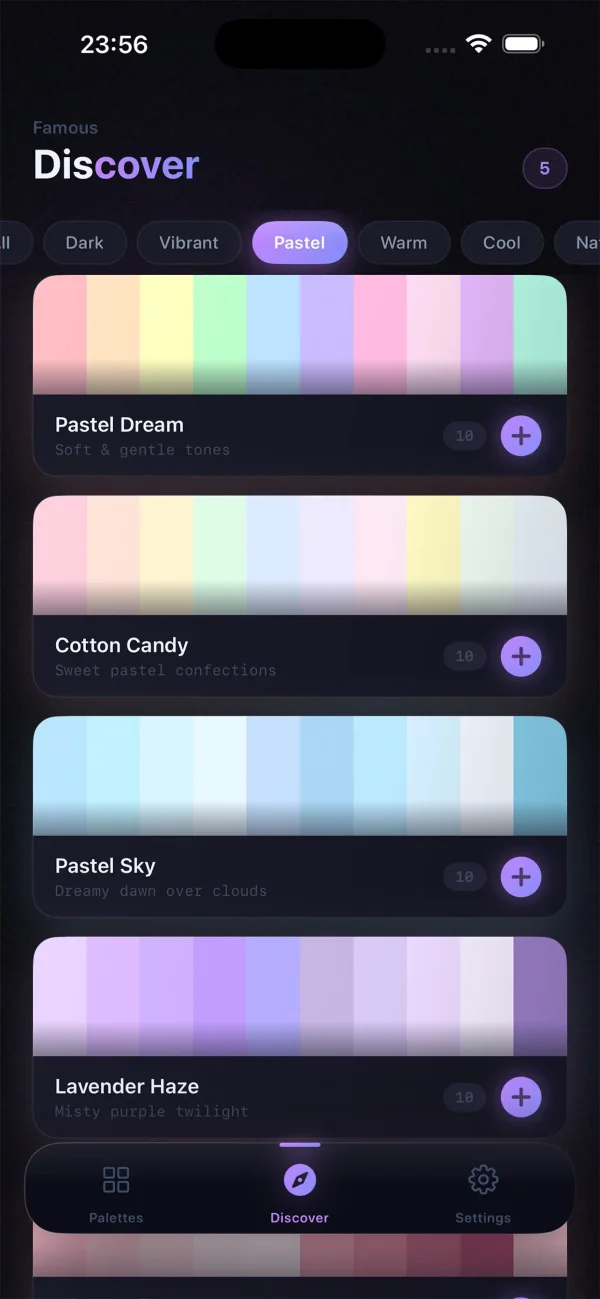
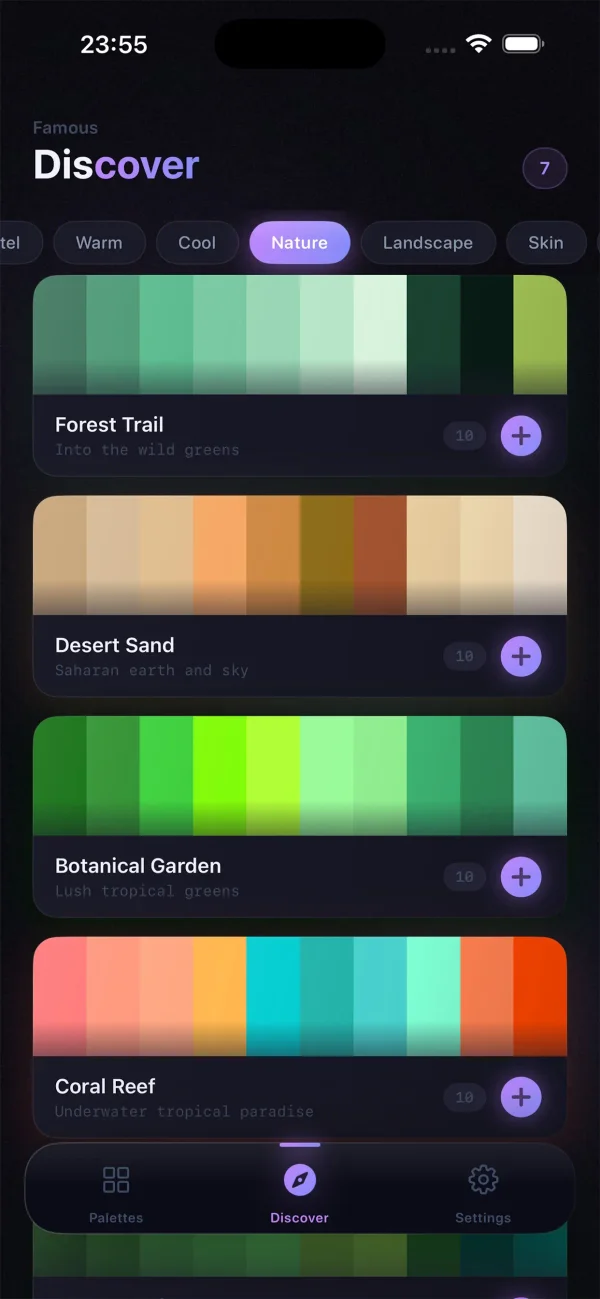
Discover Curated Palettes
Browse 65+ hand-curated palettes across 10 categories: Dark, Vibrant, Pastel, Warm, Cool, Nature, Landscape, Skin Tones, and Art.
Works Offline
No internet connection required. All features work locally on your device.
Bilingual
Full support for Turkish and English.
---
Why Pryzma Lab?
Whether you're building design systems, creating digital art, or designing interfaces, Pryzma Lab gives you professional-grade color tools at your fingertips. Built with attention to detail, inspired by artists.
Perfect for:
- UI/UX Designers
- Digital Artists & Illustrators
- Procreate Users
- Web Designers
- Brand Designers
- Game Asset Creators
What’s new
Version 1.2 · Apr 15, 2026
What's new in this release:
Gradient Generator
Create linear, radial, or angular gradients from your palette.
Fine-tune the angle and export as CSS, SwiftUI code, or a PNG.
Live Color Picker
Point the camera at anything to detect the color in real time and
add it to your palette with a single tap. Tap pause to lock onto
the perfect shade.
Improvements
Palettes added from Discover now appear in My Palettes instantly.
Deleting a palette automatically clears its checkmark in Discover.
Refined Turkish copy and Settings screen layout.
Onboarding updated to showcase the new features.
Various visual polish and performance improvements.
Happy creating!
App privacy
What Zeynep Beyza INCIK declares on the App Store about how this app handles data.
-
Data not collected
The developer does not collect any data from this app.
Privacy practices may vary, for example with the features you use or your age.
Information
- Seller
- Zeynep Beyza INCIK
- Category
- Graphics & Design
- Version
- 1.2
- Updated
- Apr 15, 2026
- Released
- Apr 15, 2026
- Size
- 5.6 MB
- Requires
- iOS 17.0 or later
- Age rating
- 4+
- Price
- Free
- Languages
- English
- Copyright
- © 2026 zebicode
You might also like
-
 LUNE 2D AnimationThe joy of animation is back
-
 T-SketchSketch, collaborate, present.
-
 ColorGen PaletteCreate & browse color palettes
-
 Color Palette Maker: HexSwatch schemes & RGB codes
-
 Opalite - Color StudioColor Picker & Palette Tools
-
 Colorit AppColor Palette & Paint Match
-
 Chromaly: Color Design ToolColor Picker & Eyedropper
-
 Color ArchiveSave & Manage Custom Palettes
-
 Brushes for Procreate CatalogTools,Styles,Effects,Textures
-
 CapColor: Photo Color PickerPalette Maker, Hex & RGB Codes