
Open Invite
Open & add any calendar events
Designed for iPhone, iPad
Free · In-app purchases
- Age rating4+
- CategoryProductivity
- DeveloperChristian Tietze
- LanguagesEnglish
- Size6.8 MB
Links to the official App Store page
Download.org hosts no file of Open Invite. The button opens its official App Store page, published by Christian Tietze. Listing last checked on Nov 12, 2026.
Screenshots
About
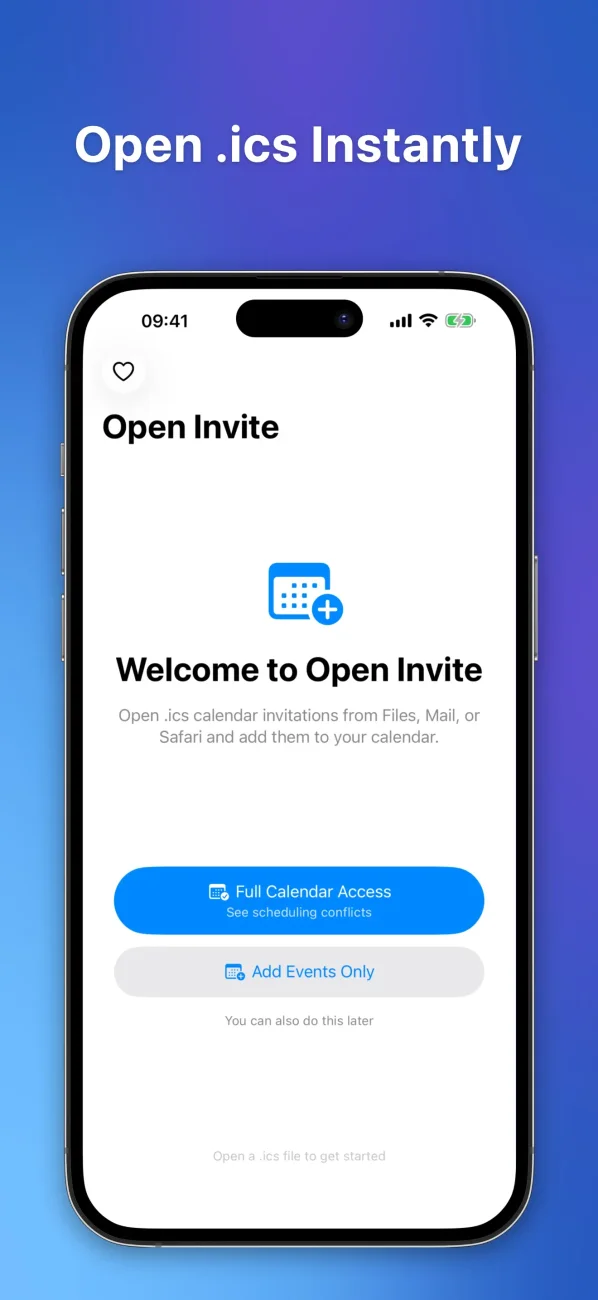
Welcome to Open Invite — the beautiful way to open .ics calendar files on iOS.
• Tap to open calendar invitations from Mail, Safari, or Files
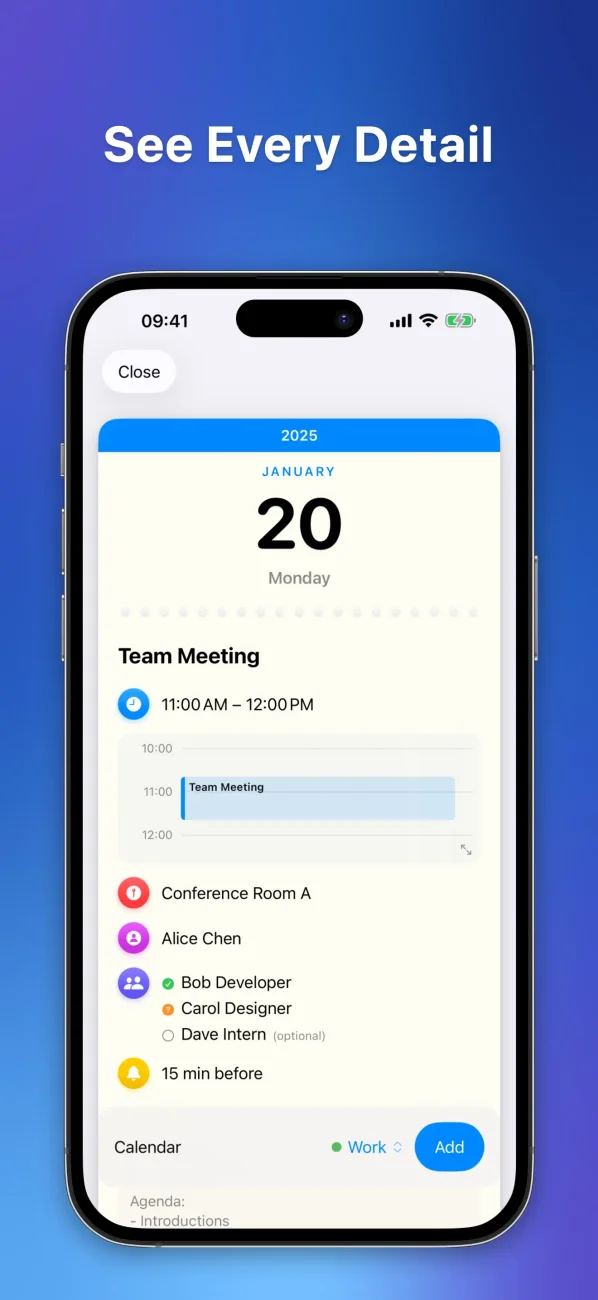
• Preview events before adding with gorgeous invitation cards
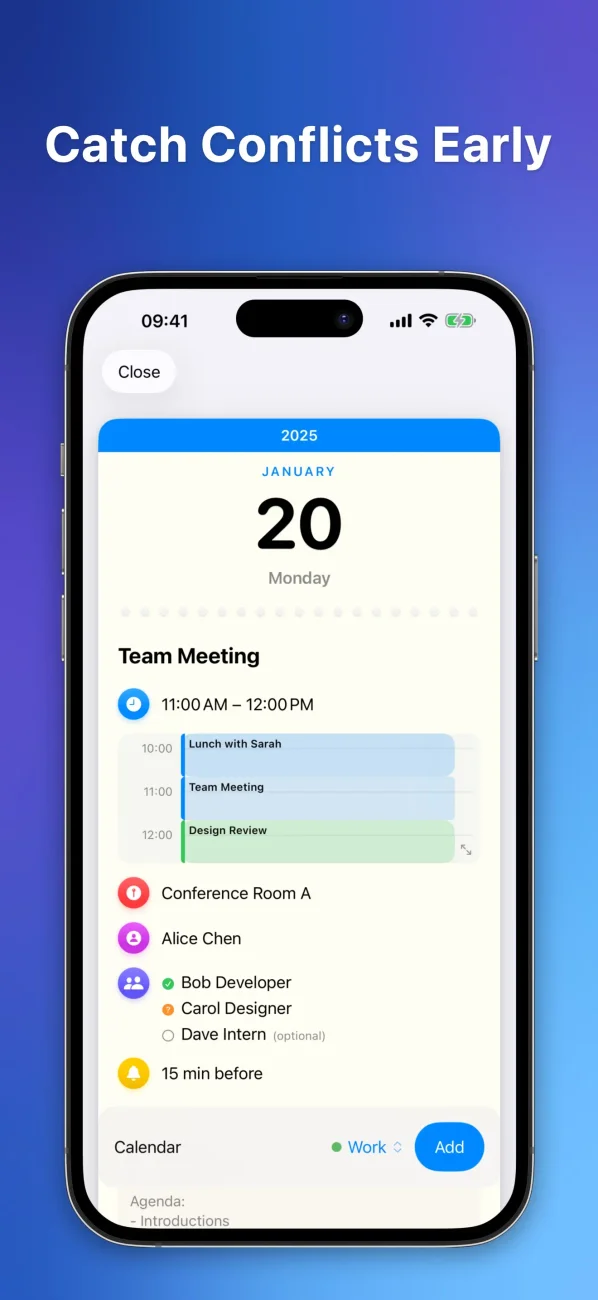
• Catch scheduling conflicts with visual timeline view
• Choose which calendar to use for each event
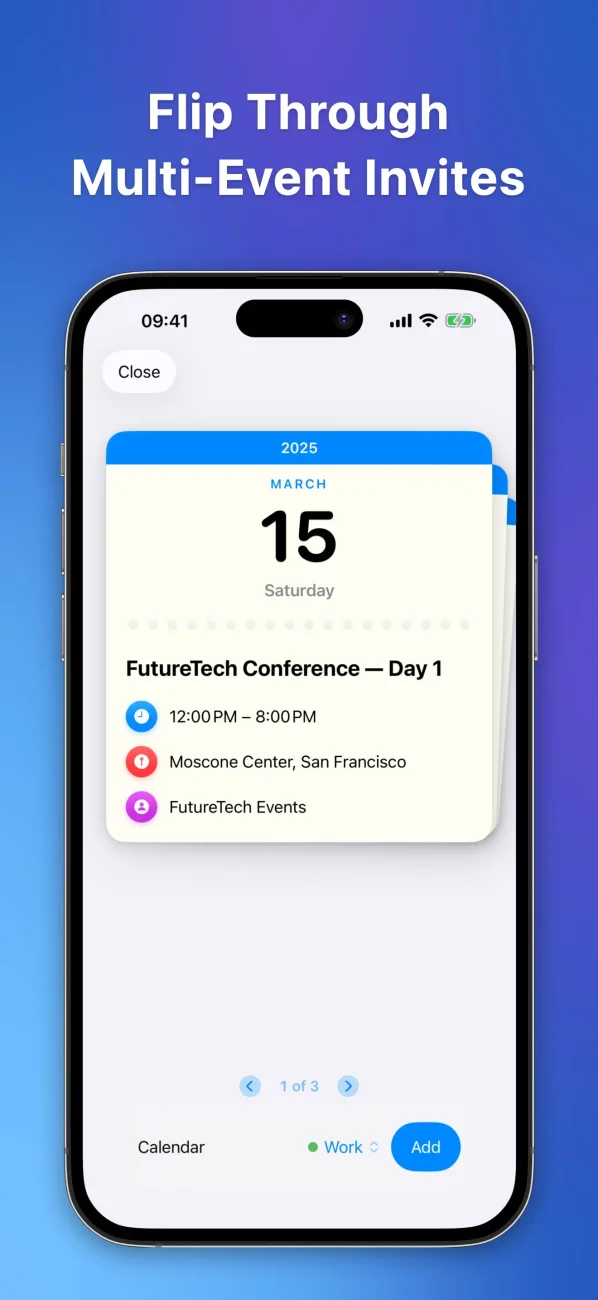
• Swipe through multi-event files as a card stack
• Complete privacy — everything happens on-device
Open Invite handles .ics files the way they should work — tap, preview, add. One second, not one minute.
Stop forwarding calendar invites to yourself: Receive a meeting invitation in Mail, download an event from Safari, or find an .ics file in Files? Just tap it. Open Invite shows you a beautiful preview card with every detail — title, time, location, organizer, attendees, notes — so you can decide before it touches your calendar.
SEE BEFORE YOU COMMIT
Preview the full event as a beautiful invitation card. No more blind adds. No more calendar clutter from events you didn't mean to accept.
CATCH CONFLICTS BEFORE THEY HAPPEN
See a visual timeline of your day alongside the new event. Spot double-bookings before you commit.
KEEP WORK AND LIFE SEPARATE
Pick exactly which calendar to use. Client meetings go in Work, soccer games in Family. Just want speed? Basic access adds to your default calendar instantly.
ONE TAP FROM ANYWHERE
Works with Mail, Safari, Files, or any app that handles calendar files. Open Invite registers as a native file handler — no forwarding to yourself, no copy-pasting dates.
MULTIPLE EVENTS? NO PROBLEM
Some invites contain a full season schedule or conference agenda. Swipe through them like a card deck and add events one at a time.
YOUR CALENDAR STAYS YOURS
Everything happens on your iPhone. Zero cloud servers. Zero tracking. Zero accounts. Progressive calendar access means you choose what the app can see — write-only to add events, or full access for conflict detection and calendar selection.
What’s new
Version 1.0.1 · Sep 23, 2026
Time zone differences are handled properly
App privacy
What Christian Tietze declares on the App Store about how this app handles data.
-
Data not collected
The developer does not collect any data from this app.
Privacy practices may vary, for example with the features you use or your age.
Information
- Seller
- Christian Tietze
- Category
- Productivity
- Version
- 1.0.1
- Updated
- Sep 23, 2026
- Released
- Feb 19, 2026
- Size
- 6.8 MB
- Requires
- iOS 26.0 or later
- Age rating
- 4+
- Price
- Free
- In-app purchases
- Yes
- Languages
- English
- Copyright
- © 2026 Christian Tietze
You might also like
-
 Countdowner: Countdown WidgetDays Until Holiday & Christmas
-
 TimeDrawVisualize your time.
-
 Pilkington SpectrumIGU Configuration
-
 Dictus: AI Voice KeyboardPrivate dictation, voice notes
-
 ProAlarm: Early Alarm ClockLoud Missions, Wake Up Sleeper
-
 TicWak - AI Daily PlannerSmart Voice Reminder & To-Do
-
 Flipo - Minimalist PomodoroFlip & Focus
-
 Focus Timer - Time Keeper ⋆Study timer to stay focused
-
 Sandbook: Text to SpeechNatural Voice Reader for Books
-
 Wrimie: AI Note Taker & MemosTranscribe Lectures & Meetings