
- Age rating4+
- CategoryProductivity
- DeveloperOpen Planner LLC
- LanguagesEnglish
- Size3.4 MB
Links to the official App Store page
Download.org hosts no file of Open Planner. The button opens its official App Store page, published by Open Planner LLC. Listing last checked on Nov 14, 2026.
Screenshots
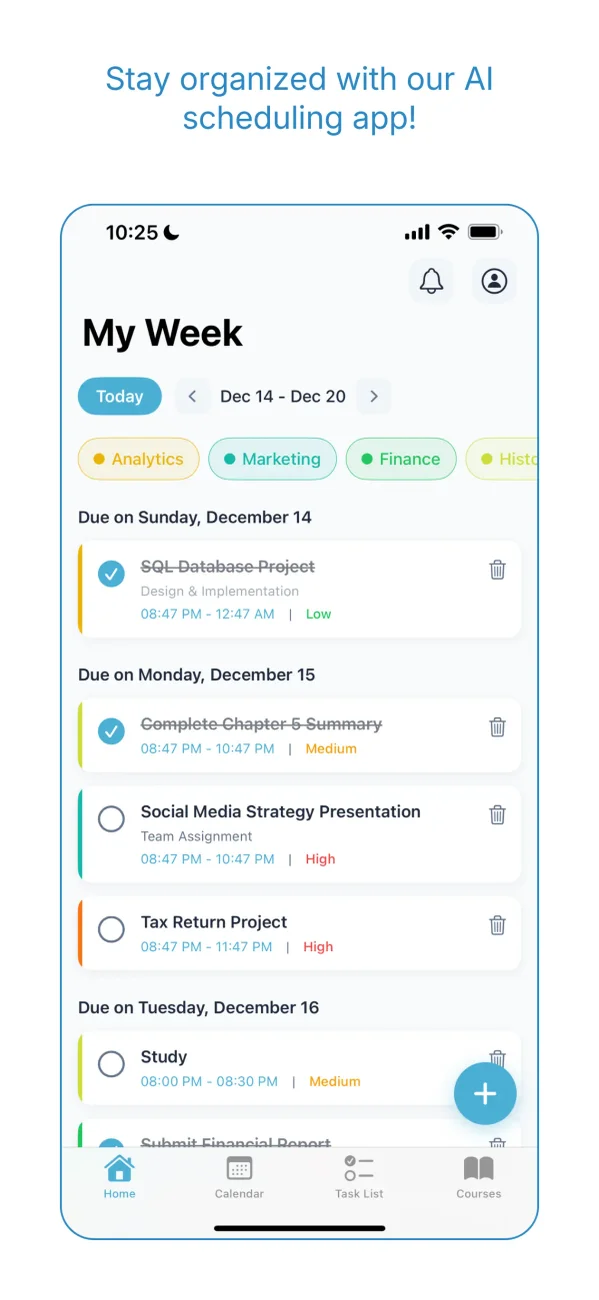
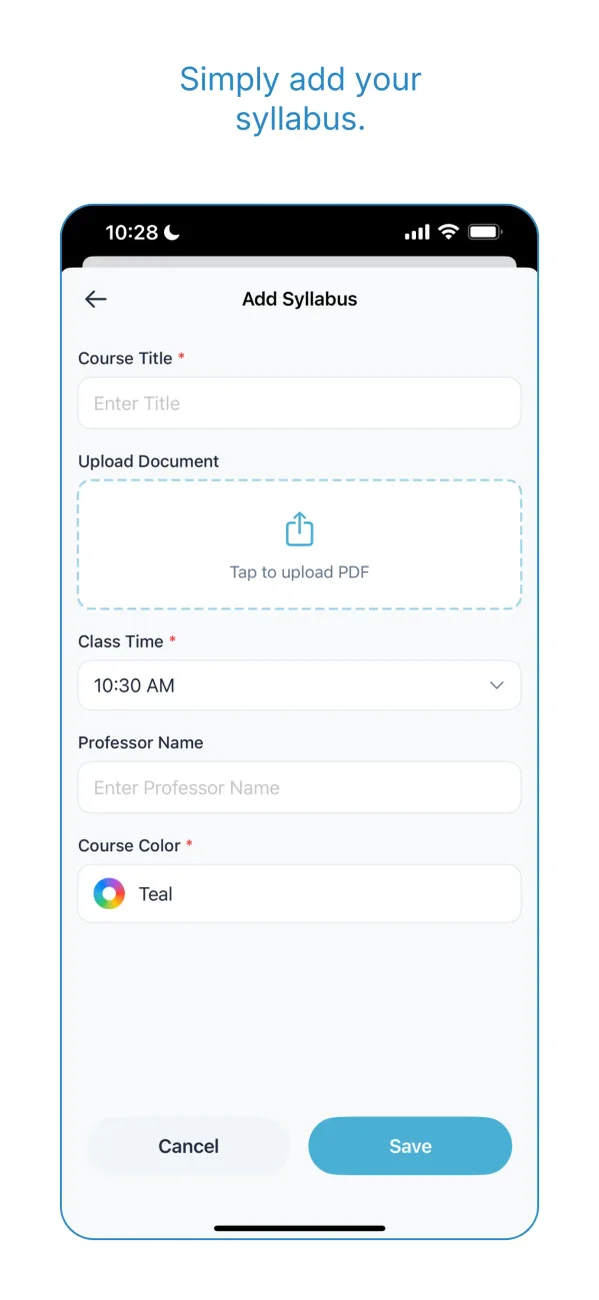
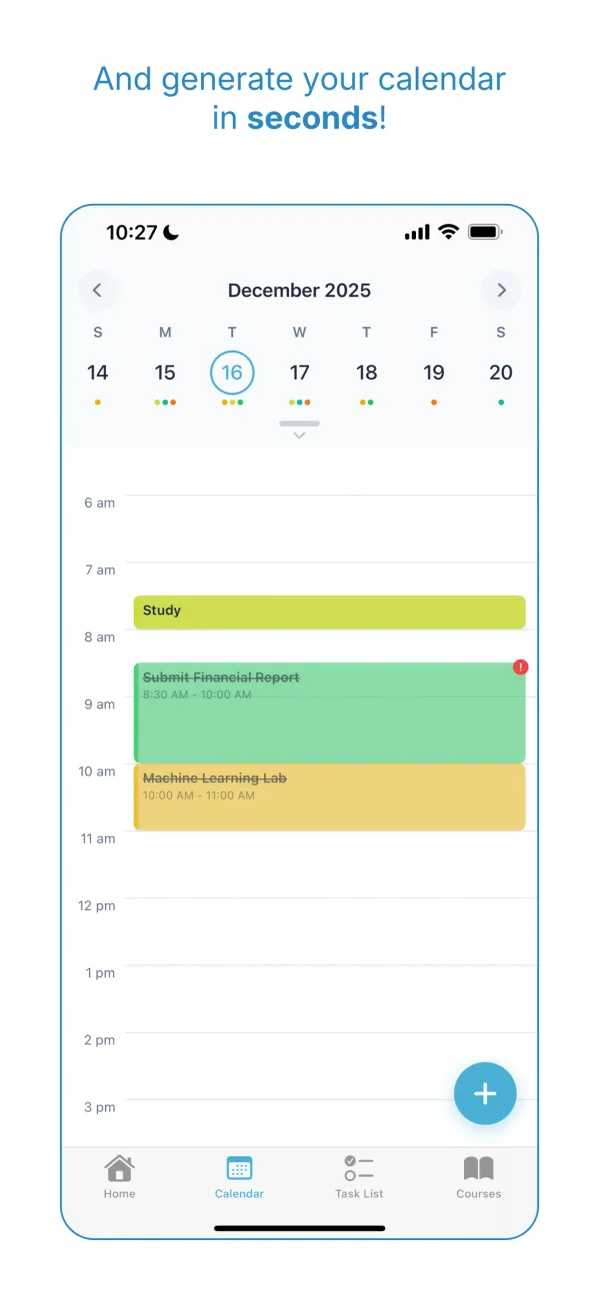
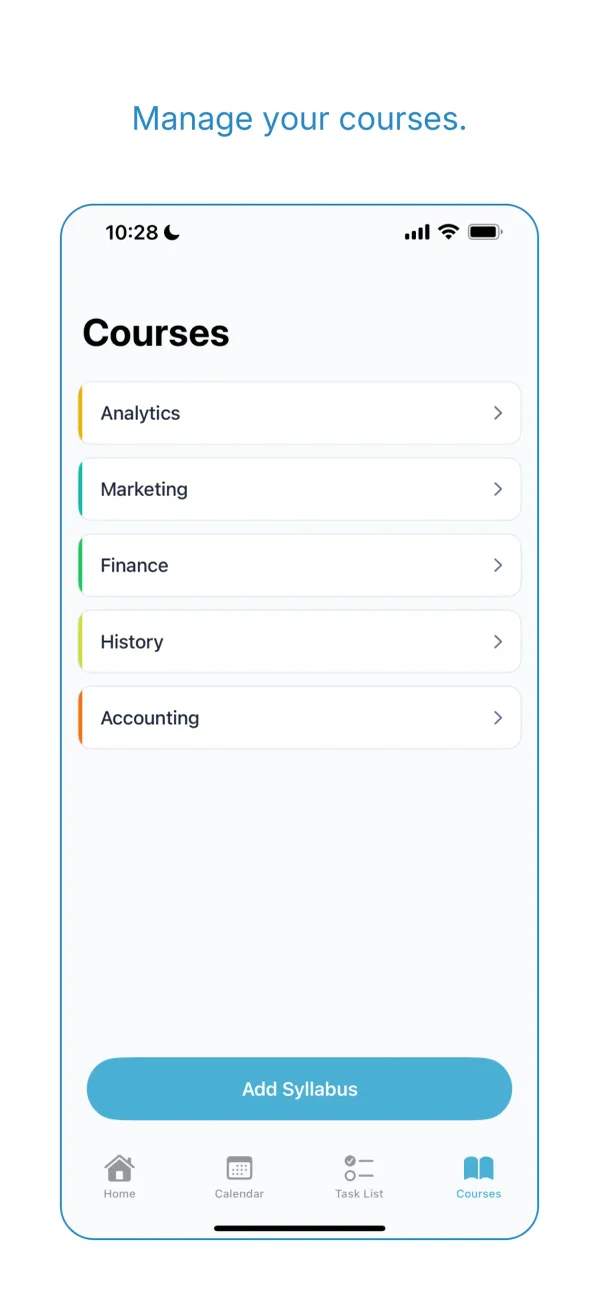

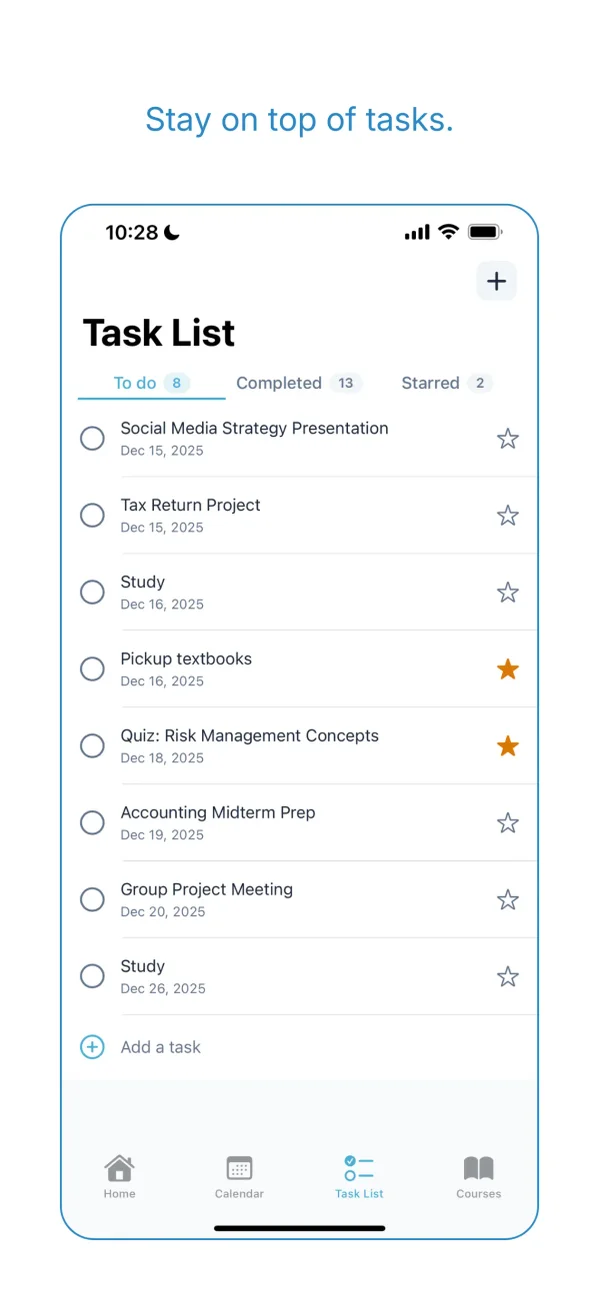
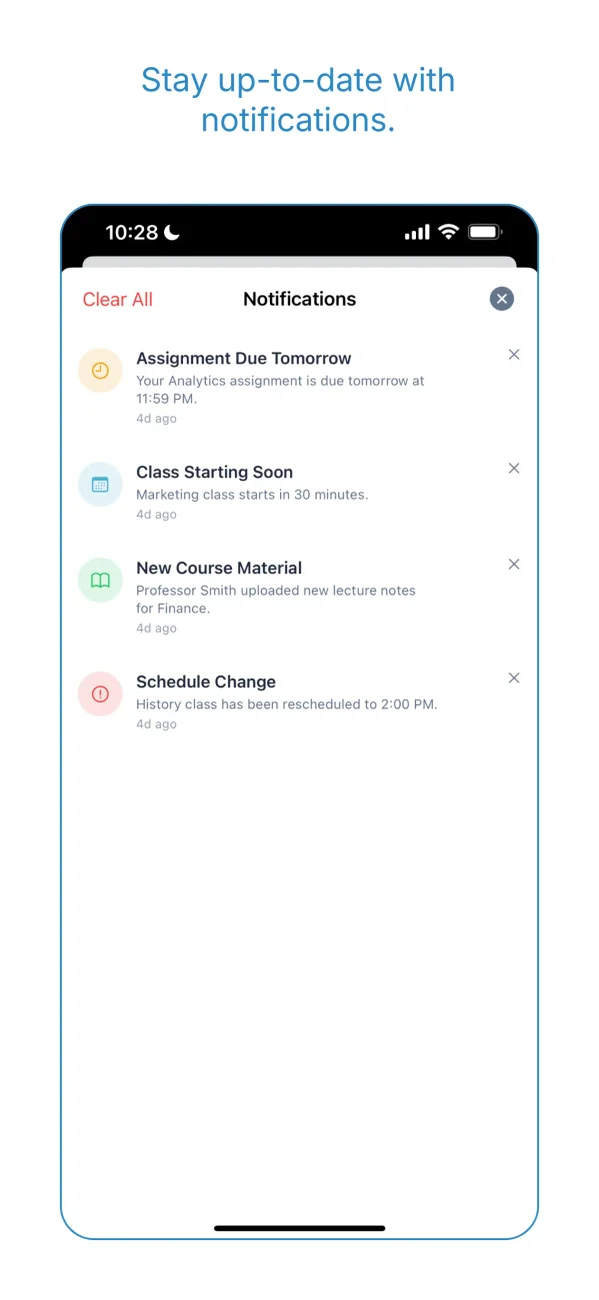
About
School scheduling made easy.
Open Planner uses AI to create your calendar in minutes - just upload your syllabus!
With Open Planner, you’ll enjoy:
* Unlimited syllabus uploads
* Full website access
* Full mobile application access
* Real-time notifications
Open Planner is free for 3 syllabus uploads, then requires a subscription. We offer flexible auto-renewable subscription plans, including monthly, 6-month, and yearly options.
Privacy Policy: https://open-planner.com/privacy-policy/
Terms of Use (EULA): https://www.apple.com/legal/internet-services/itunes/dev/stdeula/
What’s new
Version 5.2.8 · Feb 25, 2026
Users can now add and save their own custom course colors. Alongside that, users now can delete colors they no longer want - including the default colors. To restore deleted default colors, go to Settings > Appearance > Reset Colors.
App privacy
What Open Planner LLC declares on the App Store about how this app handles data.
-
Data not collected
The developer does not collect any data from this app.
Privacy practices may vary, for example with the features you use or your age.
Information
- Seller
- OPEN PLANNER LLC
- Category
- Productivity
- Version
- 5.2.8
- Updated
- Feb 25, 2026
- Released
- Aug 24, 2024
- Size
- 3.4 MB
- Requires
- iOS 18.5 or later
- Age rating
- 4+
- Price
- Free
- In-app purchases
- Yes
- Languages
- English
- Copyright
- © 2025 Open Planner
You might also like
-
 Syllabus AIExtract due dates with AI
-
 ChptrProductivity
-
 818 - Never Forgetwhen it's time, we call.
-
 Homework PalKeep It Simple.
-
 Pocket Schedule PlannerClass & Homework Planner
-
 NoteGen - AI Note TakingSmart AI Note-Taker & Recorder
-
 Routinsie: Daily PlannerAesthetic Habit Routine To Do
-
 Flownote - AI Note TakerTranscribe, Record Voice Audio
-
 Omega OneProductivity
-
 Playbacks: AI Note TakerRecord. Transcribe. Ask AI