
OpenClient for OpenCode
Client for OpenCode
Designed for iPhone, iPad
Free · In-app purchases
- Age rating12+
- CategoryDeveloper Tools
- DeveloperNicolas Toporcov
- LanguagesEnglish+ 2 more
- Size70.6 MB
Links to the official App Store page
Download.org hosts no file of OpenClient for OpenCode. The button opens its official App Store page, published by Nicolas Toporcov. Listing last checked on Nov 21, 2026.
Screenshots
About
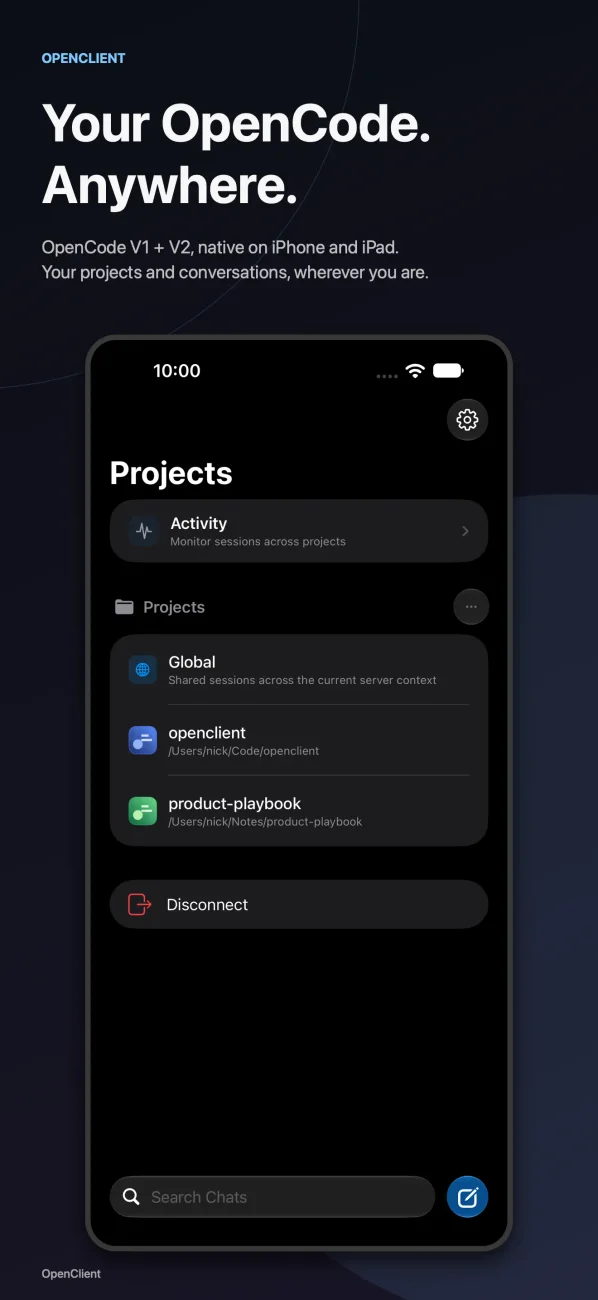
OpenClient brings your self-hosted OpenCode server to iPhone and iPad with a native interface for projects, chats, and ongoing agent work.
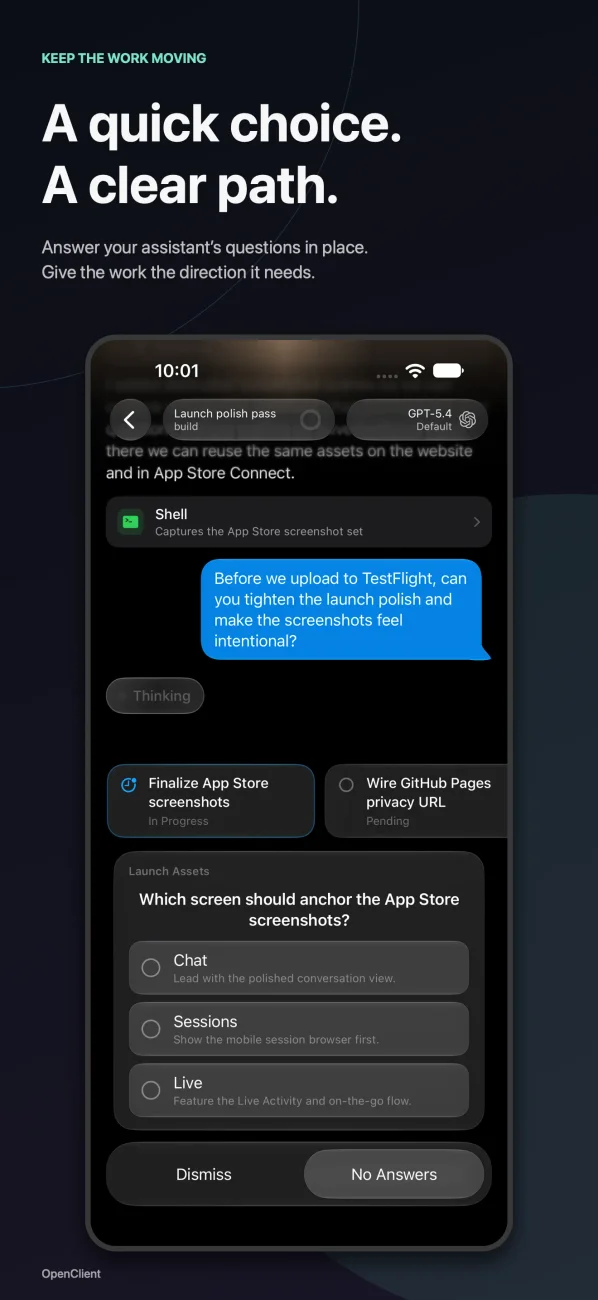
Pick up a coding session away from your desk. Follow live responses and tool activity, review file changes, answer permissions and questions, and keep work moving from your phone or tablet.
Your projects and sessions
- Connect to OpenCode v1 or v2 and reconnect quickly to saved servers
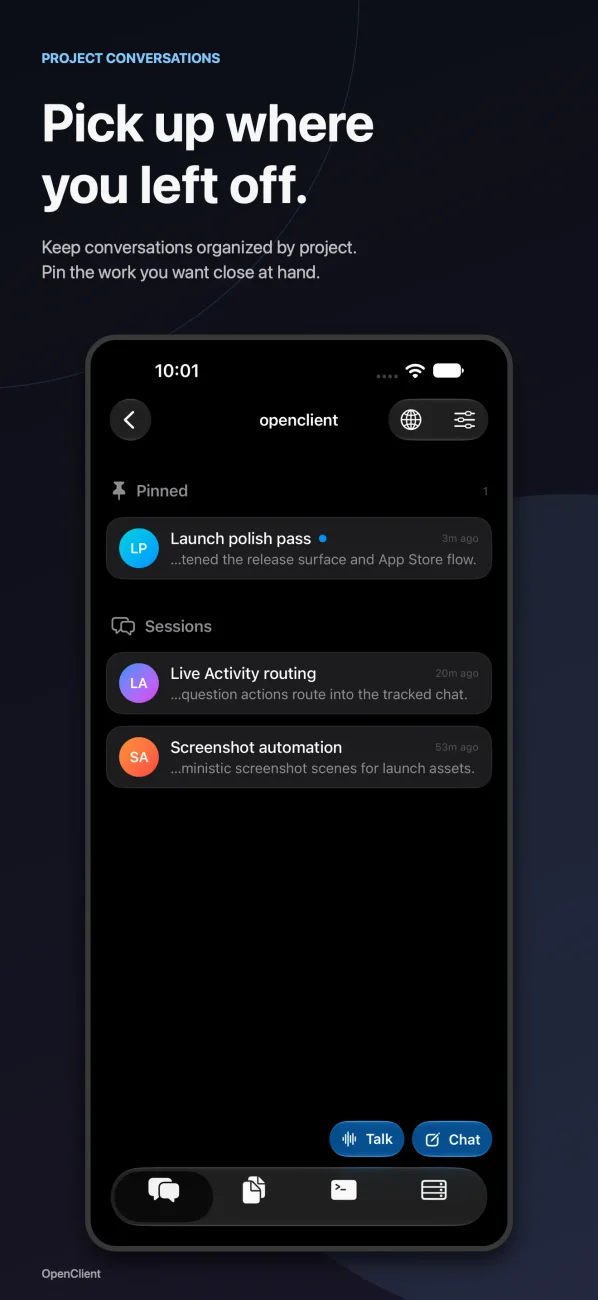
- Browse projects, workspaces, and conversation history
- Rename v2 projects and customize their colors and images
- Organize Activity as a list or board with custom workflow statuses
- Mark sessions read or unread, individually or all at once; read state and session statuses sync on supported servers
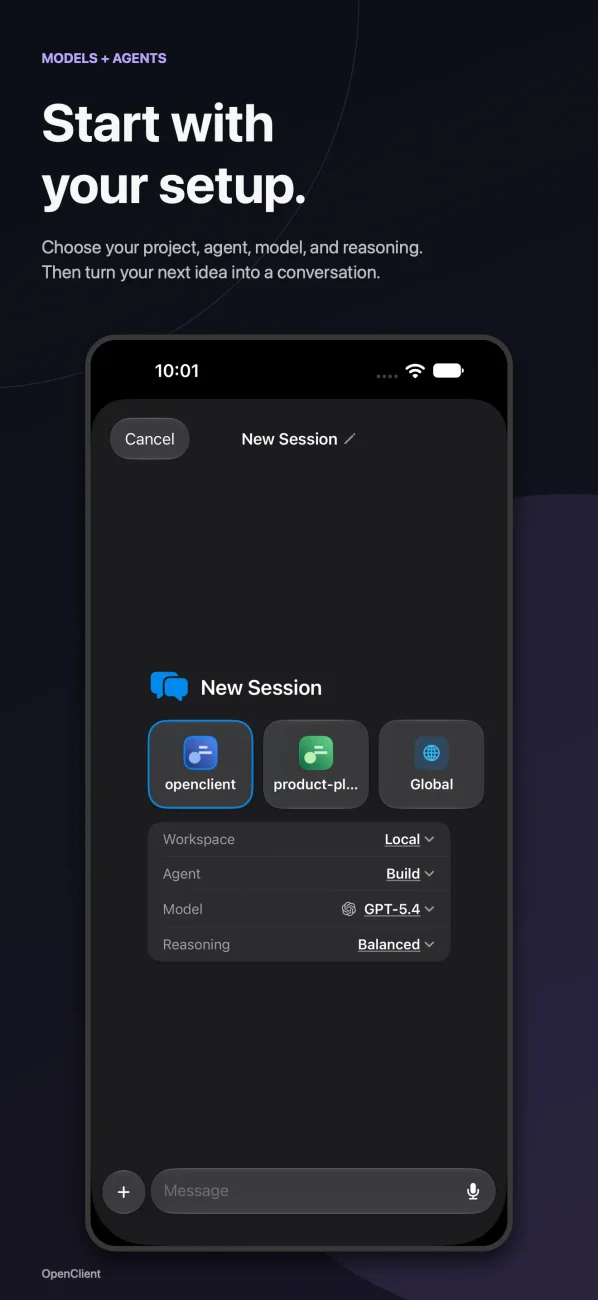
- Switch workspaces from chat and move sessions between workspaces on v2
A chat that works your way
- Stream assistant responses with an animated 3D status indicator
- Load older messages as you scroll back through a conversation
- Review per-response file diffs on v2 when recorded file snapshots are available
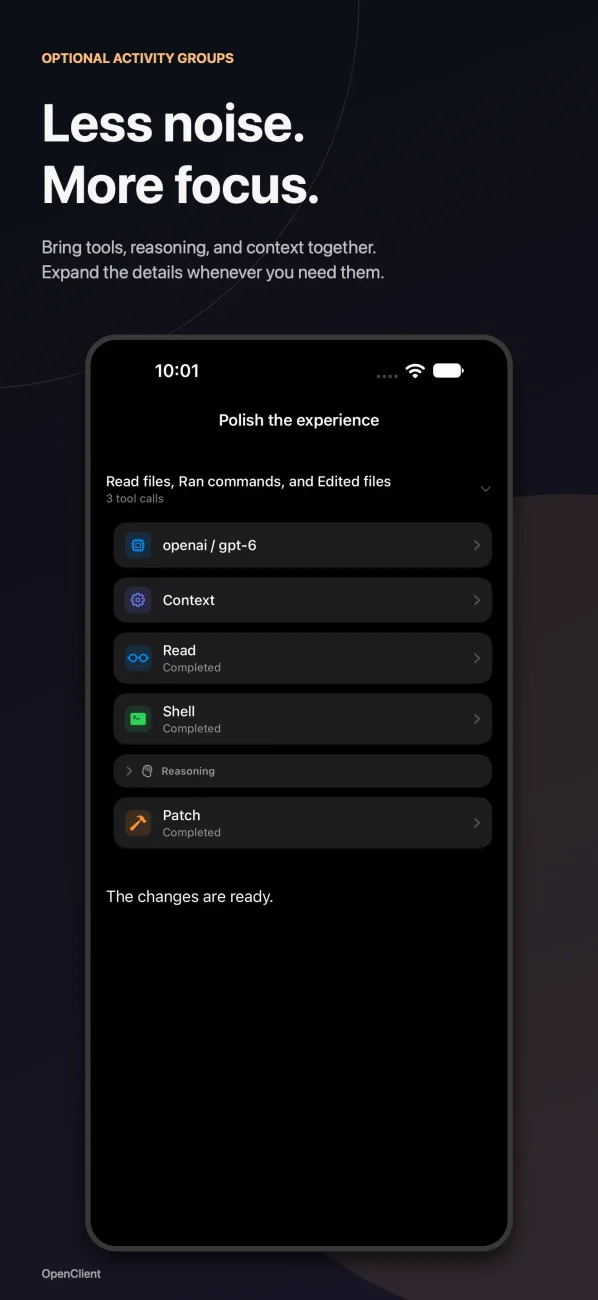
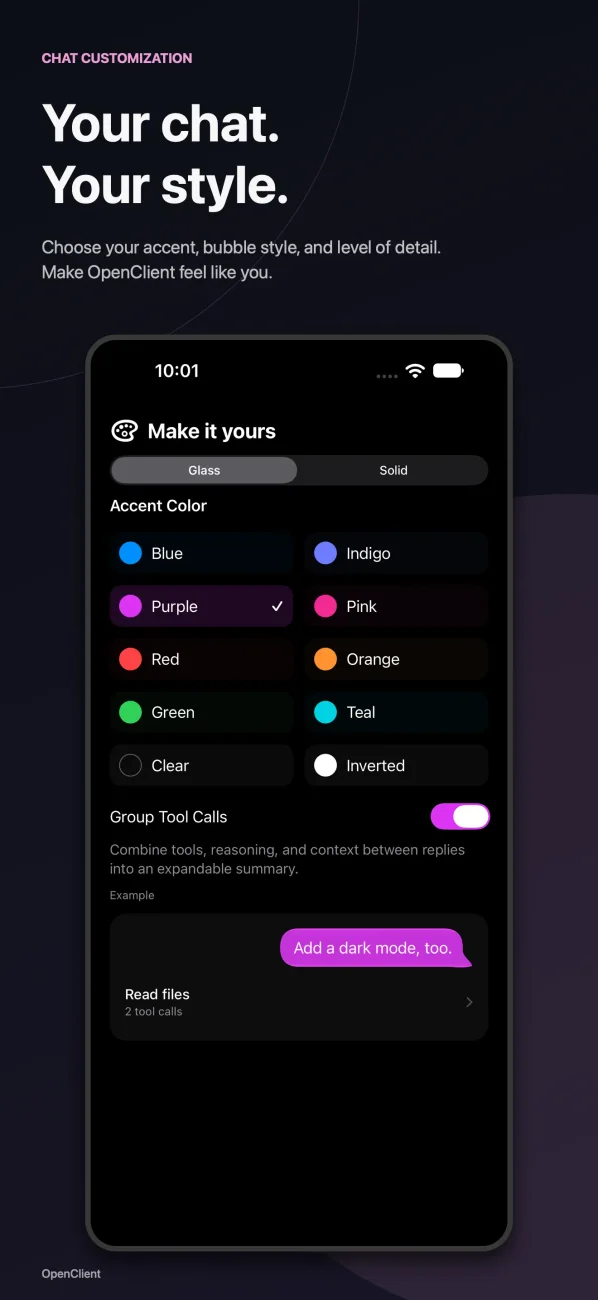
- Customize line height, tool grouping, reasoning, and context visibility
- Choose the Messenger or Assistant composer on iPhone; iPad uses Assistant
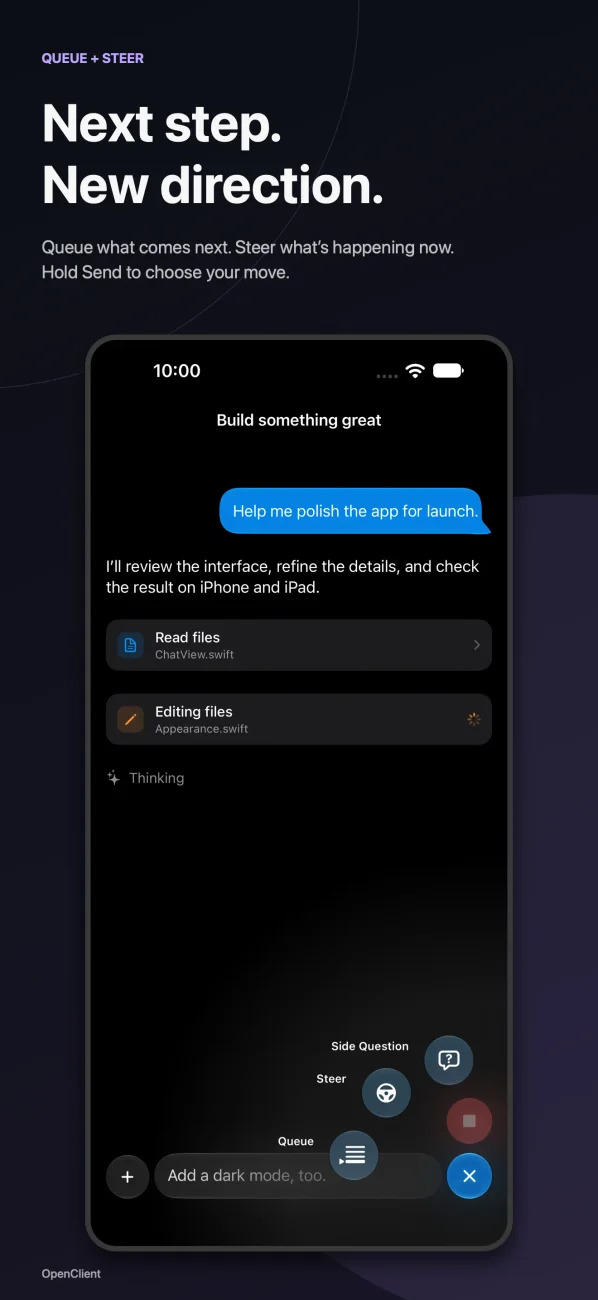
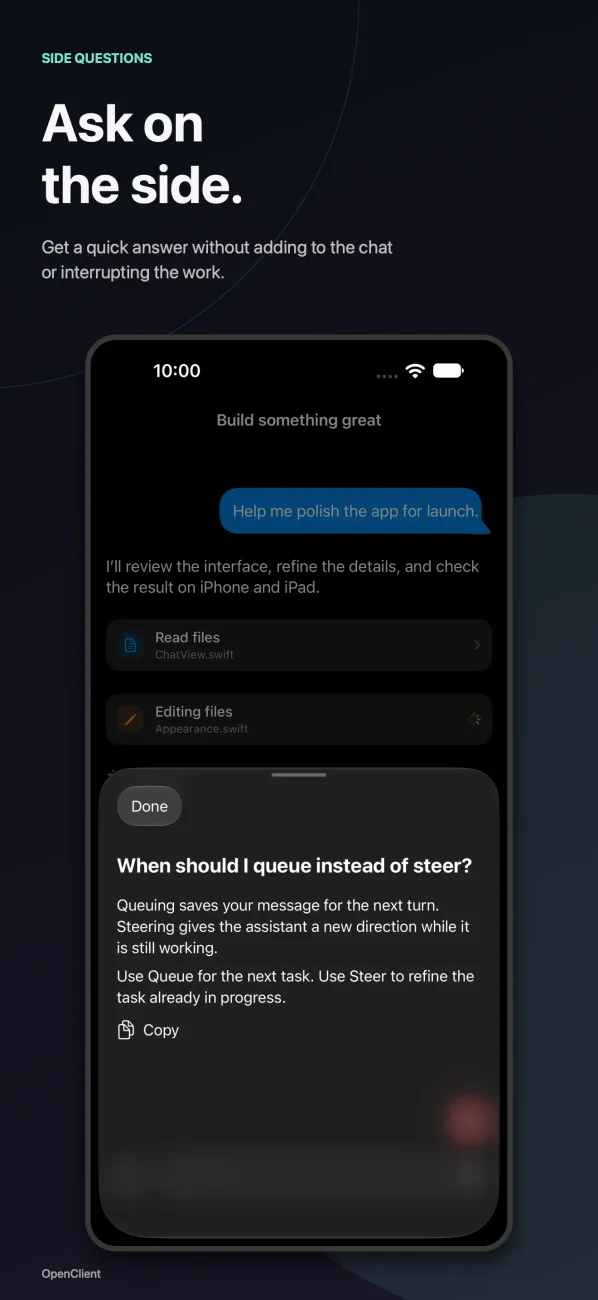
- Queue prompts, steer ongoing work, or ask a Side Question on v2
- Use your server’s commands, skills, agents, and models
- Attach compatible files, dictate prompts, or sketch with the built-in Excalidraw board
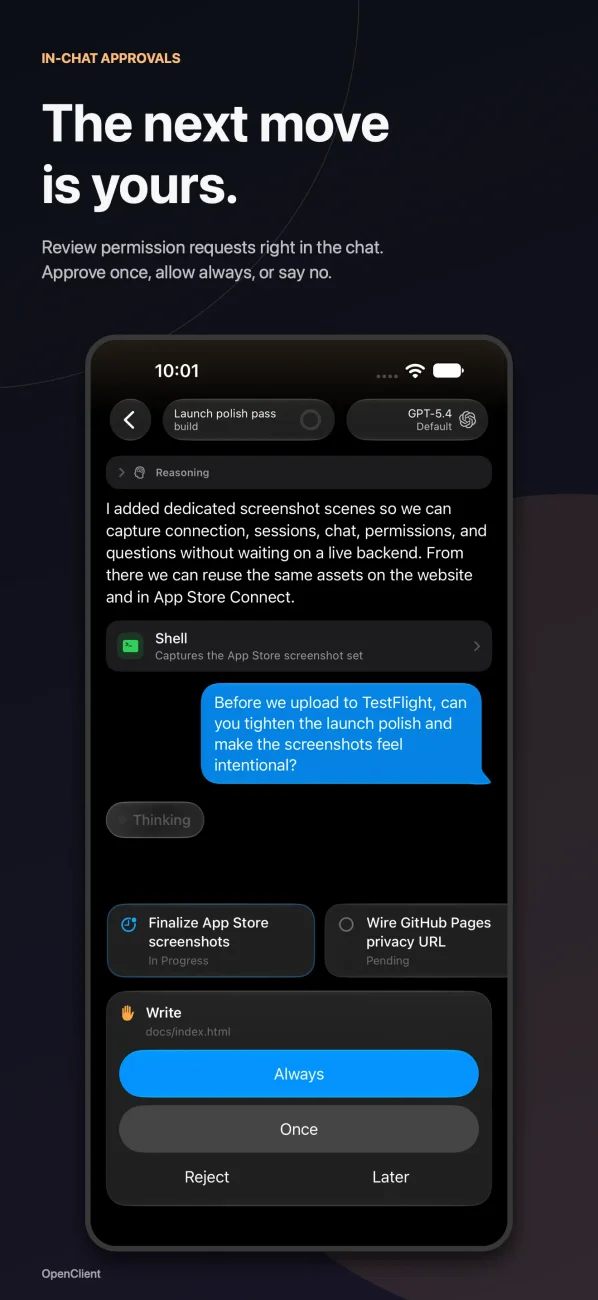
- Track session todos and respond to permission and question prompts
Stay informed
- Inspect recorded token usage, response timing, and model details for loaded history
- Track OpenAI subscription usage and OpenRouter spending with optional provider usage setup
- Show usage bars or rings in Projects and Activity, plus usage snapshot widgets
- Browse project files, source-control context, and supported MCP server status
Built for iOS and iPadOS
- Multi-column iPad navigation for projects, sessions, and chat
- Live Activities on the Lock Screen and Dynamic Island
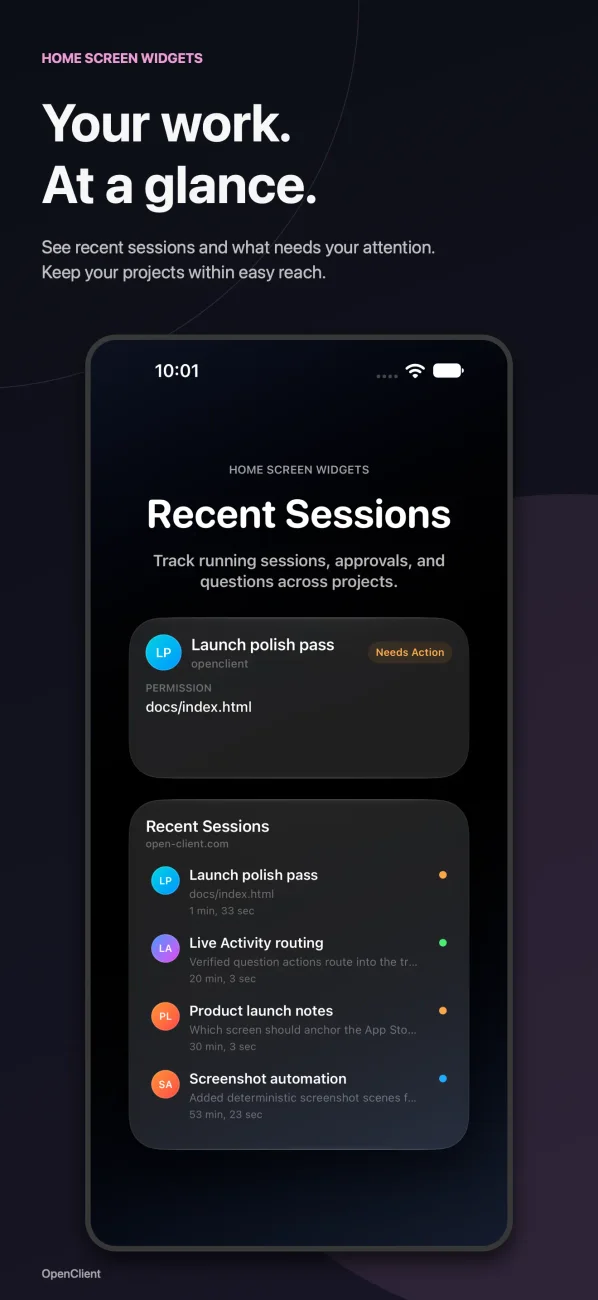
- Home Screen widgets for recent and pinned sessions
- Shortcuts, control widgets, and deep links to the right session
- Secure Keychain storage for saved server passwords
- Widget snapshots shared without including your server password
Optional notifications with OC Notify
Receive Web Push alerts for completed sessions, permissions, and questions. Requires the OpenClient plugin, your own HTTPS endpoint, and the companion web app added to your Home Screen. No OpenClient-hosted notification relay is used.
Free and Pro
Free lets you try your own OpenCode server with up to 5 prompts per day and one session. OpenClient Pro unlocks unlimited prompts, unlimited sessions, and Project Actions, and supports continued development of this open-source app.
Pro Lifetime is a one-time purchase and includes the Pro Life icon. Pro Monthly is an auto-renewing subscription billed monthly.
Private and self-hosted
You choose your OpenCode server. Session data stays tied to your own setup, and credentials are stored securely on device. OpenClient does not provide or proxy an OpenCode backend.
Terms of Use (EULA):
https://www.apple.com/legal/internet-services/itunes/dev/stdeula/
What’s new
Version 1.0.30 · Nov 10, 2026
Remote desktop is here.
• View and control your computer from OpenClient. Open Remote Desktop from Projects or jump in when your agent asks for help.
• Tap to click, swipe to scroll, hold to right-click, and use the keyboard to type. Pinch to zoom and hold-and-drag to select.
• Complete a desktop task and return to an editable reply in your chat. You decide when to send it.
• Capture text copied on your Mac in clipboard history, then tap an item to copy it to your phone.
• Start a setup chat from the announcement to get help with the plugin and desktop-sharing settings.
Remote desktop requires OpenClient plugin 0.5.0 or later and configured desktop sharing. Tested on Mac; Windows testers and contributors are welcome on GitHub.
Also includes improvements to project organization and editing new-chat drafts.
App privacy
What Nicolas Toporcov declares on the App Store about how this app handles data.
-
Data not collected
The developer does not collect any data from this app.
Privacy practices may vary, for example with the features you use or your age.
Information
- Seller
- Nicolas Toporcov
- Category
- Developer Tools
- Version
- 1.0.30
- Updated
- Nov 10, 2026
- Released
- May 13, 2026
- Size
- 70.6 MB
- Requires
- iOS 17.0 or later
- Age rating
- 12+
- Price
- Free
- In-app purchases
- Yes
- Languages
- English, Italian, Portuguese
- Copyright
- © 2026 Nicolas Toporcov
You might also like
-
 OpenLens- OpenCode clientOpenCode remote client
-
 WhisperCodeOpenCode + speech-to-text
-
 Sesori: Remote AI Coding AgentOpenCode, Codex & Claude Code
-
 KKCode - OpenCode MobileAI Coding Agent on Mobile
-
 OpenCode Mobile AppDeveloper Tools
-
 Happier - Remote Claude, CodexOpenCode, Pi, Grok coding app
-
 OC Remote - OpenCode ClientDevelop from your phone
-
 Remote for OpenCode AgentsRemote for your coding agent
-
 WhatCodeAI coding Agent for OpenCode
-
 BYOT Coding AgentNative OpenCode Client