
OpenCode-Mobile Community
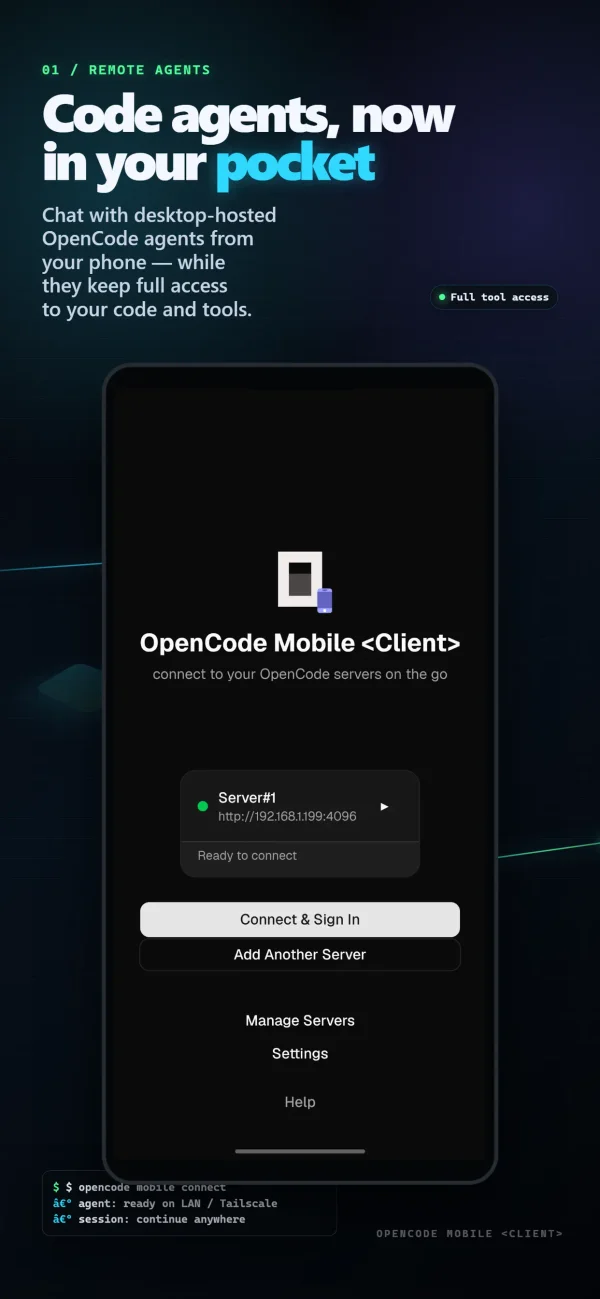
Chat with your agent on mobile
Designed for iPhone, iPad, iPod touch
Free
- Age rating4+
- CategoryUtilities
- DeveloperLogic Edge SL
- LanguagesEnglish+ 7 more
- Size3.3 MB
Links to the official App Store page
Download.org hosts no file of OpenCode-Mobile Community. The button opens its official App Store page, published by Logic Edge SL. Listing last checked on Nov 23, 2026.
Screenshots


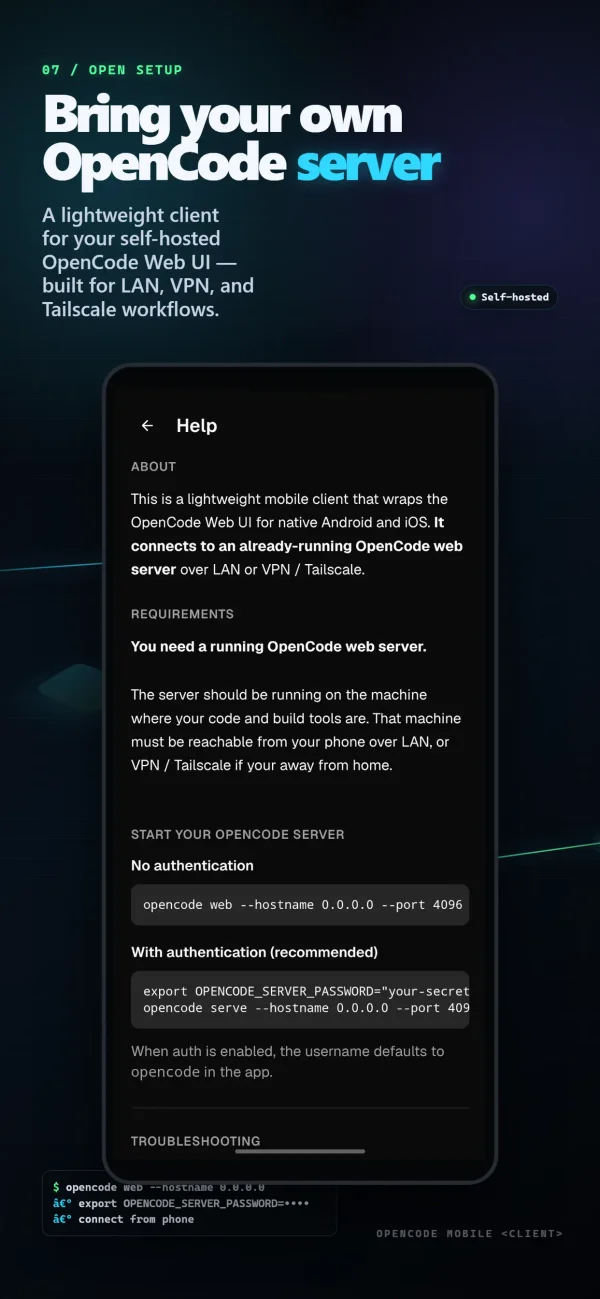
About
Seamlessly continue OpenCode sessions started on your computer from your phone, or continue mobile sessions back on your computer.
(this is an open source community project. It is unofficial and is not affiliated with opencode.ai)
FEATURES:
◆ Connect to any OpenCode server over HTTP or HTTPS, whether on your local network or remotely through a VPN such as Tailscale.
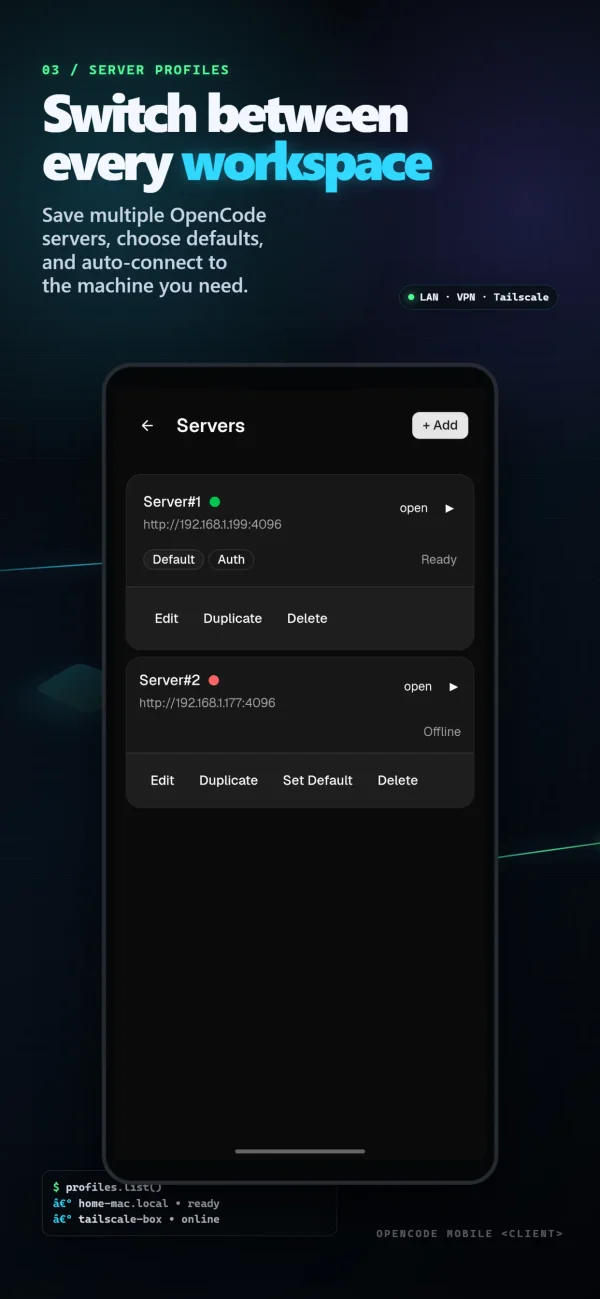
◆ Create multiple server profiles and automatically connect to your preferred server.
◆ Pair with OpenCode v2 by scanning a QR code or pasting a link. Also works with password-protected servers and OpenCode v1.
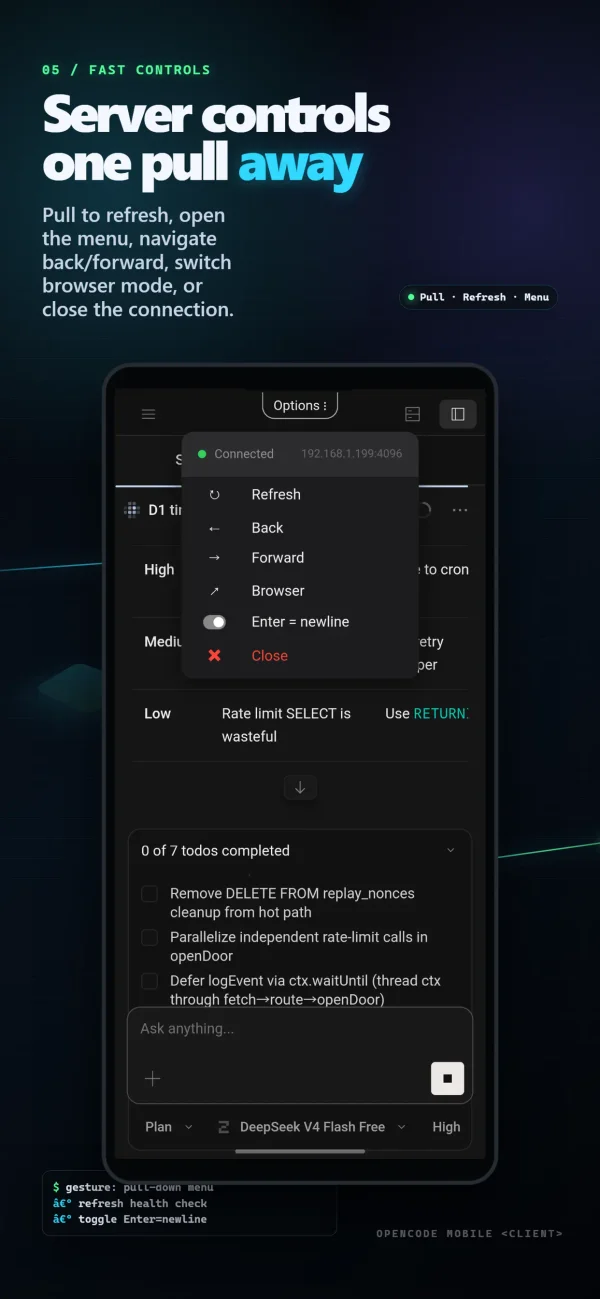
◆ Pull down while connected to access server management. Pull to refresh or open the menu to switch and manage servers.
◆ Automatic server health checks with exponential reconnect when the connection is interrupted.
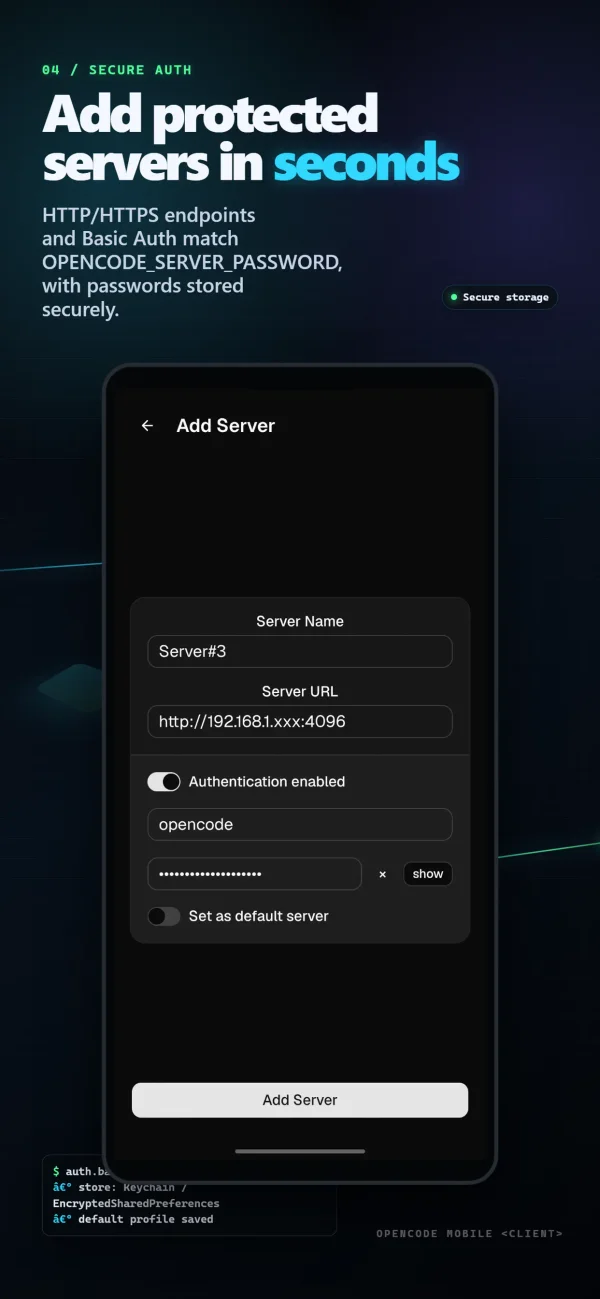
◆ Secure password storage using Keychain.
◆ Dark and light themes with automatic system theme support.
◆ Optional Enter newline mode. Enter inserts a new line and Shift+Enter sends the prompt.
◆ OPEN SOURCE
Found a bug or have an idea for an improvement?
Contributions are welcome. You can report issues, suggest features, or submit pull requests on GitHub.
GitHub repository:
https://github.com/bmpenuelas/opencode-mobile-client
◆ QUICK START:
An OpenCode server is required to use the app.
The app acts as a client and connects to OpenCode running on the computer where your source code and development tools are located.
► OpenCode v2
Run these two commands on your computer:
opencode service set hostname 0.0.0.0
opencode pair
Then, in the app, add a server and scan the QR code or paste a link. Links work once and expire after 5 minutes.
Running opencode serve directly? Choose "Use URL and password instead" and enter the password it prints.
► OpenCode v1
When adding the server, turn on "OpenCode v1 server" and start it like this:
► Without authentication
opencode web --hostname 0.0.0.0 --port 4096
► With authentication
Authentication is recommended when the server is accessible beyond your trusted local network.
export OPENCODE_SERVER_PASSWORD="your-secret-password"
opencode serve --hostname 0.0.0.0 --port 4096
When authentication is enabled, the default username in the app is: opencode
What’s new
Version 1.2.9 · Nov 21, 2026
Add support for OpenCode V2
App privacy
What Logic Edge SL declares on the App Store about how this app handles data.
-
Data not collected
The developer does not collect any data from this app.
Privacy practices may vary, for example with the features you use or your age.
Information
- Seller
- Logic Edge SL
- Category
- Utilities
- Version
- 1.2.9
- Updated
- Nov 21, 2026
- Released
- Aug 28, 2026
- Size
- 3.3 MB
- Requires
- iOS 15.0 or later
- Age rating
- 4+
- Price
- Free
- Languages
- English, French, German, Hindi, Portuguese, Russian, Simplified Chinese, Spanish
- Copyright
- © Logic Edge
You might also like
-
 LocalMind: Ollama & LM StudioPrivate AI, offline & online
-
 VS Code Agent DashboardUtilities
-
 LM Station-Run AI OfflineLocal & cloud AI workspace
-
 Tether - Linux CompanionSync with your Linux desktop
-
 Aprox - a Proxmox VE clientManage VMs, LXC and clusters
-
 Nexus LLMOne App, All Your LLMs
-
 LLM Local ClientPortable LLM on your mobile
-
 ServerBoxssh & sftp & docker and more
-
 Aliyun SASESecure Access Service Edge
-
 Sill – Mac StreamingRemote Mac window management