
- Age rating4+
- CategoryProductivity
- DeveloperGuangzhou Billio Technology Co., Ltd.
- LanguagesEnglish
- Size2.7 MB
Links to the official App Store page
Download.org hosts no file of Openterface KVM iPad. The button opens its official App Store page, published by Guangzhou Billio Technology Co., Ltd. Listing last checked on Nov 14, 2026.
Screenshots
About
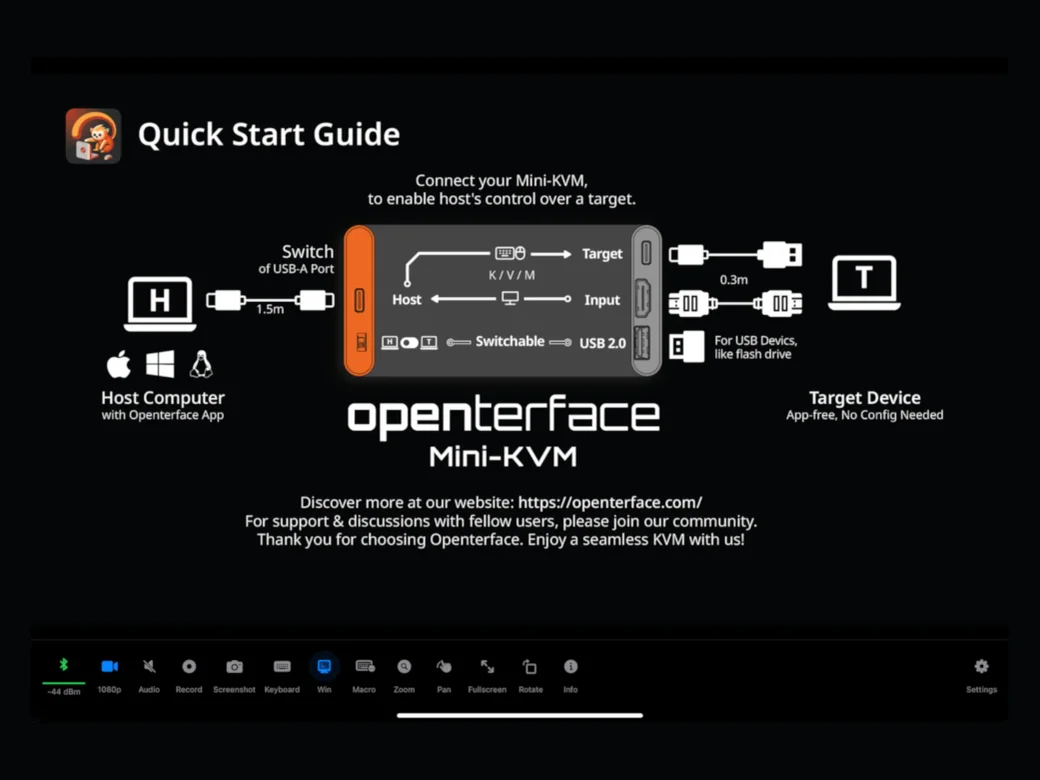
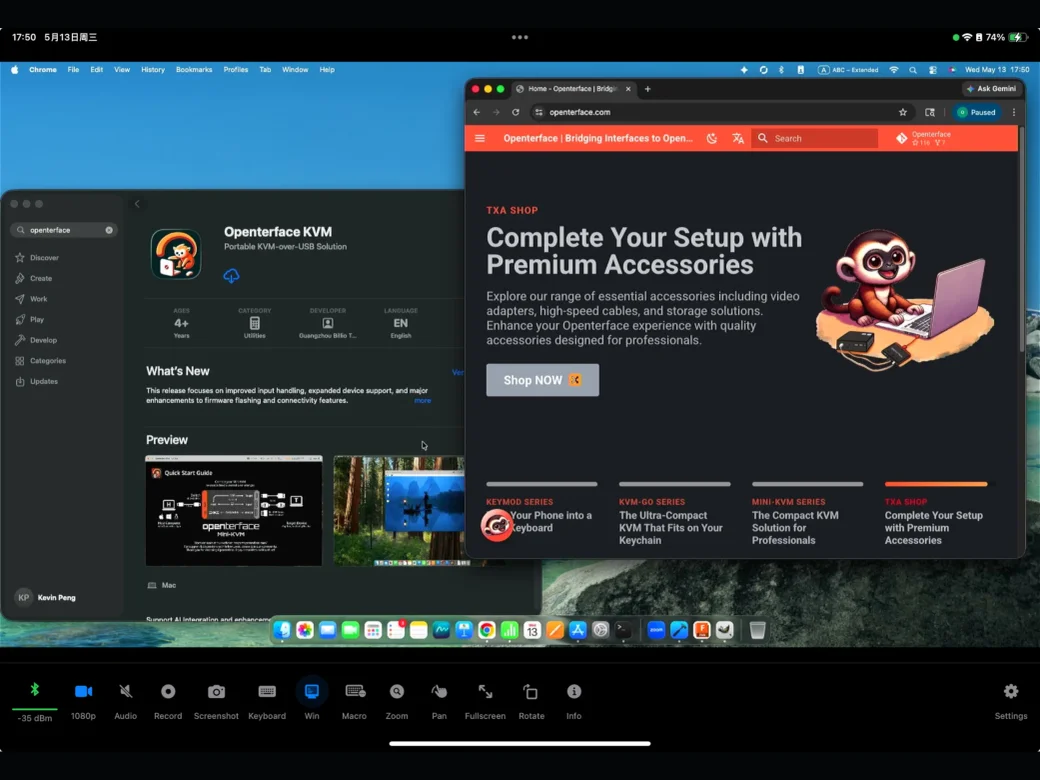
Openterface KVM turns your iPad into a portable KVM console for computers, servers, single-board computers, and embedded systems.
Connect supported Openterface hardware to view HDMI video output and control target devices directly using your iPad’s touch screen. Whether you are configuring a new machine, debugging embedded hardware, accessing BIOS settings, or recovering offline systems, Openterface KVM provides a simple and portable workflow without requiring network access or remote desktop software.
Designed for developers, IT professionals, makers, and hardware enthusiasts, Openterface KVM helps simplify troubleshooting and device management in labs, workshops, classrooms, server rooms, and field environments.
Features:
• View HDMI video directly on iPad
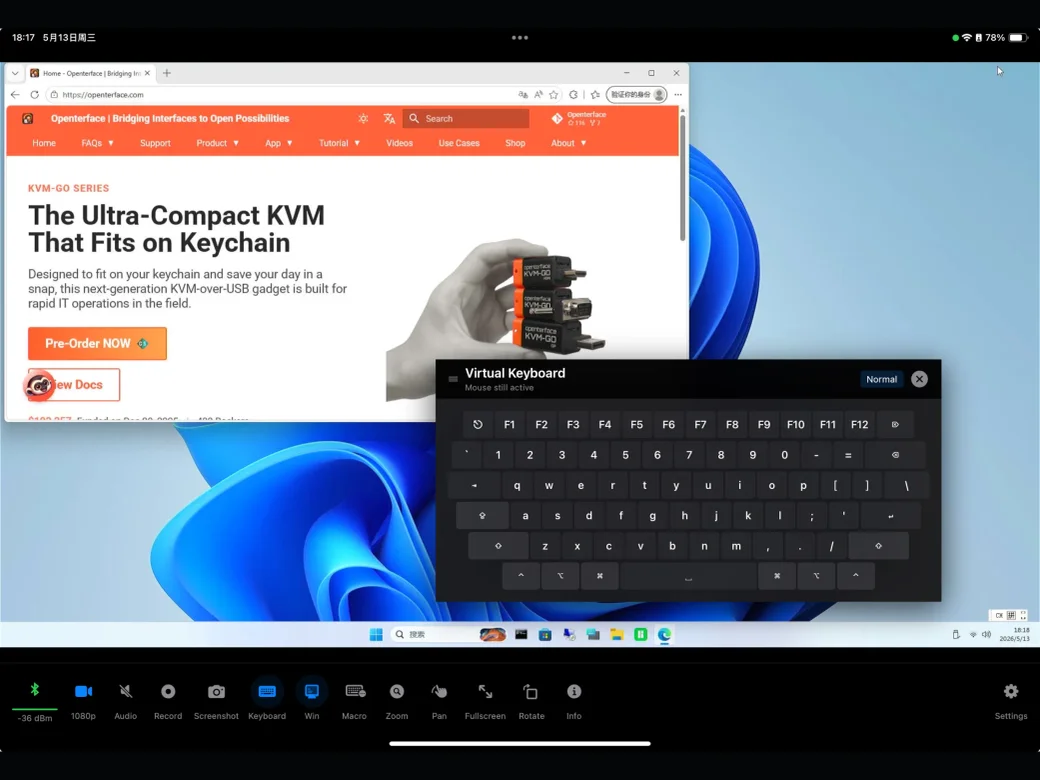
• Keyboard and mouse control for connected devices
• Low-latency portable KVM workflow
• Access BIOS, boot menus, and recovery environments
• Works without installing software on the target device
• Ideal for Raspberry Pi, mini PCs, servers, embedded systems, and development boards
• Lightweight setup for travel and field work
Use Cases:
• Embedded development and debugging
• Server maintenance and deployment
• Portable crash cart replacement
• Education and hardware labs
• IT troubleshooting and recovery
• Raspberry Pi and SBC management
Openterface KVM is designed to make hardware interaction simpler, more portable, and more accessible from iPadOS.
What’s new
Version 1.2 · Sep 15, 2026
IMPROVED — Keyboard that behaves like a real keyboard
Shortcut buttons now use true press-and-release semantics — just like the keys on your physical keyboard.
• Hold a chip or numpad button to trigger key-repeat on the target
• Toggle keys (Ctrl / Alt / Shift / Caps) keep their lock behavior
• No more stuck arrow keys — every press now sends a clean release
SMARTER — Cross-platform key mapping
The GUI key label on the keyboard now adapts to your target OS — showing Cmd for Mac, Win for Windows, and Super for Linux — while sending the correct HID code behind the scenes.
• Added Win, Super, and App key aliases for Windows and Linux targets
• Modifier translator automatically maps your shortcuts to the right keycodes
App privacy
What Guangzhou Billio Technology Co., Ltd. declares on the App Store about how this app handles data.
-
Data not collected
The developer does not collect any data from this app.
Privacy practices may vary, for example with the features you use or your age.
Information
- Seller
- Guangzhou Billio Technology Co., Ltd.
- Category
- Productivity
- Version
- 1.2
- Updated
- Sep 15, 2026
- Released
- May 14, 2026
- Size
- 2.7 MB
- Requires
- iOS 17.2 or later
- Age rating
- 4+
- Price
- Free
- Languages
- English
- Copyright
- © 2024 TechxArtisan Limited
You might also like
-
 Stockrooms by OomnitzaStockrooms made easy
-
 Tovo – Kanban, Tasks & PlannerOrganize Your Tasks & Projects
-
 PasteSync: AI Snippet KeyboardClipboard sync & text expander
-
 PlanSnapPin Photos to PDFs
-
 spacecommz.ioComms for your entire crew
-
 Share2SiteSend files to your sites
-
 Talk Task AppYour Personal AI Task Manager
-
 Vibelist: Sequential TodolistFocus on what's actionable
-
 Calendar AlarmNever miss a meeting again
-
 Truly Simple KanbanTo Do, In Progress, Done