- Age rating4+
- CategoryProductivity
- DeveloperVihanti Digital Services Private Limited
- LanguagesEnglish
- Size47.4 MB
Links to the official App Store page
Download.org hosts no file of PlanSnap. The button opens its official App Store page, published by Vihanti Digital Services Private Limited. Listing last checked on Nov 17, 2026.
Screenshots

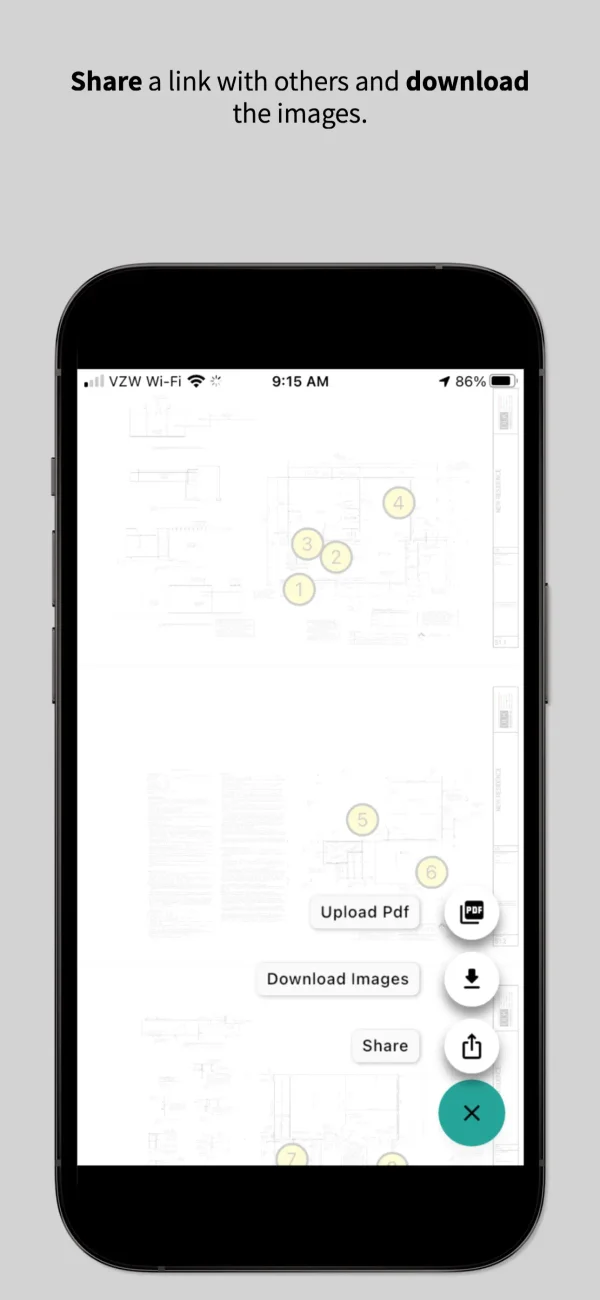
About
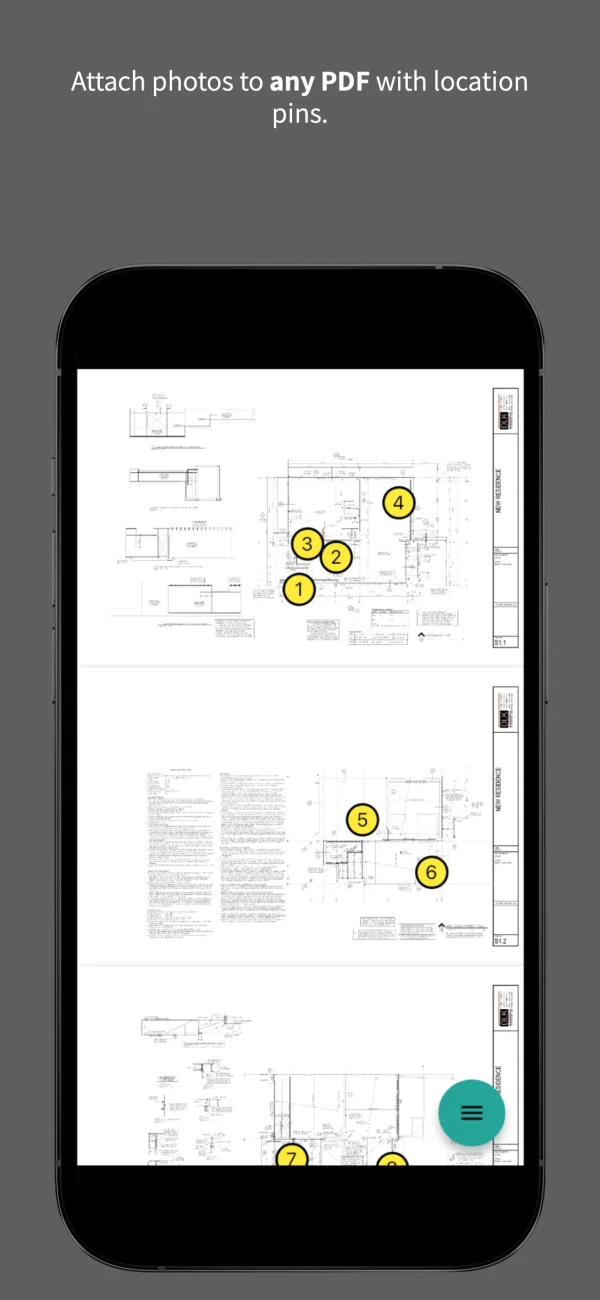
PlanSnap is an easy way to add photos to PDF plans. The app organizes construction pictures by pinning them to specific locations on a plan. Then you can download or share the set of PDF + photos with other team members.
Created by structural design firm DLK Engineering LLC, PlanSnap is designed to help contractors, engineers, and architects share project photos and minimize the need for on-site meetings.
For architects and engineers, upload your PDF set and share the link with a contractor. When the someone adds pictures to the PDF, anyone with the link can view, download, or share them with others. Note that you can also add photos of your hand sketches, screenshots, etc.
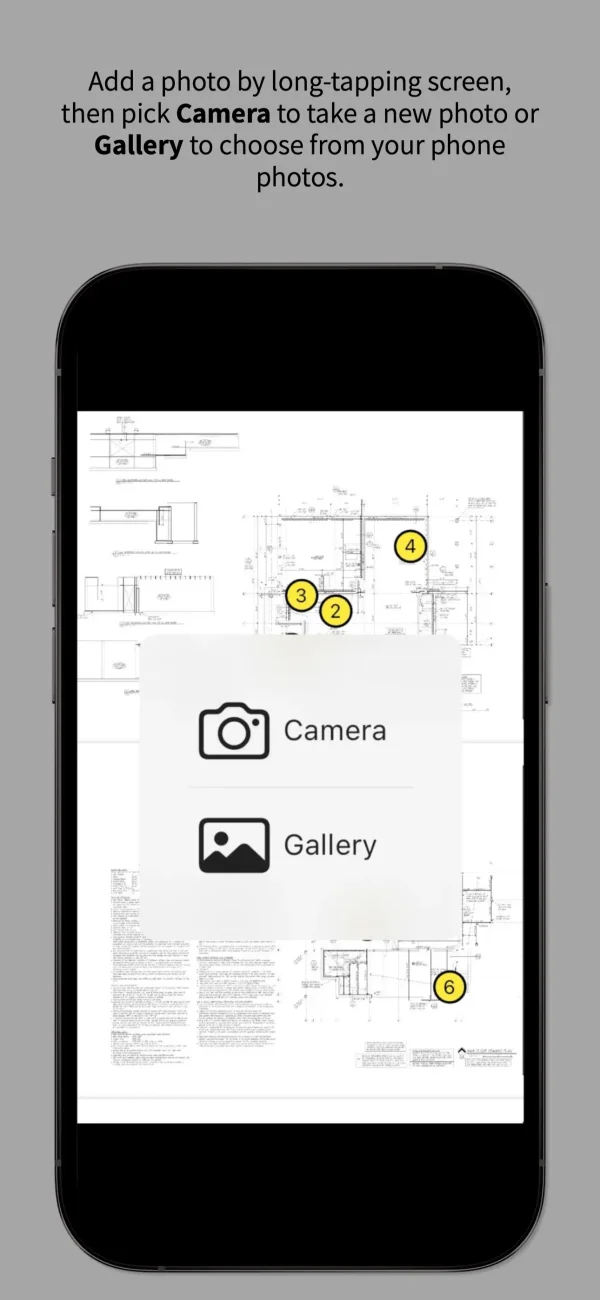
For contractors, upload a new PDF by choosing a file from you phone (or open a previous PlanSnap link), and then start adding photos by long-tapping any spot on the PDF. Then a link can be shared to give other team members access to the PDF with the photos. If there is no reception at the jobsite, leave PlanSnap open so it can upload your photos when you are reconnected. Or, you can just add photos to the PDF from your phone gallery at anytime.
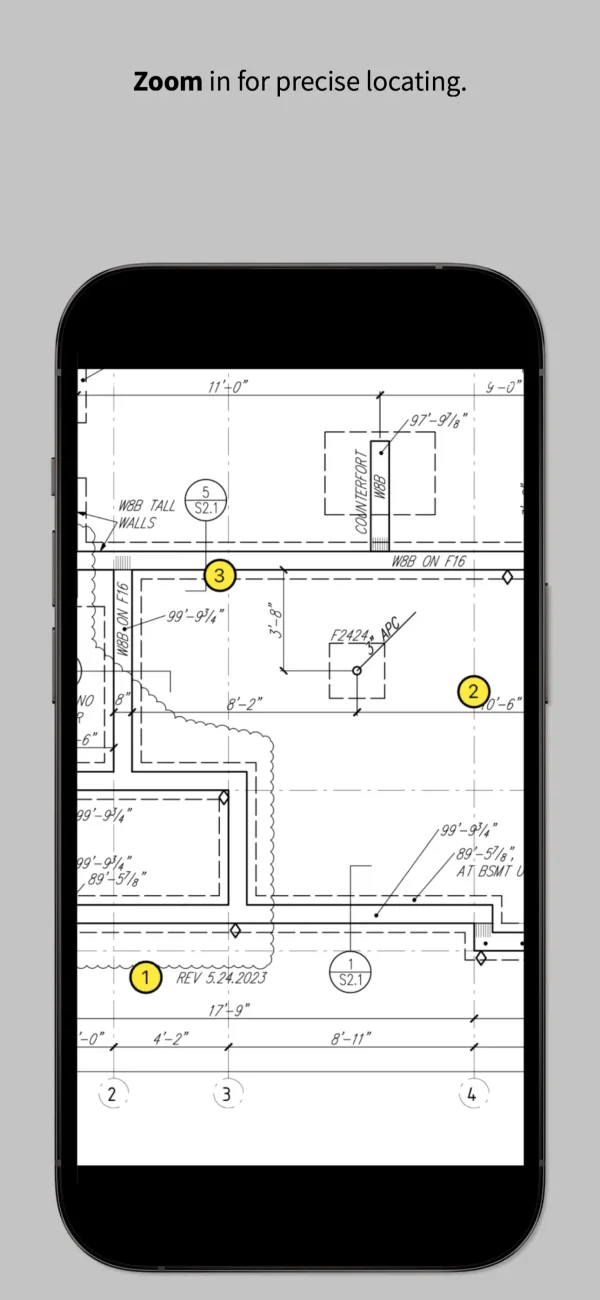
Tip for locating photos: For maximum clarity, pin the photo to the location on the PDF that represents *where you were standing* when you took it, rather than pinning it to the element you photographed.
Tip for sharing links: Save your PlanSnap links (in a shared Note, for instance) so you find them later as needed. And then download your photos to keep a backup copy.
NOTE: Photos are not stored by PlanSnap forever, so make sure to download and keep your photo sets for your own records!
What’s new
Version 1.0.17 · Dec 22, 2023
- Show recent documents on the main app screen.
- Fix uploading images in poor network conditions.
App privacy
What Vihanti Digital Services Private Limited declares on the App Store about how this app handles data.
-
Data not linked to you
May be collected but is not linked to your identity.
- User content
Privacy practices may vary, for example with the features you use or your age.
Information
- Seller
- Vihanti Digital Services Private Limited
- Category
- Productivity
- Version
- 1.0.17
- Updated
- Dec 22, 2023
- Released
- Oct 27, 2023
- Size
- 47.4 MB
- Requires
- iOS 13.0 or later
- Age rating
- 4+
- Price
- Free
- Languages
- English
- Copyright
- © 2023 DLK Engineering LLC
You might also like
-
 ConDoc Mobile AppRFIs, Plans, Reports
-
 JobWalk Construction Tracking360 Progress Documentation
-
 Drawboard PDF Annotate, MarkupWrite & Type on PDFs and Notes
-
 RenoPlan - Floor Plan CreatorMeasure Estimate - Laser, AR
-
 BIM 360Productivity
-
 BluebeamField app for PDF workflows
-
 Draft PaperProductivity
-
 DrawPlan: 3D Floor Plan & AI2D & 3D floor plans to scale
-
 ArcSite: Quick CAD Floor PlansEasily Design, Sketch and Draw
-
 Keyplan 3D Lite: Room PlannerHouse Design & Floor Plan