
- Age rating4+
- CategoryUtilities
- DeveloperOptimal IdM
- Size79.7 MB
Links to the official App Store page
Download.org hosts no file of Optimal Authenticator. The button opens its official App Store page, published by Optimal IdM. Listing last checked on Nov 14, 2026.
Screenshots


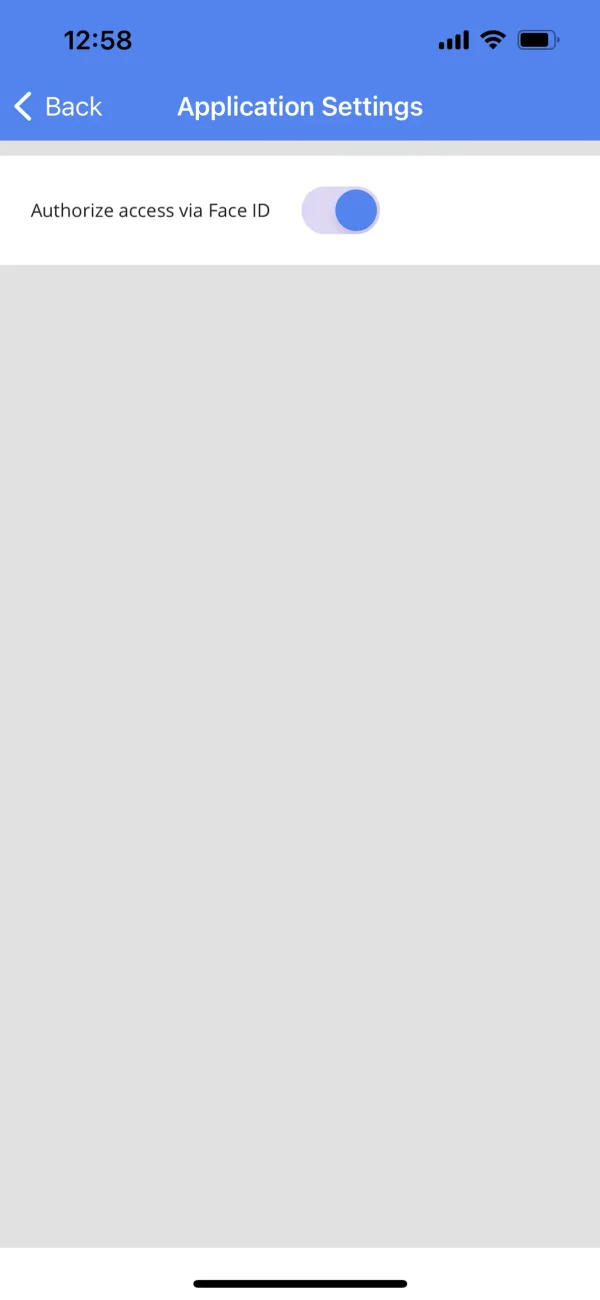
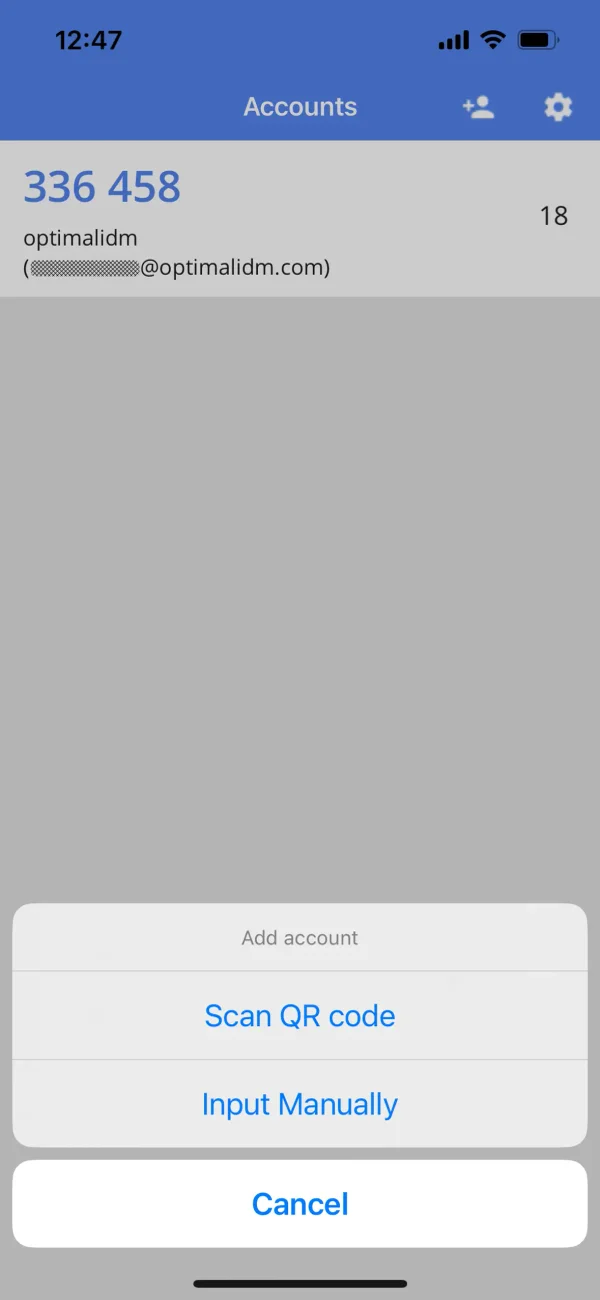
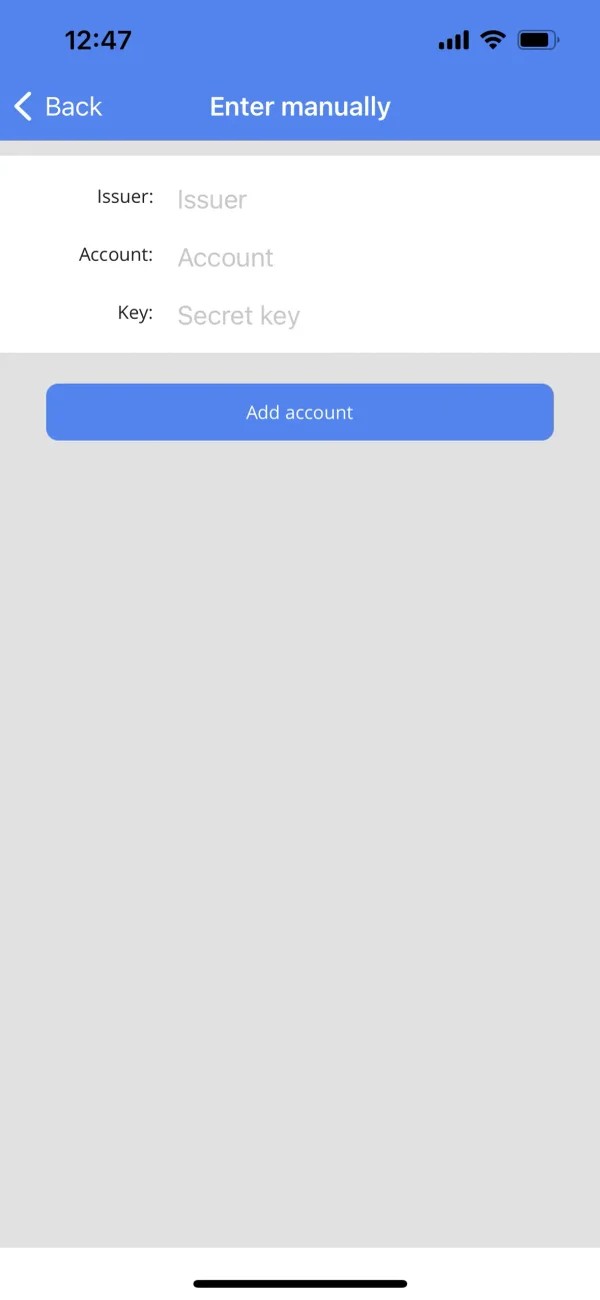
About
With the Optimal Authenticator, quickly and securely verify your identity for access to all of your applications.
Authentication features include:
Two-factor authentication:
Two-factor authentication provides an extra layer of security to your account. When signing in, after entering your password, you'll be asked to provide additional verification via the app. A push notification is sent to your mobile device to alert you of a pending two-factor verification request. Simply tap on the notification to launch the app and tap Approve to complete the verification. Alternatively, you may be prompted to enter the verification code displayed in the app.
Device registration:
By registering your device through the app, organizations can verify that the sign-in request is coming from a trusted device.
What’s new
Version 1.6.0 · Sep 9, 2026
Bug fixes and performance improvements
App privacy
What Optimal IdM declares on the App Store about how this app handles data.
-
Data not collected
The developer does not collect any data from this app.
Privacy practices may vary, for example with the features you use or your age.
Information
- Seller
- Optimal IdM, L.L.C.
- Category
- Utilities
- Version
- 1.6.0
- Updated
- Sep 9, 2026
- Released
- Mar 27, 2017
- Size
- 79.7 MB
- Requires
- iOS 15.0 or later
- Age rating
- 4+
- Price
- Free
- Copyright
- Copyright © 2005-2025, Optimal IdM L.L.C. All rights reserved.
You might also like
-
 LINQ M2Utilities
-
 Airthings BusinessAirthings for Business
-
 s.GUARD MobileUtilities
-
 VOYCE GlobalUtilities
-
 TOTP Authenticator – Fast 2FASimple 2FA with Cloud Sync
-
 AlertTravelerUtilities
-
 HonorlockMobile Exam Camera
-
 BeyondTrust SupportUtilities
-
 Norton Password ManagerSecure Password Manager
-
 ArcGIS Survey123Utilities