
Optimize: Storage Cleaner
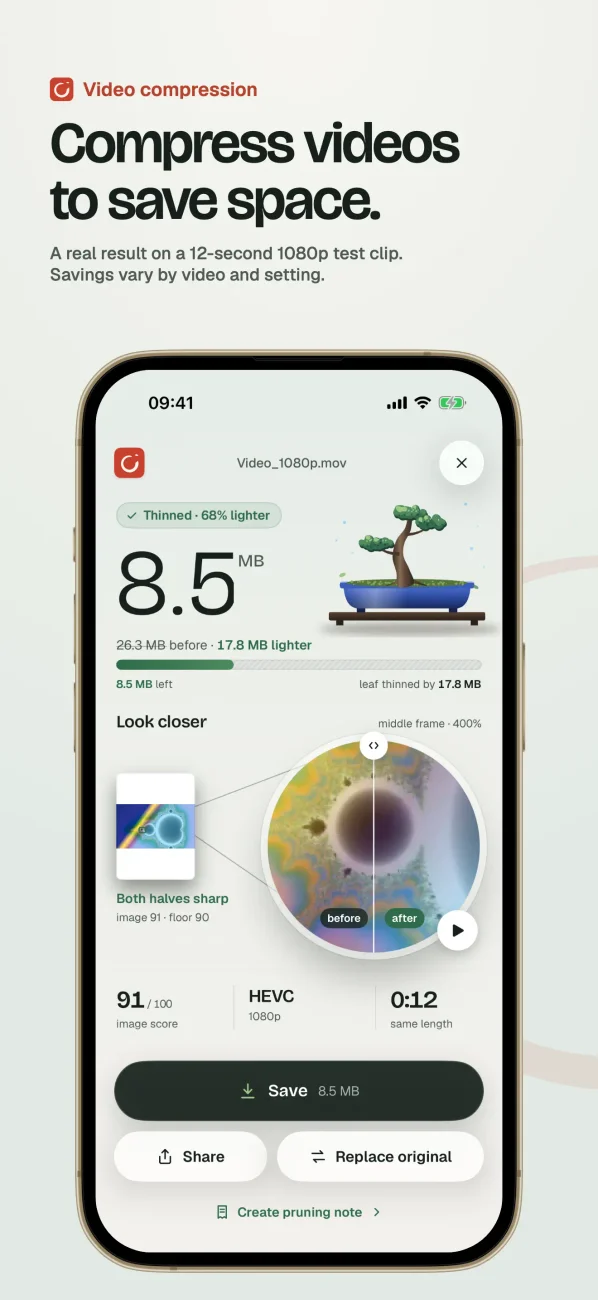
Compress videos to save space
Designed for iPhone, iPad, Mac
In-app purchases
- Age rating4+
- CategoryUtilities
- DeveloperAli Kemal Akpnar
- LanguagesEnglish+ 19 more
- Size55.4 MB
Links to the official App Store page
Download.org hosts no file of Optimize: Storage Cleaner. The button opens its official App Store page, published by Ali Kemal Akpnar. Listing last checked on Nov 22, 2026.
Screenshots

About
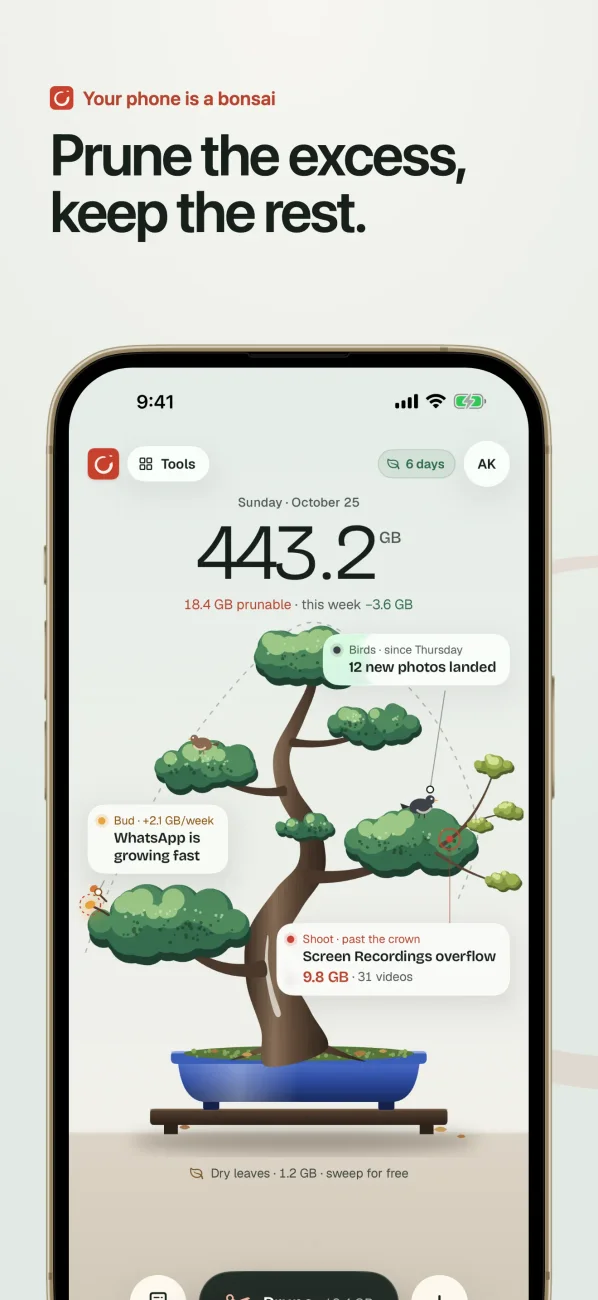
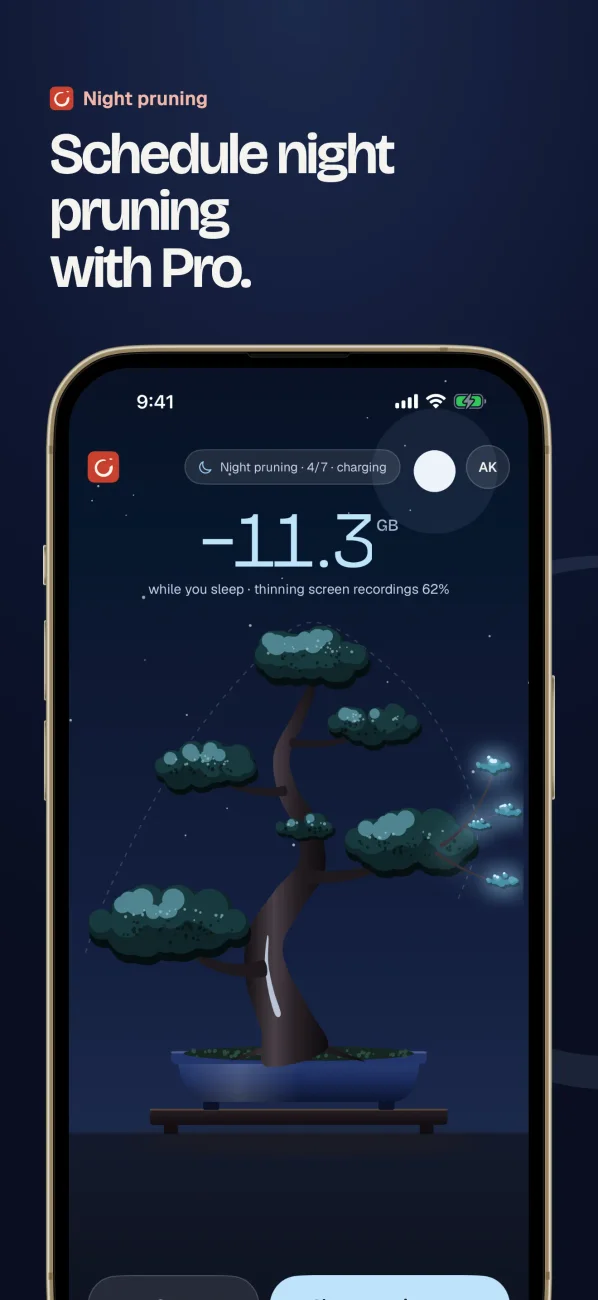
Make room for what matters. Optimize visualizes your storage as a living bonsai and brings photo-library tools and file compression into one app.
PRUNE OR THIN
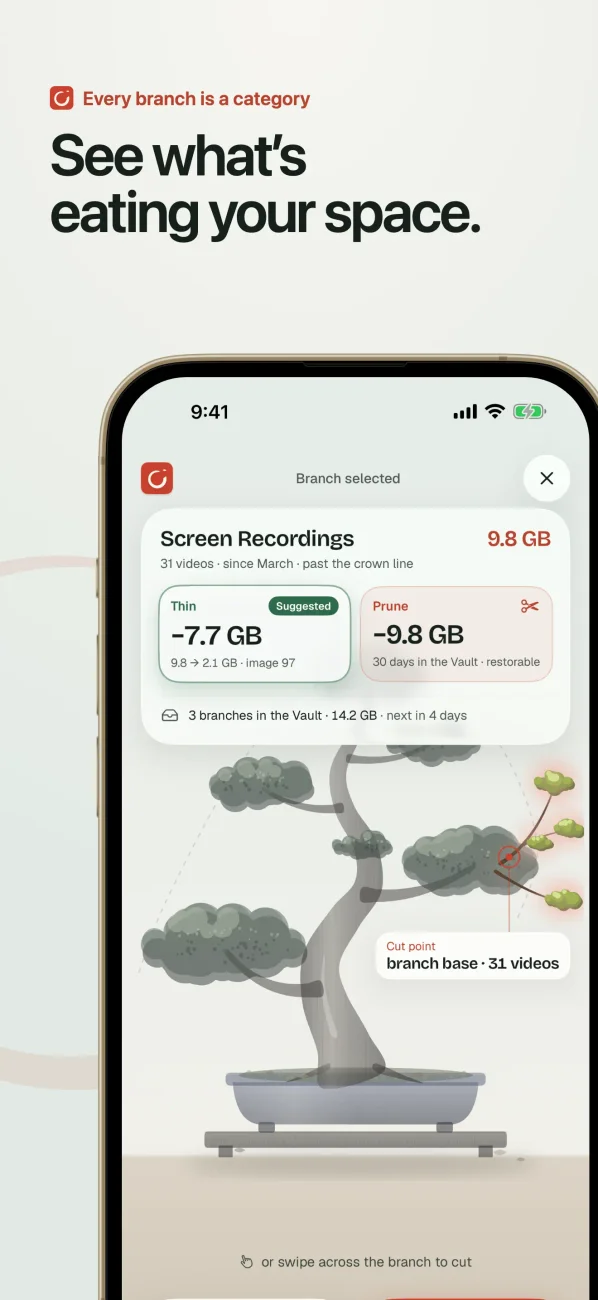
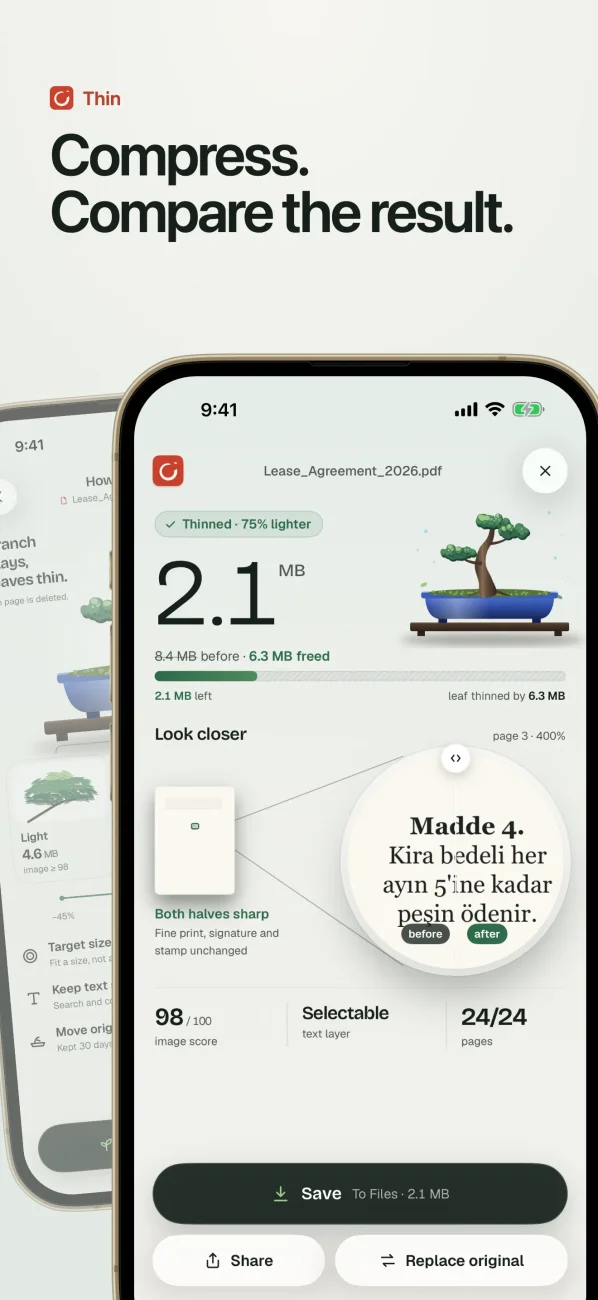
Review your media and choose what to remove, or compress supported photos, videos and PDFs. Results depend on the source file and selected settings. Review the result before replacing an original.
PHOTO AND VIDEO TOOLS
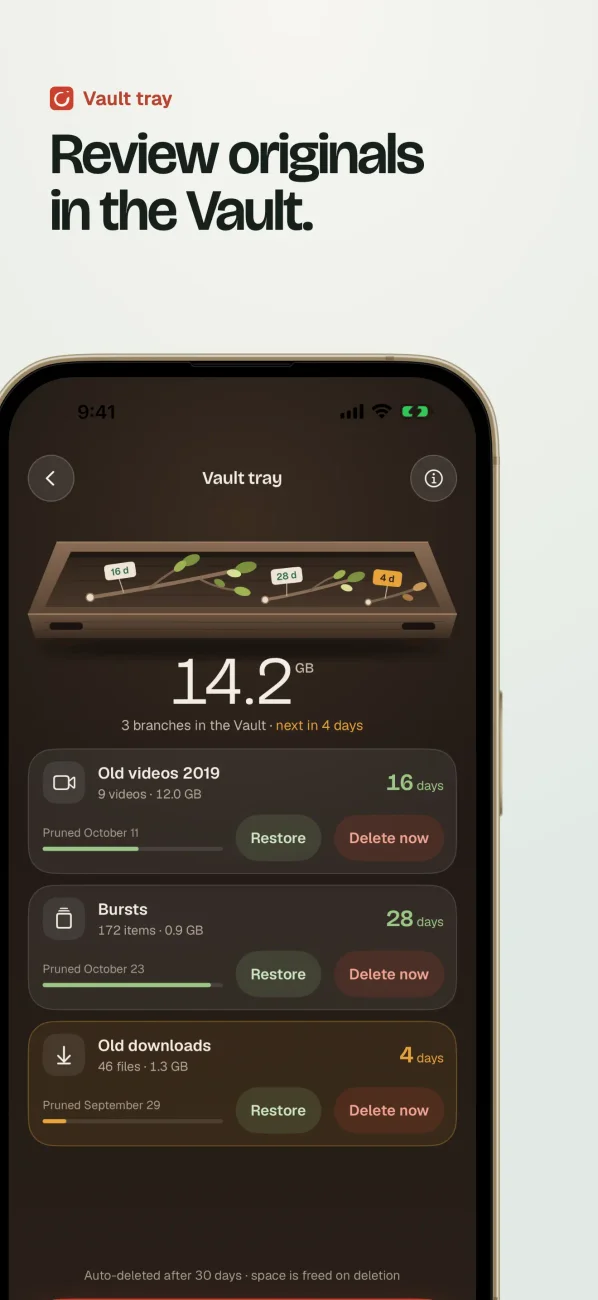
Review bursts, convert Live Photos to still images, resize 4K video to 1080p and work with edited photos. Photo-library changes require your permission. Items retained in the Vault can be restored during the retention period shown in the app. Keeping an original also keeps its storage occupied.
YOUR FILES
Import files to compress or convert them. Use batch processing for larger jobs with Pro. Dry-leaf sweeping removes eligible cache and temporary files belonging to Optimize; it does not clear other apps or iOS system storage.
A GARDEN OF YOUR OWN
Follow your work in the pruning journal and see your progress in widgets. On iPad, use the sidebar, Files drag and drop and keyboard shortcuts.
ON-DEVICE PROCESSING
Compression runs on your device. Your files are not uploaded to a processing server, and no Optimize account is required.
FREE AND PRO
Start with the free daily allowance. Pro unlocks higher limits, batch processing, additional conversions and night pruning. Weekly and yearly subscriptions and a lifetime purchase are available. Any introductory offer and its eligibility are shown before purchase. Subscriptions renew automatically unless cancelled in your Apple account settings. The free version contains ads; Pro is ad-free.
Terms of Use: https://alikemalakpinar.com/apps/optimized/terms/
License Agreement (EULA): https://alikemalakpinar.com/apps/optimized/eula/
Privacy Policy: https://alikemalakpinar.com/apps/optimized/privacy/
What’s new
Version 4.1 · Nov 20, 2026
• New quality levels: Light, Balanced and Smallest now free up more space. Or set the image floor yourself with Custom.
• Alternatives on the result screen: pick a slightly smaller or slightly sharper version in one tap; the one you pick is made and measured before it is shown.
• PDFs really shrink now: pictures on text pages are thinned too.
• In Garden and the bulk tools, Stop stops at once and keeps everything finished so far.
• The free version now includes ads. Watch a video for an extra prune or to try Target size once. Pro has no ads.
App privacy
What Ali Kemal Akpnar declares on the App Store about how this app handles data.
-
Data linked to you
May be collected and linked to your identity.
- Purchases
- Location
- Identifiers
- Usage data
- Diagnostics
-
Data not linked to you
May be collected but is not linked to your identity.
- Diagnostics
Privacy practices may vary, for example with the features you use or your age.
Information
- Seller
- Ali Kemal Akpnar
- Category
- Utilities
- Version
- 4.1
- Updated
- Nov 20, 2026
- Released
- May 19, 2026
- Size
- 55.4 MB
- Requires
- iOS 17.0 or later
- Age rating
- 4+
- In-app purchases
- Yes
- Languages
- English, Arabic, Dutch, French, German, Hindi, Indonesian, Italian, Japanese, Korean, Polish, Portuguese + 8 more
- Copyright
- © Ali Kemal Akpinar
You might also like
-
 Sifto: Photo & Storage CleanerSwipe to Delete, Save Space
-
 Swipey : The Photo CleanerClean photos, free up storage
-
 BatchOptimize: Compress MediaConvert, Watermark & Edit PDF
-
 SwipeOut - Photos CleanerClean Photos & Free Space
-
 Cleanner: Storage & PDF ProClean, scan, compress, lock
-
 SystemZen: Cleaner & StorageRunway Days, Duplicates & Junk
-
 Breeze: Phone CleanerClean Storage, Free Up Space
-
 Clean Up: Storage & PhotosPhone Cleaner & Free Up Space
-
 Cleanup: Photos & InsightsDeclutter your library