- Age rating12+
- CategoryProductivity
- DeveloperMatthew David Fusco
- LanguagesEnglish
- Size74.0 MB
Links to the official App Store page
Download.org hosts no file of Oscilla - Local AI. The button opens its official App Store page, published by Matthew David Fusco. Listing last checked on Nov 26, 2026.
Screenshots


About
Private AI. Built Around You.
Oscilla brings local AI to your iPhone and Mac. Write, brainstorm, understand documents, and talk things through with AI models that run on your own device.
Choose your models, make them your own, and build a workspace around the way you think.
- Local AI — Download models and chat offline.
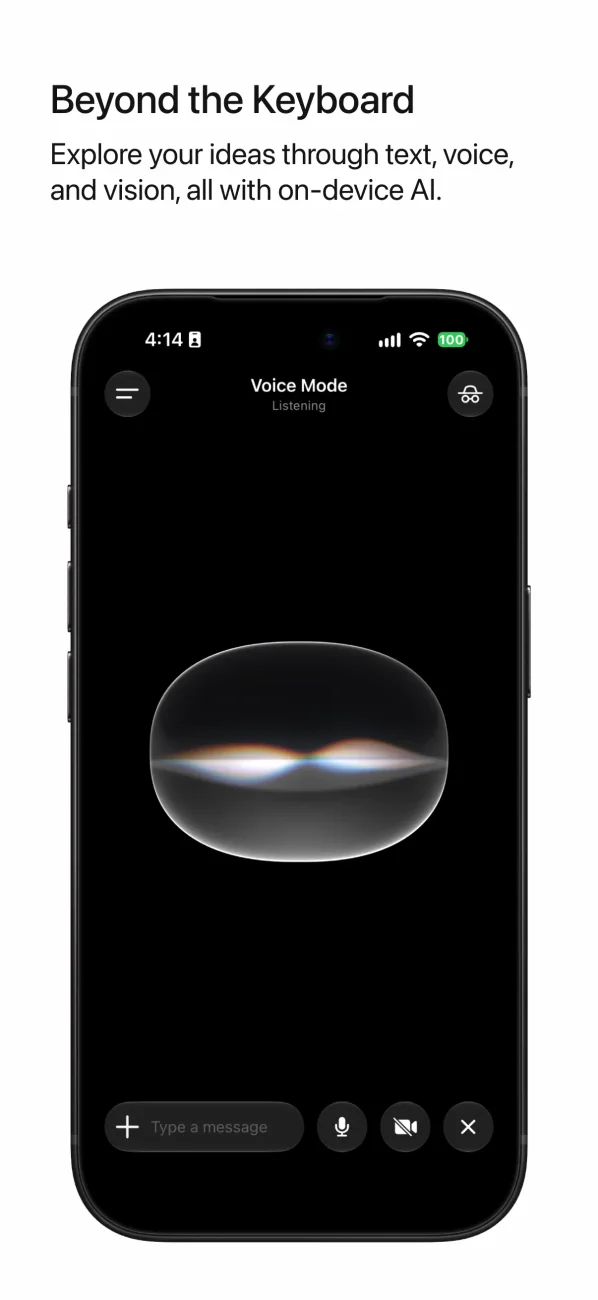
- Voice conversations — Speak naturally and hear responses with Voice Mode.
- Built-in memory — Keep useful context for more personalized conversations.
- Projects — Bring related chats, instructions, and reference files together.
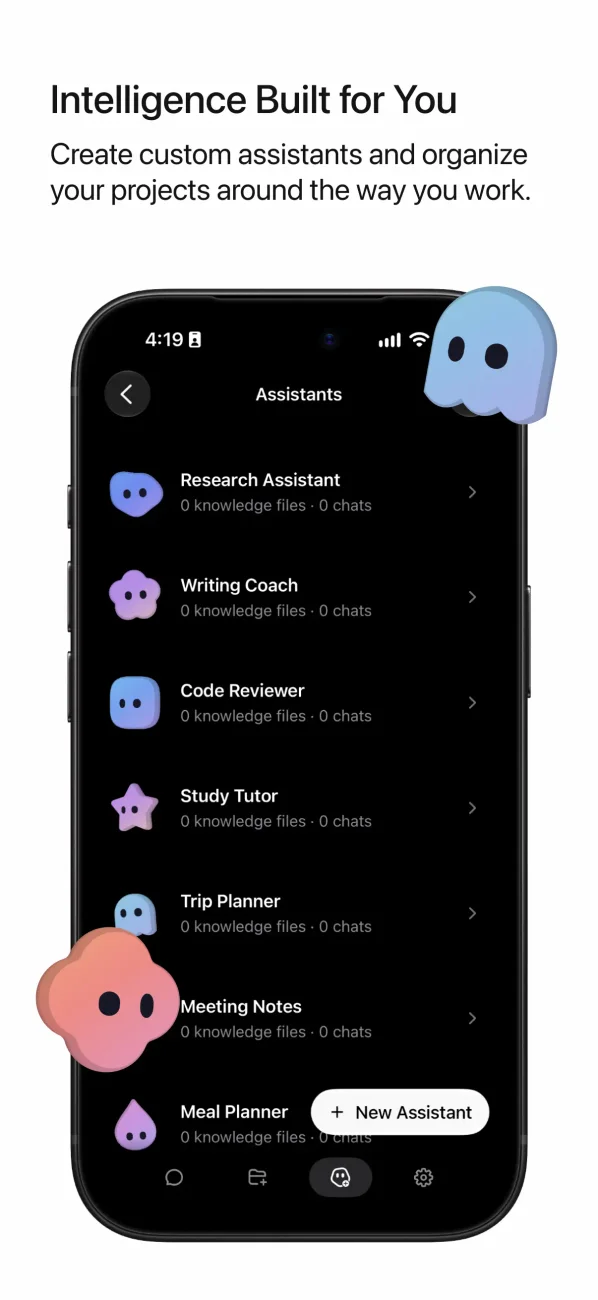
- Personal Assistants — Create focused helpers with their own instructions and knowledge.
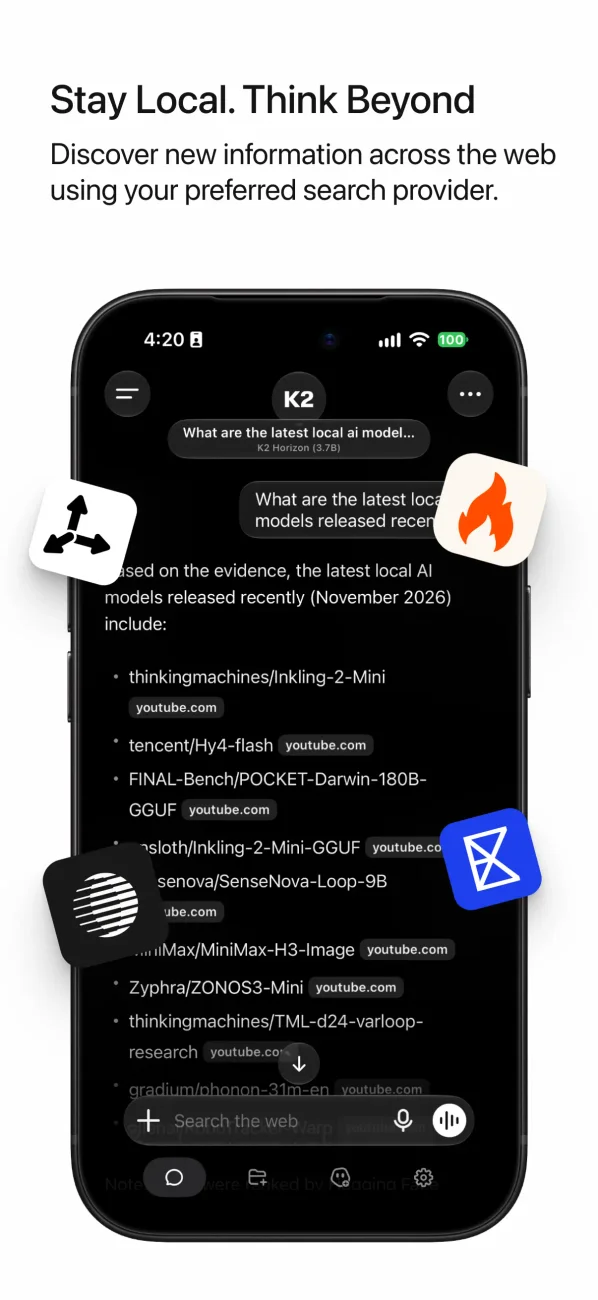
- Web Search — Find current information with sources.
- File and image understanding — Ask questions about documents, screenshots, and images with supported models.
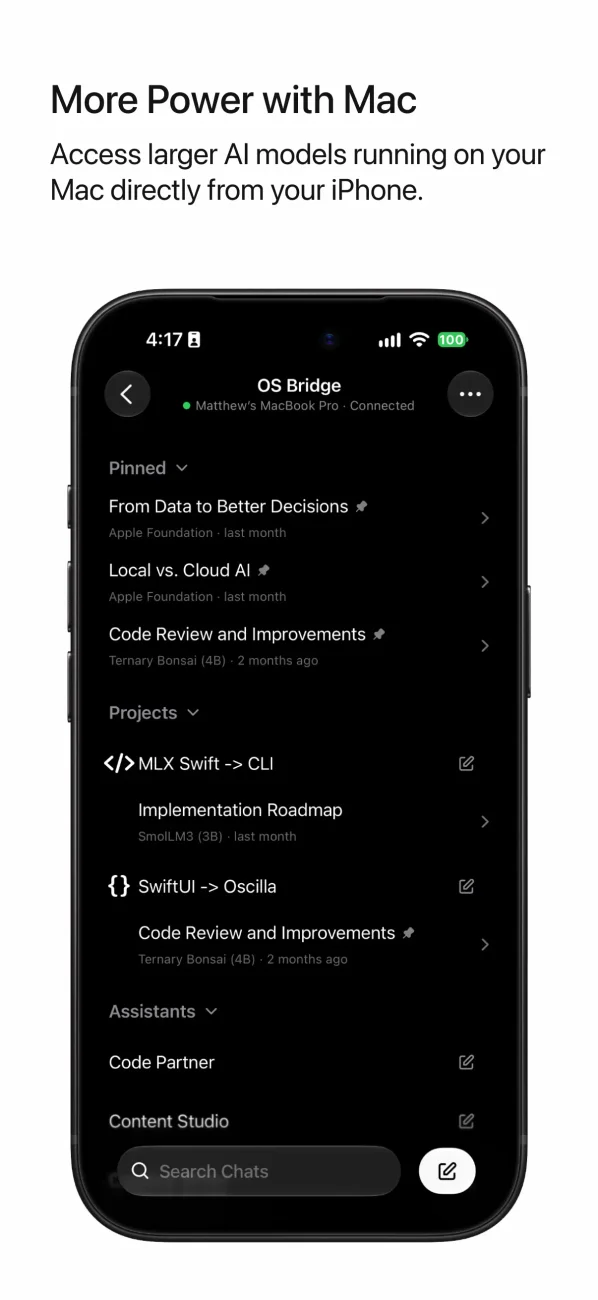
- OS Bridge — Chat from your iPhone while your Mac runs the model, including models your iPhone couldn’t run on its own.
Your AI. On your devices. Under your control.
Web Search requires internet access and setup. Features vary by device and model.
What’s new
Version 2.2.0 · Nov 25, 2026
What’s New in Oscilla 2.2.0
- Customize your chat toolbar by choosing and reordering shortcuts, hiding the toolbar, or restoring the default layout.
- Talk to Oscilla on-device with LFM3 Omni (2B), ask about what your camera sees, and type or attach a photo or file during a voice session.
- Choose Light, Dark, or System appearance and personalize your chat bubble color, start screen, and haptics.
- Find common actions in the refreshed chat menu and adjust Reasoning from the composer on supported models.
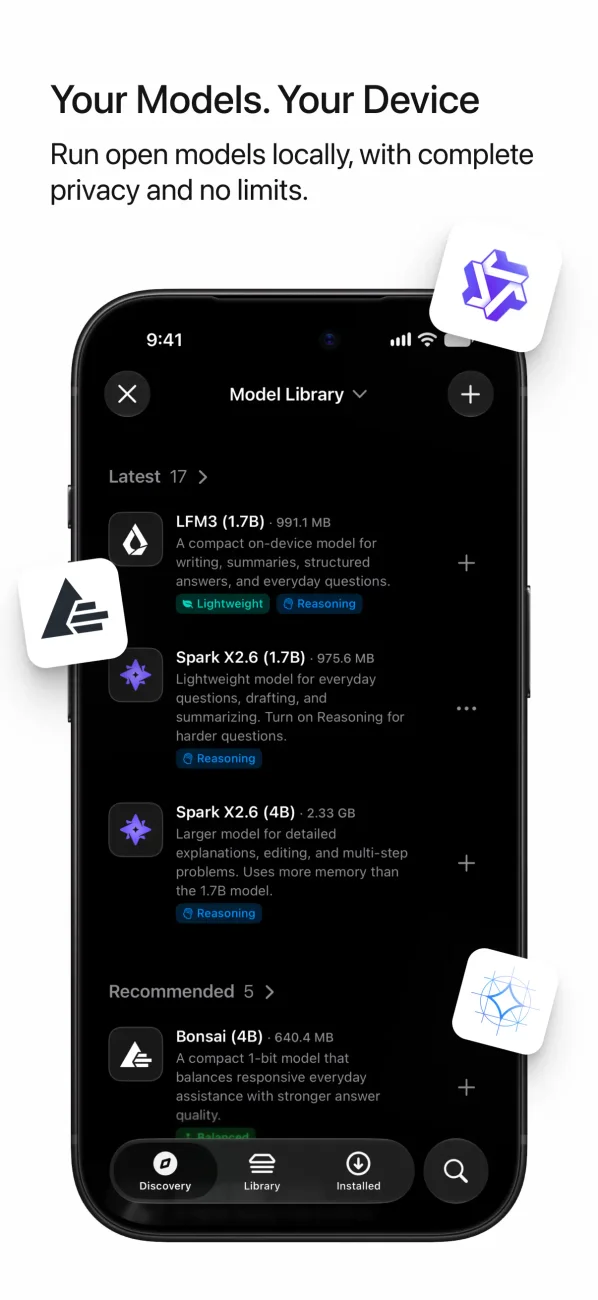
- Browse, search, and install models in the redesigned Model Library, and manage downloaded models directly in Settings.
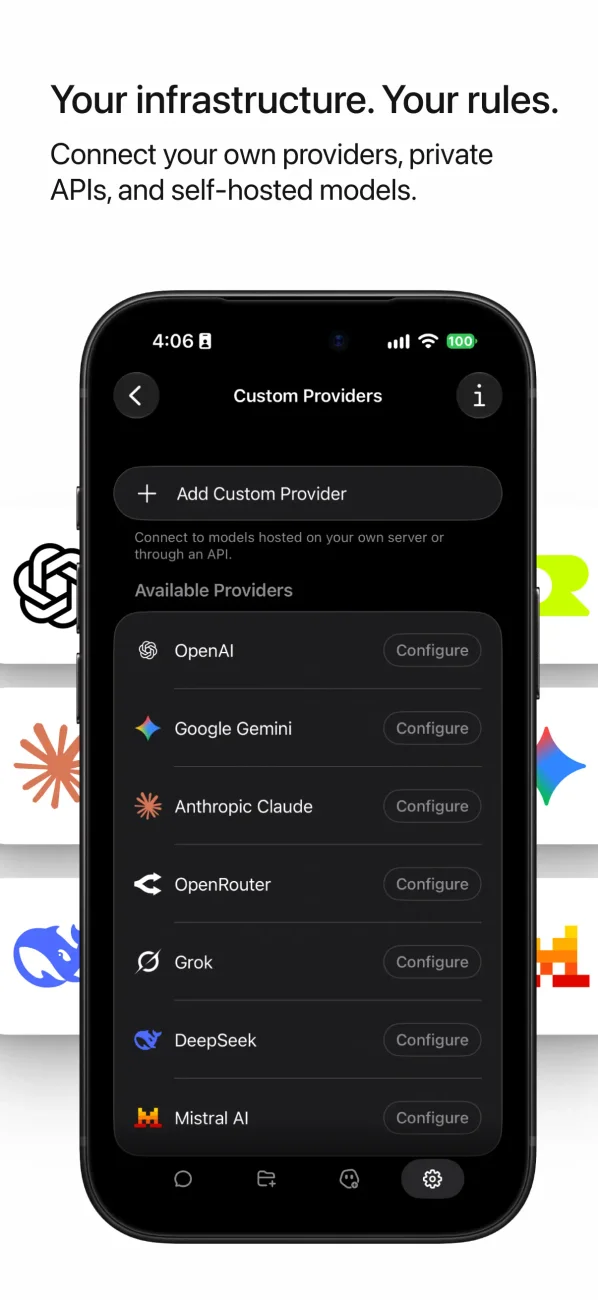
- Connect your own OpenAI-compatible HTTPS provider for text chat.
- Try Spark X2.6 (1.7B) for everyday questions and drafting, or Spark X2.6 (4B) for detailed answers and multi-step reasoning.
- Oscilla starts preparing your reply sooner after you tap Send.
App privacy
What Matthew David Fusco declares on the App Store about how this app handles data.
-
Data not collected
The developer does not collect any data from this app.
Privacy practices may vary, for example with the features you use or your age.
Information
- Seller
- Matthew David Fusco
- Category
- Productivity
- Version
- 2.2.0
- Updated
- Nov 25, 2026
- Released
- Apr 23, 2026
- Size
- 74.0 MB
- Requires
- iOS 26.0 or later
- Age rating
- 12+
- Price
- Free
- Languages
- English
- Copyright
- © 2026 Martechia LLC d/b/a Oscilla
You might also like
-
 Loci: Unlimited, Private AILocal AI chat, works offline
-
 Token: Local AI & Code StudioLocal AI, code, chat & images
-
 Deploy: Local AI AgentsOffline Private Chat Assistant
-
 Local LLM: On-Device AIChat offline or on your server
-
 Cloaked: Private AI LLM ChatOffline Local AI Assistant
-
 Canvo: AI Mind MapsBrainstorm, Learn and Create
-
 BonzAI - Local AI AgentYour personal & private AI
-
 Mindute AIPrivate AI, Runs On Your Phone
-
 Skales - AI Agent & TasksAutomation with any AI model