
Local LLM: On-Device AI
Chat offline or on your server
Designed for iPhone, iPad
Free
- Age rating12+
- CategoryProductivity
- DeveloperYanchen Zhao
- LanguagesEnglish+ 11 more
- Size95.2 MB
Links to the official App Store page
Download.org hosts no file of Local LLM: On-Device AI. The button opens its official App Store page, published by Yanchen Zhao. Listing last checked on Nov 25, 2026.
Screenshots

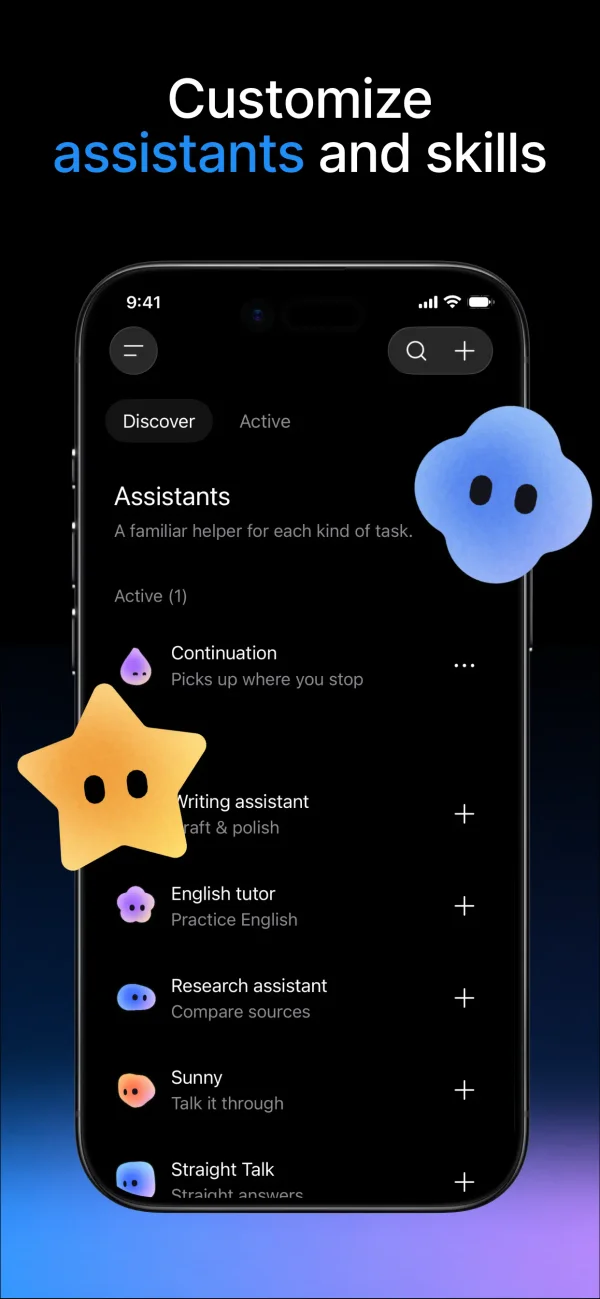
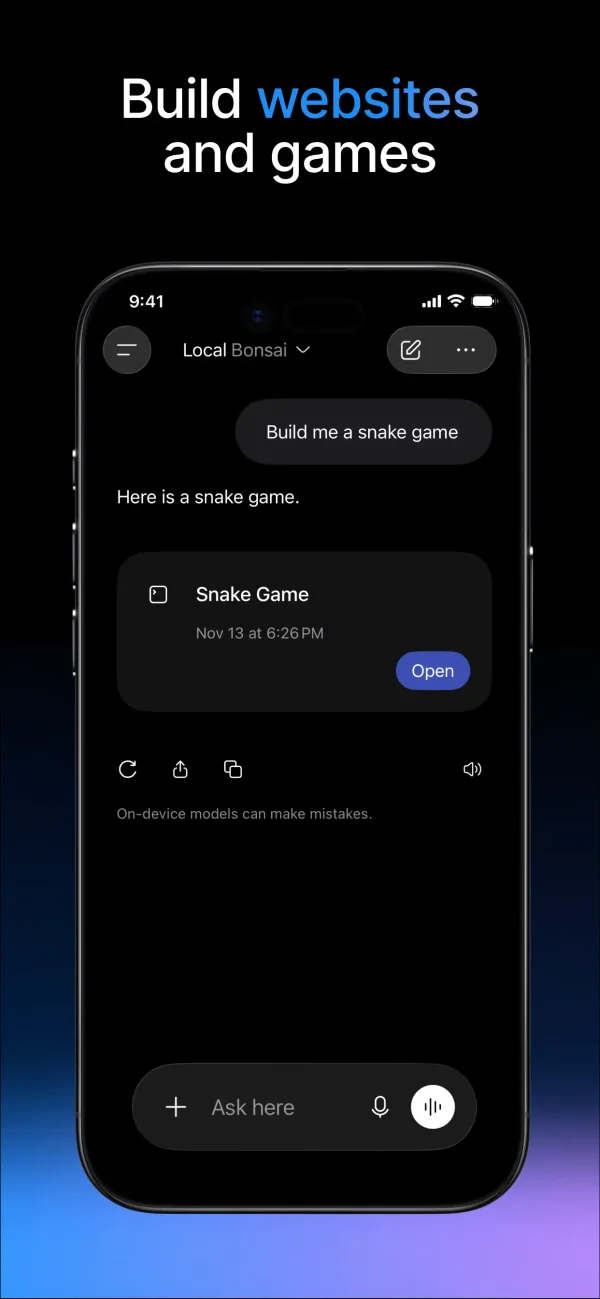
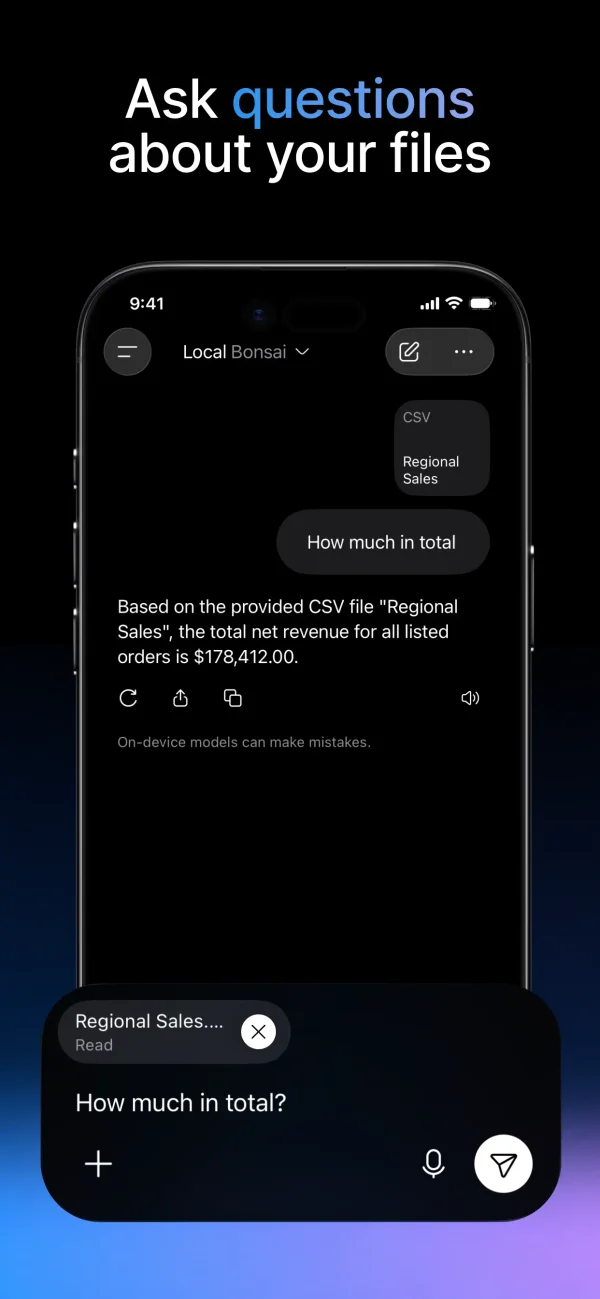
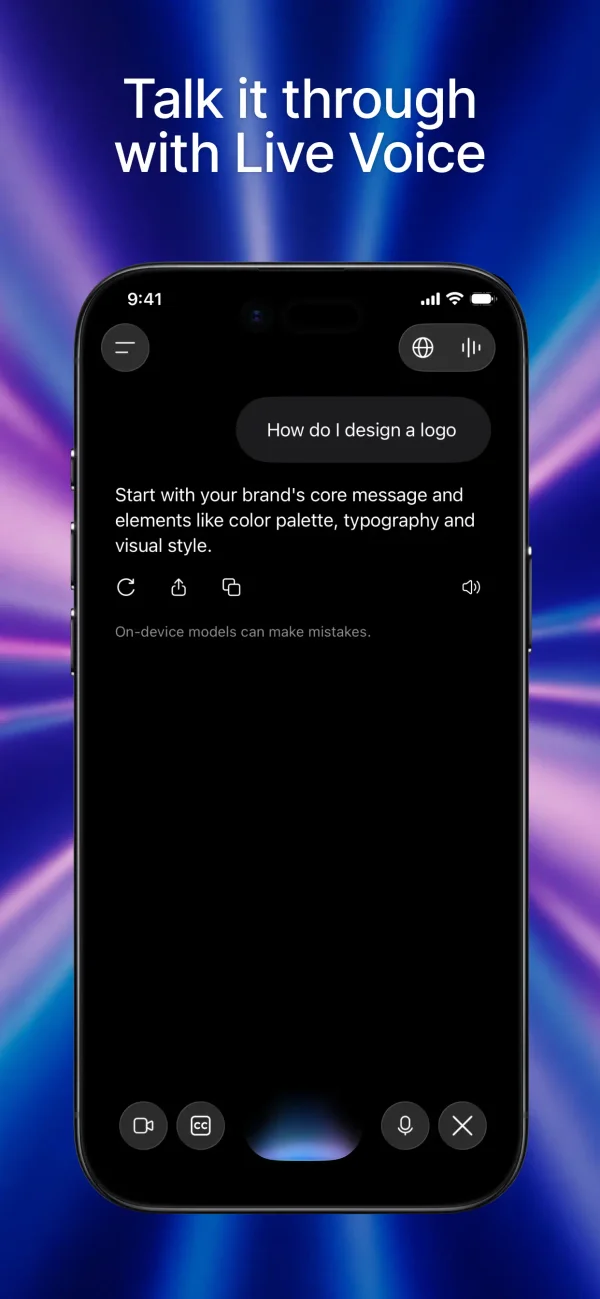
About
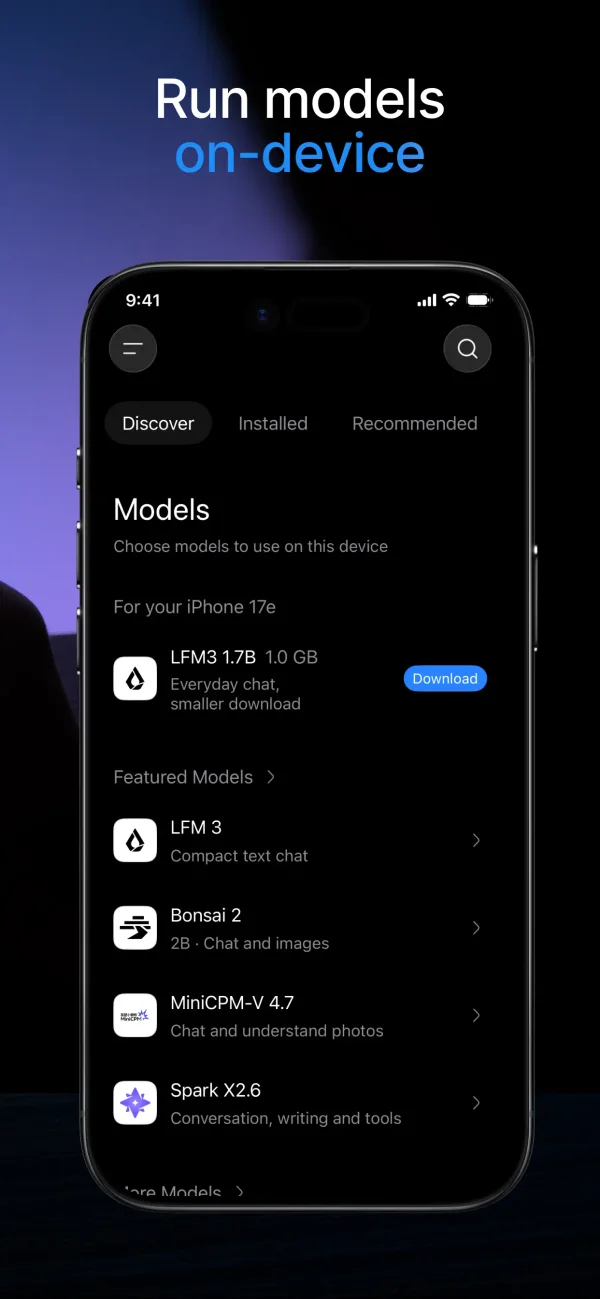
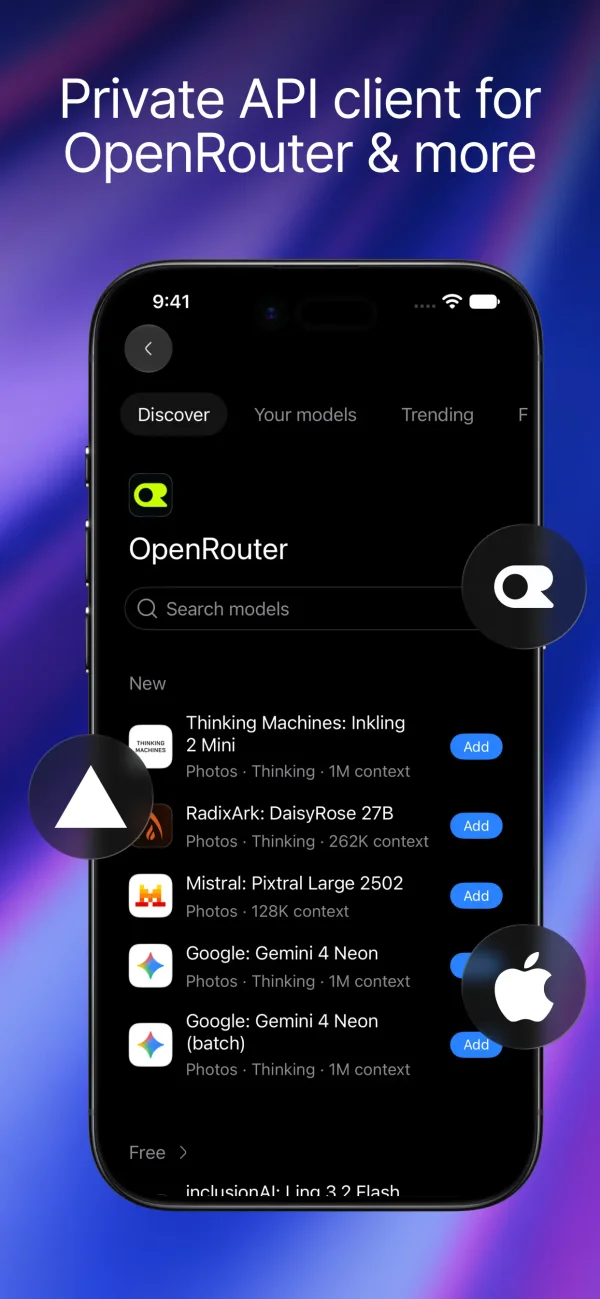
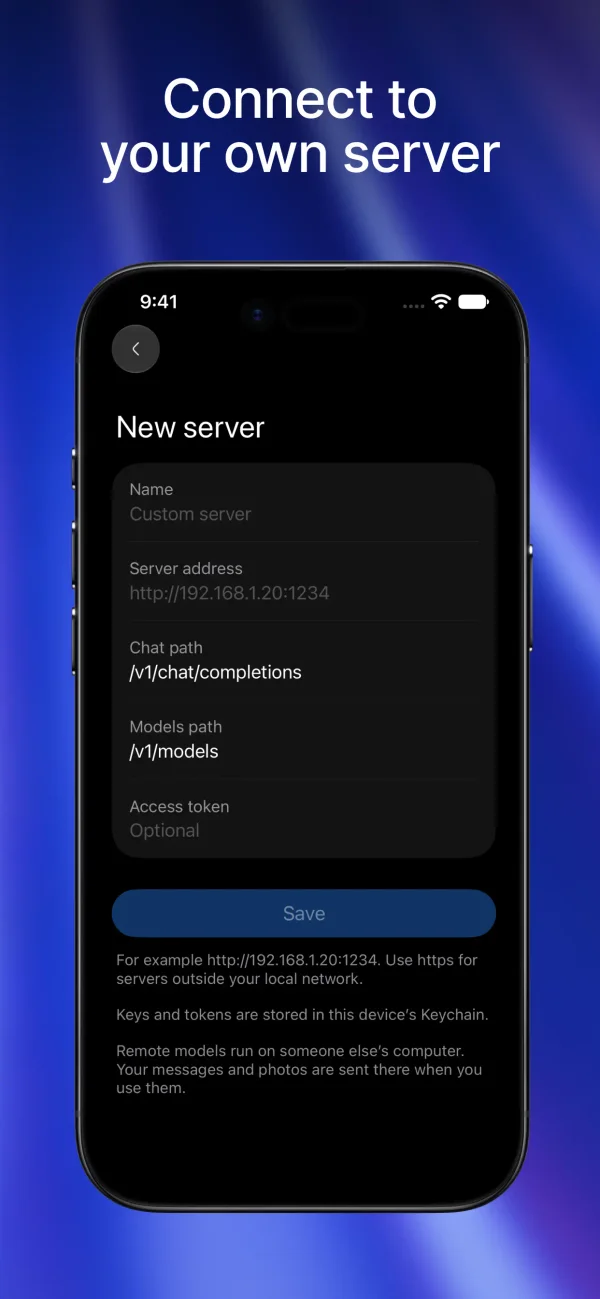
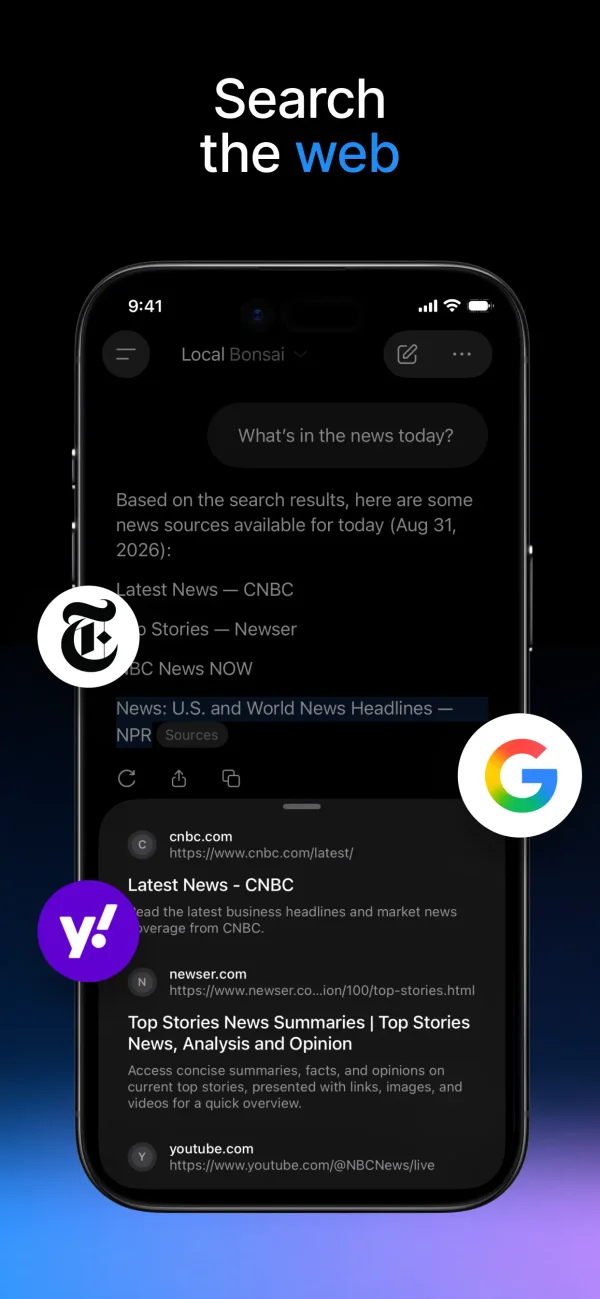
Choose where your chat runs. Download a model for offline use on iPhone or iPad, connect your OpenRouter account, or use your own compatible server. When you choose a remote model, your messages go to the service you select.
Chat about a photo, ask questions about a PDF, or use live voice. With Canvas you can turn a conversation into a website, interactive page or game, then preview and edit it in the app. Features depend on the model you choose.
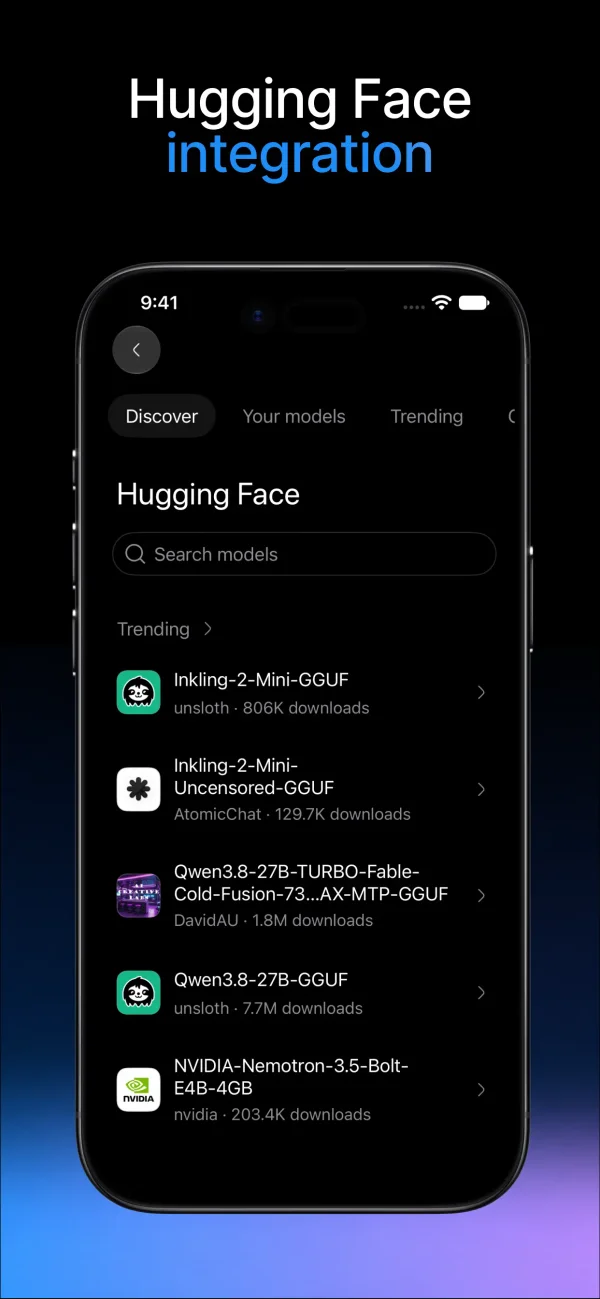
Local chat runs on your device after setup and requires no account. Download a compatible model, import a supported model file, or choose Apple’s on-device model on supported devices. Model downloads, catalog artwork and optional online tools use the network.
Optional web search sends a search query to the selected service and may open result websites. Weather requests use Apple geocoding and WeatherKit for the city you enter. Voice input prefers on-device recognition. If network speech recognition is enabled, Apple may process audio when local recognition is unavailable. You can turn this off in Privacy settings.
Requires iOS 17 or later. Available models depend on your device, memory, storage and OS. Core AI models require iOS 27 or later. Model responses can contain errors.
What’s new
Version 1.4.0 · Nov 24, 2026
You can now import a compatible model file, connect OpenRouter or Vercel AI Gateway, or chat with models on your own server. Apple Private Cloud Compute is also available on supported devices where the service is available.
App privacy
What Yanchen Zhao declares on the App Store about how this app handles data.
-
Data linked to you
May be collected and linked to your identity.
- Identifiers
- Usage data
-
Data not linked to you
May be collected but is not linked to your identity.
- User content
- Search history
- Browsing history
Privacy practices may vary, for example with the features you use or your age.
Information
- Seller
- Yanchen Zhao
- Category
- Productivity
- Version
- 1.4.0
- Updated
- Nov 24, 2026
- Released
- Sep 15, 2026
- Size
- 95.2 MB
- Requires
- iOS 17.0 or later
- Age rating
- 12+
- Price
- Free
- Languages
- English, French, German, Hindi, Italian, Japanese, Korean, Portuguese, Russian, Simplified Chinese, Spanish, Traditional Chinese
- Copyright
- © 2026 Yanchen Zhao
You might also like
-
 Oscilla - Local AIOffline Chat, Voice & Models
-
 M1K3: Local Offline AI AgentVoice assistant with a face
-
 Result: Your Personal AgentEveryday tasks, taken care of
-
 Noema: Local AI & Offline LLMPrivate AI Chat with Files
-
 Atomic Chat: Private Local AIPrivate & Offline AI Assistant
-
 MLX-ServeMusic, Images, Text - Local AI
-
 Local AI - Private Offline AIProductivity
-
 Nodal: Private Offline AI ChatLocal LLM & voice cloning
-
 Rakazo: Open Source AI BotsSelf-hosted AI agents for you
-
 Local LLM: MITHRILLocal AI Models On-Device