Overgrid: Drawing Grid
Scale Any Photo to Canvas
Designed for iPhone, iPad, Mac, iPod touch
Free · In-app purchases
- Age rating4+
- CategoryPhoto & Video
- DeveloperPaintingstack Technologies SpA
- LanguagesEnglish+ 16 more
- Size33.2 MB
Links to the official App Store page
Download.org hosts no file of Overgrid: Drawing Grid. The button opens its official App Store page, published by Paintingstack Technologies SpA. Listing last checked on Nov 21, 2026.
Screenshots

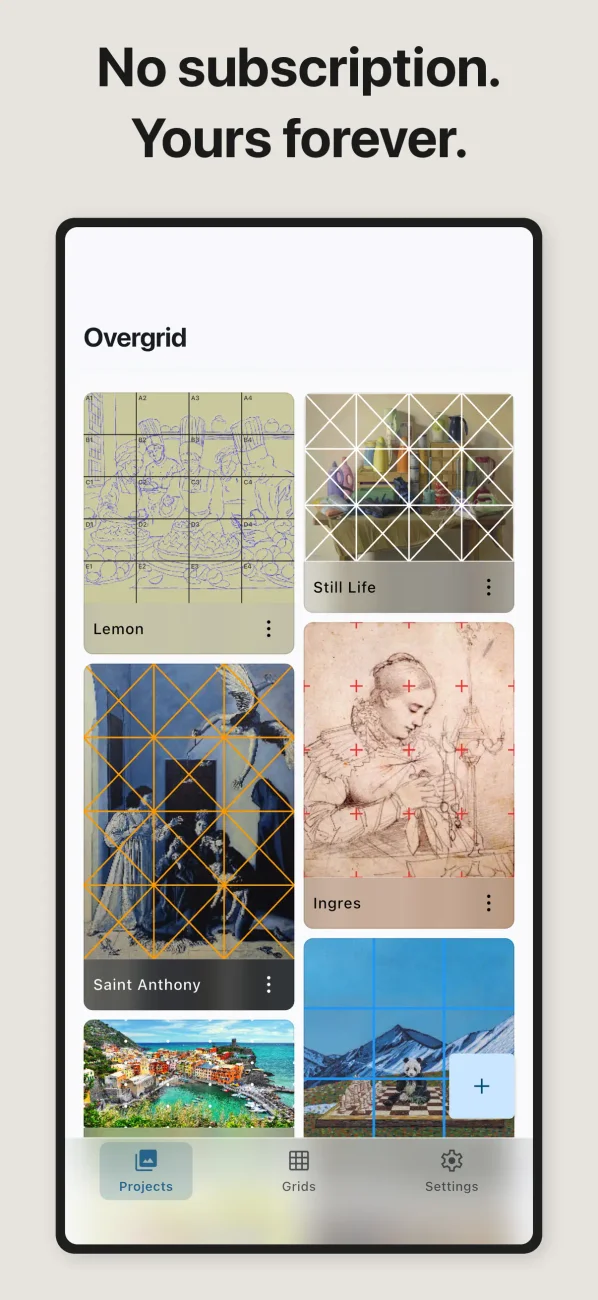
About
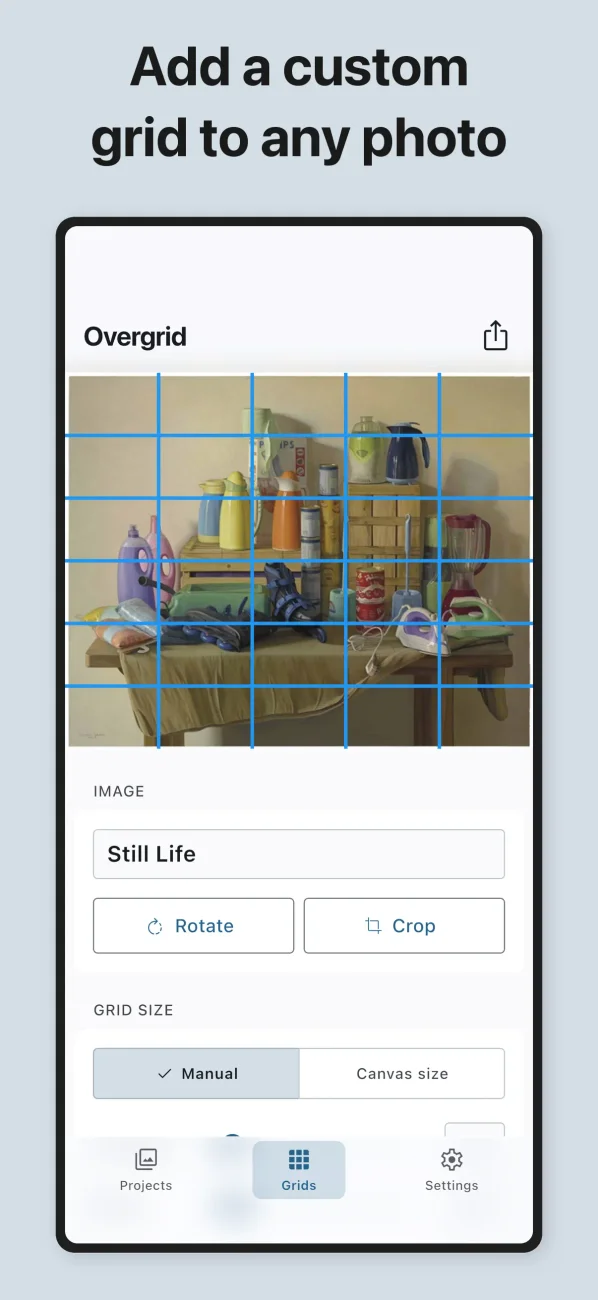
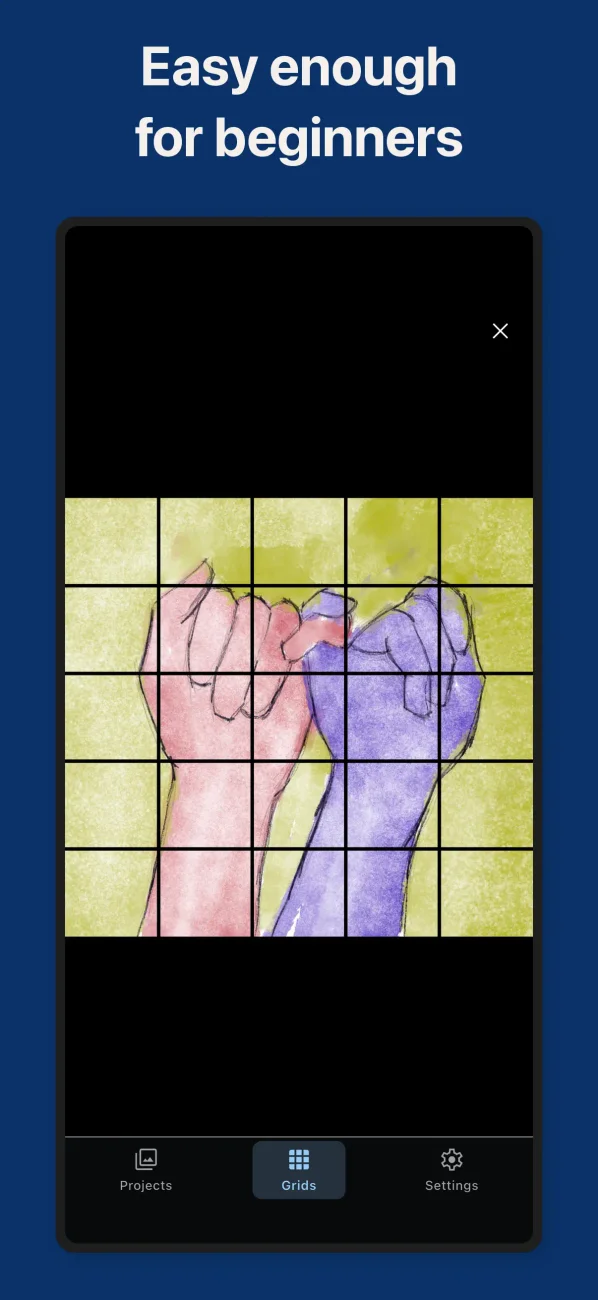
Overgrid puts a drawing grid on your reference photo, with squares sized to your real canvas, so you can copy it square by square and keep every proportion.
Import from your gallery, or shoot with your camera on iPhone and iPad. Set rows, columns, line weight. Done.
Match your canvas first. Crop the reference to your canvas ratio, then enter your real dimensions. 16x20, 12x12, whatever you are working on. Every square lines up when you transfer. No guesswork, no wasted paint.
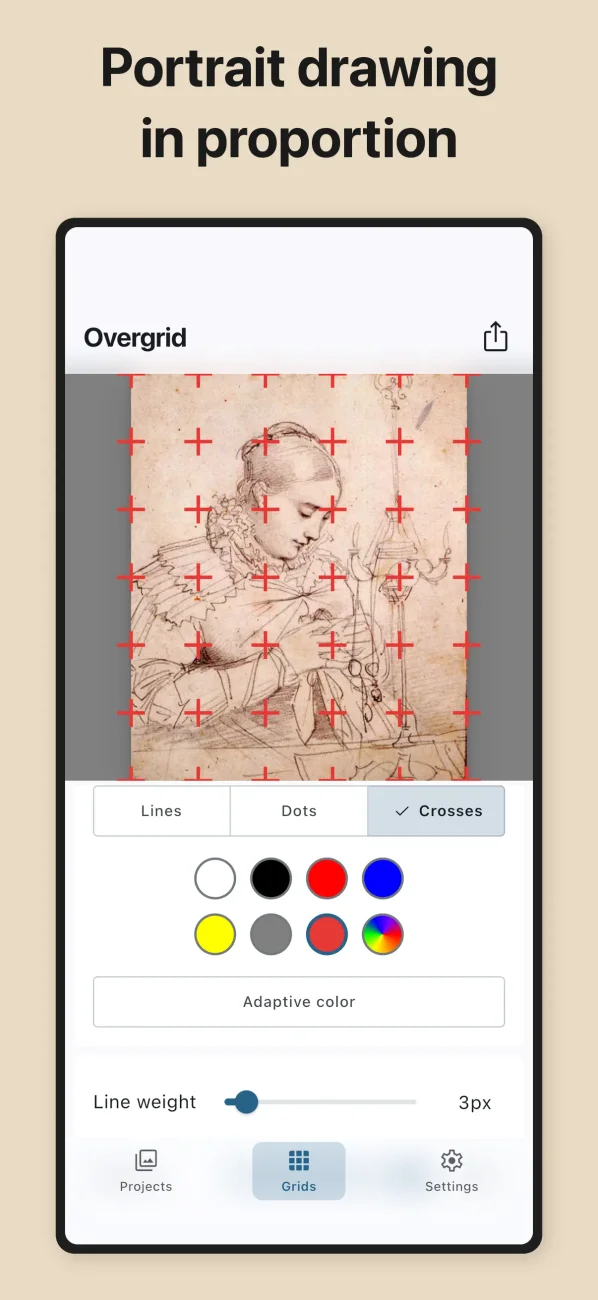
Customize everything. Grid color, opacity, thickness, diagonals for composition, numbering to track your squares. Make the grid work the way you work.
Go full screen beside the easel. Pinch to zoom into a square, and the screen stays on while you paint.
Value study breaks the image into tonal levels so you can plan light and shadow before you start. Temperature overlay maps warm and cool zones across the composition.
Adaptive contrast reads your image and picks grid colors that stay visible on any background. Dark lines on light areas. Light lines on dark. You never lose the grid.
Save setups as templates. One tap to apply your favorite configuration to any new project.
Export at full resolution, up to 4096px, for printing or reference at any size.
Free includes three projects, the whole grid (lines, dots or crosses, numbering, diagonals, six colors), crop and rotate, and saving at 1024px. Full access is a one-time purchase. Not a subscription.
No account. No cloud. No ads. Your images never leave your device.
What’s new
Version 3.8.0 · Nov 11, 2026
Overgrid puts a drawing grid on your reference photo, with squares sized to your real canvas, so you can copy it square by square and keep every proportion.
Projects open with the picture already in place, and the gallery shows each one's colour while it loads. Grid numbers hold their place inside every square, however fine the grid, and saved images match the preview.
App privacy
What Paintingstack Technologies SpA declares on the App Store about how this app handles data.
-
Data not linked to you
May be collected but is not linked to your identity.
- Purchases
- Identifiers
- Usage data
- Diagnostics
Privacy practices may vary, for example with the features you use or your age.
Information
- Seller
- Paintingstack Technologies SpA
- Category
- Photo & Video
- Version
- 3.8.0
- Updated
- Nov 11, 2026
- Released
- Apr 14, 2026
- Size
- 33.2 MB
- Requires
- iOS 15.0 or later
- Age rating
- 4+
- Price
- Free
- In-app purchases
- Yes
- Languages
- English, Arabic, Danish, Dutch, French, German, Hebrew, Italian, Japanese, Korean, Portuguese, Russian + 5 more
- Copyright
- © 2026 Paintingstack
You might also like
-
 Grid Maker: Add grid on imageDrawing Grid for Sketch Artist
-
 Grid: Drawing toolDrawing grid method
-
 Draw Grid on ImageSupport for painting
-
 Value Study AssistantSimplify Values for Painting
-
 DrawinGridTrace, sketch & track your art
-
 Grid # - Add grid on imageGrid Method Drawing
-
 NotanIzerPhoto & Video
-
 Grid Maker - GridzillaInstagrid, 9 Square
-
 Photo to Painting: OilbrushEdit Pictures into Oil Artwork
-
 Grid Maker & No Crop PhotoCreate grid for instagram feed