Value Study Assistant
Simplify Values for Painting
Designed for iPhone, iPad
Free · In-app purchases
- Age rating4+
- CategoryPhoto & Video
- DeveloperKristina Nelson
- LanguagesEnglish
- Size4.7 MB
Links to the official App Store page
Download.org hosts no file of Value Study Assistant. The button opens its official App Store page, published by Kristina Nelson. Listing last checked on Nov 13, 2026.
Screenshots


About
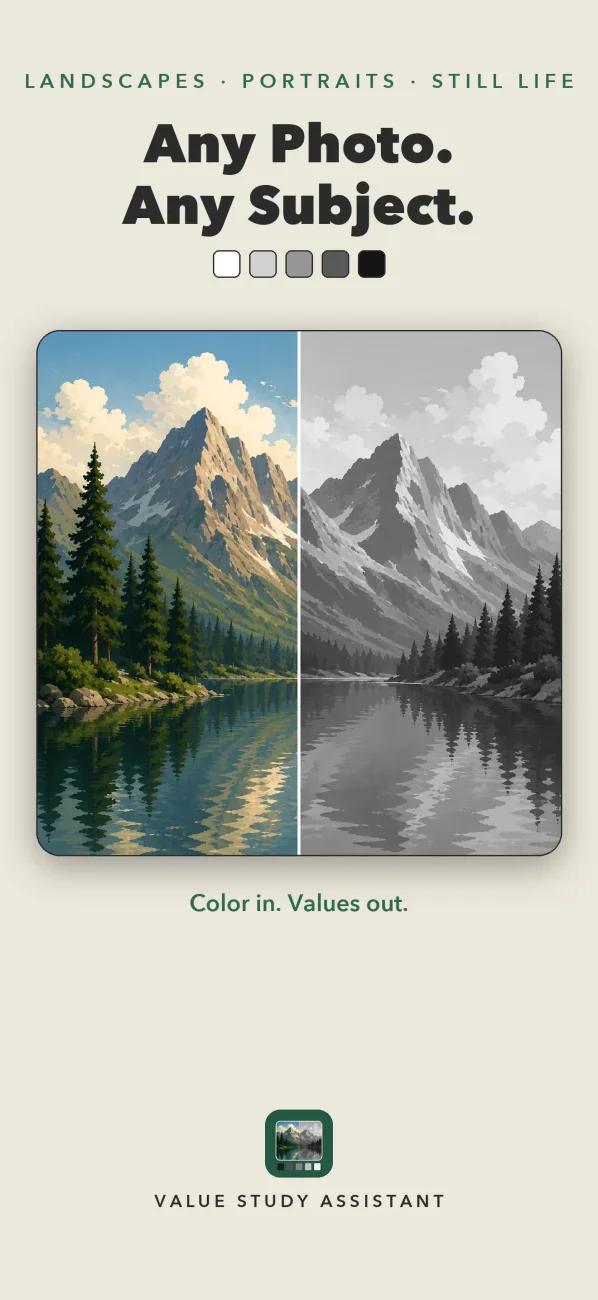
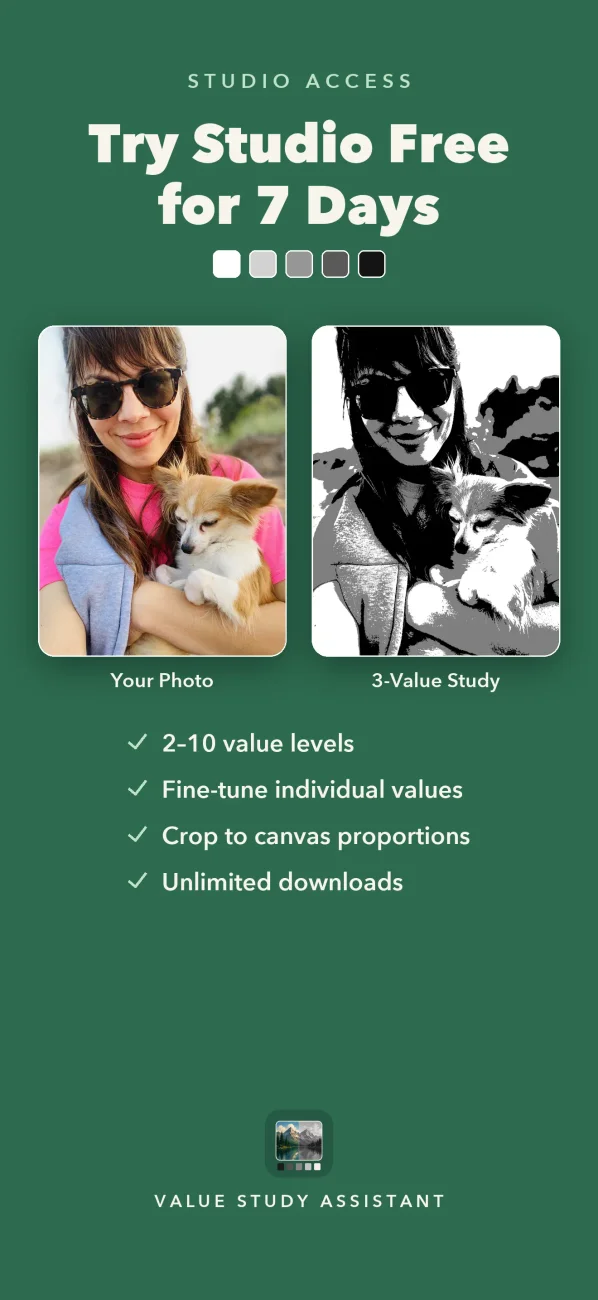
Value Study Assistant helps painters see the big picture before they begin painting.
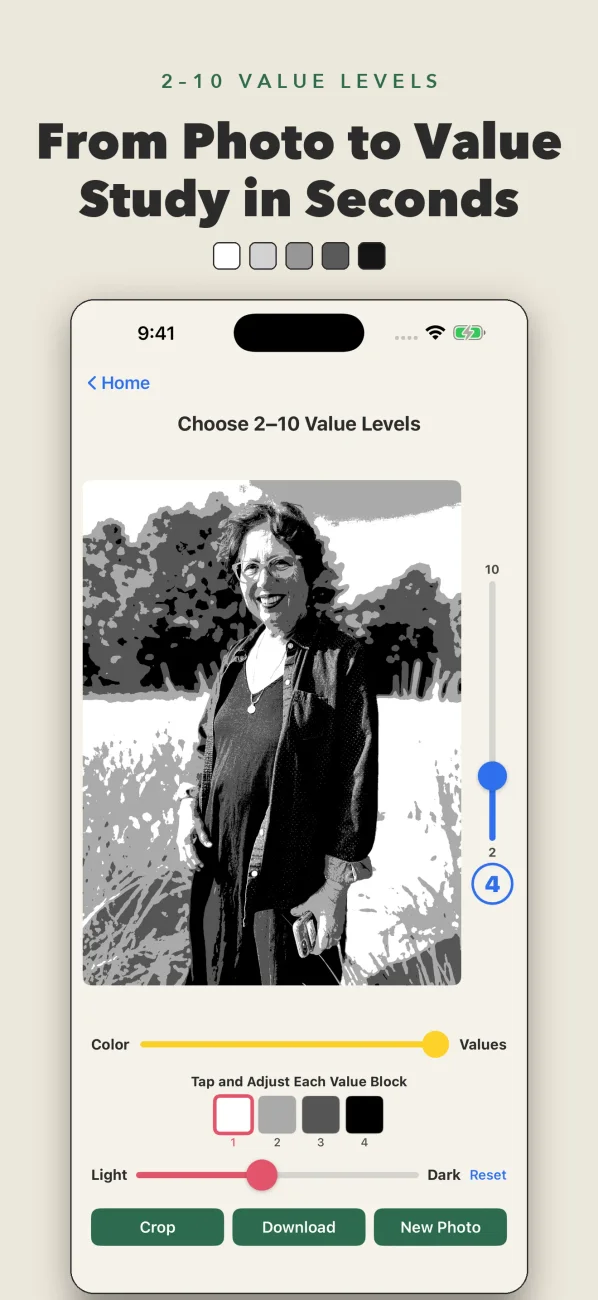
Upload any photo and instantly simplify it into clear value masses — from 2 to 10 levels of light and dark. Instead of getting lost in detail, you'll quickly see the essential shapes that create a strong composition.
HOW IT WORKS
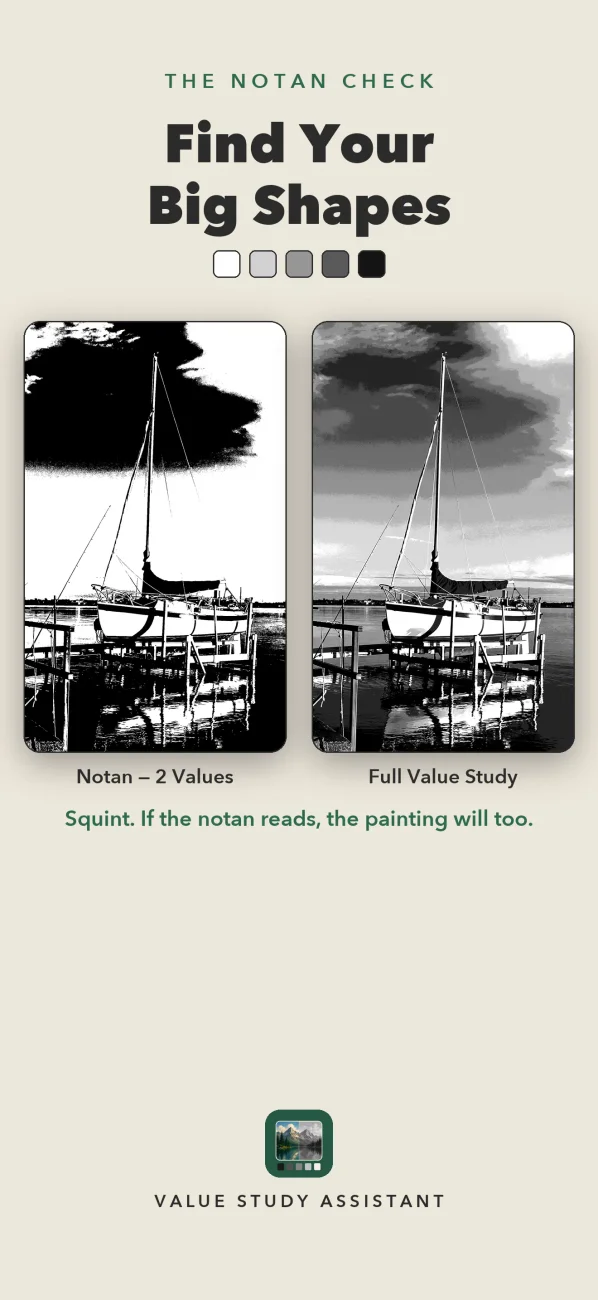
1) Upload your photo and choose 2–10 value levels with the slider. Two values gives you a classic notan — the fastest way to check your big shapes.
2) Use the Color / Values comparison slider to flip between your original reference and the simplified study.
3) Tap Modify Values to lighten or darken individual value groups until the structure reads right.
4) Crop your reference to any standard painting proportion — 4:5, 5:7, 11:14 and more — with pinch-to-zoom control.
5) Download your value study as a clean JPG to use beside your easel, on your tablet, or printed in the studio.
Perfect for painters, illustrators, and art students who want to understand the value structure of their reference before committing to canvas.
BUILT FOR PAINTERS
Value Study Assistant helps you:
• Quickly break down any photo into simple light and dark shapes
• Check your notan with a two-value study
• See the value structure of a scene before you paint
• Strengthen compositions by focusing on major value relationships
• Crop references to standard painting proportions
• Work seamlessly on iPhone and iPad
TRY EVERYTHING FREE
Your first 2 photos unlock every feature — the full 2–10 value range, value fine-tuning, and cropping — plus 3 free downloads.
Studio Access keeps the full toolkit forever with unlimited downloads. Try it free for 7 days.
SUBSCRIPTION DETAILS
Studio Access Yearly is an auto-renewing subscription. Payment is charged to your Apple Account at confirmation of purchase. The subscription renews automatically unless it is canceled at least 24 hours before the end of the current period. You can manage or cancel it anytime in your Apple Account settings.
Terms of Use (EULA): https://www.apple.com/legal/internet-services/itunes/dev/stdeula/
Privacy Policy: https://docs.google.com/document/d/e/2PACX-1vQRm_6cUtrAeoQAjfgxpLy2LNYUHwqU59eJ8H3RZiHehccXIHnY46iWs2pIU4GDO756I7OL605DHtYK/pub
What’s new
Version 1.2.3 · Oct 9, 2026
Fixes an issue where the Studio Access subscription screen could fail to load pricing, leaving the unlock button unresponsive. The screen now shows clear status while prices load, reports a problem if it cannot reach the App Store, and lets you retry.
Also fixes a case where the request to rate the app was skipped after saving a cropped study.
App privacy
What Kristina Nelson declares on the App Store about how this app handles data.
-
Data not collected
The developer does not collect any data from this app.
Privacy practices may vary, for example with the features you use or your age.
Information
- Seller
- Kristina Nelson
- Category
- Photo & Video
- Version
- 1.2.3
- Updated
- Oct 9, 2026
- Released
- Feb 27, 2026
- Size
- 4.7 MB
- Requires
- iOS 17.0 or later
- Age rating
- 4+
- Price
- Free
- In-app purchases
- Yes
- Languages
- English
- Copyright
- © 2026 Kristina Nelson
You might also like
-
 Paintsight: Notan, Value StudyArt Reference, Grid & Palette
-
 Undertone: Color & Value StudyNotan & Warm-Cool for Painters
-
 Overgrid: Drawing GridScale Any Photo to Canvas
-
 NotanIzerPhoto & Video
-
 Draw Grid on ImageSupport for painting
-
 Artrooms: Art Mockup & StagingWall Art Preview & Visualizer
-
 Photo to Painting: OilbrushEdit Pictures into Oil Artwork
-
 ArtStage - Display Your ArtRoom mockups for artists
-
 BrushstrokeTurn photos into paintings
-
 DrawinGridTrace, sketch & track your art