
Overhand: Remote Desktop
Control your Mac from anywhere
Designed for iPhone, iPad
In-app purchases
- Age rating4+
- CategoryProductivity
- DeveloperMatthew Wong
- LanguagesEnglish
- Size17.6 MB
Links to the official App Store page
Download.org hosts no file of Overhand: Remote Desktop. The button opens its official App Store page, published by Matthew Wong. Listing last checked on Nov 16, 2026.
Screenshots


About
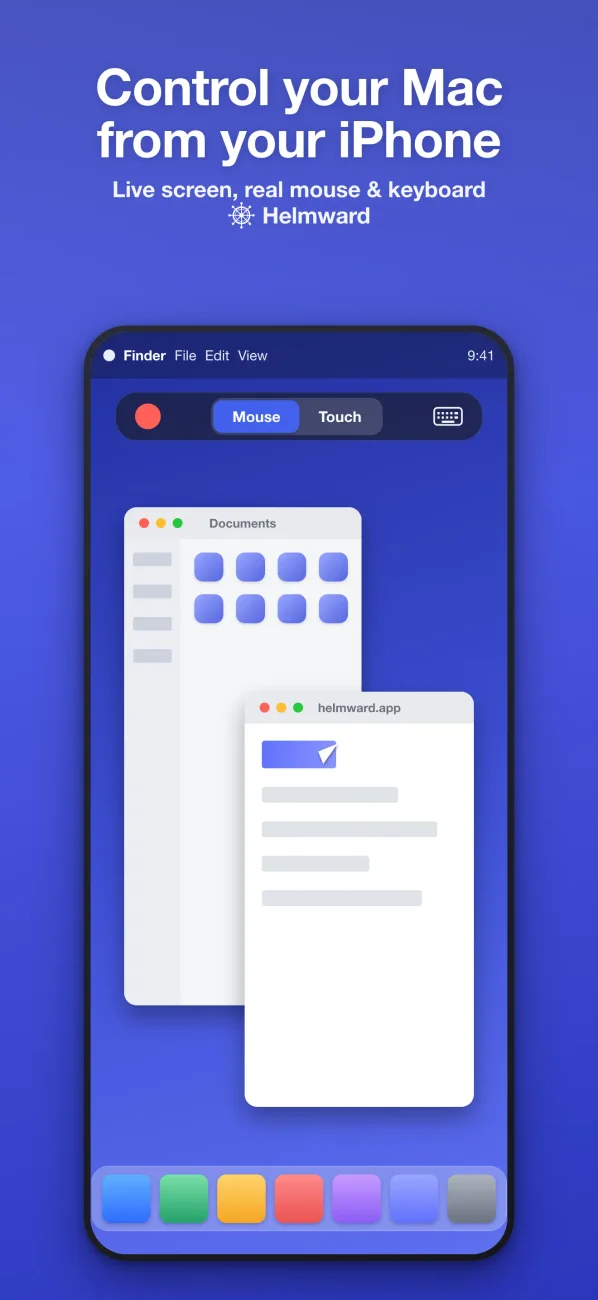
Overhand turns your iPhone or iPad into a fast, private remote control for your Mac at home. Travelling, at the office, or on the couch - see your Mac's screen live, hear its audio, and control its mouse and keyboard as if you were sitting in front of it.
BUILT FOR PEOPLE, NOT LICENSING DEPARTMENTS
- NO false "commercial use" lockouts - ever.
- NO 5-minute timeouts or session caps.
- End-to-end encrypted - the relay never sees your screen.
- Apple-native and hardware-accelerated for low-latency, sharp video.
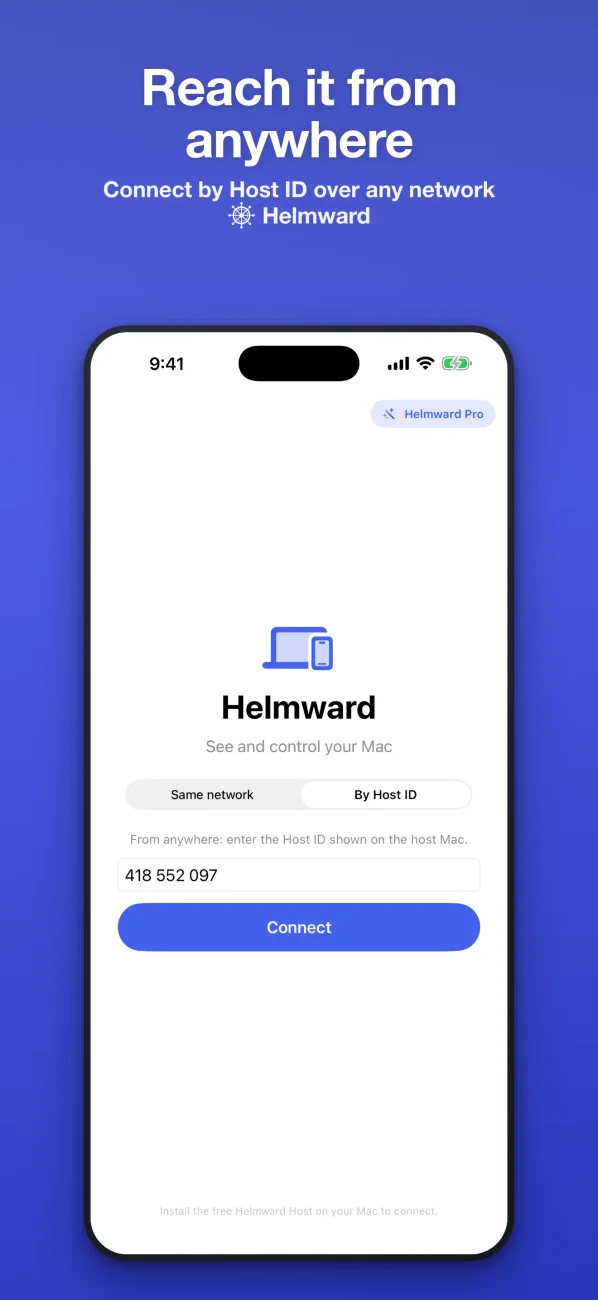
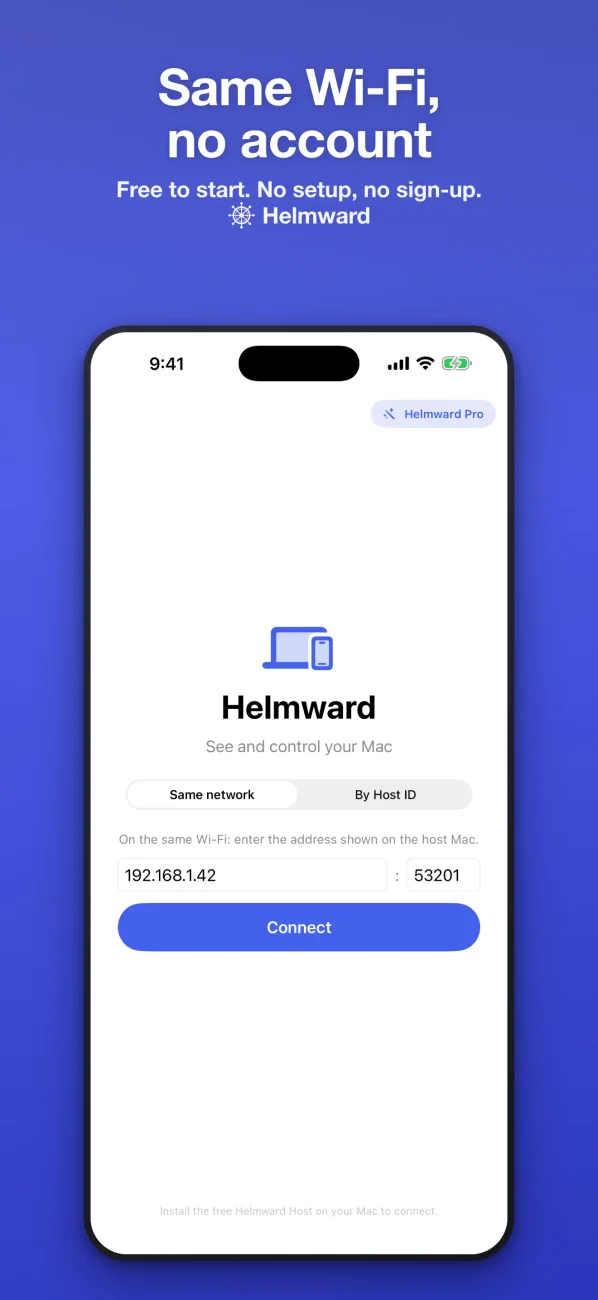
- Simple ID + password pairing. No account required to start.
FREE TIER
Unlimited session length, full mouse and keyboard control, your Mac's audio on your phone, and end-to-end encryption - for one Mac, supported by a banner on the connection screen and a short ad every 15 minutes during a session (never over your live screen).
OVERHAND PRO
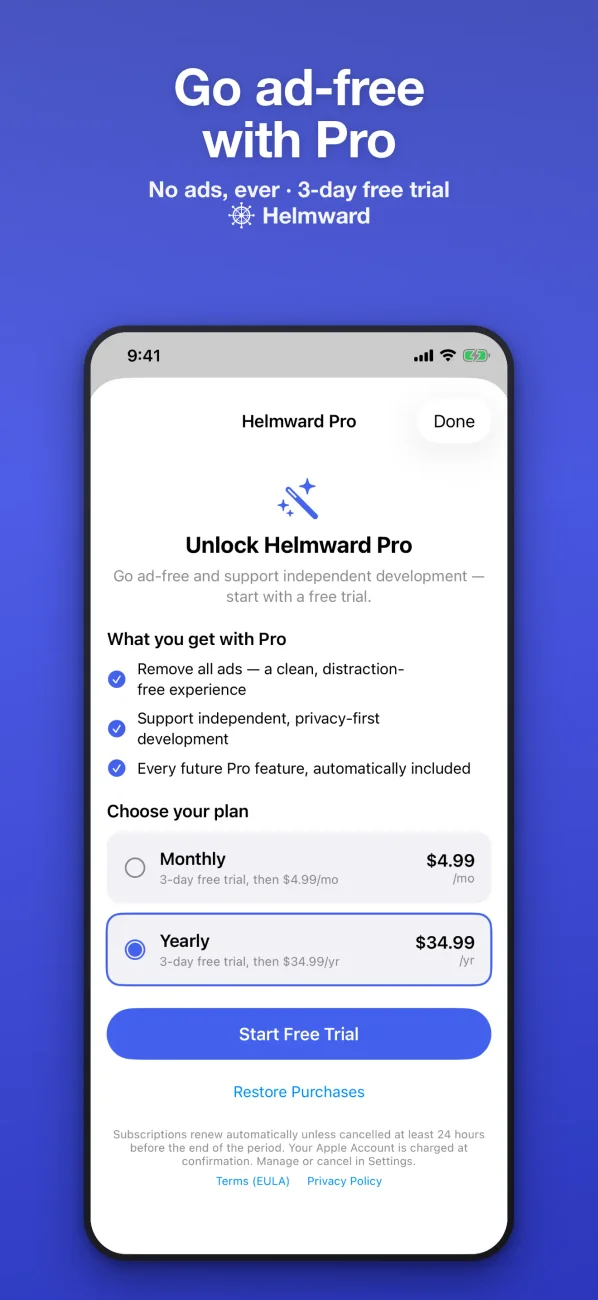
$19.99/month or $149/year, with a 3-day free trial: control all your Macs from one place, and a completely ad-free app - no banner and no 15-minute interruptions. Your subscription supports independent, privacy-first development and includes every future Pro feature.
GETTING STARTED
To control a Mac, install the free Overhand Host on that Mac (download from the Overhand website) and pair with the ID + password it shows. iOS devices can be viewed but not controlled (an Apple platform limitation).
Overhand Pro is an auto-renewing subscription. Payment is charged to your Apple Account; it renews automatically unless cancelled at least 24 hours before the period ends. Manage or cancel anytime in Settings.
Terms of Use: https://www.apple.com/legal/internet-services/itunes/dev/stdeula/
Privacy Policy: https://mwsupplylimited.github.io/helmward/privacy.html
What’s new
Version 1.0.1 · Jul 30, 2026
Fixes and refinements:
• Your Macs no longer show as “offline” when they are awake and sharing. Presence is now tracked for as long as the Mac is shared, whatever screen the Mac app happens to be showing.
• A shared Mac starts sharing again by itself after a restart, crash or update, so a Mac you left available stays reachable while you are away.
• When a Mac is offline, the app now tells you how long it has been unreachable and the most likely reason, instead of just saying “Offline”.
• Signing in with the wrong password now says the password is incorrect, instead of incorrectly reporting that your session expired.
• Your plan data and any extra data you have bought are now shown separately, so you can see which one a session is using. Overhand always uses your plan data first; extra data waits until your plan data runs out and never expires.
• A full set of Mac keys (⌘ ⌃ ⌥ ⇧, Tab, Esc, arrows and F1–F12) is available from the keys button, and a first-run guide explains the touch controls.
App privacy
What Matthew Wong declares on the App Store about how this app handles data.
-
Data used to track you
May be used to track you across apps and websites owned by other companies.
- Location
- Identifiers
- Usage data
-
Data linked to you
May be collected and linked to your identity.
- Contact info
-
Data not linked to you
May be collected but is not linked to your identity.
- Location
- Identifiers
- Usage data
- Diagnostics
Privacy practices may vary, for example with the features you use or your age.
Information
- Seller
- Matthew Wong
- Category
- Productivity
- Version
- 1.0.1
- Updated
- Jul 30, 2026
- Released
- Jul 22, 2026
- Size
- 17.6 MB
- Requires
- iOS 17.0 or later
- Age rating
- 4+
- In-app purchases
- Yes
- Languages
- English
- Copyright
- © 2026 MW Supply Limited
You might also like
-
 Multi Space: Dual SocialUse two accounts on one device
-
 KurzgedachtNotes that get you.
-
 ZEdit: Find and ReplaceSearch and Edit Text in Safari
-
 ClawVoice for OpenClawformerly Iclawd
-
 Any Display: Second MonitoriPad as Screen, Pen & Webcam
-
 Video Translate & SubtitlesYouTube Captions & AI Summary
-
 RecAI: AI Translator for VideoWatch Foreign Drama with AI
-
 OpenDisplayUse your iPad as a Mac Monitor
-
 Connect My ComputerDesigned for Mac computers
-
 choclift: Workflow Sweetenerdesktop touch controls