
Owly: Shared To-Do & Reminders
Tasks · Routines · Planner
Designed for iPhone
$5.99
- Age rating4+
- CategoryProductivity
- DeveloperChristian Patrick Suntay
- LanguagesEnglish
- Size4.4 MB
Links to the official App Store page
Download.org hosts no file of Owly: Shared To-Do & Reminders. The button opens its official App Store page, published by Christian Patrick Suntay. Listing last checked on Nov 12, 2026.
Screenshots


About
Owly the Scribe is a to-do list you can share with your family or your team, with reminders that ring on the right phone. It also tells you when your day is full, so you stop planning days that don't fit.
One purchase. No subscription, ever.
KEY FEATURES
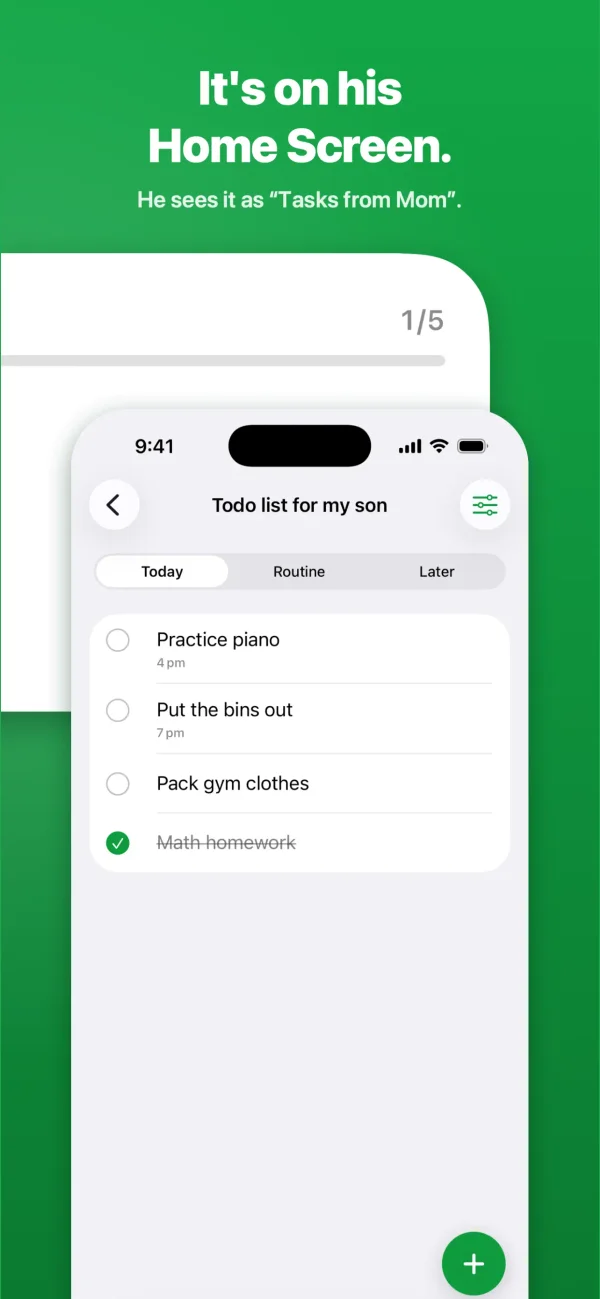
• Shared to-do lists (Circles). Make a list for your son, your grandma or your team. You write it on your iPhone; it shows up on theirs as a list from you, like "Todo list from Mom". Everyone in it can add tasks and tick them off, and you can see who did what.
• Reminders. Give a task a time and Owly reminds you. In a shared list, the reminder rings on the phone of the person it's for. From the notification you can mark it done or ask again in ten minutes.
• Later. Not sure when you'll do something? Put it in Later. It waits there without cluttering your day until you give it a day.
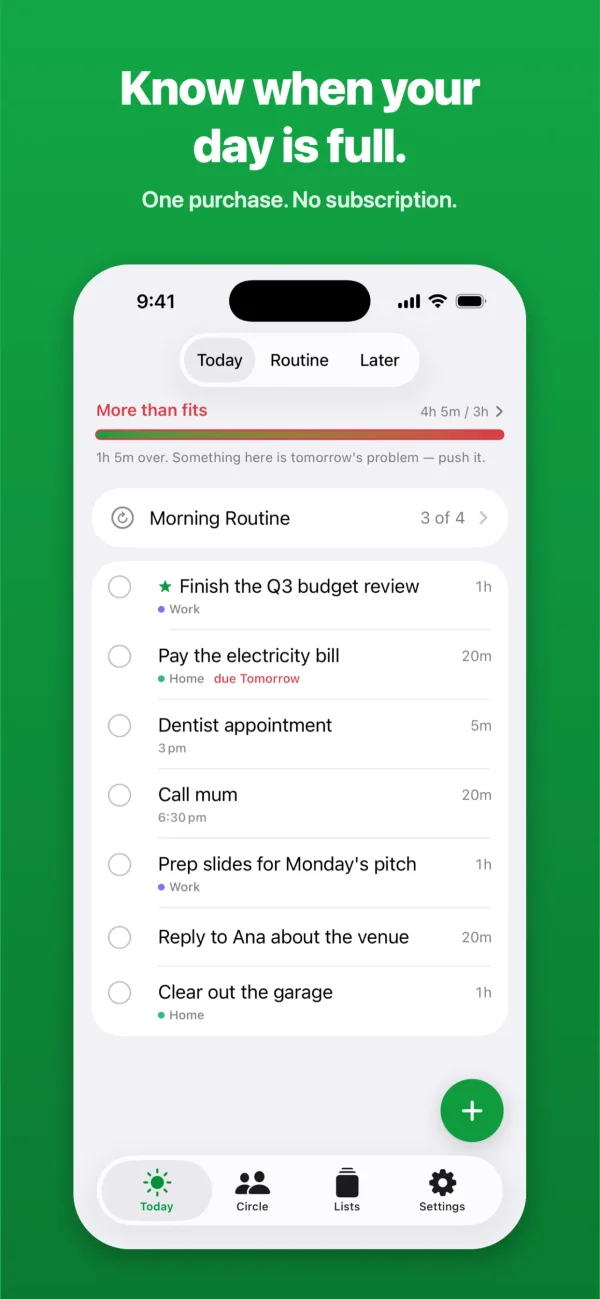
• A day with a limit. Tell Owly how much time you have today. As you add tasks, the load bar fills up, and it turns red before the day stops fitting.
• Routines. Morning routine, medication, the evening shutdown. A routine unticks itself every morning, on the days you choose, so the checklist is ready again tomorrow.
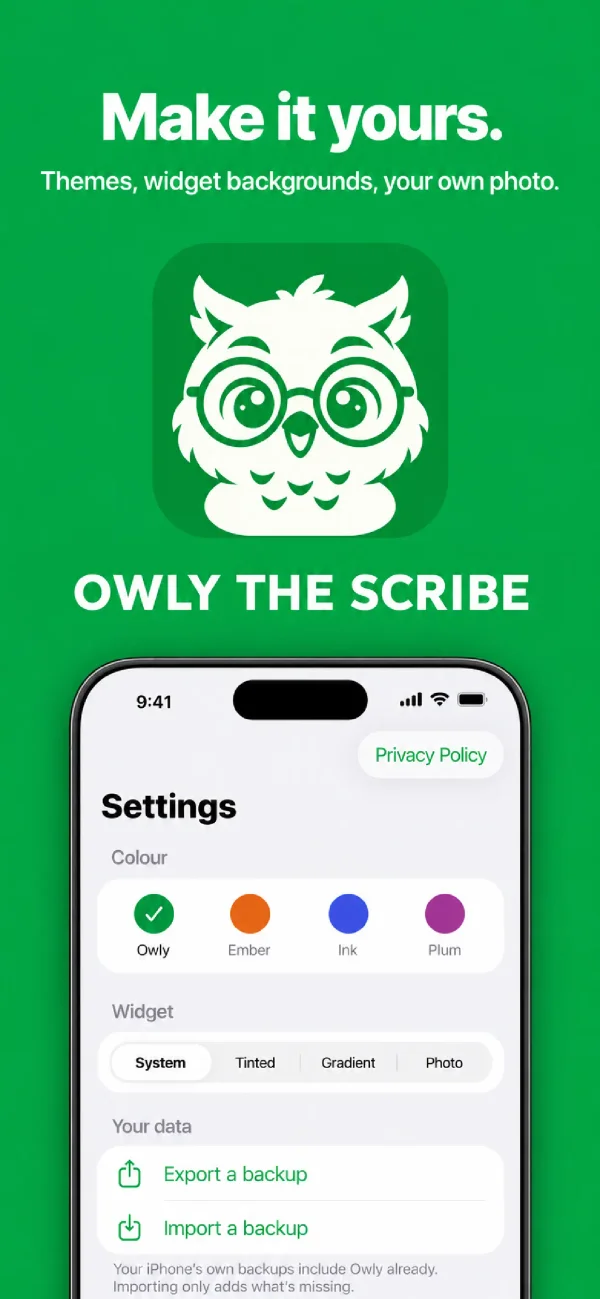
• Home Screen widgets. Tick tasks off or push one to tomorrow straight from the widget. Show your day, a routine, Later, one list or a shared list, on a theme or your own photo.
HOW IT WORKS
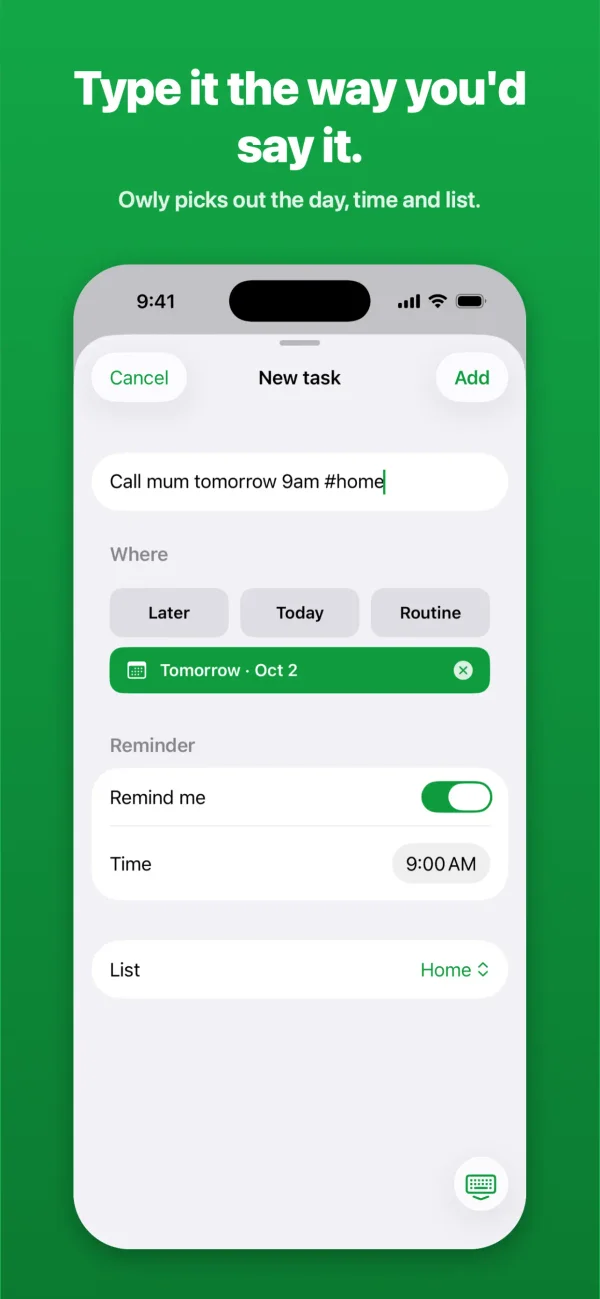
Type it the way you'd say it. "Call mum tomorrow 9am", "rent every month", "milk #groceries". Owly picks out the day, the time and the list as you type. Press Return to add the next one.
Every task is Quick, Normal or Deep. Three sizes, no minute pickers. That's how Owly knows when your day is full.
Decide, don't drift. If you keep putting a task off, Owly asks you to settle it: do it today, mark it done, or drop it. Your list stays honest.
Shared lists stay out of your own day. What someone asks of you shows in a "From Circle" section of your Today, and can sit on your Home Screen as a widget, but it never fills your load bar. Only the person who made a shared list can delete its tasks.
Add tasks with Siri and Shortcuts, too.
PRIVATE BY DESIGN
No account, no ads, no analytics, no tracking. Your tasks live on your iPhone and in your own iCloud, and we never see them. Shared lists go through iCloud, from your phone to theirs.
App privacy
What Christian Patrick Suntay declares on the App Store about how this app handles data.
-
Data not collected
The developer does not collect any data from this app.
Privacy practices may vary, for example with the features you use or your age.
Information
- Seller
- Christian Patrick Suntay
- Category
- Productivity
- Version
- 1.0
- Updated
- Oct 13, 2026
- Released
- Oct 13, 2026
- Size
- 4.4 MB
- Requires
- iOS 18.0 or later
- Age rating
- 4+
- Price
- $5.99
- Languages
- English
- Copyright
- © 2026 Christian Patrick Suntay
You might also like
-
 Habitus - Task ManagerMinimalist Todo & Habit List
-
 Schedulist - To Do & PlannerSimply swipe & share lists
-
 Fanya - to do listA To Do list & Checklist App
-
 Done - Tasks & To-Do ListShared lists and team tasks
-
 Todoon: To Do List & WidgetsInteractive Todo List Widgets
-
 ToDo List-Track Daily ProgressSimple Daily Checklist
-
 Do Tingz: To-Do List & PlannerTo do, task scheduler, planner
-
 Dunit: To Do & TaskYour Last To Do App
-
 To Do-Daily Planner & ReminderSchedule,Calendar,Task Manager
-
 Anythings: To-Do List & TasksKeeps itself in order