
- Age rating4+
- CategoryProductivity
- DeveloperWillis Worxs, LLC
- LanguagesEnglish
- Size16.8 MB
Links to the official App Store page
Download.org hosts no file of Padmote. The button opens its official App Store page, published by Willis Worxs, LLC. Listing last checked on Nov 18, 2026.
Screenshots



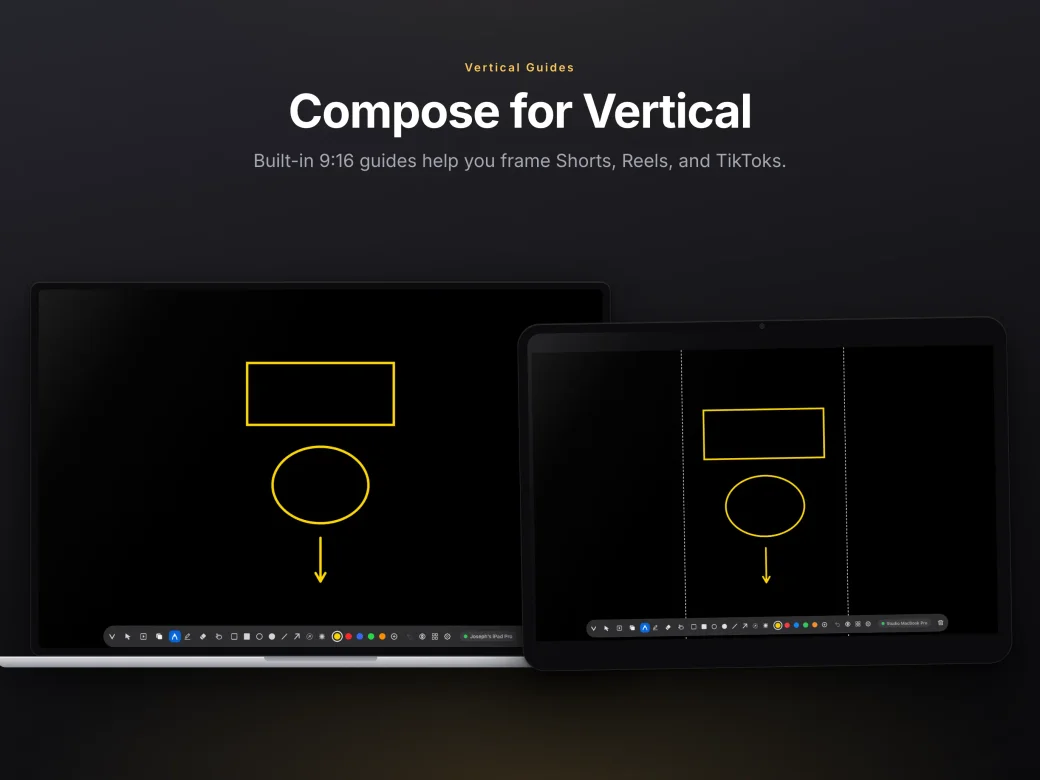

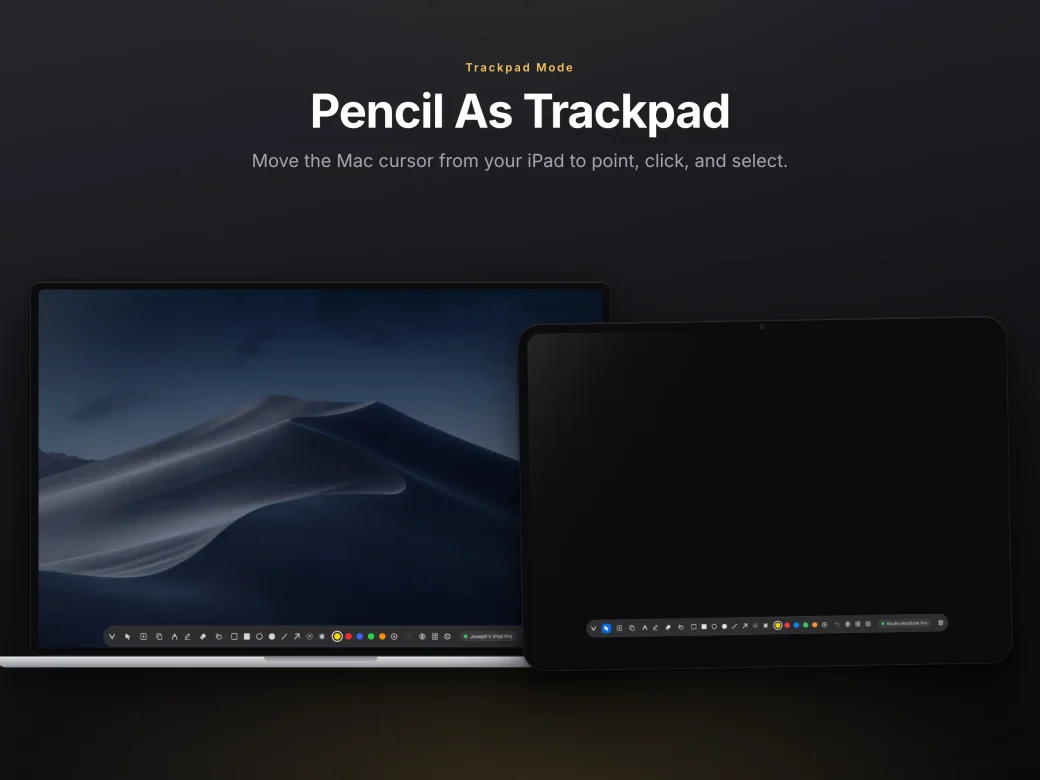
About
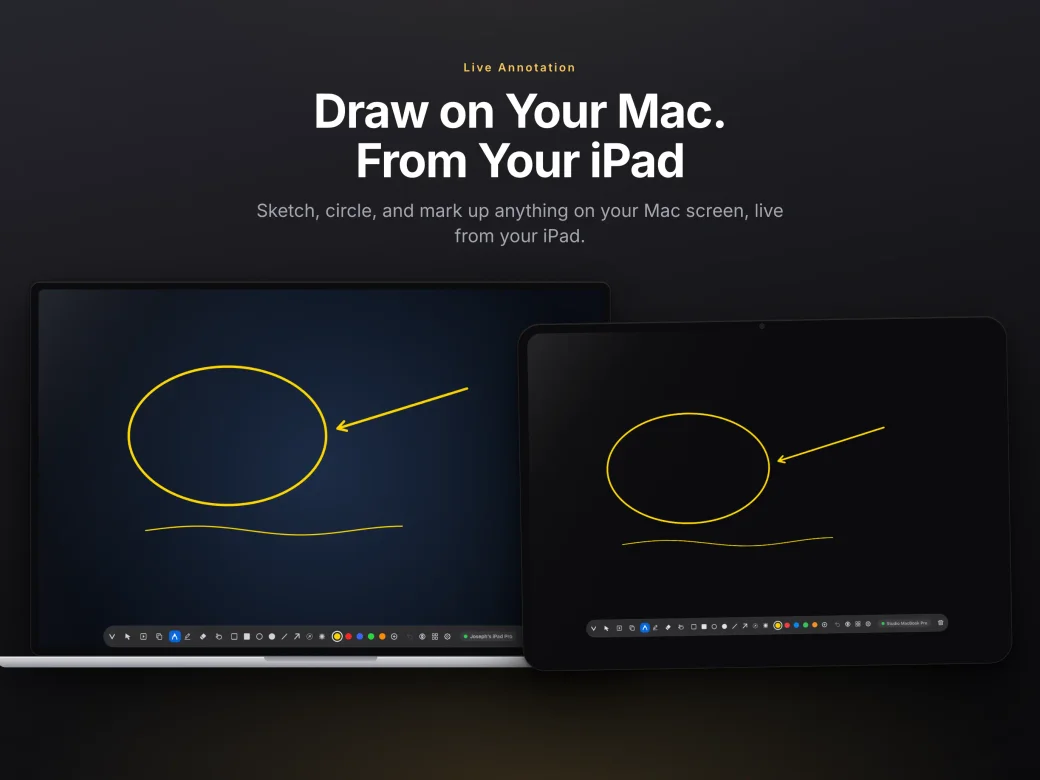
Turn your iPad into a wireless annotation overlay, drawing tablet, and presentation remote for your Mac. Draw with your finger or Apple Pencil.
Draw on your iPad. See it on your Mac. Padmote creates a transparent overlay on your Mac screen that displays everything you draw in real time, without interfering with any app underneath.
Drawing and Annotation
- Pencil and highlighter tools
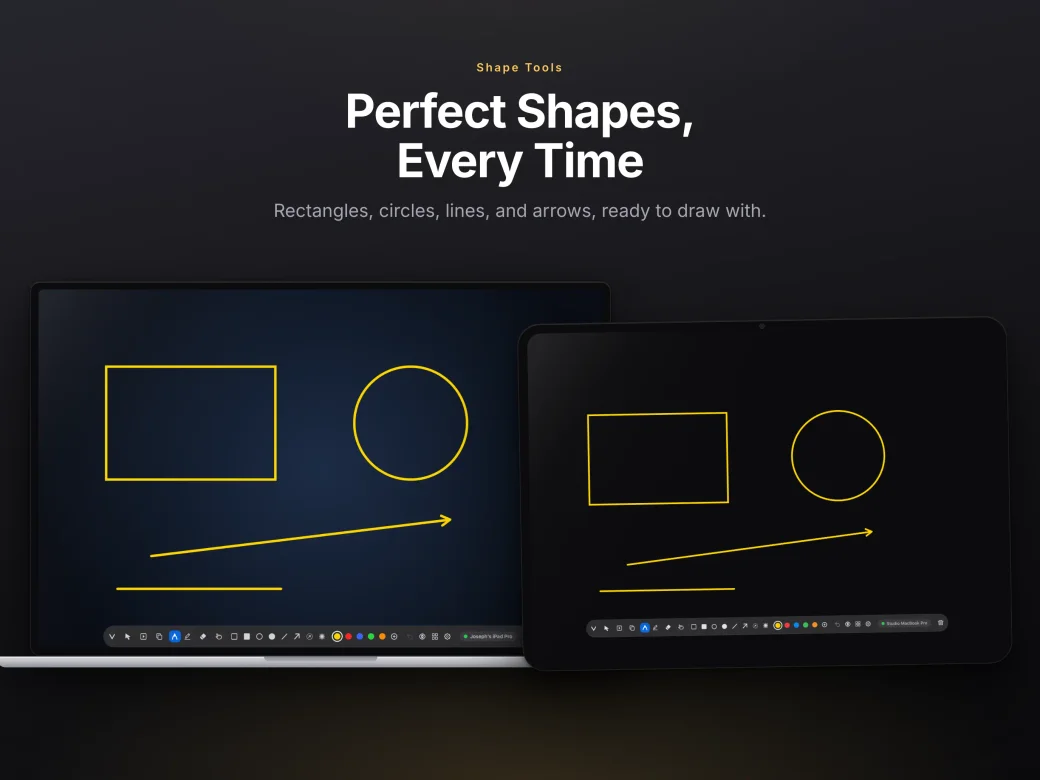
- 6 shape tools: Rectangle, Circle, Line, Arrow, and filled variants
- Eraser, selection tool with resize handles, undo, and clear
- Customizable colors, line width, and opacity
- Canvas background color and opacity, with grid, dots, lines, and graph patterns
- Customizable tool wheel with direct segment selection and circular rearrangement
Apple Pencil (Optional)
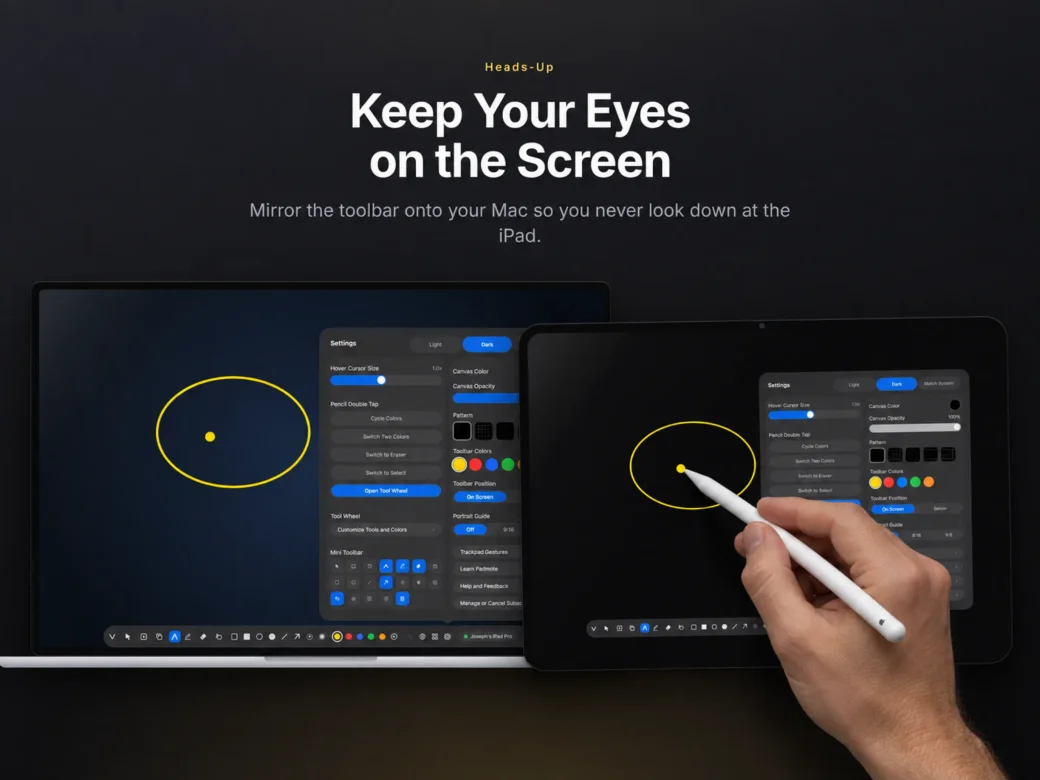
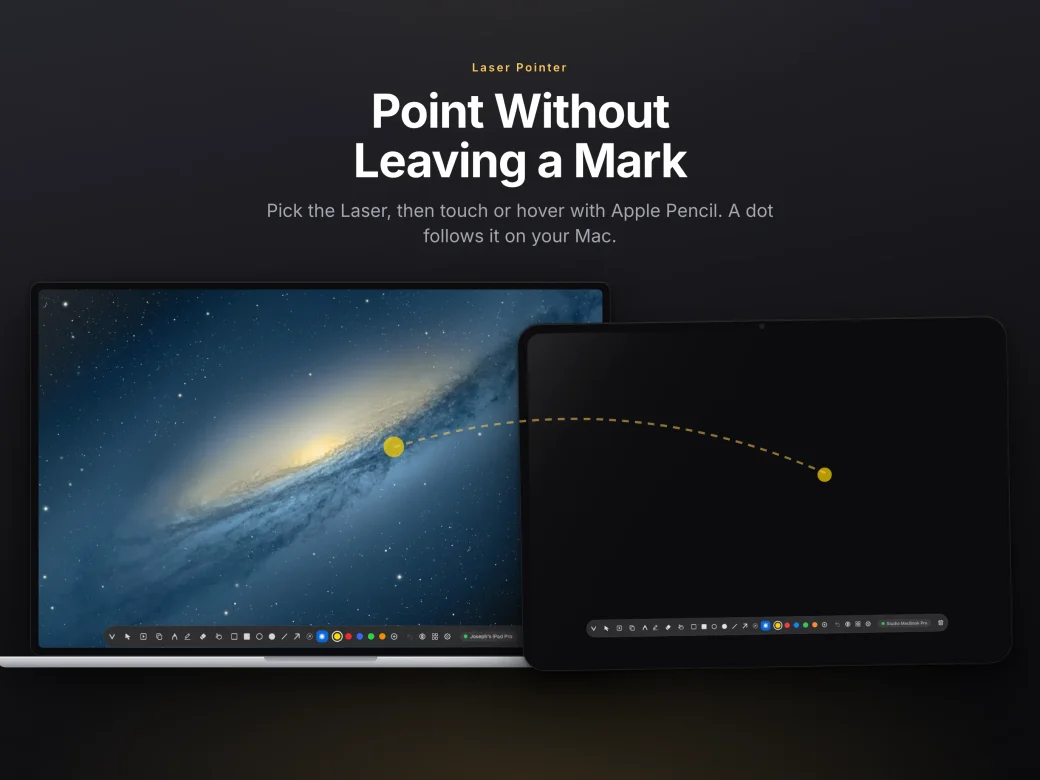
- Hover detection shows a real-time cursor on your Mac
- Customizable double-tap barrel gestures
- Hover and double-tap require compatible Apple Pencil and iPad models; drawing also works with touch
Connection
- Connects over Wi-Fi, or automatically through a USB-C cable
- Automatic Mac discovery on the same network
- Secure 6-digit pairing code
- Optional Bluetooth assist keeps the pointer smooth during Wi-Fi pauses
- Multi-display support: choose which monitor to annotate
Cursor Control and Presentation Mode
- Cursor control: use your iPad and Apple Pencil to control your Mac (right-click via double-tap requires Apple Pencil 2nd generation)
- Presentation mode: advance slides with large on-screen arrows, annotations auto-clear between slides
- Works with Keynote, PowerPoint, Google Slides, and any presentation app
Subscription
Padmote is a subscription that includes every feature: $2 per month or $10 per year (USD; shown in your local currency in the app). Payment is charged to your Apple Account at confirmation. The subscription renews automatically unless cancelled at least 24 hours before the end of the current period. Manage or cancel in your Apple Account settings or from Padmote Settings. Family Sharing is supported.
Terms of Use: https://www.apple.com/legal/internet-services/itunes/dev/stdeula/
Privacy Policy: https://jgwillis.com/padmote/privacy
Requires the free Padmote Host companion app on your Mac. Download it free at padmote.com/mac.
What’s new
Version 1.0.6 · Oct 12, 2026
Buy Once is now available alongside monthly and annual subscriptions.
- Own Version 1 features with one payment. Future major upgrades are sold separately.
- View permanent ownership and subscription access in Purchases and Subscription.
- Restore eligible purchases from the purchase screen or account controls.
App privacy
What Willis Worxs, LLC declares on the App Store about how this app handles data.
-
Data not linked to you
May be collected but is not linked to your identity.
- Purchases
- User content
- Identifiers
- Usage data
Privacy practices may vary, for example with the features you use or your age.
Information
- Seller
- Willis Worxs, LLC
- Category
- Productivity
- Version
- 1.0.6
- Updated
- Oct 12, 2026
- Released
- Sep 24, 2026
- Size
- 16.8 MB
- Requires
- iOS 17.0 or later
- Age rating
- 4+
- Price
- Free
- In-app purchases
- Yes
- Languages
- English
- Copyright
- © 2026 Willis Worxs
You might also like
-
 Carousel AI: Social CreatorAI social carousel creator
-
 Screen AnnotatorDraw & Annotate Anywhere.
-
 Materia AR: Diagram OverlayAI & AR for Boards
-
 Draw_On_VideoMarkup on video
-
 Bluedot AI Note TakerAI Meeting Notes & Summaries
-
 Tayasui Memopad - Notes & DrawSketch, Scribble, Create
-
 MLC ChatChat with Open Language Models
-
 Huion Note数智原笔迹,记录好生活
-
 Tasks: To Do Lists & RemindersKanban Board, Planner & Widget
-
 Magica - AI super agentAI agent for life and work