
- Altersfreigabe4+
- KategorieProduktivität
- EntwicklerWillis Worxs, LLC
- SprachenEnglisch
- Größe16,8 MB
Verlinkt auf die offizielle App Store-Seite
Download.org hostet keine Datei von Padmote. Die Schaltfläche öffnet die App-Seite bei App Store, wo Willis Worxs, LLC die App veröffentlicht. Eintrag zuletzt geprüft am 18.11.2026.
Screenshots



Info
Der Entwickler hat diesen Text nicht in Ihrer Sprache bereitgestellt.
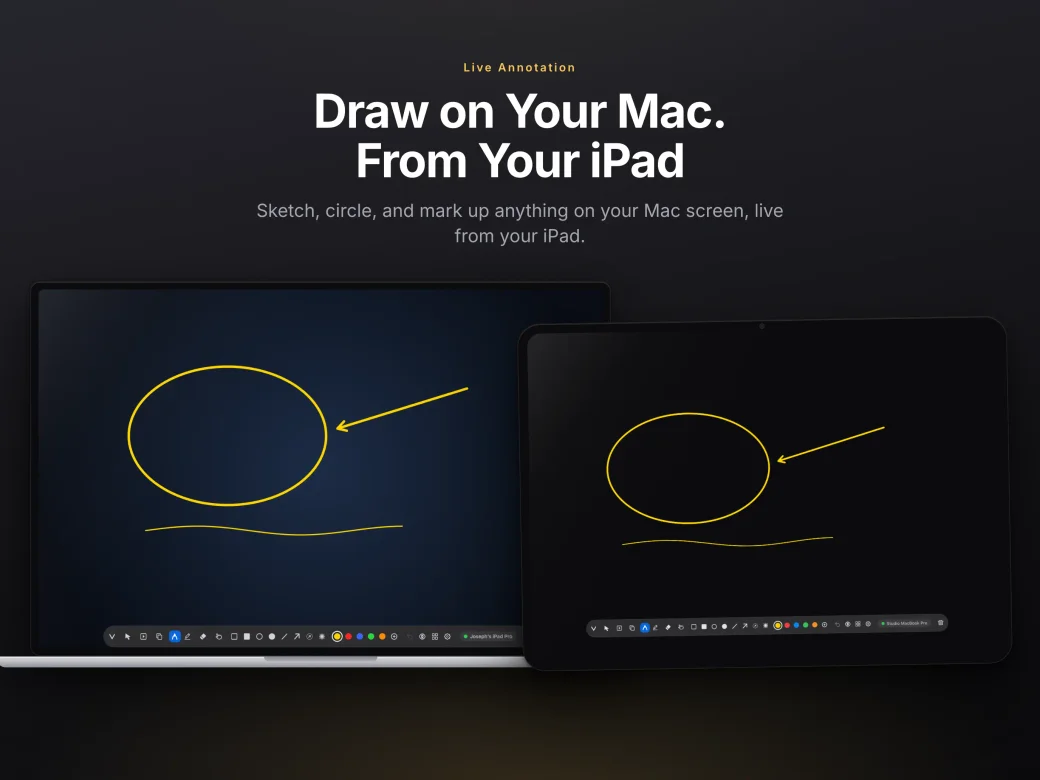
Turn your iPad into a wireless annotation overlay, drawing tablet, and presentation remote for your Mac. Draw with your finger or Apple Pencil.
Draw on your iPad. See it on your Mac. Padmote creates a transparent overlay on your Mac screen that displays everything you draw in real time, without interfering with any app underneath.
Drawing and Annotation
- Pencil and highlighter tools
- 6 shape tools: Rectangle, Circle, Line, Arrow, and filled variants
- Eraser, selection tool with resize handles, undo, and clear
- Customizable colors, line width, and opacity
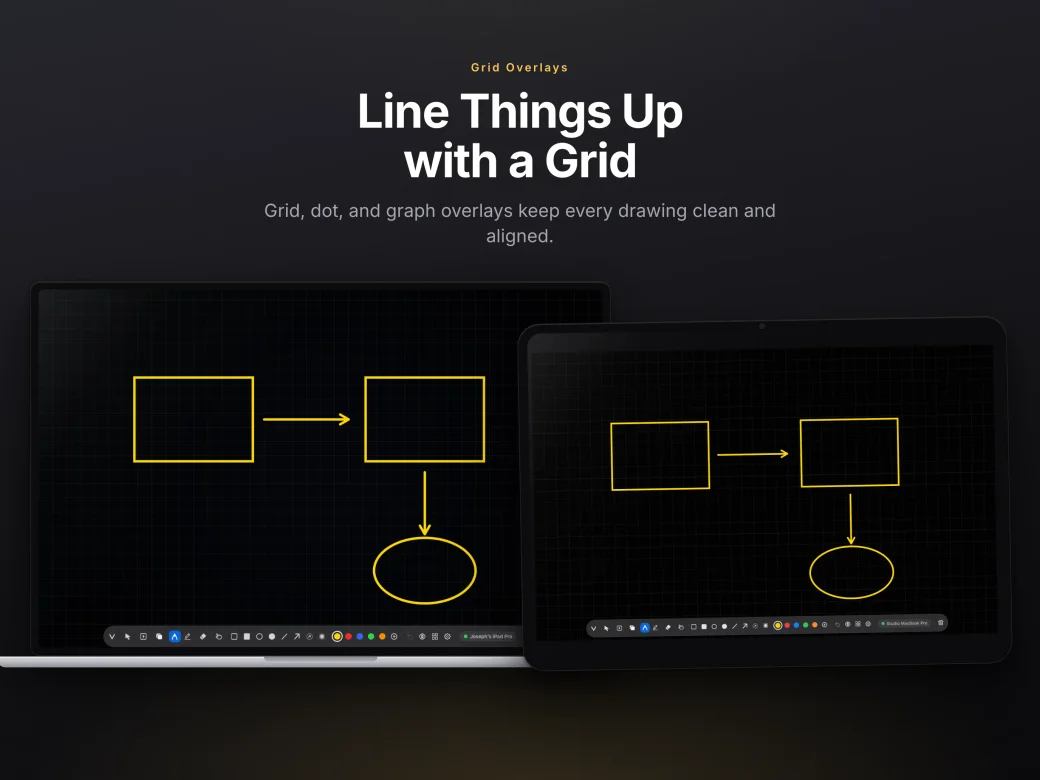
- Canvas background color and opacity, with grid, dots, lines, and graph patterns
- Customizable tool wheel with direct segment selection and circular rearrangement
Apple Pencil (Optional)
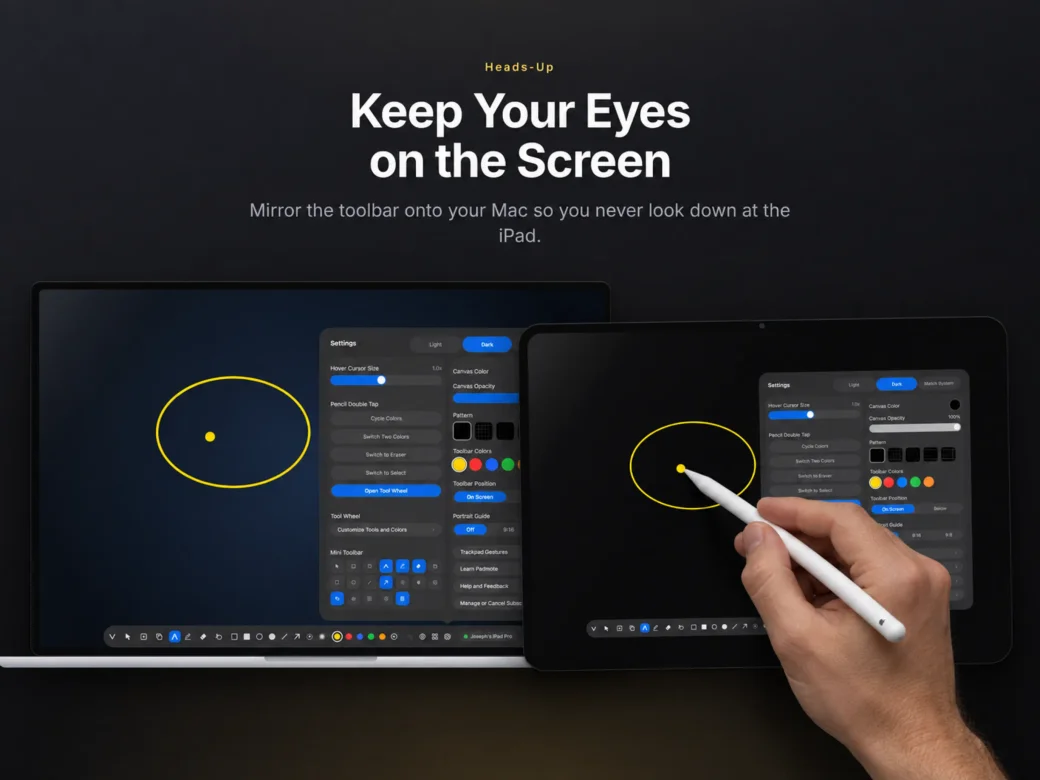
- Hover detection shows a real-time cursor on your Mac
- Customizable double-tap barrel gestures
- Hover and double-tap require compatible Apple Pencil and iPad models; drawing also works with touch
Connection
- Connects over Wi-Fi, or automatically through a USB-C cable
- Automatic Mac discovery on the same network
- Secure 6-digit pairing code
- Optional Bluetooth assist keeps the pointer smooth during Wi-Fi pauses
- Multi-display support: choose which monitor to annotate
Cursor Control and Presentation Mode
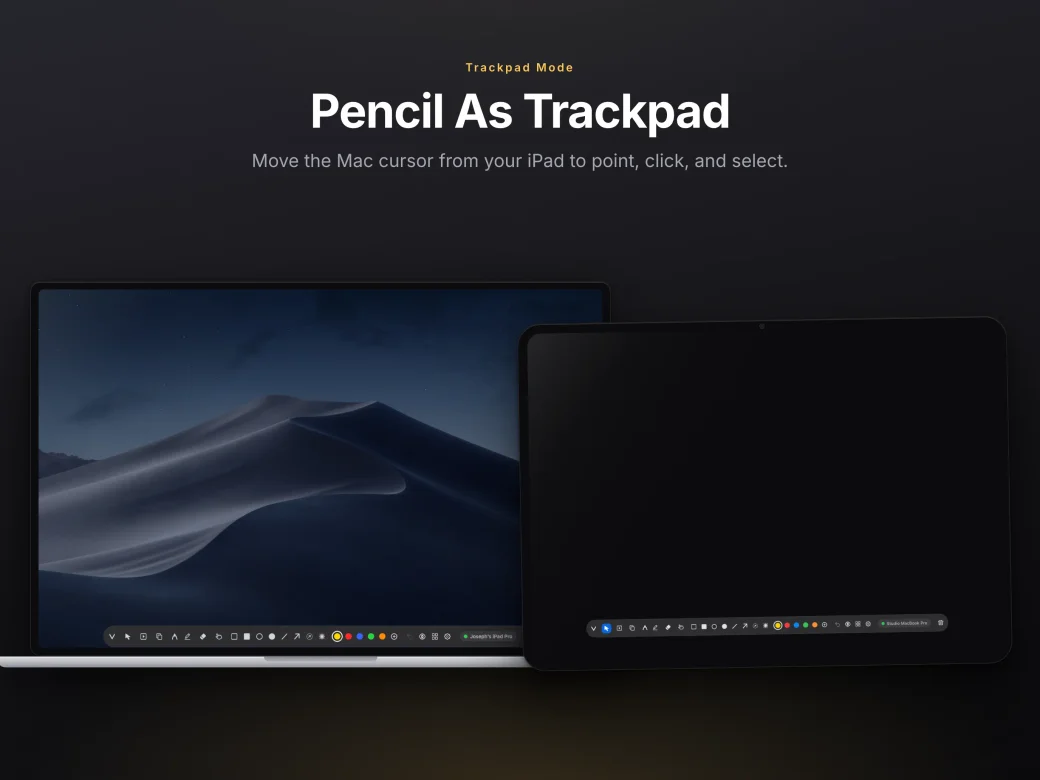
- Cursor control: use your iPad and Apple Pencil to control your Mac (right-click via double-tap requires Apple Pencil 2nd generation)
- Presentation mode: advance slides with large on-screen arrows, annotations auto-clear between slides
- Works with Keynote, PowerPoint, Google Slides, and any presentation app
Subscription
Padmote is a subscription that includes every feature: $2 per month or $10 per year (USD; shown in your local currency in the app). Payment is charged to your Apple Account at confirmation. The subscription renews automatically unless cancelled at least 24 hours before the end of the current period. Manage or cancel in your Apple Account settings or from Padmote Settings. Family Sharing is supported.
Terms of Use: https://www.apple.com/legal/internet-services/itunes/dev/stdeula/
Privacy Policy: https://jgwillis.com/padmote/privacy
Requires the free Padmote Host companion app on your Mac. Download it free at padmote.com/mac.
Neue Funktionen
Version 1.0.6 · 12.10.2026
Buy Once is now available alongside monthly and annual subscriptions.
- Own Version 1 features with one payment. Future major upgrades are sold separately.
- View permanent ownership and subscription access in Purchases and Subscription.
- Restore eligible purchases from the purchase screen or account controls.
App-Datenschutz
Was Willis Worxs, LLC im App Store zum Umgang dieser App mit Daten angibt.
-
Nicht mit Ihnen verknüpfte Daten
Können erfasst werden, sind aber nicht mit Ihrer Identität verknüpft.
- Käufe
- Benutzerinhalte
- Kennungen
- Nutzungsdaten
Die Datenschutzpraktiken können variieren, zum Beispiel je nach den von Ihnen verwendeten Funktionen oder Ihrem Alter.
Informationen
- Anbieter
- Willis Worxs, LLC
- Kategorie
- Produktivität
- Version
- 1.0.6
- Aktualisiert
- 12.10.2026
- Veröffentlicht
- 24.09.2026
- Größe
- 16,8 MB
- Erfordert
- iOS 17.0 oder neuer
- Altersfreigabe
- 4+
- Preis
- Kostenlos
- In-App-Käufe
- Ja
- Sprachen
- Englisch
- Copyright
- © 2026 Willis Worxs
Das könnte Ihnen auch gefallen
-
 Carousel AI: Social CreatorProduktivität
-
 Screen AnnotatorProduktivität
-
 Materia AR: Diagram OverlayProduktivität
-
 Auf Video ZeichnenMarkierung auf Video
-
 Bluedot AI Note TakerProduktivität
-
 Tayasui Memopad - NotizenSkizzen, ideen und notizbuch
-
 MLC ChatProduktivität
-
 Huion Note数智原笔迹,记录好生活
-
 Tasks: To Do List & ErinnerungAufgaben, Kanban Board, Planer
-
 Magica - AI super agentProduktivität