Pageless: PDF Reader Mode
Papers & model cards on the go
Designed for iPhone, iPad
Free
- Age rating4+
- CategoryProductivity
- DeveloperMax Helvetia
- LanguagesEnglish
- Size10.6 MB
Links to the official App Store page
Download.org hosts no file of Pageless: PDF Reader Mode. The button opens its official App Store page, published by Max Helvetia. Listing last checked on Nov 18, 2026.
Screenshots

About
Read AI model cards and research papers in PDF on your phone — on a plane, on the train, wherever you are.
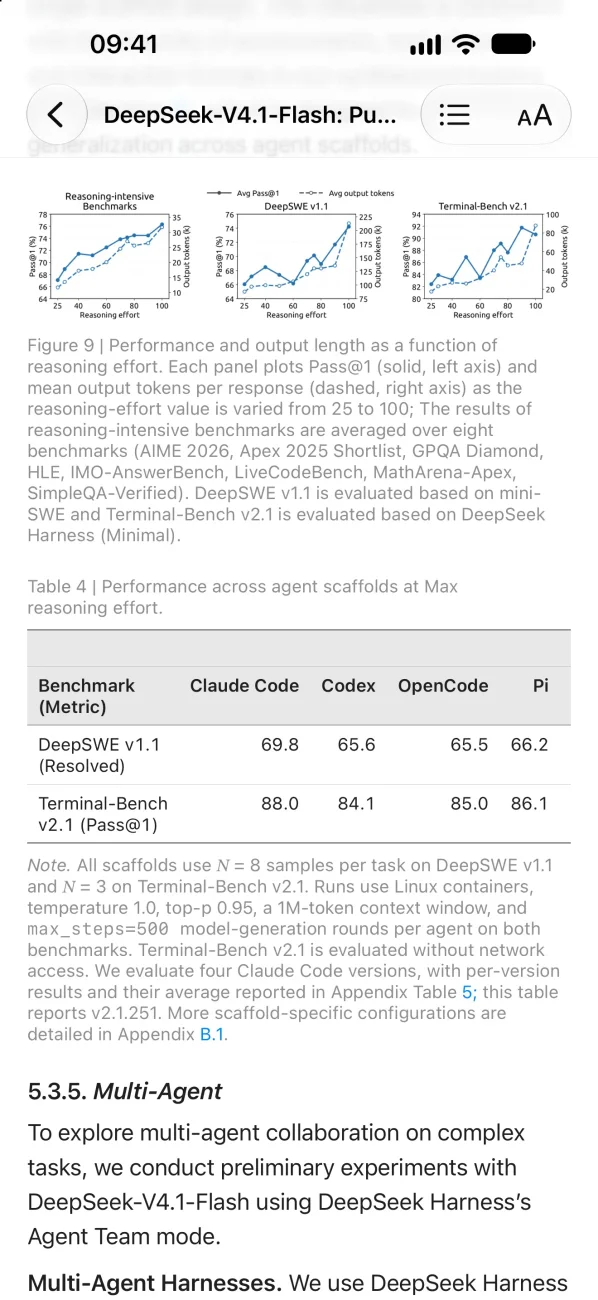
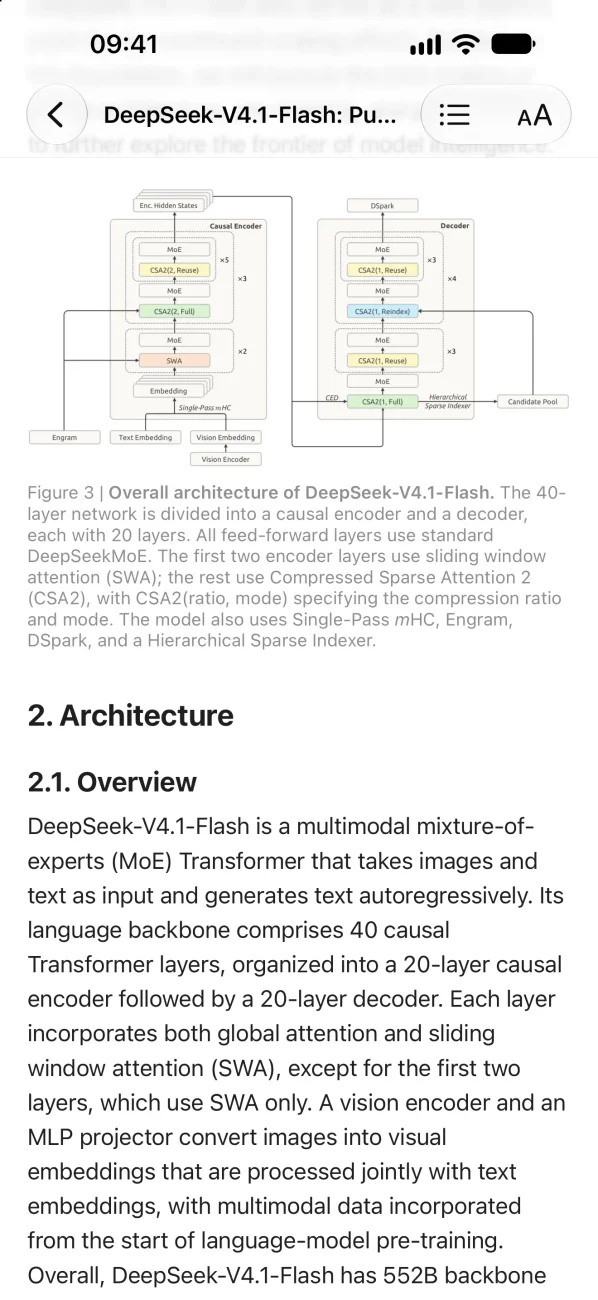
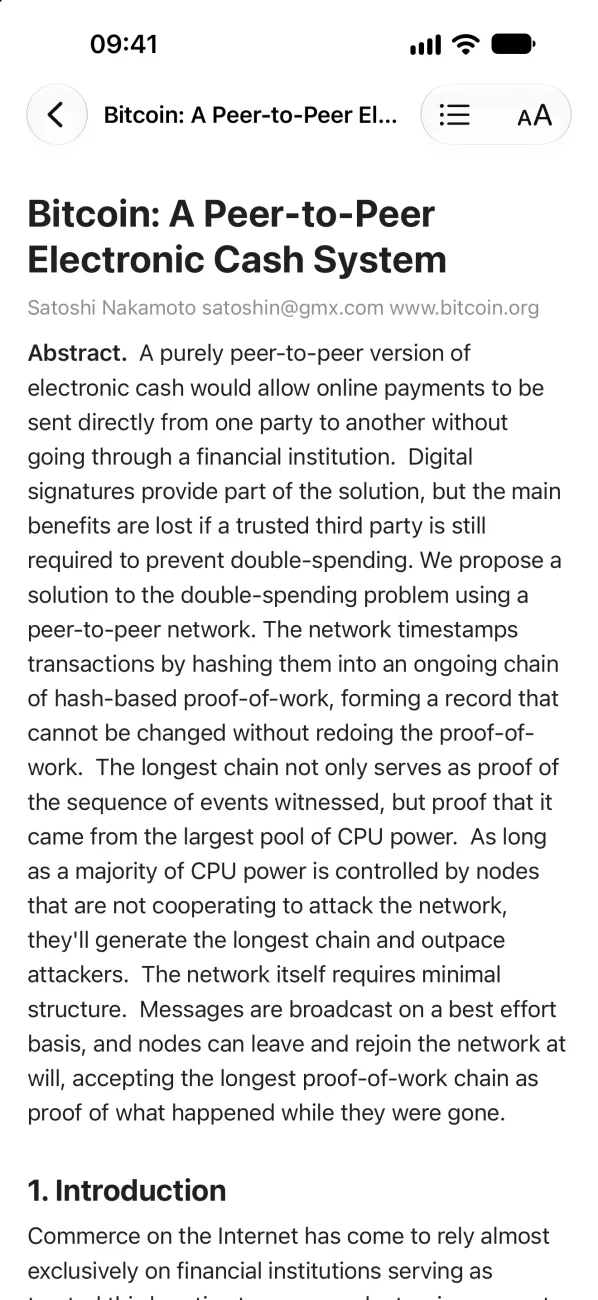
Model cards, technical reports and papers come as fixed pages sized for a big screen: two columns of small type, dozens of pages long. On a phone that means pinching and panning to follow a single sentence. Pageless reads the layout of each page — columns, headings, paragraphs, lists, tables, figures, formulas, footnotes — and reflows it into one clean column that fits your screen.
READ YOUR WAY
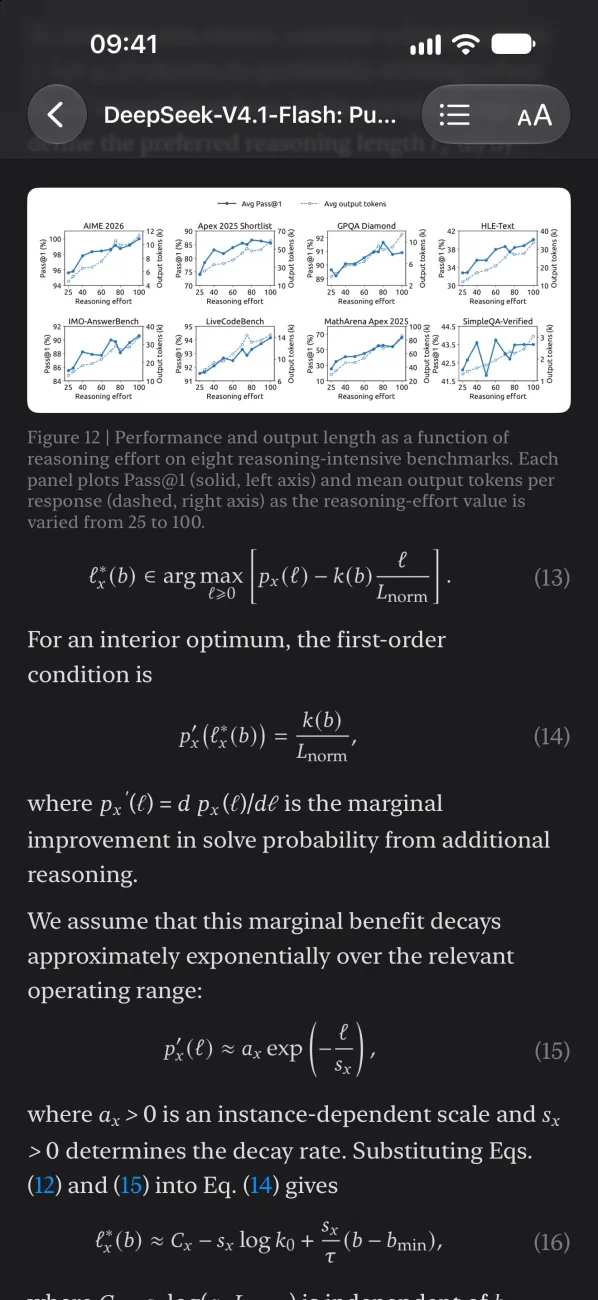
• Dark mode for any PDF, and softened contrast for long reading
• Any text size, or follow the system's Dynamic Type
• System, serif or rounded fonts
• A comfortable line length on iPhone and iPad, in portrait or landscape
EVERYTHING STAYS
• Tables are rebuilt as real tables you can scroll — copy them to a spreadsheet or notes, or see the original printed table
• Figures sit where they belong; tap one to zoom in full screen
• Formulas, footnotes, code and lists keep their structure
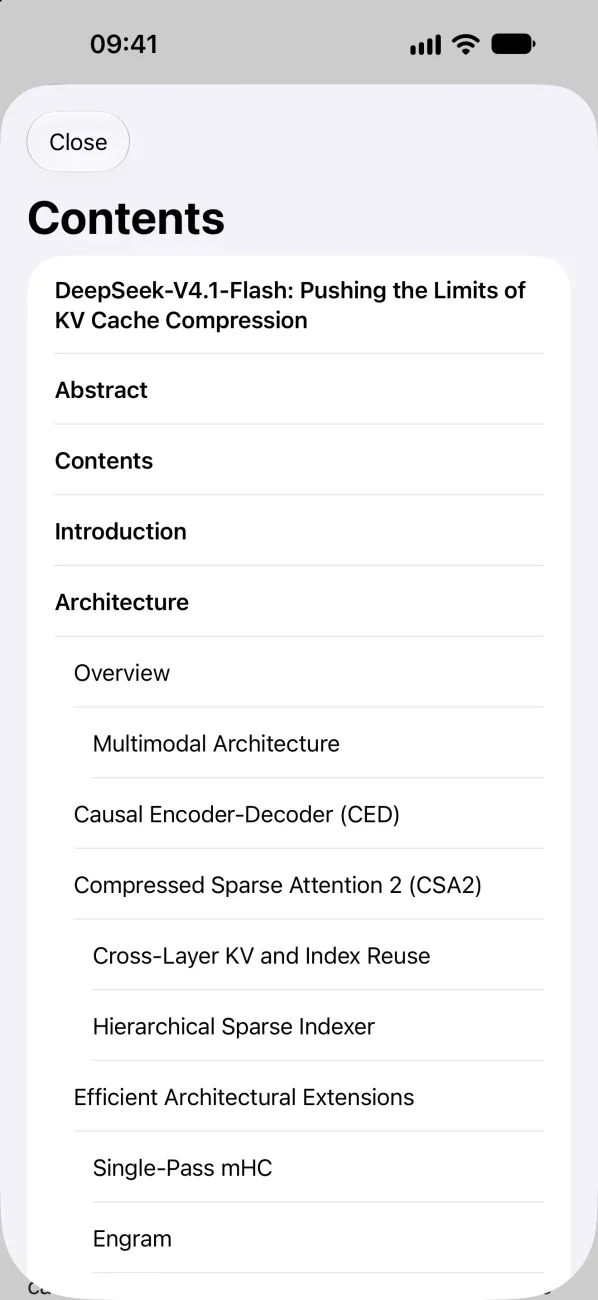
• Contents from the document's headings, and tappable references and section links
YOUR LIBRARY
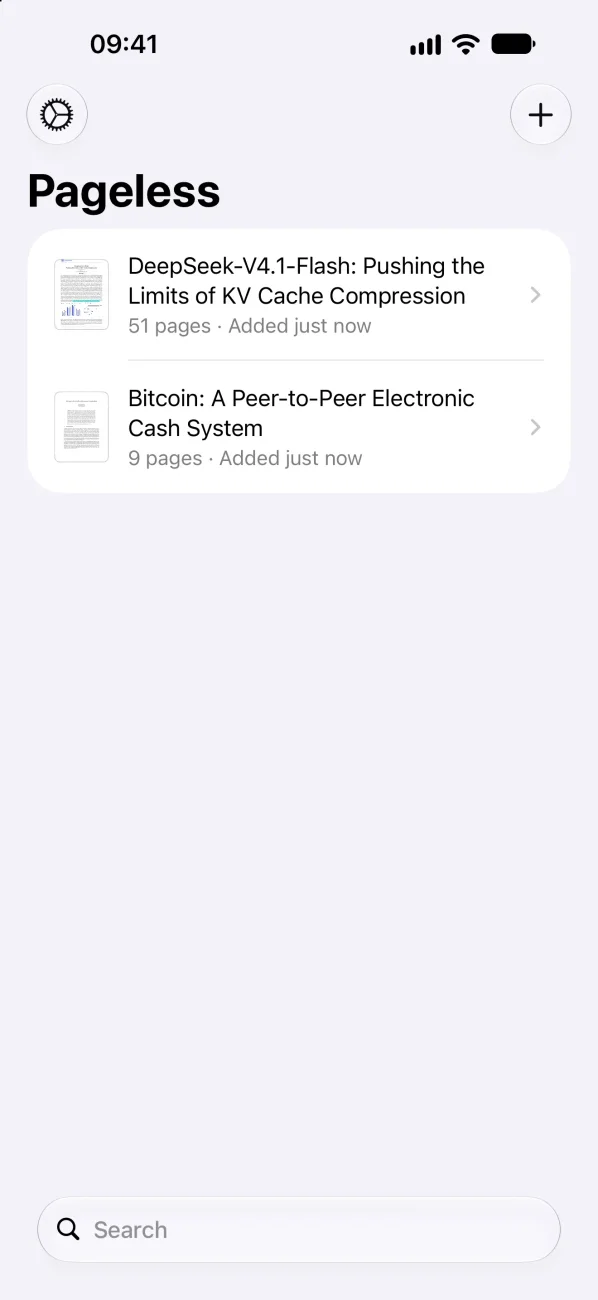
• Import from Files, or open PDFs straight from Mail, Safari and other apps
• Every document reopens where you left off
• Search, rename, share and delete
• Works with the PDFs you keep in the Files app
PRIVATE BY DESIGN
Everything happens on your device, so it works offline — on a plane, too. Pageless has no accounts, no tracking and no network access; your documents never leave your iPhone or iPad.
Best with text-based PDFs: model cards, technical reports, research papers, articles and manuals. Scanned PDFs (pages of images without text) can't be reflowed yet.
App privacy
What Max Helvetia declares on the App Store about how this app handles data.
-
Data not collected
The developer does not collect any data from this app.
Privacy practices may vary, for example with the features you use or your age.
Information
- Seller
- Max Helvetia
- Category
- Productivity
- Version
- 1.0
- Updated
- Nov 8, 2026
- Released
- Nov 8, 2026
- Size
- 10.6 MB
- Requires
- iOS 17.0 or later
- Age rating
- 4+
- Price
- Free
- Languages
- English
- Copyright
- © 2026 Max Helvetia
You might also like
-
 PDF ReflowRead PDFs without zooming
-
 Stash Anything: Save LinksBookmark Everything for Later
-
 Translator・Photo TranslatorTranslate Photos & Text Easily
-
 Pal Chat - AI Chat ClientPowerful AI chat playground
-
 Orange Max it - Sierra LeoneMy Orange & Orange Money
-
 Paper Planner, Diary, CalendarWeek overview, To-Do List, AI
-
 Raycast: Keyboard, AI and moreProductivity on the go
-
 Planmore: Schedule Planner AppDaily Calendar, Time Organizer
-
 PDF Pro - Reader Editor FormsEdit, annotate, view documents
-
 To Do List - Reminders & TasksTask Manager with Calendar