
PDF Reflow
Read PDFs without zooming
Designed for iPhone, iPad
Free · In-app purchases
- Age rating4+
- CategoryProductivity
- DeveloperAppBlit LLC
- LanguagesEnglish
- Size102.6 MB
Links to the official App Store page
Download.org hosts no file of PDF Reflow. The button opens its official App Store page, published by AppBlit LLC. Listing last checked on Nov 23, 2026.
Screenshots
About
Reading PDFs on your phone shouldn’t feel like work.
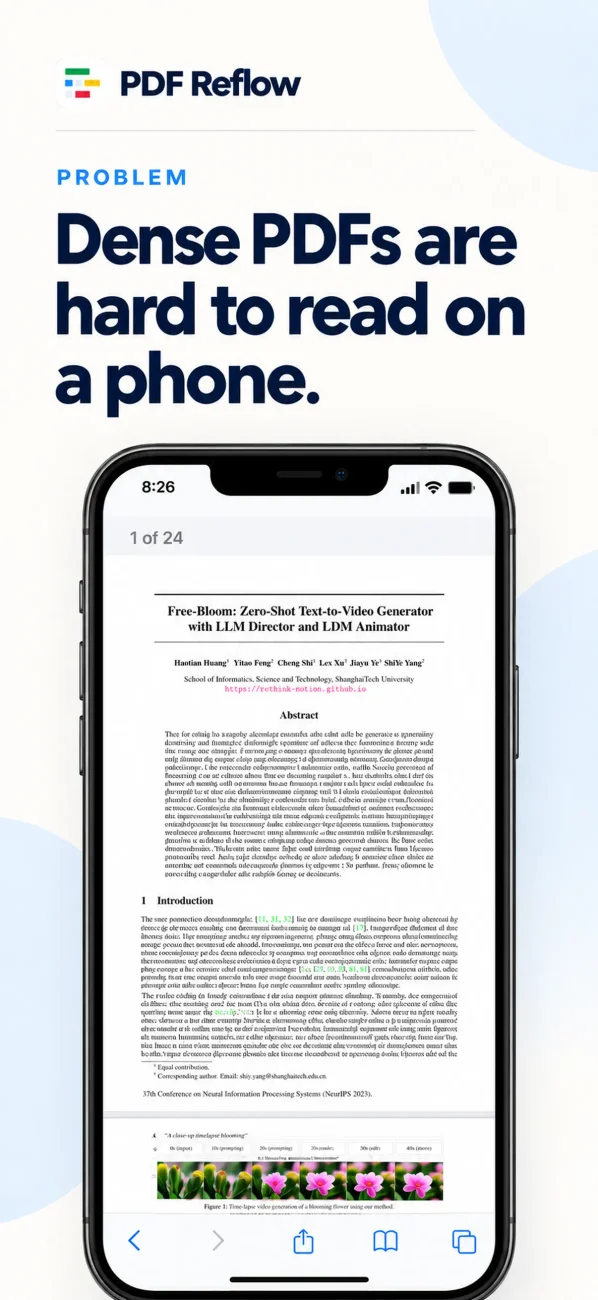
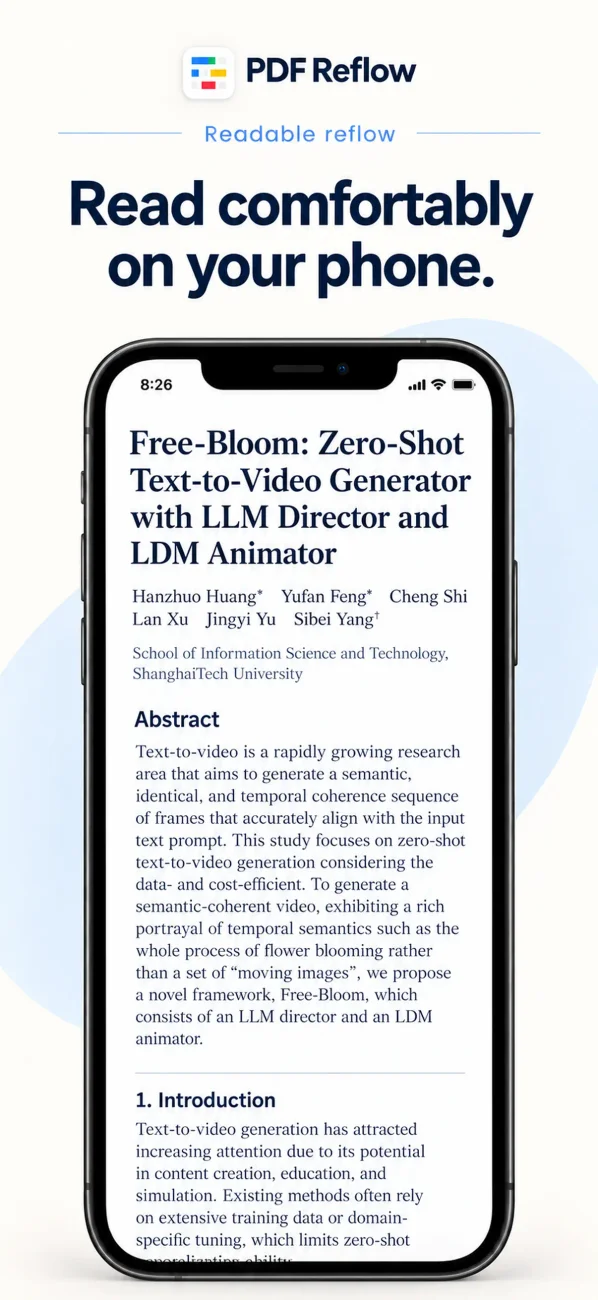
PDF Reflow transforms PDFs and Word documents into a clean, phone-friendly reading experience. No more tiny text, constant pinching, horizontal scrolling, or multi-column pages that don’t fit your screen.
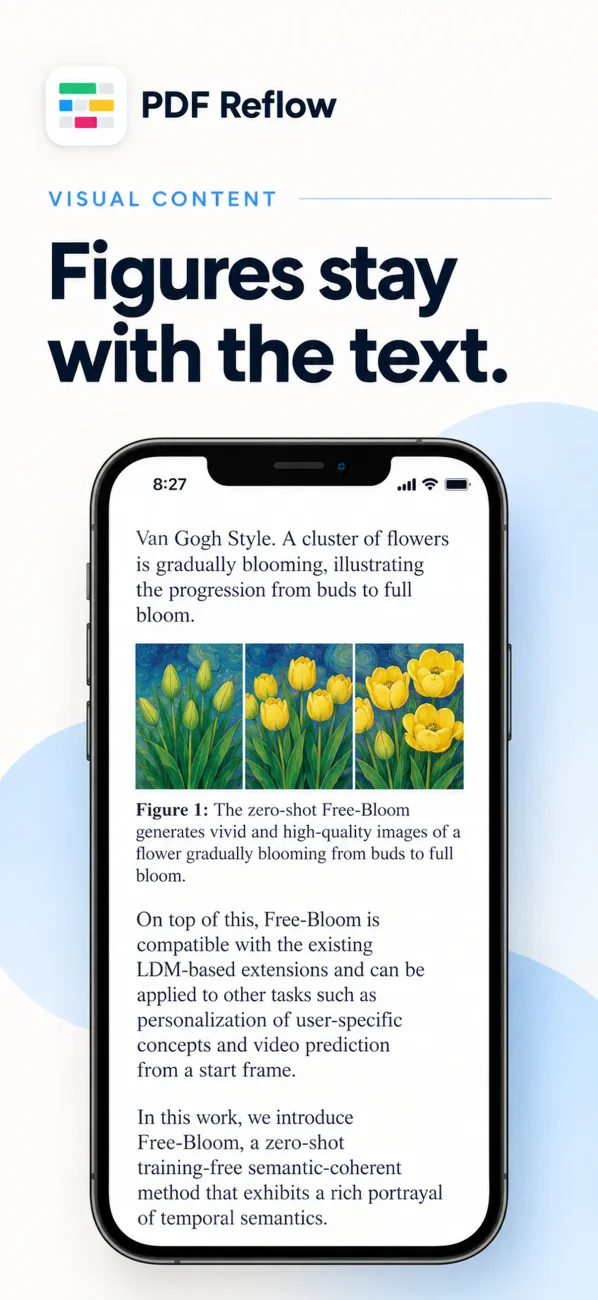
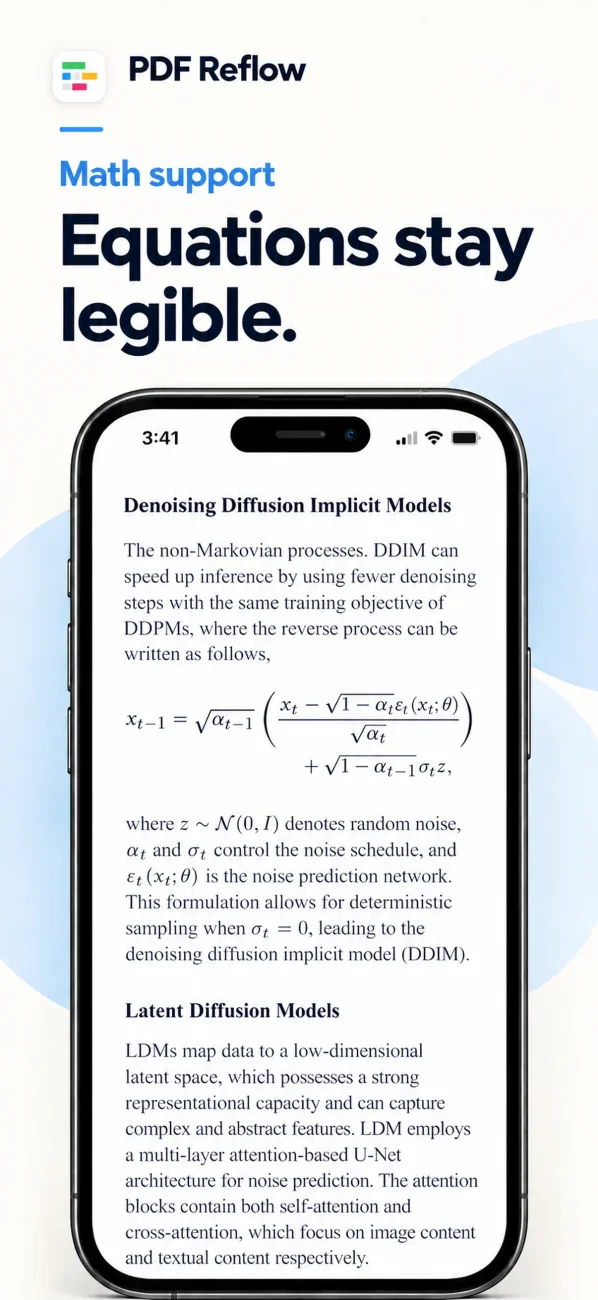
The latest version uses AI-powered page analysis to better understand each document’s layout, including text, graphics, figures, tables, and mathematical formulas. It then reorganizes the content into a natural vertical flow while preserving the document’s structure and visual context.
PDF Reflow is ideal for:
• Research papers
• Reports and manuals
• Articles
• Word documents
• Technical and scientific PDFs
• Documents with figures, tables, colors, and formulas
Features include:
• AI-powered page and layout analysis
• Comfortable, screen-width reading
• Text selection and highlighting
• Search within documents
• Adjustable text size up to 300%
• Automatic Table of Contents
• Dark mode for PDFs
• Built-in document picker
• Share highlights (text, HTML, Markdown, original PDF with highlights)
If you read PDFs on your phone and are tired of fighting the original page layout, PDF Reflow is made for you.
Questions or feedback?
laurent@appblit.com
What’s new
Version 2.6.11 · Nov 21, 2026
- Export highlights as a complete PDF or a PDF containing highlighted pages only.
- Share highlighted PDFs by email with the attachment and document title included automatically.
- Open web, email, and document links directly from reflowed pages.
- Improved support for superscript citation links and navigation within documents.
- Rename documents from the library.
App privacy
What AppBlit LLC declares on the App Store about how this app handles data.
-
Data not collected
The developer does not collect any data from this app.
Privacy practices may vary, for example with the features you use or your age.
Information
- Seller
- AppBlit LLC
- Category
- Productivity
- Version
- 2.6.11
- Updated
- Nov 21, 2026
- Released
- May 9, 2019
- Size
- 102.6 MB
- Requires
- iOS 17.0 or later
- Age rating
- 4+
- Price
- Free
- In-app purchases
- Yes
- Languages
- English
- Copyright
- © AppBlit 2026
You might also like
-
 Cortex - Local AIPrivate AI. No Cloud. Ever.
-
 Prompto Your AI prompt librarySave & organize AI prompts
-
 LiberaGPT Offline Privacy AIFeatured on USAToday & AP News
-
 sort & find documents: DocSortSmart Document Photos Manager
-
 DoCube: PDF Reader & NotesEPUB, Markdown & Translate
-
 Time@Location – Time TrackerAutomatic. Accurate. Private.
-
 Diem – The Better To-Do ListProductivity
-
 Markdown Notes Editor: MarkdenPrivate Notes, Tasks & AI Chat
-
 TomatoFlexPomodoro timer made simple.
-
 CustomNotify: Alert SchedulerSchedule & Repeat Reminders