Pagelight: Scanner OCR
Scan, sign, transcribe. No ads
Designed for iPhone, iPod touch
Free · In-app purchases
- Age rating4+
- CategoryProductivity
- DeveloperBloomwise SAS
- LanguagesEnglish+ 1 more
- Size50.0 MB
Links to the official App Store page
Download.org hosts no file of Pagelight: Scanner OCR. The button opens its official App Store page, published by Bloomwise SAS. Listing last checked on Nov 18, 2026.
Screenshots
About
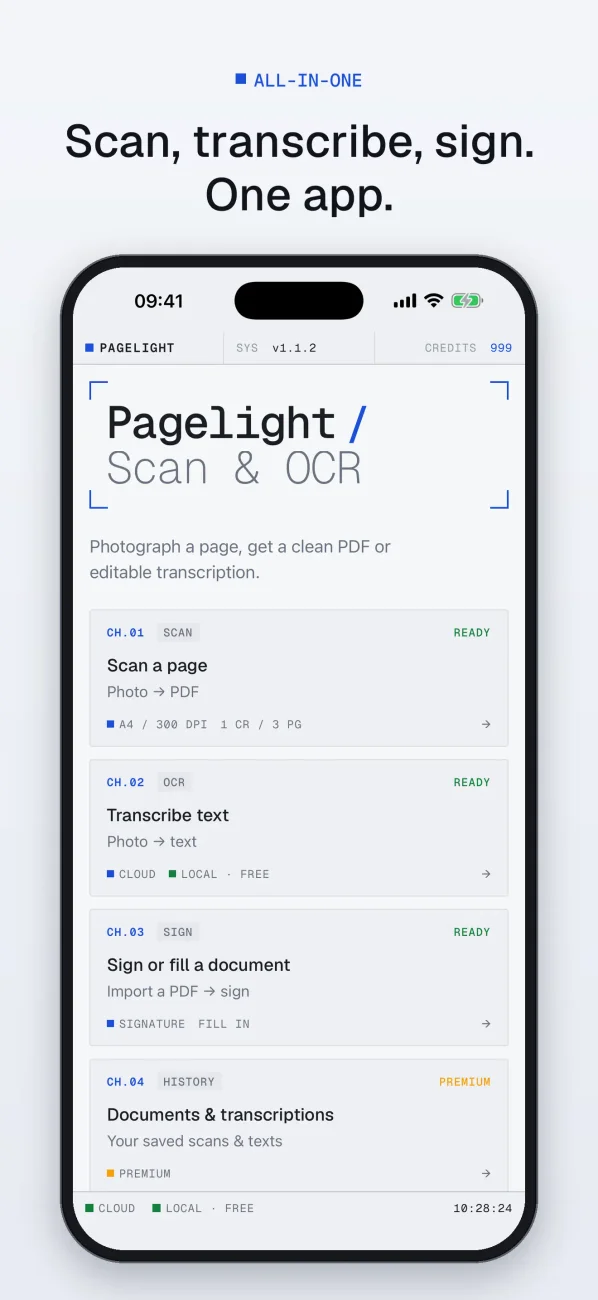
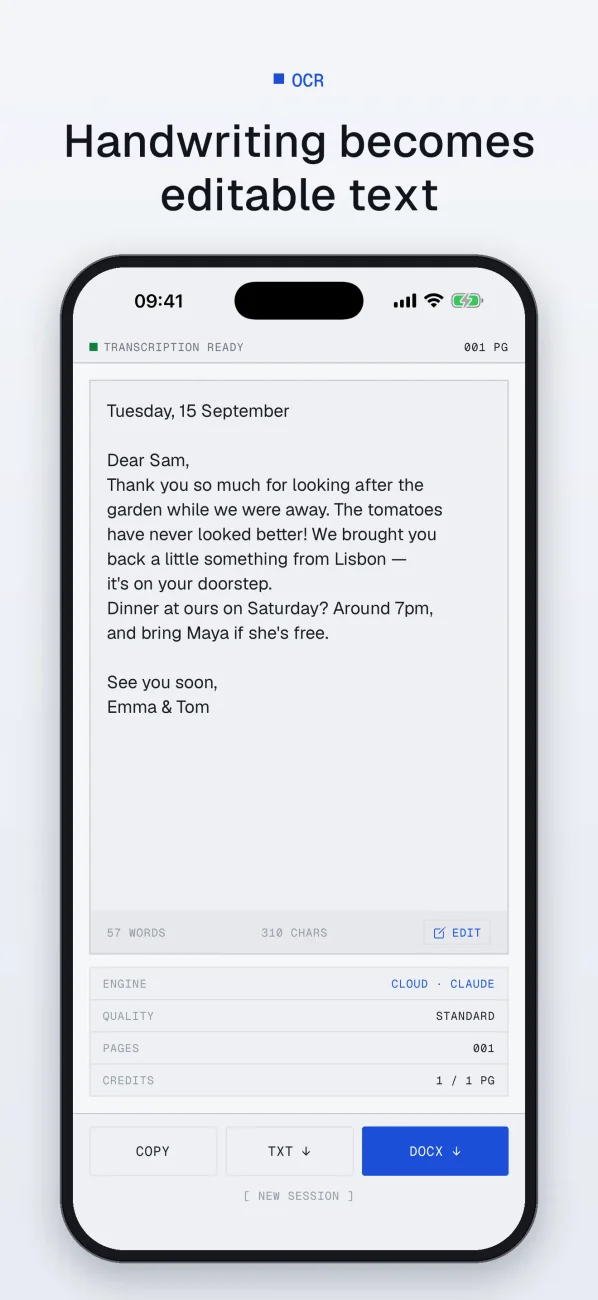
Pagelight turns any phone photo into a clean digital document — and lets you sign it. A precise scanner for printed papers, a faithful OCR for handwritten notes, a straightforward tool to sign and fill the PDFs you have to send back.
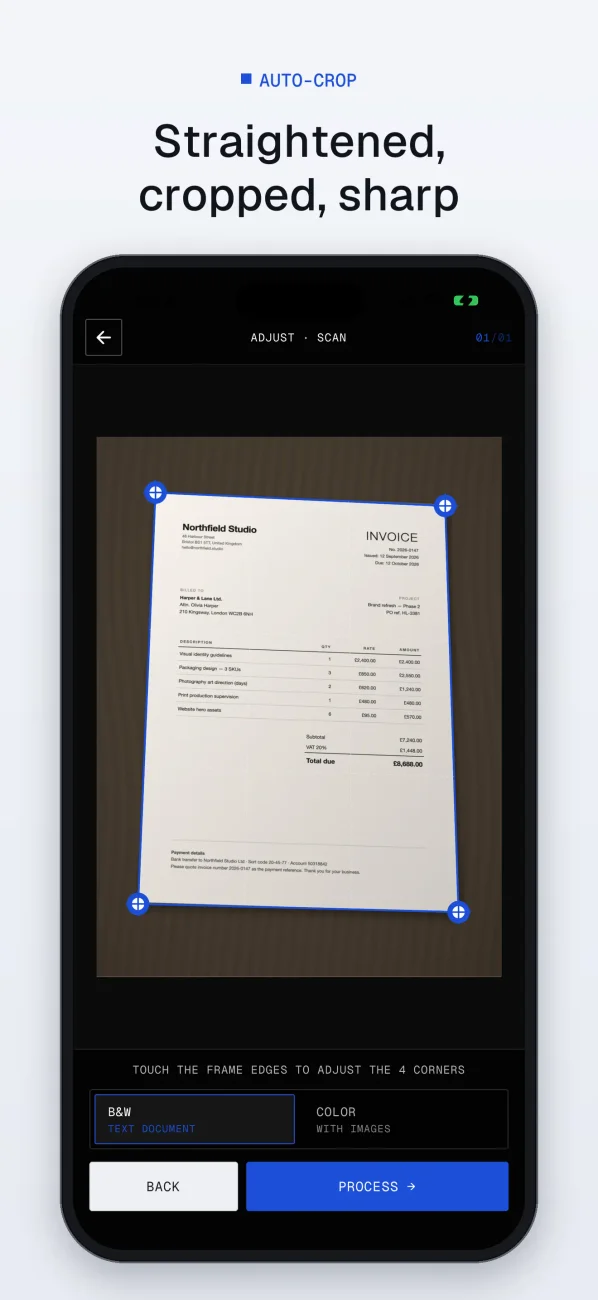
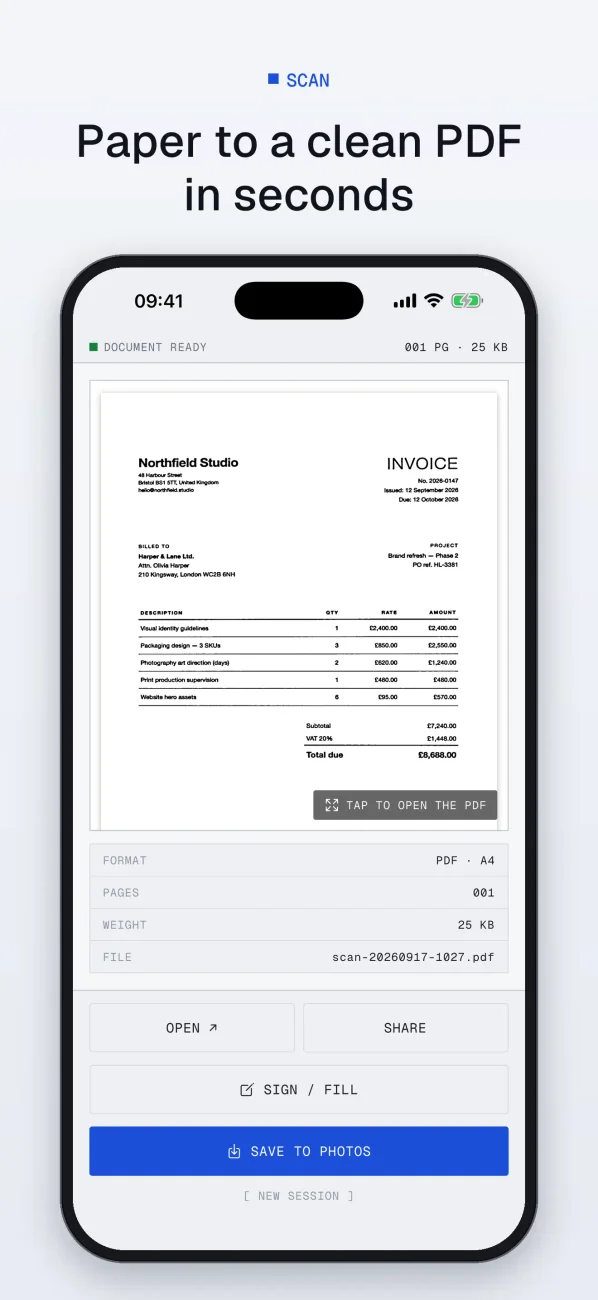
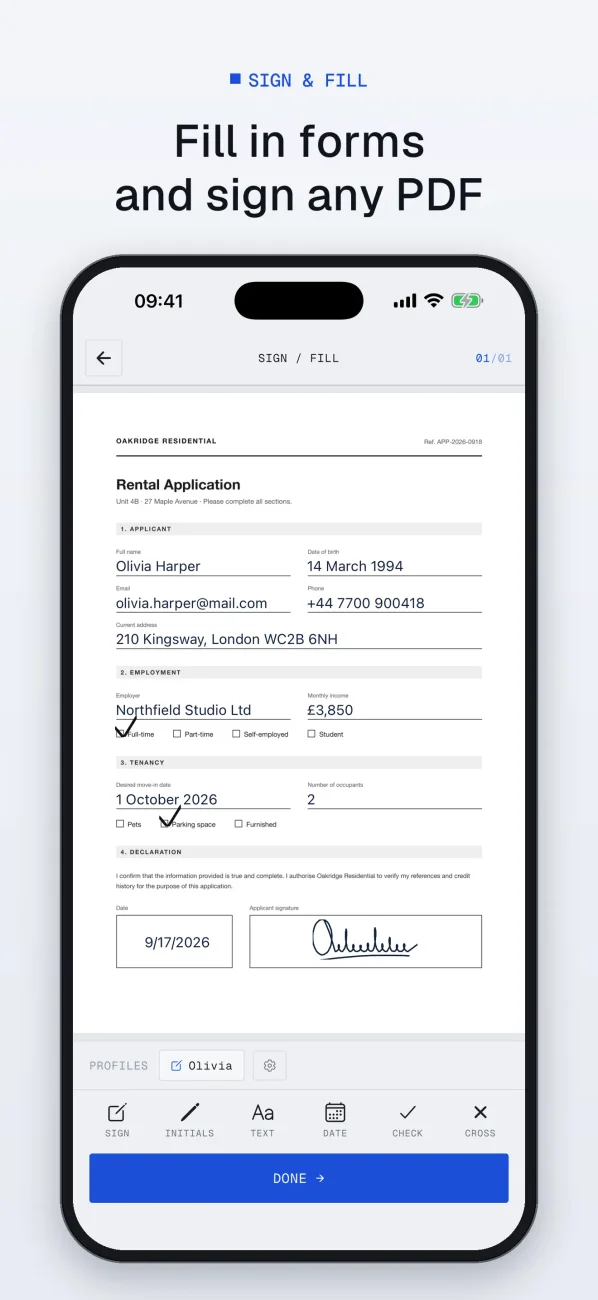
Photograph a letter, a notarized deed, a school notebook or a family journal. Pagelight straightens the edges, corrects perspective and produces either a clean PDF or editable text you can review, correct and export. Got a contract to sign or a form to fill? Import the PDF, draw your signature once, place it where it belongs, done.
Built for documents that matter: family memories to preserve, archives to digitize, contracts and forms to return signed. No bloated interface, no gimmicks, no ads.
FEATURES
• Multi-page scanner with automatic edge detection
• Clean black & white or full color PDF output
• Faithful OCR transcription, including cursive handwriting
• Choose your engine: Cloud (fast, high accuracy) or on-device (free, offline, nothing leaves your iPhone)
• Sign and fill any PDF: handwritten signature, initials, text, date, checkmarks and crosses
• Save signature profiles and reuse them in one tap
• Export as PDF, TXT or DOCX
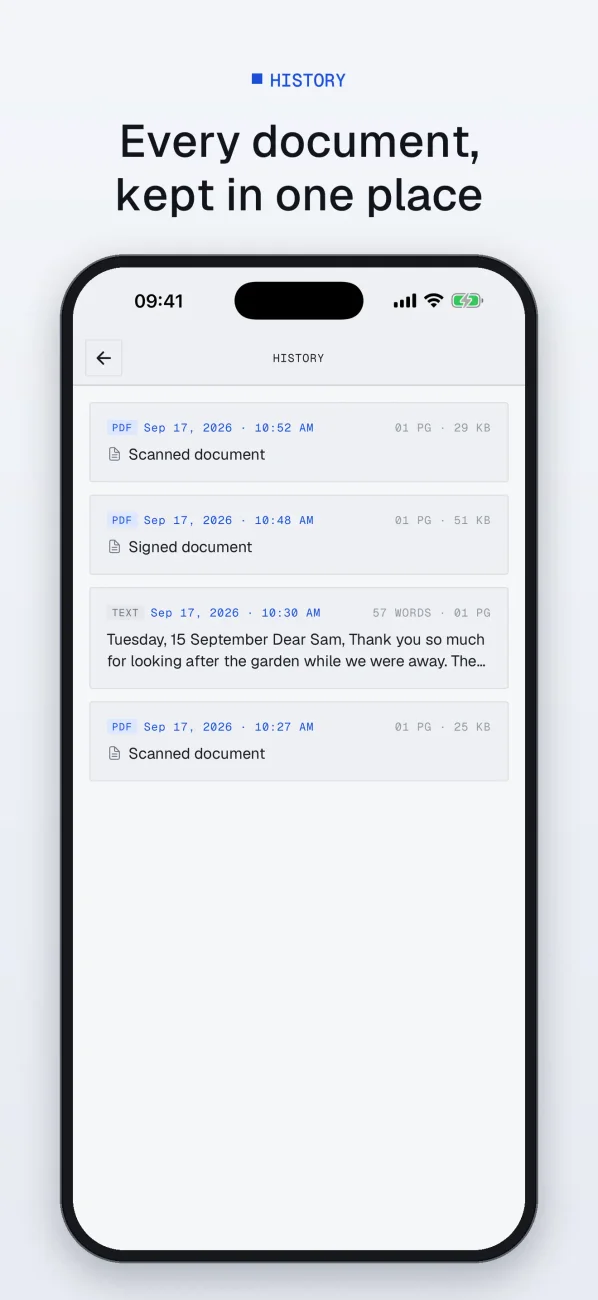
• History of your scans, transcriptions and signed documents, kept in the app (Premium)
• Direct share, clipboard copy, gallery save
WHO IT'S FOR
• Anyone preserving handwritten family records
• Anyone who signs and returns contracts, leases or admin forms from their phone
• Privacy-conscious professionals: notaries, archivists, HR
• Anyone who needs a reliable pocket scanner without tracking
PRIVACY
The on-device engine processes your image entirely on your iPhone — no data leaves it. In Cloud mode, images are sent encrypted and deleted after processing. No ads, no tracking.
Pagelight runs on credits: scans and Cloud transcriptions use credits, signing and filling use none. Buy packs or subscribe to Pro/Premium for unlimited use — Premium also unlocks History.
Terms of Use (EULA): https://bloomwise.studio/en/apps/pagelight/terms
Privacy Policy: https://bloomwise.studio/en/apps/pagelight/privacy
What’s new
Version 1.1.3 · Oct 26, 2026
• You can now remove a page before processing: pages appear as thumbnails, and one tap discards a duplicate.
• New Settings screen from the home screen: support, privacy and terms.
• Fixes and improvements.
App privacy
What Bloomwise SAS declares on the App Store about how this app handles data.
-
Data not linked to you
May be collected but is not linked to your identity.
- Purchases
- Identifiers
Privacy practices may vary, for example with the features you use or your age.
Information
- Seller
- BLOOMWISE SAS
- Category
- Productivity
- Version
- 1.1.3
- Updated
- Oct 26, 2026
- Released
- May 29, 2026
- Size
- 50.0 MB
- Requires
- iOS 15.1 or later
- Age rating
- 4+
- Price
- Free
- In-app purchases
- Yes
- Languages
- English, French
- Copyright
- © 2026 Bloomwise SAS
You might also like
-
 ScanOncePrivate Document Scanner & OCR
-
 Document Lens - OCR ScannerScan, OCR & Instashare PDFs
-
 TableScan StudioProductivity
-
 Xcelify: Scan Tables to SheetsImage to spreadsheet converter
-
 DeskLodgeProductivity
-
 ScanOnce: PDF Doc ScannerScan, sign, OCR & receipts
-
 24 Hours Schedule Management1 Hour 1 Line 1 Day 24 Hours
-
 CallPadProductivity
-
 MyLine - Your Acting CompanionRehearse, Self-Tape, Connect
-
 Paymo Project ManagementManage projects & track time