
- Age rating17+
- CategoryProductivity
- DeveloperGlobe Astral
- LanguagesEnglish
- Size45.8 MB
Links to the official App Store page
Download.org hosts no file of PagePin. The button opens its official App Store page, published by Globe Astral. Listing last checked on Nov 12, 2026.
Screenshots
About
You saved it. But where?
A recipe in one app. A product in another. An article buried in your screenshots. Keeping something for later is easy. Finding it again should be too.
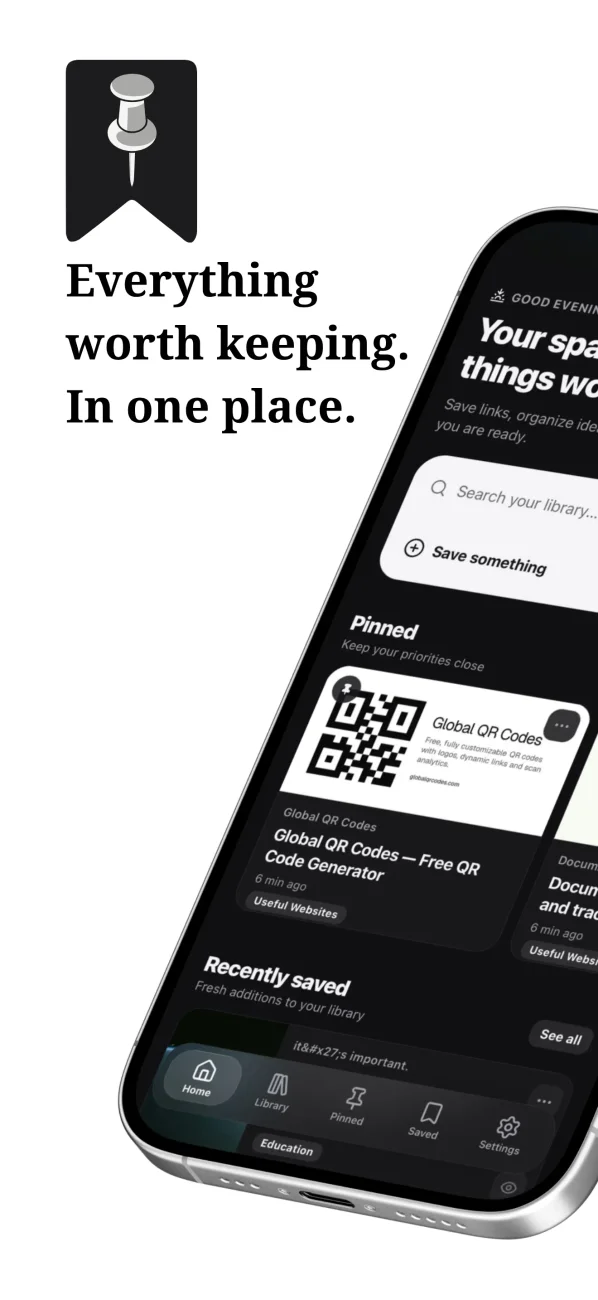
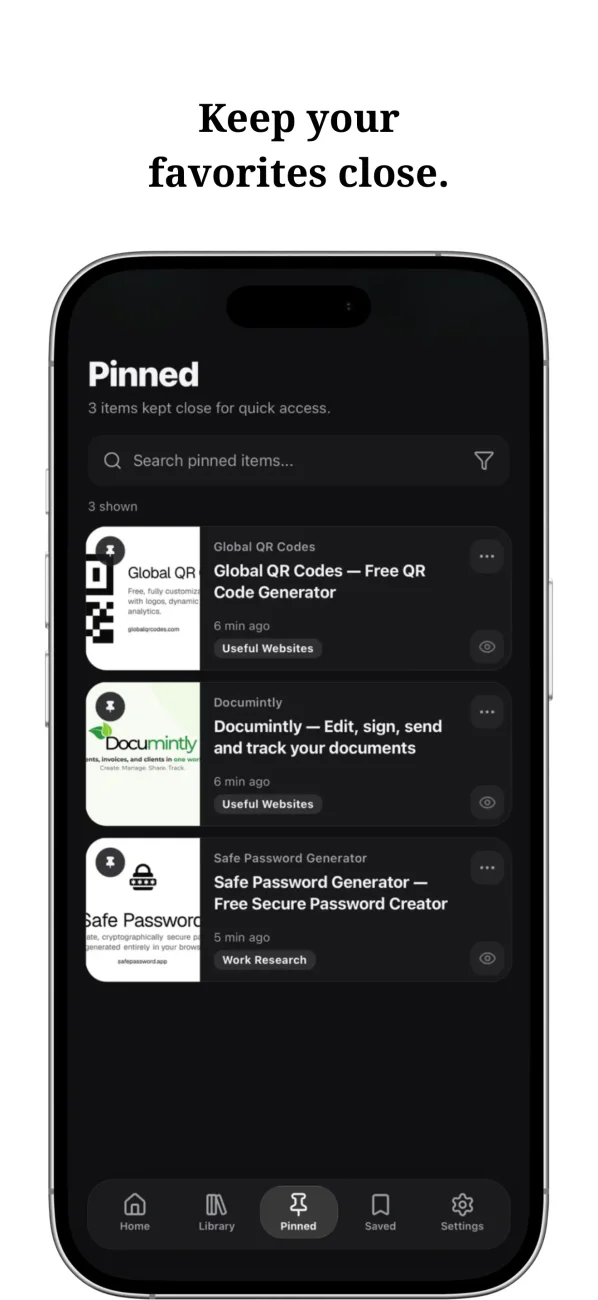
PagePin gives the links you want to keep a place of their own. Save articles, videos, products, recipes, tools, and websites in one organized library. Group them into Collections, pin your favorites, and set reminders to return to the things you wanted to explore.
• Save as you browse
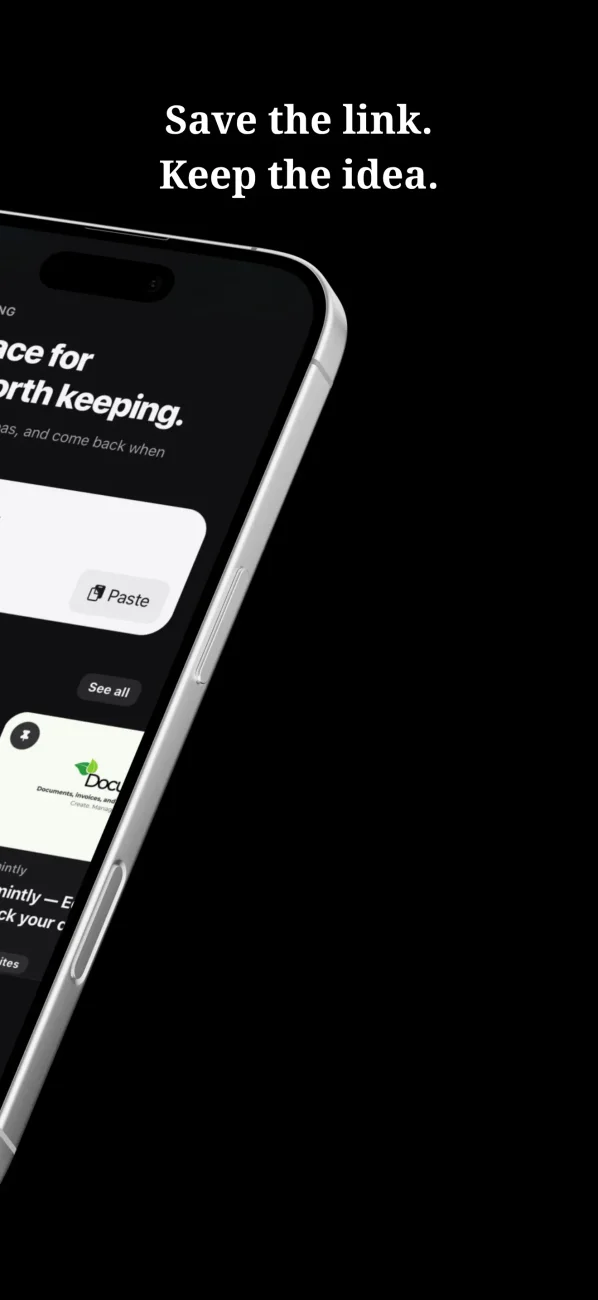
Add a link directly in PagePin or send it from another app using the iOS share sheet.
• Organize your way
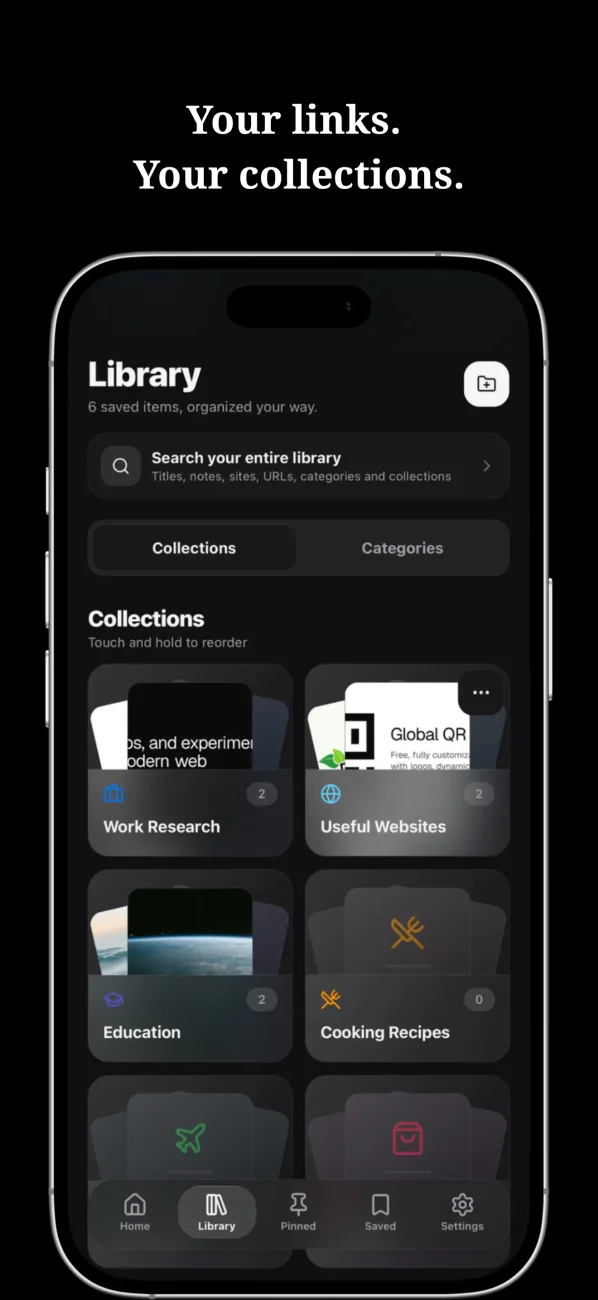
Group links into Collections with custom icons and colors. Use Categories and add notes to remember why you saved something.
• Keep your priorities close
Pin important links so they are easy to find and revisit.
• Find what you saved
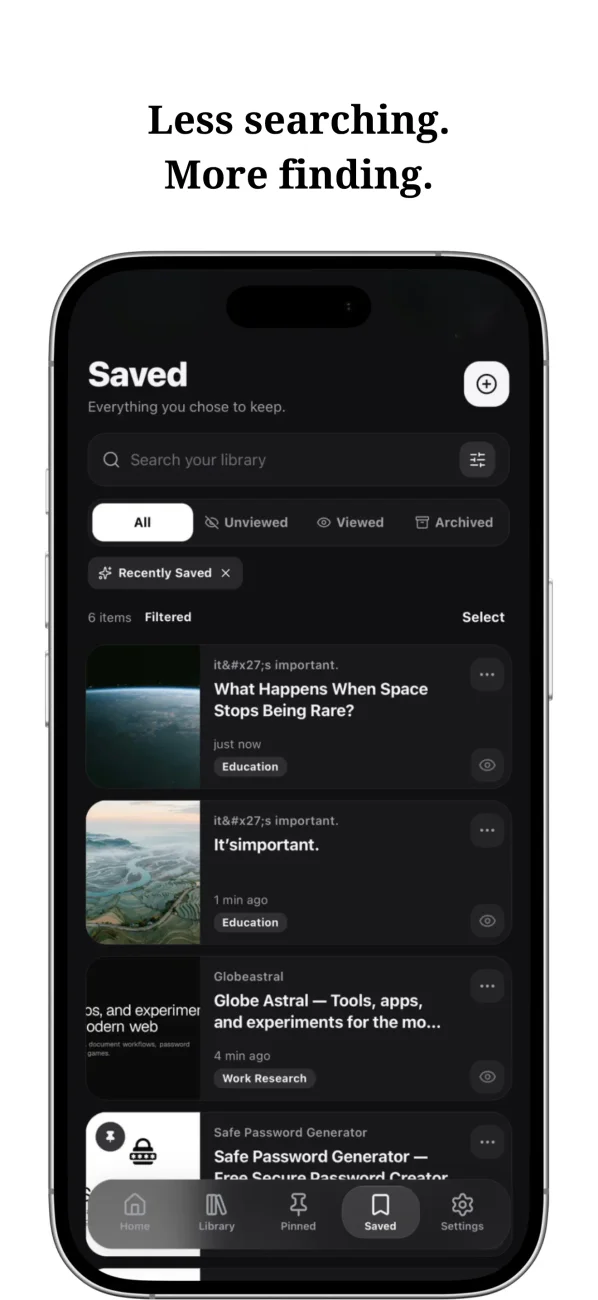
Search your library by title, notes, website, URL, Category, or Collection. Filter viewed and unviewed items, and archive links you want to keep for later.
• Set a reminder
Choose when you would like to return to a saved link.
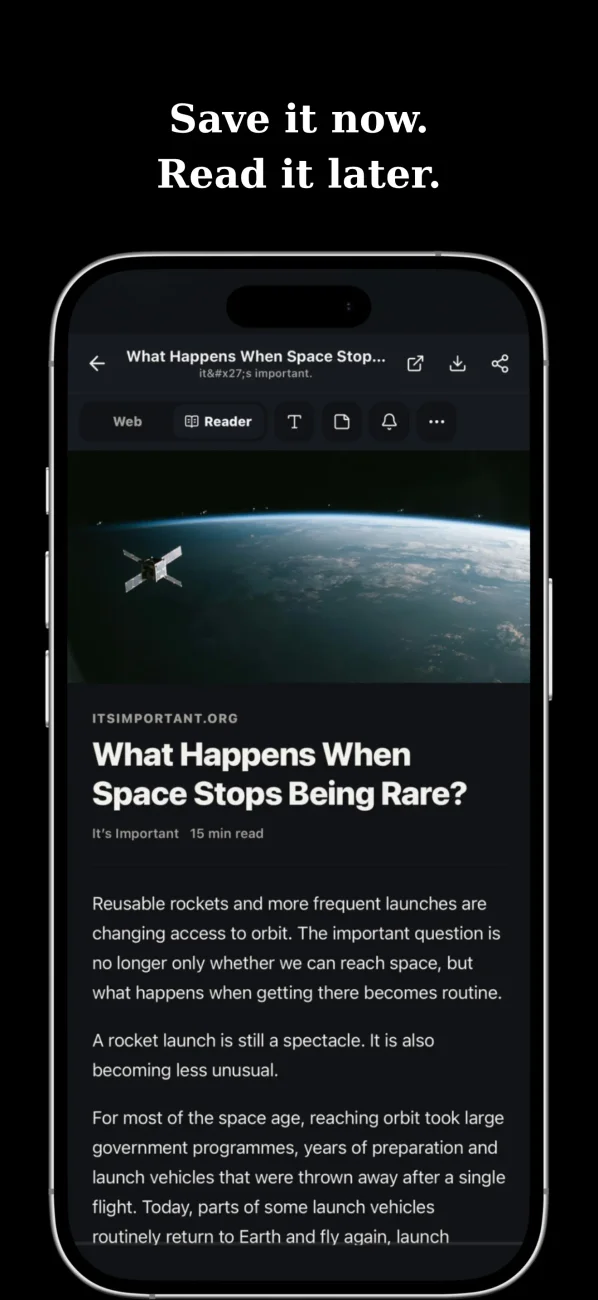
• Read supported pages offline
Use Reader mode for compatible articles and save Reader copies to your device. Offline availability depends on the website and does not include downloading videos or entire websites.
• Choose how links open
Browse inside PagePin or open a link externally in your browser or a supported app.
• Sync when you want
Use PagePin locally without creating a PagePin account. Enable optional iCloud Sync to keep your library synced across your Apple devices.
• Add biometric protection
Enable Face ID or Touch ID on supported devices to help protect access to PagePin.
Designed for iPhone and iPad, with light and dark appearances and layouts that adapt to your screen.
Save links, organize ideas, and keep what matters within reach.
PagePin is provided by Globe Astral LLC.
What’s new
Version 1.0.1 · Oct 30, 2026
A cleaner PagePin, with easier saving and more ways to organize your library.
• Refreshed Home screen with streamlined Save, Paste and Search controls.
• Collection cards with previews from your saved content, drag-and-drop reordering, and easy switching between Collections and Categories.
• Create and select new categories and collections without leaving the save screen.
• Select multiple saved items or all items in your current view and delete them together.
• Simpler item menus with sharing and other actions in one place.
• Smoother tab switching and improved widget visibility in dark mode.
App privacy
What Globe Astral declares on the App Store about how this app handles data.
-
Data not collected
The developer does not collect any data from this app.
Privacy practices may vary, for example with the features you use or your age.
Information
- Seller
- Globe Astral LLC
- Category
- Productivity
- Version
- 1.0.1
- Updated
- Oct 30, 2026
- Released
- Sep 22, 2026
- Size
- 45.8 MB
- Requires
- iOS 16.4 or later
- Age rating
- 17+
- Languages
- English
- Copyright
- © 2026 Globe Astral LLC
You might also like
-
 2020mall SellerFor 2020mall sellers only
-
 NoteStream — Capture Your MindSmarter Note Taking
-
 SimpleList - TodoList&PlannerTasks, & Reminders
-
 Flows - Planner & NotesDaily To-Dos & Pomodoro Timer
-
 My Local AI: Private ChatYour Local, Private AI Chat
-
 Arkyv Tiles AppCard-based archival tool
-
 MindPaceYour Personal Companion
-
 ADHD Planner: UntangleBrain Dump & Focus Timer
-
 Flipnotes - Digital NotebookThe Fastest Notes App.
-
 LockNote: Note on Lock ScreenSticky Notes & Reminder