Pagevo: PDF Document Scanner
ID Card, Fax, Convert & Edit
Designed for iPhone, iPad, iPod touch
Free · In-app purchases
- Age rating4+
- CategoryProductivity
- DeveloperShiyal Akash
- LanguagesEnglish+ 34 more
- Size90.4 MB
Links to the official App Store page
Download.org hosts no file of Pagevo: PDF Document Scanner. The button opens its official App Store page, published by Shiyal Akash. Listing last checked on Nov 25, 2026.
Screenshots
About
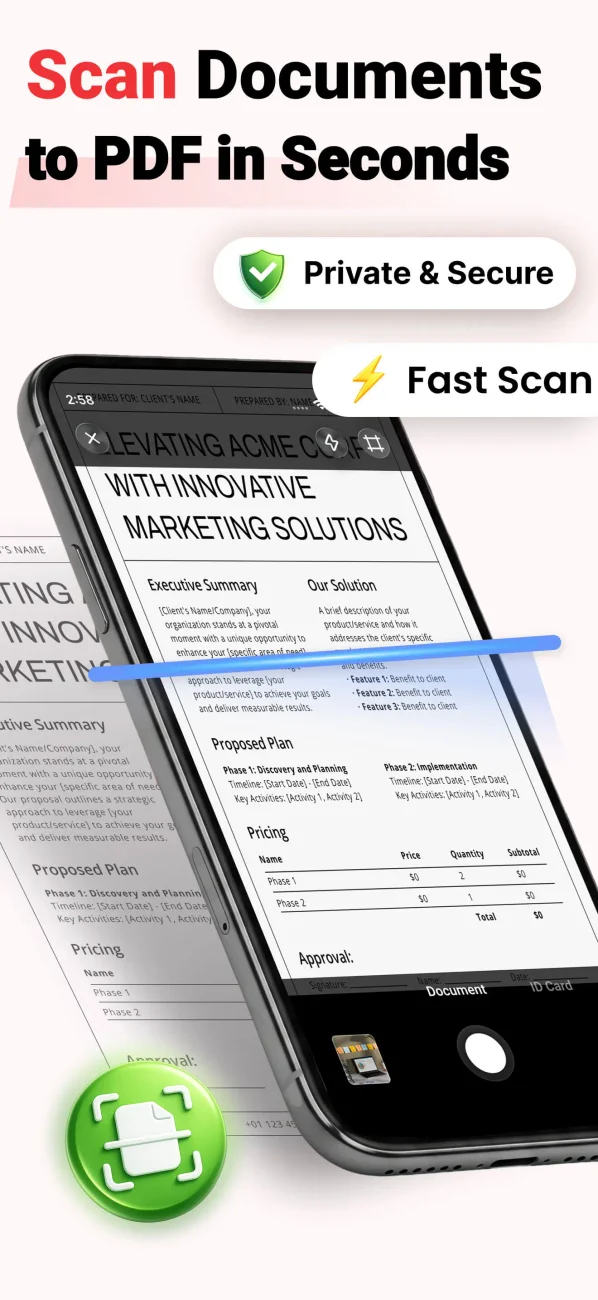
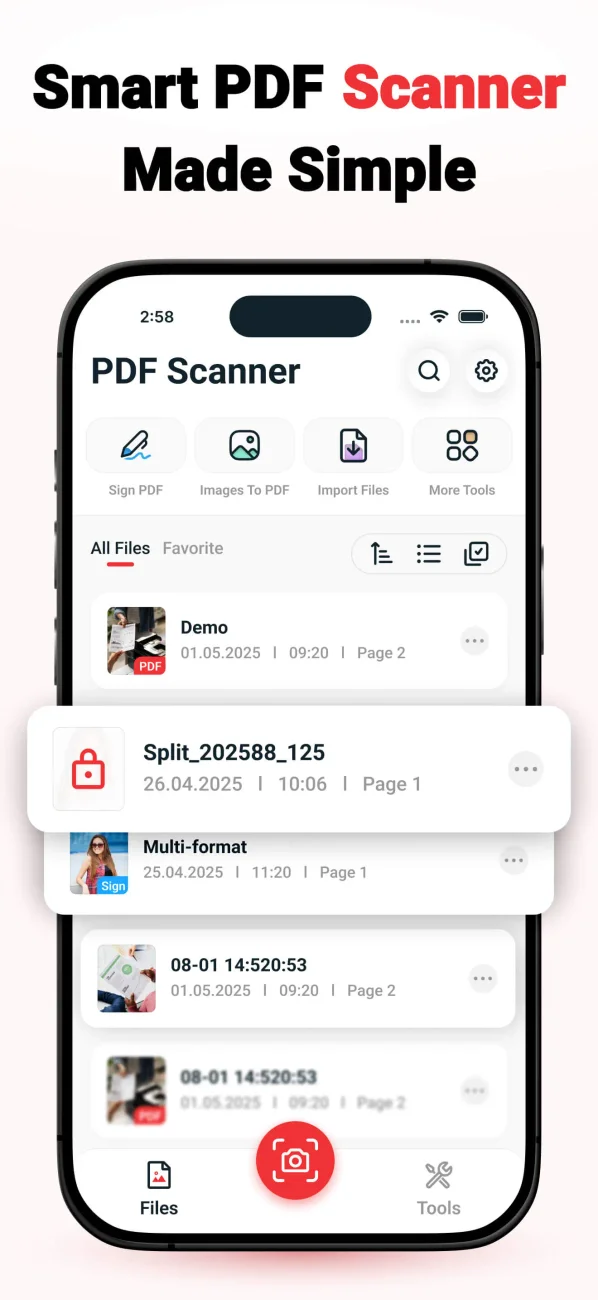
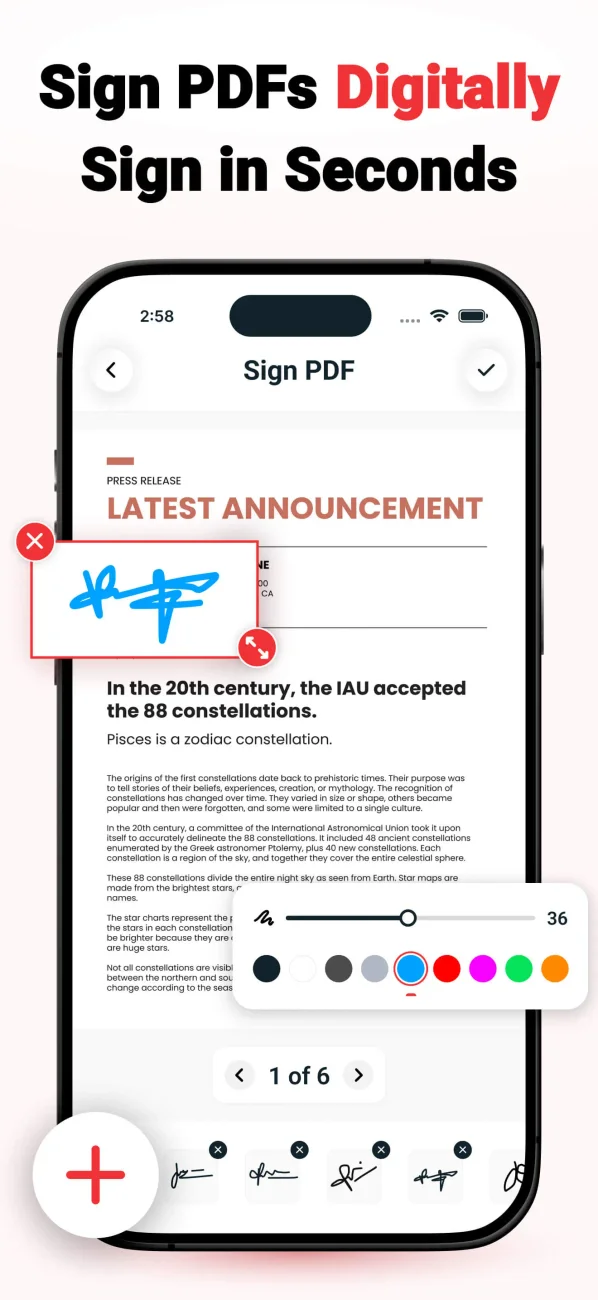
Create PDFs, convert images, and manage files with PDF Scanner. Use your camera to capture pages, combine multiple pages into a document, import supported files, crop and arrange pages, and prepare PDFs to save, export, or share. PDF Scanner brings practical document tools together for everyday paperwork, study materials, receipts, forms, and work documents.
CREATE MULTI-PAGE PDFS
Capture multiple pages and keep them together in one document. Review the page sequence and arrange pages in the order you want before creating your PDF.
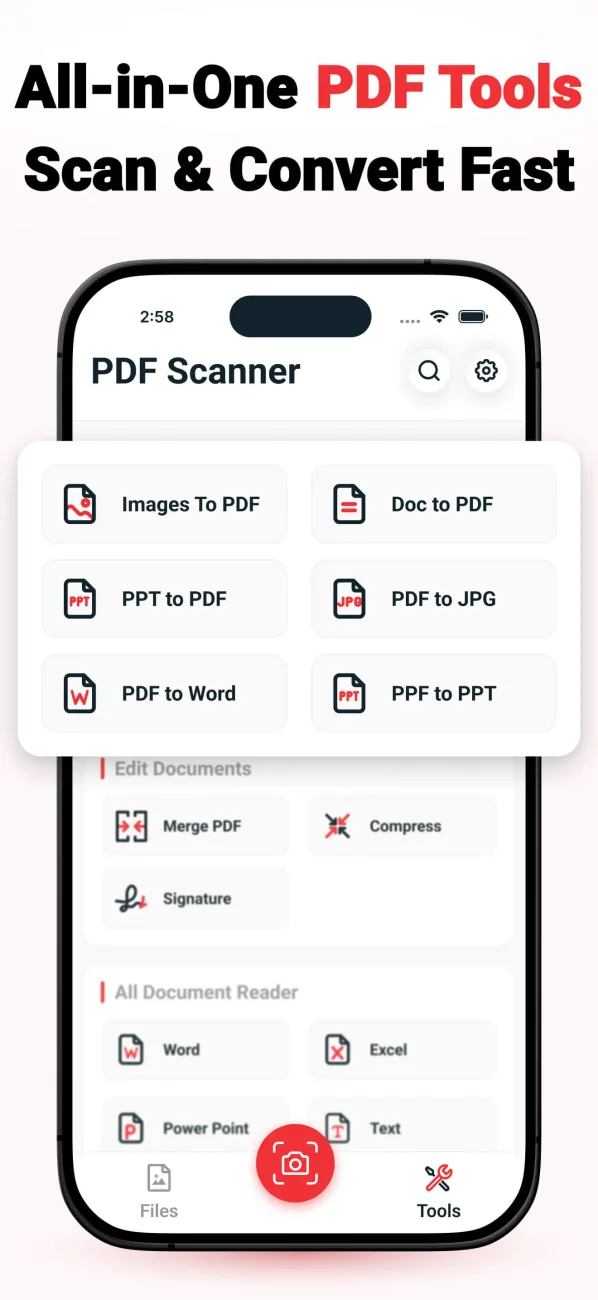
CONVERT IMAGES TO PDF
Choose images from your photo library and turn them into a PDF document. Bring selected pictures together in one file for easier saving, exporting, and sharing.
CROP AND ADJUST PAGES
Crop scanned images to adjust page boundaries and remove unwanted edges. Prepare each page before saving or exporting the document.
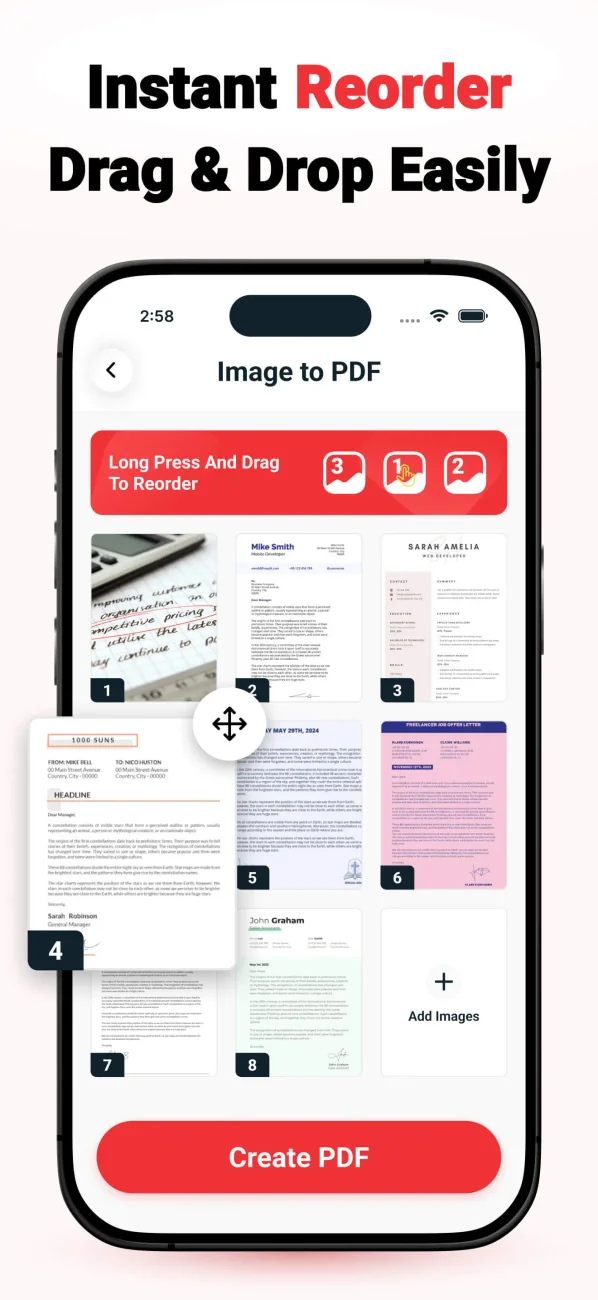
REORDER DOCUMENT PAGES
Change the position of pages or images to put your document in the right sequence. Review the order before you finish your PDF.
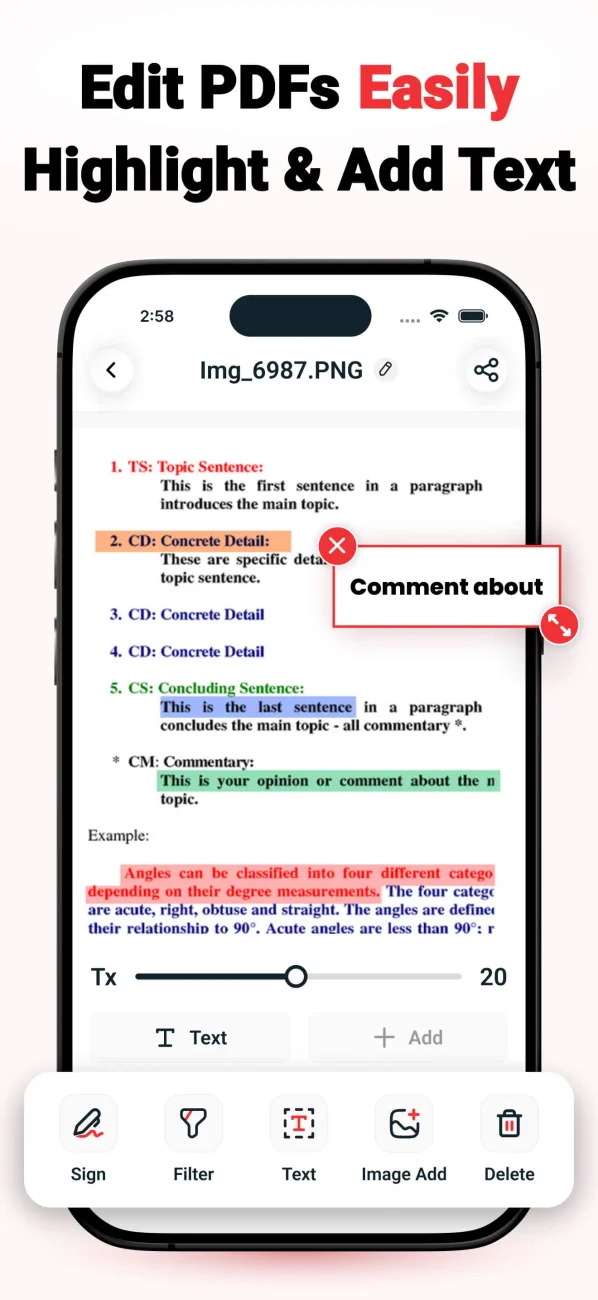
EDIT AND COMPRESS PDF FILES
Use the available PDF editing and compression tools to make supported changes and reduce file size when needed. Compression results can vary depending on the original file and its contents. Review the output before sharing.
IMPORT FILES
Import supported files through the iOS Files picker. The supported format list supplied for this app includes DOC, Word,Excel, PowerPoint, HTML, RTF, and XML. Available actions depend on the file type and the app version.
EXPORT AND SHARE
Export completed documents or share PDFs using the options available on your device. Available destinations depend on your installed apps and iOS settings.
LOCAL DOCUMENT WORKFLOW
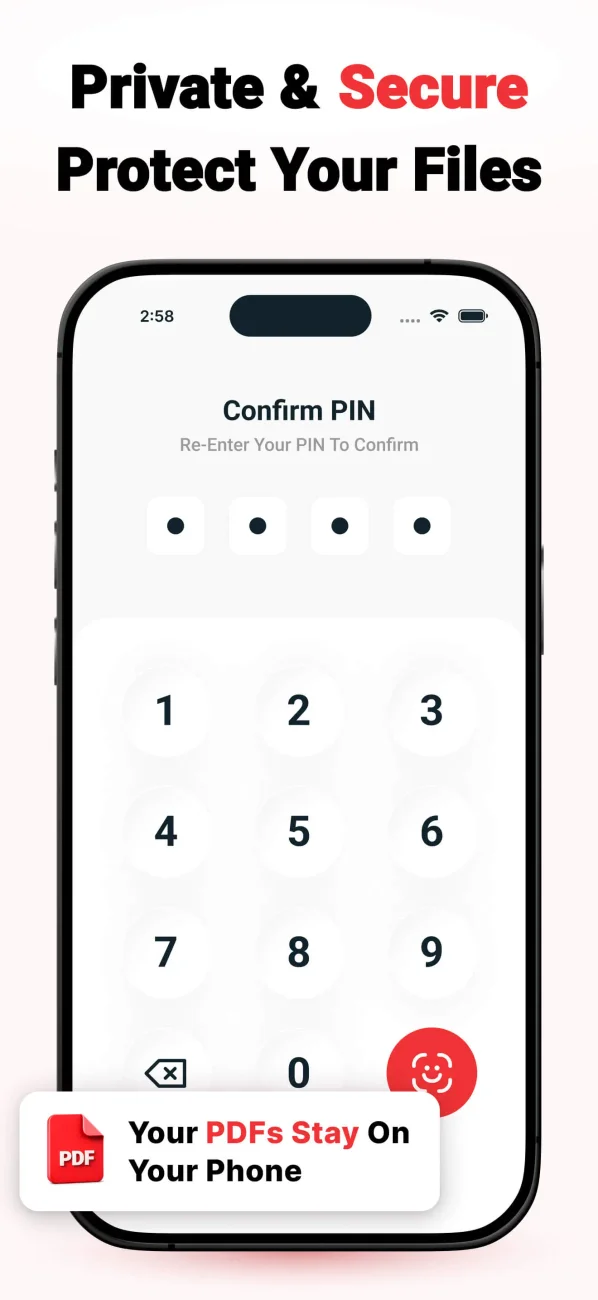
Document processing is intended to take place on your device, and files are saved locally when you choose to save them.No account is required to scan documents. Separate analytics, diagnostics, purchase, attribution, and notification services may process technical or usage information according to their configuration and the Privacy Policy.
SUBSCRIPTIONS
Some features require a Premium Subscription.
Optional auto-renewable subscriptions are available: Weekly $4.99, Monthly $9.99, and Yearly $39.99. No free trial is offered according to the information supplied. Prices may vary by storefront and are shown in the purchase flow before you subscribe. Payment is charged to your Apple Account at confirmation. Subscriptions renew automatically unless cancelled at least 24 hours before the current period ends; your account may be charged for renewal within 24 hours before the
period ends. Manage or cancel subscriptions in your Apple Account settings. Restore Purchases is available in the app.
Privacy Policy: https://sites.google.com/view/pdfscanner12/home
Terms of Use: https://www.apple.com/legal/internet-services/itunes/dev/stdeula/
What’s new
Version 1.0.11 · Nov 7, 2026
- Fresh and modern UI design.
- Improved layout and smoother navigation.
- Enhanced overall app experience.
- Performance optimizations.
App privacy
What Shiyal Akash declares on the App Store about how this app handles data.
-
Data used to track you
May be used to track you across apps and websites owned by other companies.
- Usage data
-
Data linked to you
May be collected and linked to your identity.
- Usage data
-
Data not linked to you
May be collected but is not linked to your identity.
- Usage data
- Diagnostics
Privacy practices may vary, for example with the features you use or your age.
Information
- Seller
- Shiyal Akash
- Category
- Productivity
- Version
- 1.0.11
- Updated
- Nov 7, 2026
- Released
- Jun 12, 2025
- Size
- 90.4 MB
- Requires
- iOS 15.0 or later
- Age rating
- 4+
- Price
- Free
- In-app purchases
- Yes
- Languages
- English, Arabic, Catalan, Croatian, Czech, Danish, Dutch, Finnish, French, German, Greek, Hebrew + 23 more
- Copyright
- © @Pagevo: PDF Document Scanner
You might also like
-
 PDF Converter: Edit & ScanSign & Convert Image to PDF
-
 Habit Counter TrackerDaily tally, goals, streaks
-
 Viraam: Focus & Screen TimeScreen Time, Focus & App Block
-
 Notes Book PROOrganize, create, lock.
-
 MyFocus - Screen Time ControlTimer, Focus & App Blocker
-
 Meanwhile: Daily WritingYour Daily Writing Companion
-
 TabPadCloud notepad with tabs
-
 PenDate Notes: Digital PlannerCalendar, Journal & To-Do List
-
 ScreenTimer Use App with TimerDetox & Unrot Your Brainrot
-
 Morphix AI - Create Your AppsAI Assistant & VibeCode