
PairCam - Browser Remote Cam
QR-linked monitor & remote
Designed for iPhone, iPad
Free · In-app purchases
- Age rating4+
- CategoryPhoto & Video
- Developeryukio nagatomo
- LanguagesEnglish+ 1 more
- Size50.0 MB
Links to the official App Store page
Download.org hosts no file of PairCam - Browser Remote Cam. The button opens its official App Store page, published by yukio nagatomo. Listing last checked on Nov 23, 2026.
Screenshots


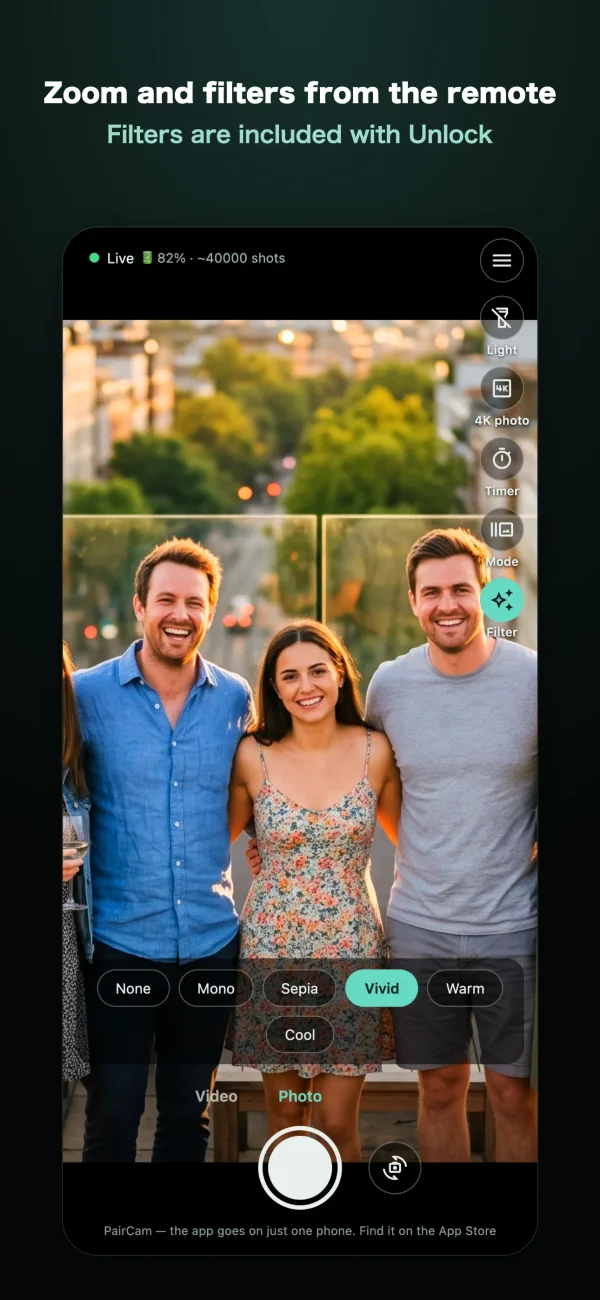
About
When you use two phones, only the one that shoots needs the app. Scan a QR code with the other phone's browser and it becomes a live monitor and remote control. The two devices don't have to be the same kind.
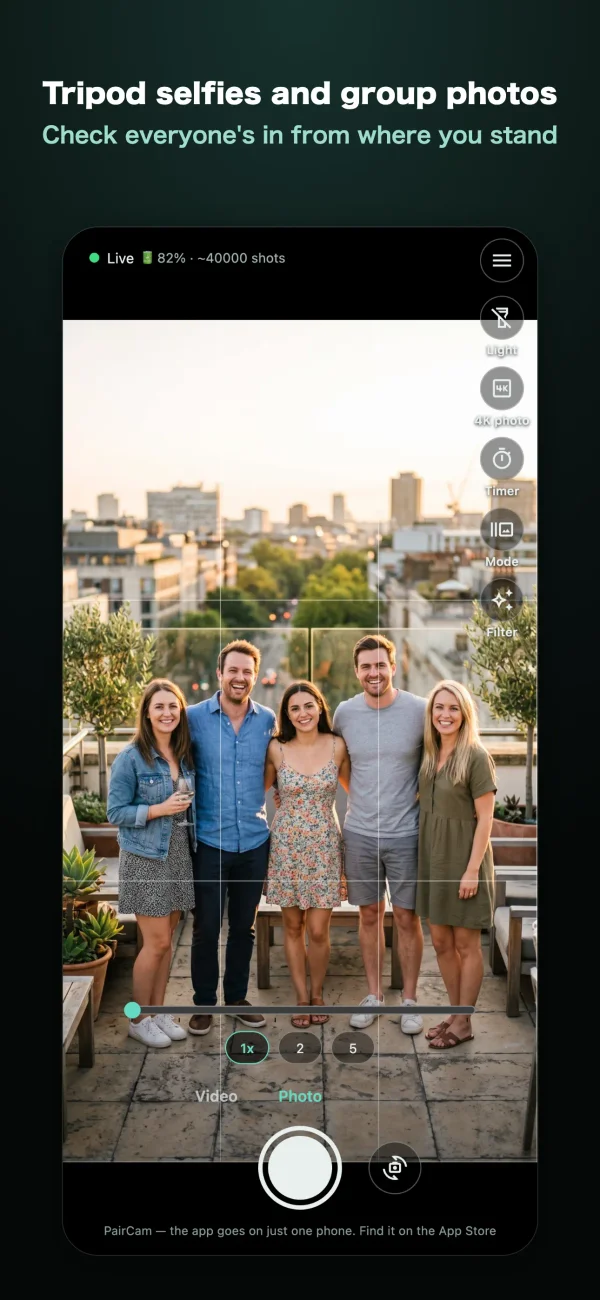
Operate your phone on a tripod from a distance, or check that everyone is in the frame before taking a group photo.
■ No app on the second device
Show a QR code on the camera phone and scan it with the other device's browser (Safari / Chrome). No app install for the other person, no account sign-up. A computer's browser works too.
■ More phones, one shutter (group shooting)
Bring together up to 4 phones with PairCam, and shoot them all from one remote. Gather family and friends' phones to capture every angle at once, or shoot them one after another.
・Choose how to shoot: Together, Individually, or In turn
・Open "Add cameras" on one phone. Scan its QR code with another phone's camera app, or on that phone choose "Be another phone's camera" and pick it nearby
・Phones you add need PairCam too, but no purchase
・Without Unlock, the phone adding cameras can use group shooting twice for free, then once for each video ad watched
・Open the remote in a browser, or in PairCam on any phone used as a camera
■ Video flows directly between your devices
Within the same Wi-Fi, video and controls travel directly between the devices. Nothing goes through a relay server and nothing is uploaded. No accounts, and your photos and video are never sent to us.
■ What you can do
・Shoot while watching the live view
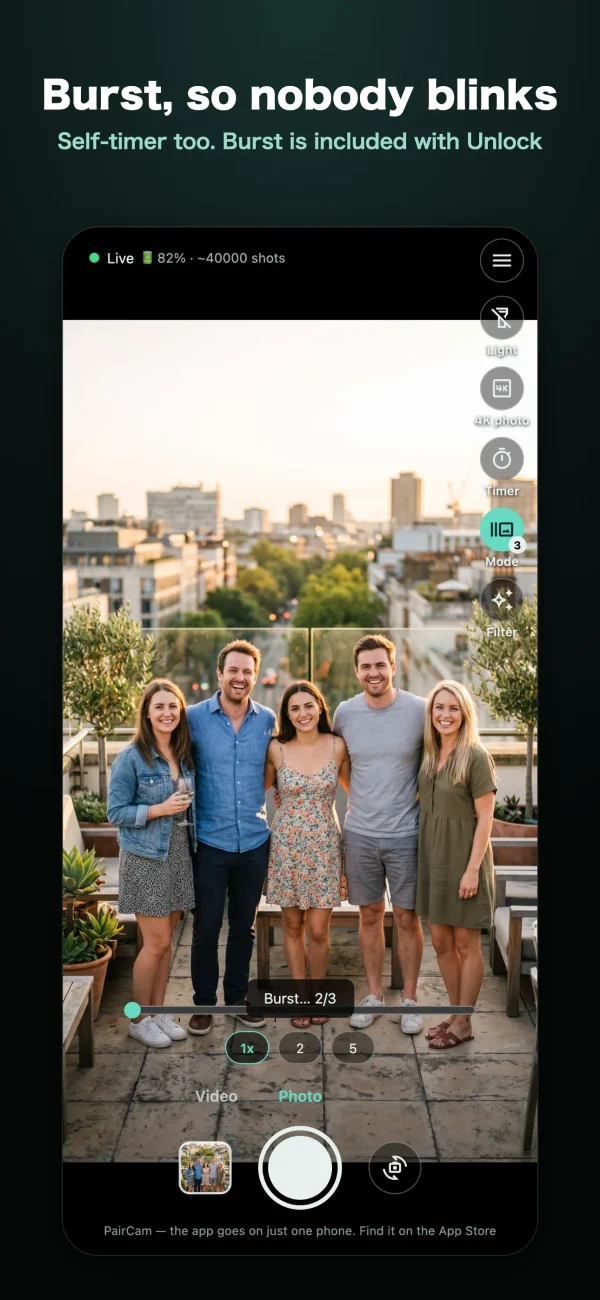
・Self timer
・Zoom, front/back camera switch, light
・Grid lines and a level
・Photos are saved to the camera phone's gallery (PairCam album)
・If the connection fails, the likely cause is shown on screen
■ With Unlock (one-time purchase)
・Unlimited remote shots (free version includes 30 shots total; after that, watch a video ad to get 10 more)
・Add cameras (group shooting) as often as you like
・No ads (in the free version, an ad plays only when you choose to watch one for more shots or a group session)
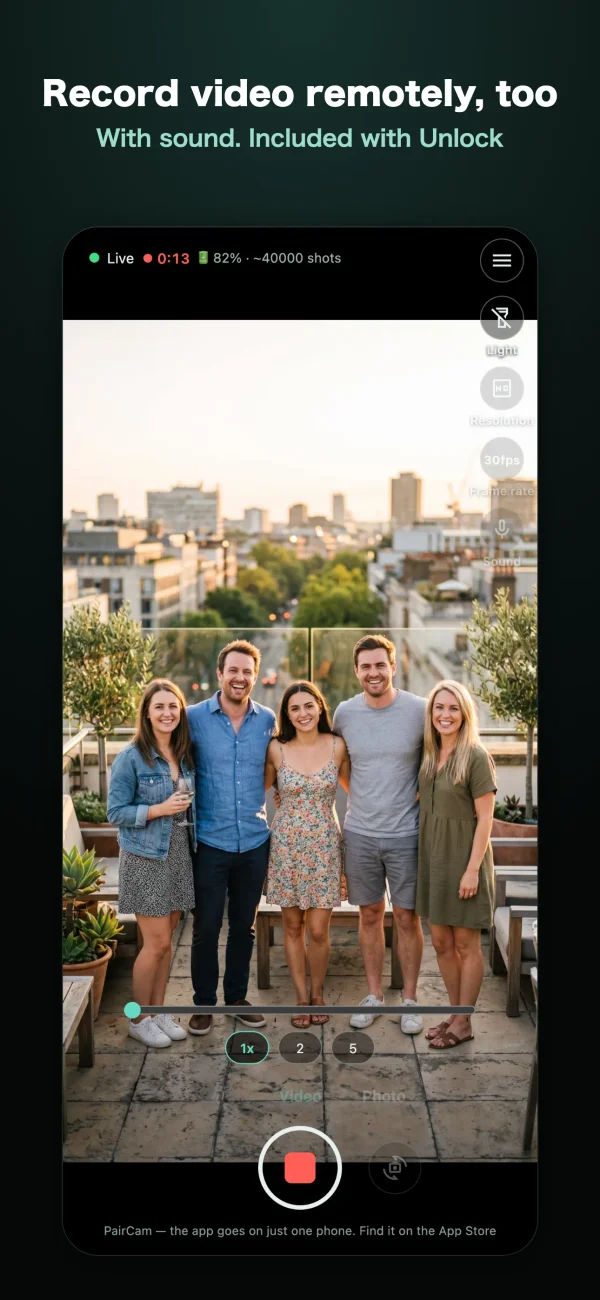
・Video recording with sound (1080p; on supported devices, also 4K up to 30fps and 60fps), which you can also start and stop from the remote
・4K photos up to 3840x2160 (on supported devices), switchable from the remote too
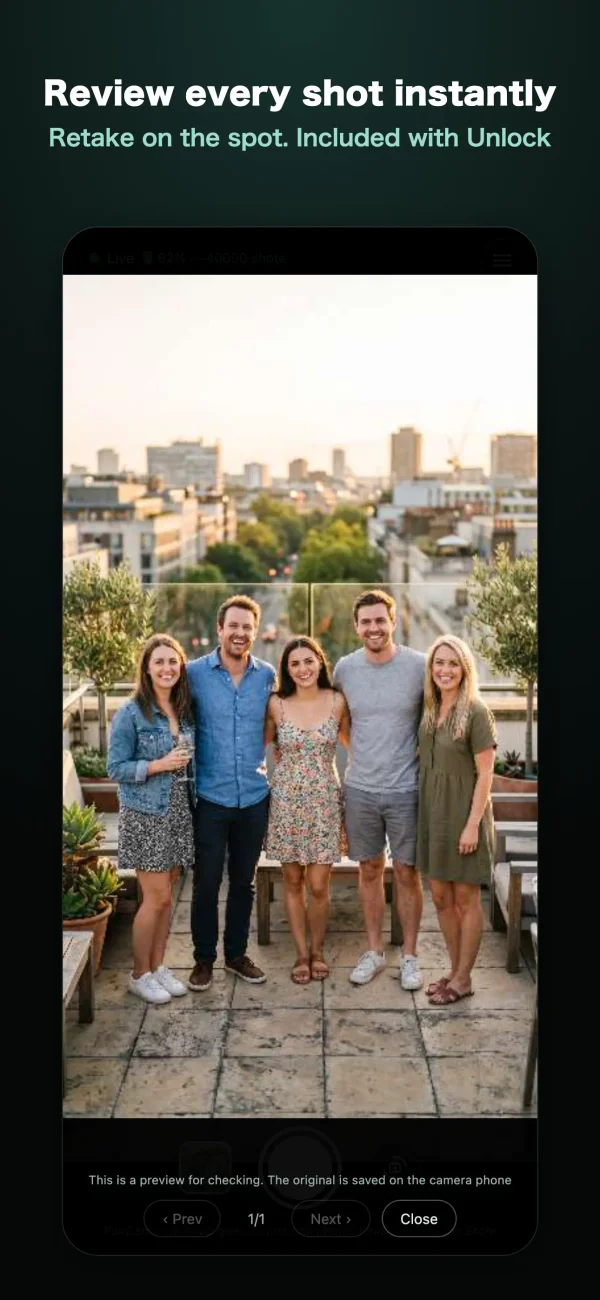
・Burst and interval shooting, and shot preview
・Lens switching (0.5x ultra-wide / telephoto, on supported devices)
・Color filters
・1080p high-quality streaming
・Hand off original photos to the remote device
■ Designed so subjects can tell
Remote shooting can be hard for subjects to notice. To prevent misuse, the following cannot be changed:
・The OS camera sound plays when a photo is taken. The app has no setting or feature to silence it
・On devices sold for the Japanese market, this sound is forced by the device even in silent mode (on other devices it may not play, depending on volume and silent settings)
・While a remote is connected, a frame and an indicator cover the camera phone's screen (in a group, on every phone)
・Connecting requires the URL shown on the camera phone, and works only on the same network while the app is open
・On first launch, the app asks you to agree not to photograph anyone without their consent
■ Before you use it
・Both devices must be on the same network. Wi-Fi that blocks device-to-device traffic (public Wi-Fi and the like) may not work
・For group shooting, every phone and the remote must be on the same Wi-Fi (the same network name)
・Original photos are saved on the camera phone. They are never sent to the remote side automatically
・While 4K photos are on, the preview and stream run at 15fps (the quality reaching the remote is unchanged)
What’s new
Version 1.4.3 · Nov 18, 2026
・Try video for free with the remote connected
・See about how much recording time is left
・Minor improvements
App privacy
What yukio nagatomo declares on the App Store about how this app handles data.
-
Data used to track you
May be used to track you across apps and websites owned by other companies.
- Identifiers
-
Data linked to you
May be collected and linked to your identity.
- Location
- Identifiers
- Usage data
- Diagnostics
-
Data not linked to you
May be collected but is not linked to your identity.
- Purchases
- Diagnostics
Privacy practices may vary, for example with the features you use or your age.
Information
- Seller
- yukio nagatomo
- Category
- Photo & Video
- Version
- 1.4.3
- Updated
- Nov 18, 2026
- Released
- Sep 10, 2026
- Size
- 50.0 MB
- Requires
- iOS 16.0 or later
- Age rating
- 4+
- Price
- Free
- In-app purchases
- Yes
- Languages
- English, Japanese
- Copyright
- © 2026 Lyklo
You might also like
-
 NetCam: Camera ControlBrowser Remote & Shutter
-
 totte - Watch & Shoot CameraSelf timer & remote shutter
-
 Pocket Director: Remote CameraSee yourself while you film
-
 CreatorCutPortrait + landscape, one take
-
 Pocket Director: Creator SuiteYour Production Assistant
-
 PoseSync: Remote Pose CameraSee their camera on your phone
-
 PixigoTwo views, one shot
-
 Carousel: 1min+ Video SplitsSplit videos into 1min clips
-
 PeerCam Live MonitorTwo devices. One live camera.
-
 MyTwinLens: Remote CameraLive Photo & Video Vlog Angle